In brief
Engineering guide for network telemetry and automation covering gNMI, NETCONF/YANG, observability, rollback, and operating evidence.
Key takeaways
- For decades, most enterprise networks relied on SNMP polling for monitoring.
- SONiC (Software for Open Networking in the Cloud) was built from the ground up for environments where real-time visibility matters.
- This article explains how three protocol families -- OpenConfig, gNMI, and NETCONF -- work with SONiC to deliver modern telemetry and configuration automation.
Why SONiC changes the telemetry conversation
For decades, most enterprise networks relied on SNMP polling for monitoring. Every few minutes, a management station would reach out to each switch, ask for interface counters or CPU usage, and hope nothing important happened between polls. In a data center running AI training clusters with thousands of GPU back-end links, that model breaks down fast.
SONiC (Software for Open Networking in the Cloud) was built from the ground up for environments where real-time visibility matters. As an open source network operating system based on Linux, SONiC runs on switches from multiple vendors and ASICs, offering a full suite of network functionality including BGP and RDMA that has been production-hardened in hyperscale data centers. Its container-based architecture and use of standard Linux interfaces and tools give network teams a fundamentally different automation surface compared to proprietary NOS platforms.
This article explains how three protocol families — OpenConfig, gNMI, and NETCONF — work with SONiC to deliver modern telemetry and configuration automation. If you are evaluating xSONiC data center AI switches or data center AI switches for your next fabric build, understanding this stack is essential.
The three pillars of SONiC telemetry and automation
NETCONF: structured configuration management
NETCONF (Network Configuration Protocol) is an IETF standard (RFC 6241) for managing network device configuration. It uses XML-encoded messages over SSH and provides transactional semantics — you can lock a configuration, make changes, validate them, and commit or roll back as a unit.
In the SONiC context, NETCONF provides a structured way to push configuration to switches. Instead of relying on CLI screen-scraping or ad-hoc scripts, NETCONF gives automation tools like Ansible, Salt, or custom Python a well-defined API to read and write configuration state.
SONiC supports programmatic configuration through JSON-based configuration files, and the community has been working to expose NETCONF interfaces alongside SONiC’s native management. For teams building EVPN-VXLAN fabrics across dozens or hundreds of switches, NETCONF offers the configuration consistency that manual CLI work cannot match.
Learn more about NETCONF in the xSONiC NETCONF solution guide.
OpenConfig: vendor-neutral data models
OpenConfig is a collaborative effort to define vendor-neutral, YANG-based configuration and state data models for network devices. Rather than every switch vendor inventing its own YANG models, OpenConfig defines a common model set that works across platforms.
The value for SONiC operators is significant. When your data center runs switches from multiple hardware vendors — a core benefit of SONiC’s multi-vendor support — OpenConfig models let you write automation once instead of once per vendor. The models cover common abstractions like interfaces, BGP neighbors, VLANs, ACLs, and system state.
SONiC’s adoption of OpenConfig-aligned YANG models has been evolving through community contributions. The project’s modular, containerized architecture makes it possible to add or update NETCONF and OpenConfig northbound interfaces without disrupting the underlying forwarding plane.
gNMI: high-frequency telemetry streaming
gNMI (gRPC Network Management Interface) is the telemetry transport that pairs with OpenConfig models. While NETCONF handles configuration, gNMI handles operational state streaming. It uses gRPC (Google Remote Procedure Call) as the transport and Protocol Buffers for efficient encoding.
The key difference from SNMP polling is direction and frequency. gNMI uses a subscribe model where the switch pushes telemetry data to collectors at configurable intervals — from once per second down to sub-second cadences. For a spine-leaf fabric running AI fabric workloads with RoCE v2 traffic, gNMI streaming can surface microburst congestion, buffer occupancy, and queue depth changes that SNMP would miss entirely.
A gNMI telemetry subscription targets specific paths in the OpenConfig YANG tree. You might subscribe to:
/interfaces/interface/state/countersfor interface traffic counters/lldp/neighborsfor topology discovery/network-instances/instance/protocols/protocol/bgp/neighborsfor BGP session state/qos/interfaces/interface/output/queues/queue/statefor queue statistics
Push vs. pull: a practical comparison
| Feature | SNMP (traditional) | NETCONF + YANG | gNMI + OpenConfig |
|---|---|---|---|
| Transport | UDP/161 | SSH/830 | gRPC/57400 (typical) |
| Data encoding | ASN.1 BER | XML | Protocol Buffers |
| Direction | Pull (poll) | Pull + push (notifications) | Push (subscribe/stream) |
| Granularity | Per-request | Per-request or event | Configurable cadence, path-specific |
| Data models | MIB (proprietary) | YANG (vendor or OpenConfig) | YANG (OpenConfig preferred) |
| Scale ceiling | Hundreds of devices | Thousands of devices | Thousands of devices, high-frequency |
| Typical use case | Legacy monitoring | Configuration management | Real-time operational telemetry |
Most modern SONiC deployments use a combination. NETCONF or SONiC’s native configuration management handles day-0 and day-1 provisioning. gNMI streaming handles day-2 operations and continuous observability.
How SONiC’s architecture enables this
SONiC’s design choices make it particularly well-suited for modern telemetry. Three architectural features stand out:
Containerized microservices
SONiC breaks monolithic switch software into Docker containers, each responsible for a specific function — BGP, LLDP, DHCP relay, and so on. This means telemetry data sources are isolated and independently observable. A network operator can subscribe to BGP neighbor state without pulling the entire device state, reducing overhead on both the switch and the collector.
Standard Linux interfaces
Because SONiC is built on Linux, it exposes configuration and state through Redis DB (the SONiC state and configuration databases) and standard Linux tools. This gives automation frameworks a rich set of integration points beyond the YANG/NETCONF/gNMI surface. Teams comfortable with Linux can use Redis CLI, Python scripts, or systemd-level automation alongside the formal protocol interfaces.
JSON-based configuration
SONiC uses JSON-based configuration files, making it straightforward to integrate with infrastructure-as-code workflows. Configuration templates in Ansible, Terraform, or custom CI/CD pipelines can generate and validate SONiC config_db JSON before pushing changes through NETCONF or SONiC’s native config load mechanism.
INT and IPTPath telemetry: going deeper
For AI fabric and high-performance data center workflows, standard gNMI streaming of interface counters may not be enough. Two additional telemetry approaches available in the SONiC ecosystem deserve attention.
In-band Network Telemetry (INT)
INT inserts metadata directly into the data plane packet headers as they traverse each switch hop. This allows a telemetry collector to reconstruct the exact path, latency, and queue occupancy for individual flows. For RoCE v2 traffic in GPU backend fabric environments, INT can pinpoint the exact hop where congestion is causing RDMA retransmissions.
INT data can be exported via gNMI or dedicated telemetry collectors for visualization and alerting. See the xSONiC INT technology guide for architecture details.
IPTPath Telemetry
IPTPath telemetry provides path-level visibility by tracking how traffic traverses the fabric. Combined with gNMI streaming of interface and queue state, IPTPath telemetry gives operations teams a complete picture of traffic flow across spine-leaf topologies.
Explore the xSONiC IPTPath telemetry guide for deployment patterns.
Building a telemetry pipeline for SONiC fabrics
A reference telemetry pipeline for a SONiC-based data center typically looks like this:
- Switch layer: SONiC switches expose gNMI telemetry streams and NETCONF configuration interfaces. OpenConfig YANG models define the data schema.
- Collection layer: A gNMI collector (such as Telegraf with the gNMI input plugin, or a purpose-built tool) subscribes to relevant telemetry paths across all switches.
- Storage layer: Time-series data flows into InfluxDB, Prometheus, or a similar time-series database. Configuration state may be stored in a separate CMDB or Git repository.
- Analytics and alerting layer: Grafana dashboards, custom alerting rules, or AIDC Controller intelligence surface operational issues.
- Closed-loop automation: Alert conditions trigger automated remediation through NETCONF or SONiC’s config management APIs.
The xSONiC AIDC Controller is designed to integrate with this pipeline, providing controller-level visibility and automation across the fabric.
What this means for Australian data center teams
For network teams in Australia evaluating open networking, the telemetry and automation story is a critical differentiator. Traditional vendor-locked NOS platforms often charge separately for telemetry features, limit API access behind premium licenses, or restrict data export to proprietary collectors.
SONiC’s open source model means the full telemetry stack — gNMI, OpenConfig models, NETCONF interfaces, and programmatic configuration — is available without additional licensing. This matters for:
- AI training clusters: Sub-second telemetry visibility into RoCE v2 fabric performance, without per-port licensing.
- Multi-site fabrics: Consistent OpenConfig data models across switches from different vendors, simplifying cross-site automation.
- Campus and branch: Programmatic configuration management for campus refresh and PoE campus deployments where consistent policy push matters.
- Compliance and audit: NETCONF’s transactional semantics and JSON config files provide an auditable trail for configuration changes.
Getting started
If you are beginning your SONiC telemetry journey, here is a practical starting sequence:
- Confirm hardware compatibility. Verify that your target switches support SONiC with NETCONF and gNMI capabilities. Check the SONiC supported devices list for platform-specific details.
- Stand up a test fabric. Deploy a small spine-leaf topology with two spines and four leaf switches. Validate basic gNMI telemetry streaming using the
gnmi_clitool or Telegraf. - Define your YANG paths. Identify the operational data you need — interface counters, BGP state, queue depths — and map them to OpenConfig YANG paths.
- Build the collector pipeline. Connect a gNMI collector to a time-series database and build a Grafana dashboard for visualization.
- Iterate on automation. Start with read-only telemetry, then add NETCONF-based configuration push for common operational tasks like VLAN provisioning or BGP neighbor management.
For teams new to SONiC, the SONiC Foundation provides community resources, documentation, and governance information. The SONiC Wiki on GitHub contains the complete technical documentation set.
Next steps
Ready to evaluate how xSONiC switches fit your telemetry and automation requirements?
- Explore xSONiC data center AI switches for spine-leaf and AI fabric deployments.
- Review the NETCONF solution guide for configuration automation architecture.
- See INT technology and IPTPath telemetry for advanced data plane observability.
- Learn about the AIDC Controller for fabric-level automation intelligence.
- Contact the xSONiC team for a technical discussion about your deployment requirements.
This article is intended for network engineering evaluation purposes. Specific SONiC feature availability for NETCONF, gNMI, and OpenConfig support varies by SONiC distribution, hardware platform, and release version. Always verify capabilities against the specific SONiC image and hardware combination you plan to deploy.
Engineering Evidence Floor
For telemetry and automation topics, accept the design only when state, change, and incident evidence are connected. The evidence package should include gNMI or NETCONF/YANG support, telemetry cadence, collector location, alert thresholds, config source of truth, rollback, packet visibility, retention, and escalation ownership. A practical pilot should run 24 hours of streaming telemetry, include 3 automated changes, and prove that an incident bundle can be produced within 2 hours.
| Evidence area | What to validate | Acceptance gate | Rework trigger |
|---|---|---|---|
| State export | gNMI/OpenConfig, NETCONF/YANG, counters, and optics data | 24 hours telemetry stream retained | Dashboards lose data during faults |
| Change control | Source of truth, diff, validation, and rollback | 3 automated changes pass readback | Automation pushes config without proof |
| Incident view | Alerts, logs, packet feeds, and queue/drop counters | Root cause path identified within 15 minutes | Graphs show symptoms but not cause |
| Security | Access control, retention, audit trail, and sovereignty | 30 days evidence policy documented | Telemetry path violates data handling rules |
| Support | Escalation owner, evidence bundle, patching, and RMA | P1 package ready within 2 hours | Vendor handoff lacks data |
Engineering FAQ
What should be proven before adopting EVPN-VXLAN on SONiC? Prove underlay routing, BGP sessions, VTEP behaviour, MAC/IP learning, route scale, multi-homing design, failure convergence, and observability. The overlay should be accepted as a system, not a feature checkbox.
Why does the underlay design still matter in an overlay network? EVPN-VXLAN depends on a stable routed underlay. MTU, ECMP, addressing, route policy, link failure behaviour, and telemetry determine whether the overlay remains predictable under load and during faults.
What should be included in an EVPN-VXLAN operations runbook? Include naming, IP plan, BGP policy, VNI mapping, change process, rollback commands, failure checks, telemetry fields, backup and restore steps, and escalation ownership for the selected SONiC image.
Related xSONiC Resources
Sources Reviewed
- Ethernet Network Adapters - ConnectX NICs | NVIDIA
- NVIDIA BlueField Data Processing Unit
- NVIDIA Spectrum-X Ethernet Platform
- OpenConfig gNMI Specification
- OpenConfig
- RFC 7950 - The YANG 1.1 Data Modeling Language
- RFC 6241 - Network Configuration Protocol (NETCONF)
- IEEE 802.11be Wireless LAN Standard
- IEEE 802.3bt Power over Ethernet
- SONiC Project Documentation
- Broadcom Ethernet Switching
- Marvell Switching
- NVIDIA Ethernet Switching
- Open Compute Networking
- SONiC GitHub
- SONiC Foundation
Product fit
Products referenced for evaluation
These products are referenced for evaluation context in the article. Confirm workload, port, optics, software, interoperability, and support requirements against the exact deployment before procurement.
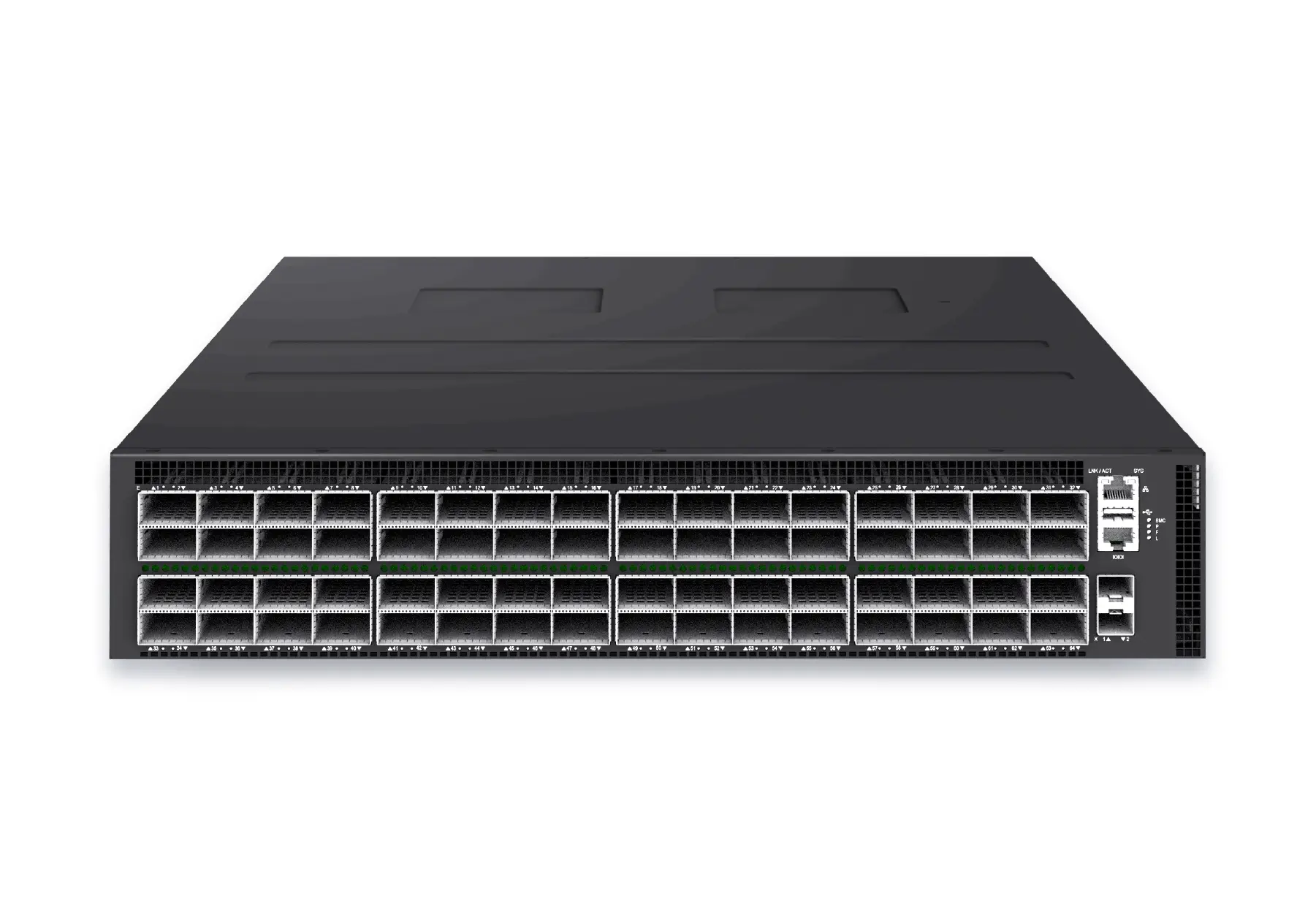 datacenter aiXS-DC-64X800-AI-G164-port 800G AI fabric switch for large-scale GPU clusters, HPC backbones, and ultra-high-throughput data center networks.View product
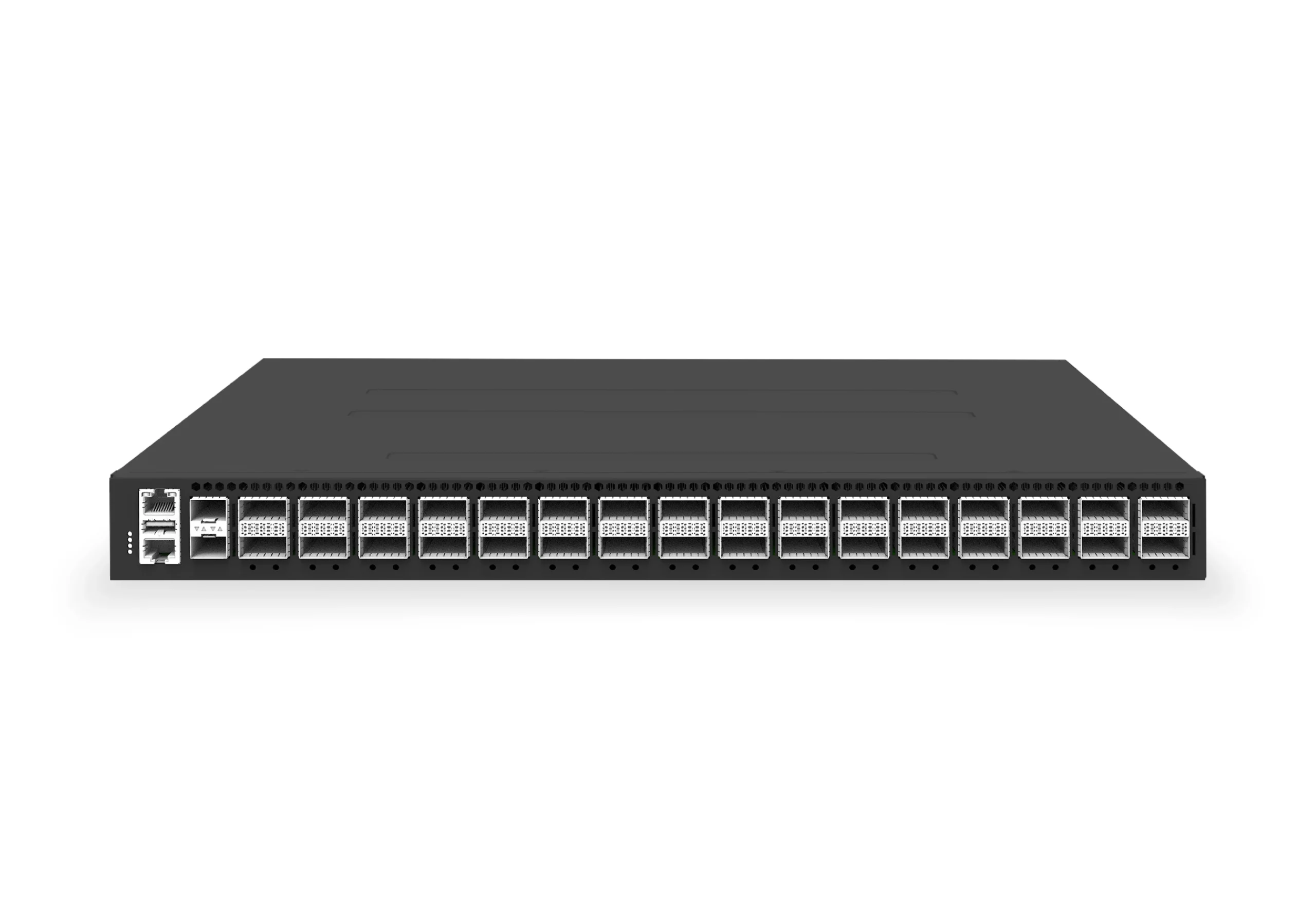 datacenter aiXS-DC-32X400-SP-G232-port 400G spine/core switch for high-capacity data center fabrics and AI-ready backbones.View product
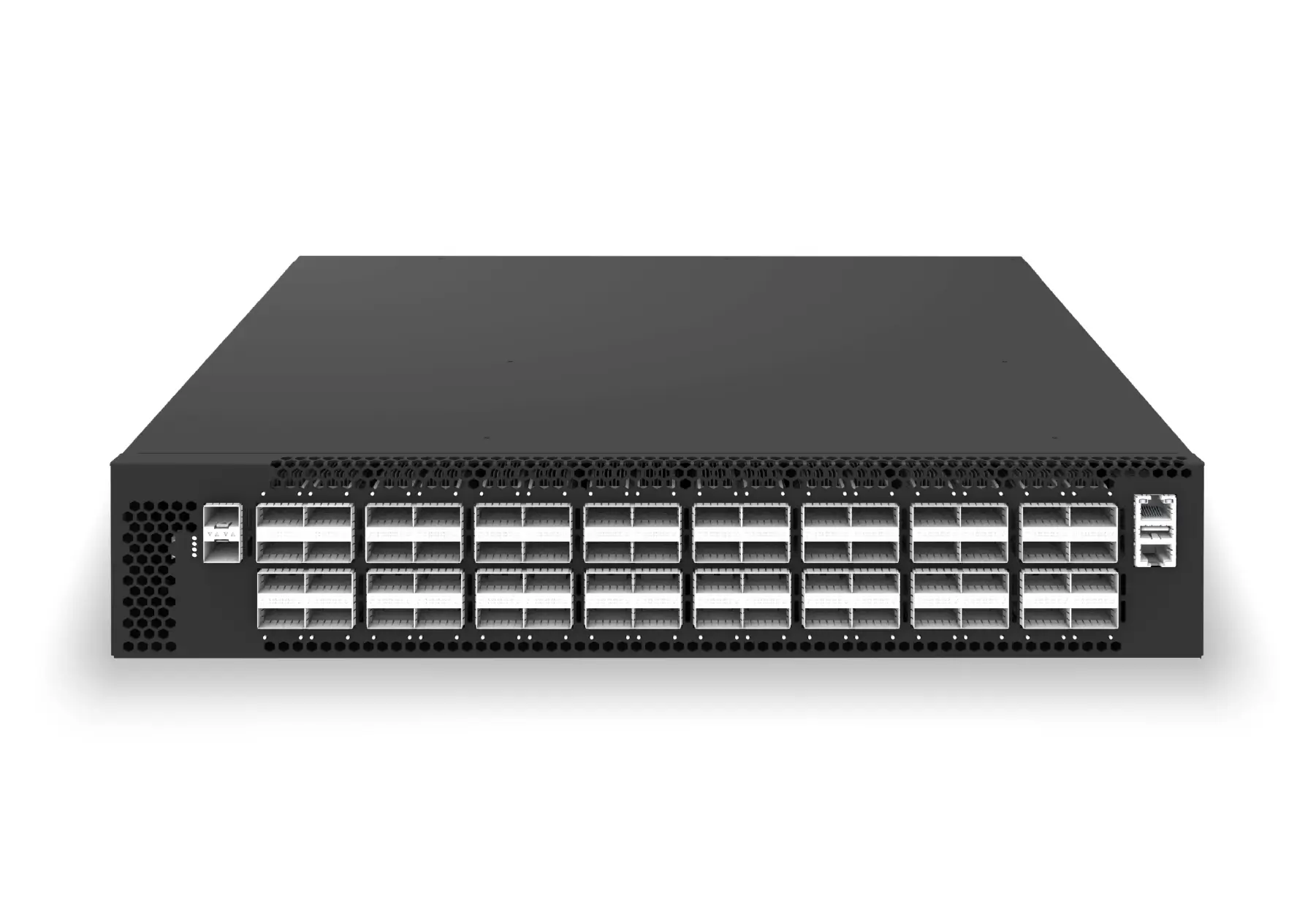 datacenter aiXS-DC-64X200-LS-G164-port 200G leaf/spine switch for high-bandwidth storage, compute, and scale-out data center fabrics.View product
Topic path
OpenConfig, gNMI, and NETCONF automation
This page focuses on:the protocol and data-model decision: what each layer does and how they fit together.
OpenConfig supplies vendor-neutral YANG data models, gNMI supplies Capabilities/Get/Set/Subscribe RPCs over gRPC, and NETCONF supplies XML-encoded configuration and state operations. Actual model and RPC coverage must be verified for the selected SONiC image and platform.
Continue reading
Related articles
 Technical ArticleWhat Enterprise Buyers Actually Get From Open Networking Support: A SONiC Reality CheckA SONiC support reality check for Australian enterprise buyers covering community, commercial distribution, hardware, integration, SLA, and escalation.Read article
 Technical ArticleWarm Reboot and Fast Reboot in SONiC: How to Validate High Availability Without a Full OutageEngineering guide to validating SONiC warm reboot and fast reboot, covering ASIC support, control-plane recovery, traffic loss, telemetry, and rollback.Read article
 Technical ArticleSONiC Security Hardening: A Practical Guide for Data Center Network TeamsA practical SONiC security hardening guide for data center teams covering management access, patching, logging, RBAC, image provenance, telemetry, and audit evidence.Read article