
In brief
Engineering guide to validating SONiC warm reboot and fast reboot, covering ASIC support, control-plane recovery, traffic loss, telemetry, and rollback.
Key takeaways
- In a traditional vendor-locked switch stack, reboot behaviour is a black box.
- First, SONiC's container-based architecture means individual network services - BGP, LLDP, teamd, database, and others - each run inside their own Docker container.
- For Australian data center teams evaluating open networking, this is a critical due-diligence checkpoint.
Why Reboot Behaviour Matters More in Open Networking
In a traditional vendor-locked switch stack, reboot behaviour is a black box. You upgrade, the switch goes down, traffic drops for a predictable window, and the vendor’s TAC tells you that is normal. In an open networking environment running SONiC, the picture changes in two important ways.
First, SONiC’s container-based architecture means individual network services - BGP, LLDP, teamd, database, and others - each run inside their own Docker container. That modular design gives operators the option to restart or upgrade a single service without taking the entire switch offline. Second, SONiC’s reliance on the Switch Abstraction Interface (SAI) means that data plane state preservation during control plane events depends on what the underlying ASIC and its SAI implementation actually support. Not every switch, not every ASIC, and not every SONiC release delivers the same warm reboot or fast reboot experience.
For Australian data center teams evaluating open networking, this is a critical due-diligence checkpoint. If you are building a spine-leaf fabric for AI training clusters or a campus refresh with SONiC on access switches, you need to know exactly what happens during a software upgrade at 2:00 a.m. on a Wednesday. This article walks through the three key HA concepts - warm reboot, fast reboot, and standard cold reboot - and provides a validation framework you can run before you put a single production flow on an open networking switch.
SONiC Architecture: Why Containerisation Changes the HA Equation
SONiC (Software for Open Networking in the Cloud) is an open-source network operating system built on Linux, maintained under the SONiC Foundation and the Linux Foundation. According to the SONiC project documentation, SONiC is designed with a container-based architecture where each network function runs in its own Docker container. This design provides fault isolation, easier debugging, simplified upgrades, and enhanced scalability.
From a high availability standpoint, containerisation means that a failure in the BGP daemon does not necessarily crash the LLDP agent or the database service. In theory, you can restart the BGP container while the switch continues forwarding traffic on its existing forwarding table entries. In practice, the degree to which this works depends on three factors:
- SAI warm boot support: The SAI layer between SONiC and the ASIC must expose warm boot APIs that tell the hardware to preserve its forwarding state while the control plane restarts. Not all SAI implementations provide this equally.
- Orchestrator and syncd behaviour: SONiC’s syncd container manages the SAI interaction. During a warm reboot, syncd itself must survive or be restarted in a way that does not flush the ASIC state.
- Stateful data: BGP sessions, ARP and NDP tables, LACP bonds, and STP state all have timers. If the control plane is down long enough for these timers to expire, traffic will be disrupted regardless of what the data plane does.
Understanding these dependencies is the foundation of any HA validation plan.
Cold Reboot, Fast Reboot, and Warm Reboot: What Each Actually Does
SONiC supports three distinct reboot modes. Each has different implications for data plane continuity, control plane convergence time, and operational risk.
Cold reboot is the default. When you run sudo reboot on a SONiC switch, the entire system restarts from scratch. The ASIC is reinitialised, all forwarding state is lost, and the control plane rebuilds everything from the configuration files. BGP sessions drop, ARP tables are rebuilt, and LACP renegotiates. Depending on your topology and protocol timers, expect a disruption window of 30 seconds to several minutes. This is the safest and most predictable option, and it is always the fallback if warm or fast reboot fails.
Fast reboot is an accelerated cold reboot. The SONiC fast reboot process attempts to reduce the downtime by pre-loading key state and skipping certain initialisation steps. The goal is to bring the switch back online faster than a standard cold boot, typically targeting a sub-60-second window. During fast reboot, the data plane is briefly interrupted, but the recovery time is shorter. This mode is useful for planned maintenance windows where a brief traffic hit is acceptable but you want to minimise the blast radius.
Warm reboot is the most ambitious mode. In a warm reboot, SONiC attempts to restart the control plane containers - typically BGP, teamd, LLDP, and others - while keeping the ASIC forwarding state intact. The data plane continues to forward traffic using existing forwarding entries while the control plane restarts and re-establishes its sessions. If everything works as designed, traffic disruption is minimal or zero for flows that are already programmed in hardware. New flows or changes to routing state that arrive during the warm reboot window may be delayed until the control plane fully recovers.
The distinction matters for planning. A warm reboot that succeeds cleanly can deliver near-hitless upgrades for stable topologies. A warm reboot that hits a SAI incompatibility or a container crash can fall back to a cold reboot, meaning you get the worst of both worlds: a longer outage than planned with less predictability.
Validation Framework: How to Test HA Before Production
Step 1: Baseline cold reboot. Install SONiC on the target hardware, configure a realistic spine-leaf or campus topology with BGP (or OSPF if applicable), LACP bonds, and VLAN configuration. Run a standard sudo reboot and measure the time from reboot initiation to full BGP convergence and ARP table rebuild. Record the exact disruption window using continuous ping and BGP session monitoring from an upstream device. This baseline tells you the worst-case scenario.
Step 2: Fast reboot test. Run sudo fast-reboot (or the equivalent command for your SONiC version) and measure the same metrics. Compare the disruption window to the cold reboot baseline. Verify that all BGP sessions re-establish, all ARP entries are repopulated, and all LACP bonds recover cleanly. If your SONiC version or platform does not support fast reboot, note this and move on.
Step 3: Warm reboot test. Run sudo warm-reboot and measure data plane continuity during the restart. The key metrics are: packet loss during the control plane restart window, time to BGP session re-establishment, ARP table preservation (entries should survive if warm reboot succeeds), and any fallback to cold reboot. Monitor the syslog output carefully - SONiC warm reboot logs will indicate whether the SAI warm boot API was invoked successfully or whether a fallback occurred.
Step 4: Failure injection. The most important validation step. Trigger a warm reboot while generating production-like traffic flows. Inject route changes during the reboot window. Force a BGP session flap while the control plane is restarting. Verify that the switch handles these edge cases gracefully and degrades to cold reboot predictably if warm reboot cannot complete.
Step 5: Rolling upgrade simulation. If your topology uses multiple switches, test a rolling warm reboot across the entire fabric. Verify that traffic reroutes correctly as each switch restarts, and that the fabric as a whole maintains availability during the process.
Reboot Acceptance Matrix
| Reboot mode | Evidence to collect | Minimum acceptance target | Rework trigger |
|---|---|---|---|
| Cold reboot | Full boot time, BGP convergence, ARP/NDP rebuild, LACP state, and packet loss | Baseline disruption measured on target switch and SONiC image | Baseline is copied from a vendor document |
| Fast reboot | Recovery time, packet loss, route restoration, and syslog sequence | Recovery materially faster than cold reboot and all sessions restore cleanly | BGP or LACP requires manual intervention |
| Warm reboot | SAI warm boot log, preserved routes, ASIC state, active-flow packet loss, and fallback result | Existing flows survive with measured packet loss below the agreed SLO | Switch falls back to cold reboot without clear alarm |
| Failure injection | Route change, BGP flap, optics event, and memory pressure during reboot | 3 edge cases tested and logged before production use | Warm reboot tested only in idle lab conditions |
| Rolling maintenance | One switch at a time across leaf/spine or access pair | No single reboot removes both paths for a protected service | Upgrade sequence creates a shared failure point |
Common Gotchas and What to Watch For
Warm reboot in SONiC is a powerful feature, but it is not magic. Here are the most common failure modes and what to watch for during validation.
Container dependency failures. SONiC’s orchestration layer manages container restart order. If the database container (redis-database) fails to preserve state during a warm reboot, downstream containers like BGP and teamd will not be able to restore their state correctly. Monitor the database container health during warm reboot testing.
Timer exhaustion. BGP hold timers, LACP timeout values, and STP convergence timers all have limits. If the control plane takes longer to restart than the configured hold timer, the remote peer will drop the BGP session and reconverge, negating the benefit of warm reboot. Consider tuning BGP hold timers to longer values (e.g., 90 or 180 seconds) on links where warm reboot is expected. This is a common recommendation in production SONiC deployments.
Memory and resource pressure. During warm reboot, old containers may still be running while new containers start. On switches with limited RAM, this dual-state period can cause out-of-memory conditions. Monitor memory usage during warm reboot and size your switch hardware accordingly.
Where This Fits in the xSONiC Data Center Portfolio
xSONiC’s data center AI switches and bare-metal switching platforms run SONiC as the network operating system, leveraging the containerised architecture and SAI abstraction layer described above. For Australian data center teams building AI training fabrics, private inference clusters, or traditional spine-leaf architectures, warm reboot and fast reboot capability is a practical differentiator.
The value proposition is straightforward: if your spine switches can warm-reboot during a software upgrade while GPU training jobs continue to run without packet loss, you have eliminated one of the most disruptive operational events in a data center fabric. For AI workloads that are sensitive to microsecond-level interruptions, this is not a nice-to-have; it is an operational requirement.
When evaluating xSONiC switching platforms for HA-sensitive deployments, focus on three questions:
xSONiC’s AI Fabric and GPU Backend Fabric solution pillars are designed around these operational realities. Low-latency spine-leaf fabrics with RoCE v2, DCBX, and INT telemetry are only as reliable as their software upgrade path.
Practical Checklist: HA Readiness for SONiC Deployments
- Confirm SAI warm boot support for the target ASIC and SONiC version
- Measure cold reboot baseline convergence time on target hardware
- Measure fast reboot convergence time and compare to cold baseline
- Test warm reboot with production-like traffic and verify data plane continuity
- Monitor syslog during warm reboot for SAI warm boot success or fallback
- Verify BGP, ARP, NDP, LACP, and STP state preservation during warm reboot
- Test failure injection: route changes, BGP flap, and memory pressure during warm reboot
- Tune BGP hold timers for warm reboot compatibility (90-180 seconds recommended)
- Test rolling warm reboot across multi-switch fabric
- Validate operational tooling (AIDC Controller, NETCONF, Ansible) supports warm reboot orchestration
- Document fallback procedures if warm reboot fails and cold reboot is required
- Schedule regular HA validation runs as part of the SONiC release upgrade process
Frequently Asked Questions
Does SONiC warm reboot work on all switch platforms? No. Warm reboot depends on SAI warm boot support in the ASIC driver. Not all SAI implementations provide this. Always verify against the specific switch model and SONiC release.
What is the difference between SONiC fast reboot and warm reboot? Fast reboot is an accelerated cold reboot that reduces downtime by pre-loading state, but the data plane is still briefly interrupted. Warm reboot attempts to restart the control plane while keeping the data plane forwarding continuously. Warm reboot is more ambitious but also more fragile.
Can I use warm reboot for production software upgrades? It depends on your validation results. If warm reboot has been tested successfully on your specific platform, ASIC, and SONiC version with your specific configuration, it can be used for planned upgrades. Always have a cold reboot fallback plan.
How long does a SONiC warm reboot typically take? Treat the vendor target as a hypothesis, not an SLA. Measure the actual control-plane recovery, BGP restoration, and packet loss on the selected hardware and SONiC image.
Does warm reboot affect RoCE v2 traffic for AI workloads? If warm reboot succeeds and the data plane is preserved, active RDMA flows should continue without interruption. However, any flow setup or teardown that requires control plane processing during the warm reboot window will be delayed. For RoCE v2 workloads with strict latency requirements, validate warm reboot behaviour specifically with RDMA traffic patterns.
Engineering Evidence Floor
For this topic, treat the article as buyer-ready only when the fabric claim is tied to measurable acceptance data. The baseline evidence package should include the selected switch SKU, SONiC image, ASIC/SAI version, NIC firmware, optics list, RoCE policy, telemetry counters, support owner, and rollback method. In a small pilot, capture at least 30 minutes of traffic at the intended 100G/400G/800G speed, one link failure, one switch reboot, one optics fault, and one support handoff. That evidence separates a credible AI fabric plan from a bandwidth brochure.
| Evidence area | What to validate | Acceptance gate | Rework trigger |
|---|---|---|---|
| Transport | PFC, ECN, DCBX, MTU, queue mapping, and CNP counters | 30 minutes load test at 100G/400G/800G | RoCE is asserted but not measured |
| Platform | Switch SKU, ASIC, SAI, SONiC image, and optics list | 2 switch roles pass upgrade and rollback | Generic compatibility is used as proof |
| Failure | Link loss, switch reboot, route convergence, and workload impact | 3 failure cases captured with timestamps | Steady-state throughput is the only evidence |
| Telemetry | Queue depth, drops, optics DOM, gNMI, and packet visibility | Operators explain a slowdown within 15 minutes | GPU and network teams use different data |
| Support | APAC escalation, RMA, spares, and patch lifecycle | 12 months operating plan approved | Ownership splits across vendors |
Engineering FAQ
What proves warm reboot is safe enough for production? The evidence must show SAI warm boot success, preserved forwarding state, BGP and LACP recovery, packet loss during active traffic, fallback behaviour, and a tested cold reboot rollback path.
Why can warm reboot behave differently across switch models? The SONiC command is not the whole feature. ASIC SDK support, SAI implementation, syncd behaviour, container restart order, memory headroom, and protocol timers all affect the result.
How should a maintenance runbook handle failed warm reboot? The runbook should define alarms, fallback to cold reboot, traffic drain procedure, rollback command set, escalation owner, and the maximum outage window the business has accepted.
Related xSONiC Resources
Sources Reviewed
- IEEE 802.1Q Bridges and Bridged Networks
- IEEE 802.1AX Link Aggregation
- Ethernet Network Adapters - ConnectX NICs | NVIDIA
- NVIDIA BlueField Data Processing Unit
- NVIDIA Spectrum-X Ethernet Platform
- OpenConfig gNMI Specification
- OpenConfig
- RFC 7950 - The YANG 1.1 Data Modeling Language
- RFC 6241 - Network Configuration Protocol (NETCONF)
- SONiC Project Documentation
- Broadcom Ethernet Switching
- Marvell Switching
- NVIDIA Ethernet Switching
- Open Compute Networking
- SONiC GitHub
- SONiC Foundation
Product fit
Products referenced for evaluation
These products are referenced for evaluation context in the article. Confirm workload, port, optics, software, interoperability, and support requirements against the exact deployment before procurement.
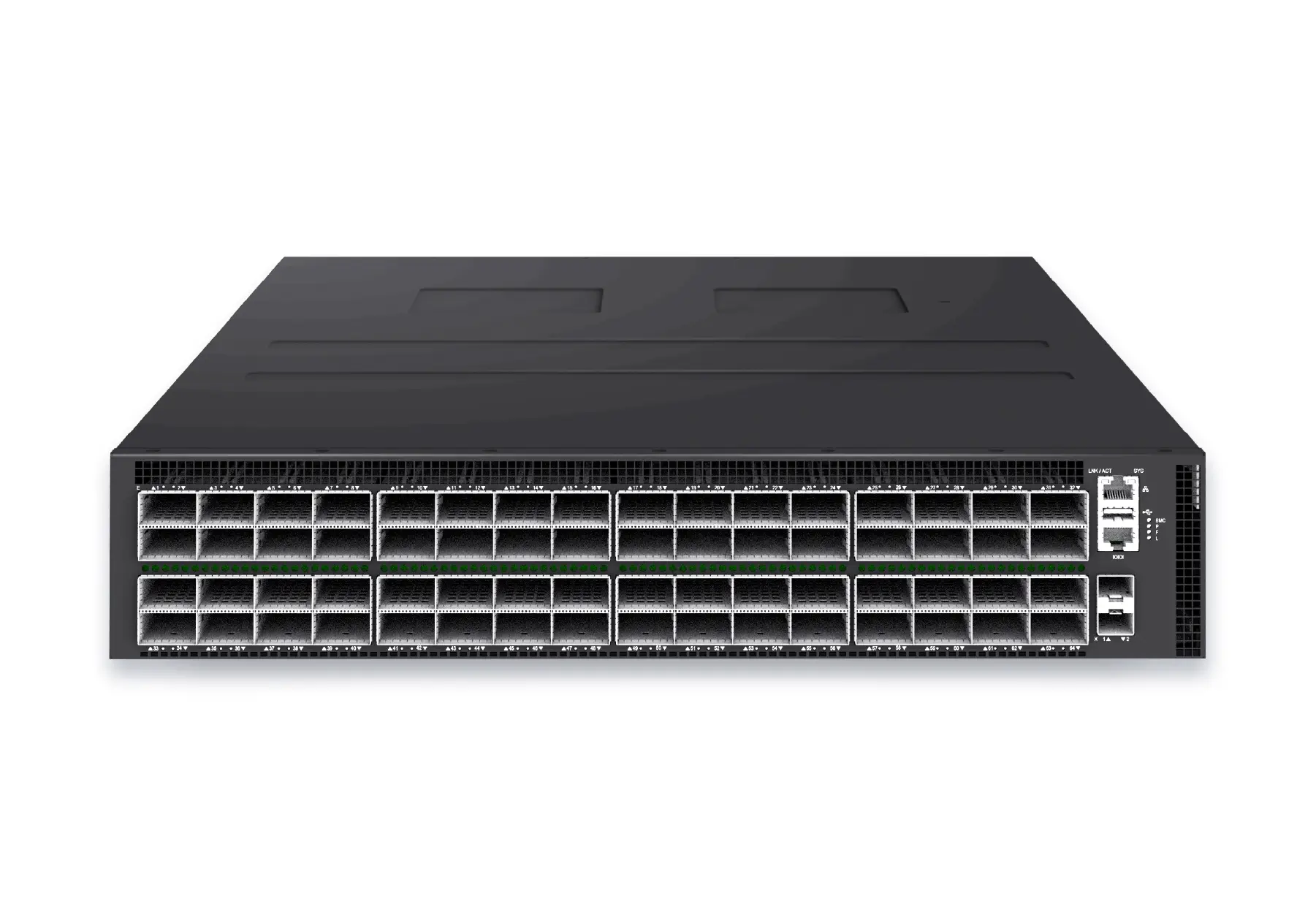 datacenter aiXS-DC-64X800-AI-G164-port 800G AI fabric switch for large-scale GPU clusters, HPC backbones, and ultra-high-throughput data center networks.View product
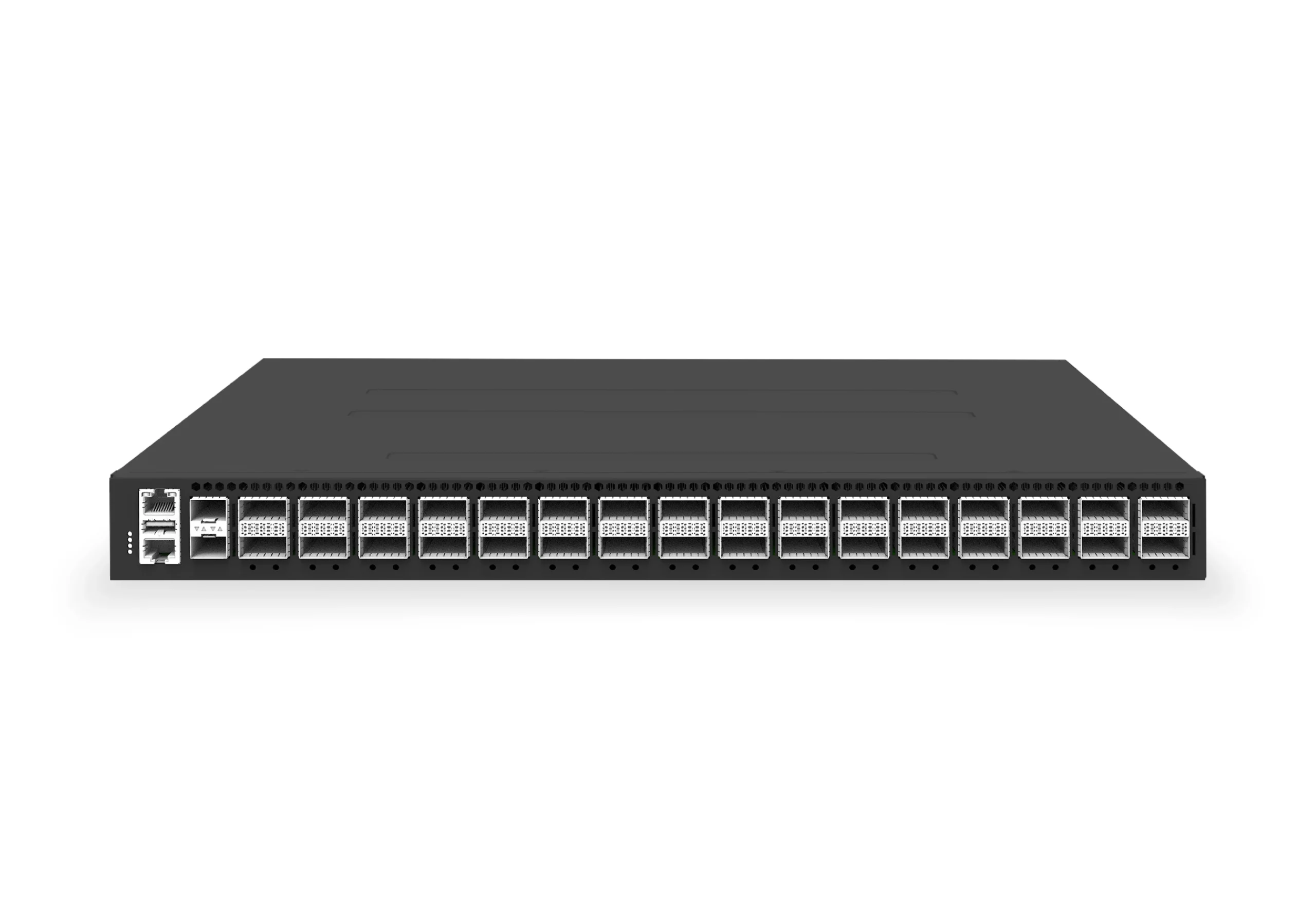 datacenter aiXS-DC-32X400-SP-G232-port 400G spine/core switch for high-capacity data center fabrics and AI-ready backbones.View product
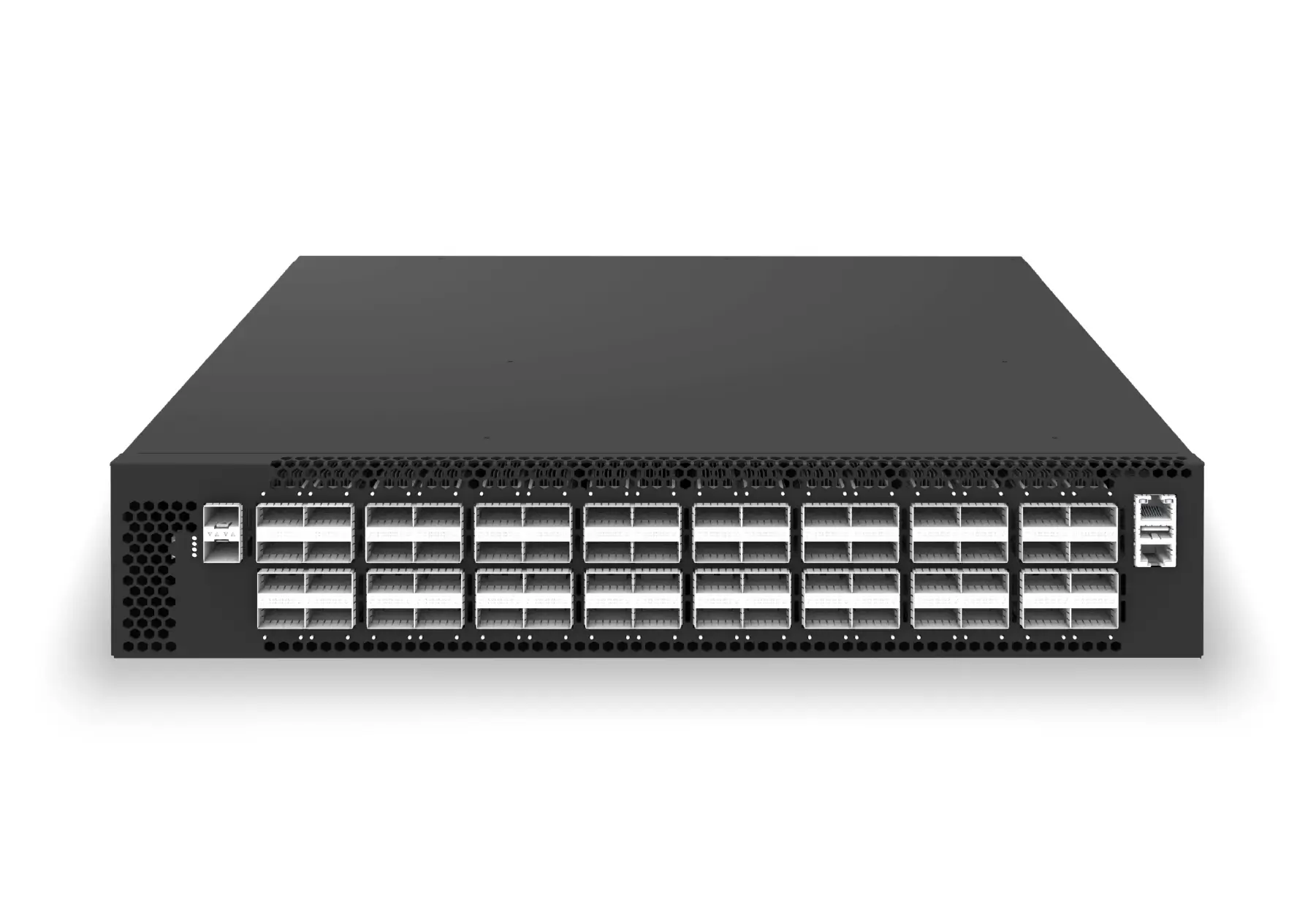 datacenter aiXS-DC-64X200-LS-G164-port 200G leaf/spine switch for high-bandwidth storage, compute, and scale-out data center fabrics.View product
Continue reading
Related articles
 Technical ArticleWhat Enterprise Buyers Actually Get From Open Networking Support: A SONiC Reality CheckA SONiC support reality check for Australian enterprise buyers covering community, commercial distribution, hardware, integration, SLA, and escalation.Read article
 Technical ArticleSONiC Security Hardening: A Practical Guide for Data Center Network TeamsA practical SONiC security hardening guide for data center teams covering management access, patching, logging, RBAC, image provenance, telemetry, and audit evidence.Read article
 Technical ArticleSONiC Adoption Signals a Shift in Australia's Data Center Networking Strategy as AI Workloads ScaleAI workload growth, colocation expansion, and vendor lock-in costs are pushing Australian data center operators toward SONiC-based open networking.Read article