Overview
IPTPath telemetry is a path-oriented INT technique for monitoring quality across an AI or data center fabric. It follows selected traffic through ingress, transit, and egress nodes, then exports path information to a collector for analysis.
The goal is not just to know that a fabric is busy. The goal is to know which path, node, queue, or link is creating latency, loss risk, or unstable behavior.
IPT Compared With Other INT Modes
| Dimension | BDC | HDC | IPTPath |
|---|---|---|---|
| Main trigger | Drop or buffer overflow. | Forwarding delay threshold. | Path telemetry selection or sampling. |
| Main signal | Queue occupancy and drop context. | Delay and queue context. | Per-hop path quality and queue/delay metrics. |
| Recommended use | Loss diagnosis. | Latency diagnosis. | End-to-end path monitoring and localization. |
Telemetry Domain
An IPTPath deployment defines a telemetry domain. Switches in that domain take different roles depending on where the monitored traffic enters, travels, and exits.
| Role | Responsibility | Example |
|---|---|---|
| Ingress node | Identifies selected traffic and starts telemetry processing. | Server-facing leaf switch. |
| Transit node | Adds or updates path observations as traffic crosses the fabric. | Spine or intermediate leaf. |
| Egress node | Finalizes telemetry information and sends records to collector. | Destination leaf or boundary switch. |
| Collector | Stores, correlates, and presents telemetry data. | Operations platform or telemetry pipeline. |
Packet Processing View
Selected production flow
      |
      v
Ingress xSONiC switch marks or samples the flow
      |
      v
Transit switches add path and queue observations
      |
      v
Egress switch exports telemetry record
      |
      v
Collector builds path-quality view
What To Monitor
| Metric | Why It Matters | Operator Question |
|---|---|---|
| Per-hop forwarding delay | Reveals where packets are waiting. | Which switch or queue is causing latency? |
| Queue depth | Indicates congestion pressure. | Is a lossless class close to pause or overflow? |
| Path identity | Shows the route traffic actually took. | Did traffic follow the intended ECMP path? |
| Sampling rate | Controls data volume and visibility. | Are we seeing enough without overwhelming collectors? |
AI Fabric Use Cases
- Identify slow links or hot queues during large distributed training jobs.
- Compare path quality before and after ECMP, QoS, or routing changes.
- Troubleshoot intermittent storage or checkpointing latency.
- Validate whether backend GPU traffic stays on the intended fabric layer.
- Correlate queue pressure with application phase timing.
Deployment Guidance
- Define the telemetry domain and select ingress, transit, and egress roles.
- Choose monitored traffic classes or flow selectors.
- Set sampling and export policy based on collector capacity.
- Correlate telemetry records with topology, workload timing, and queue policy.
- Review path quality during both steady-state and failure scenarios.
xSONiC Platform Fit
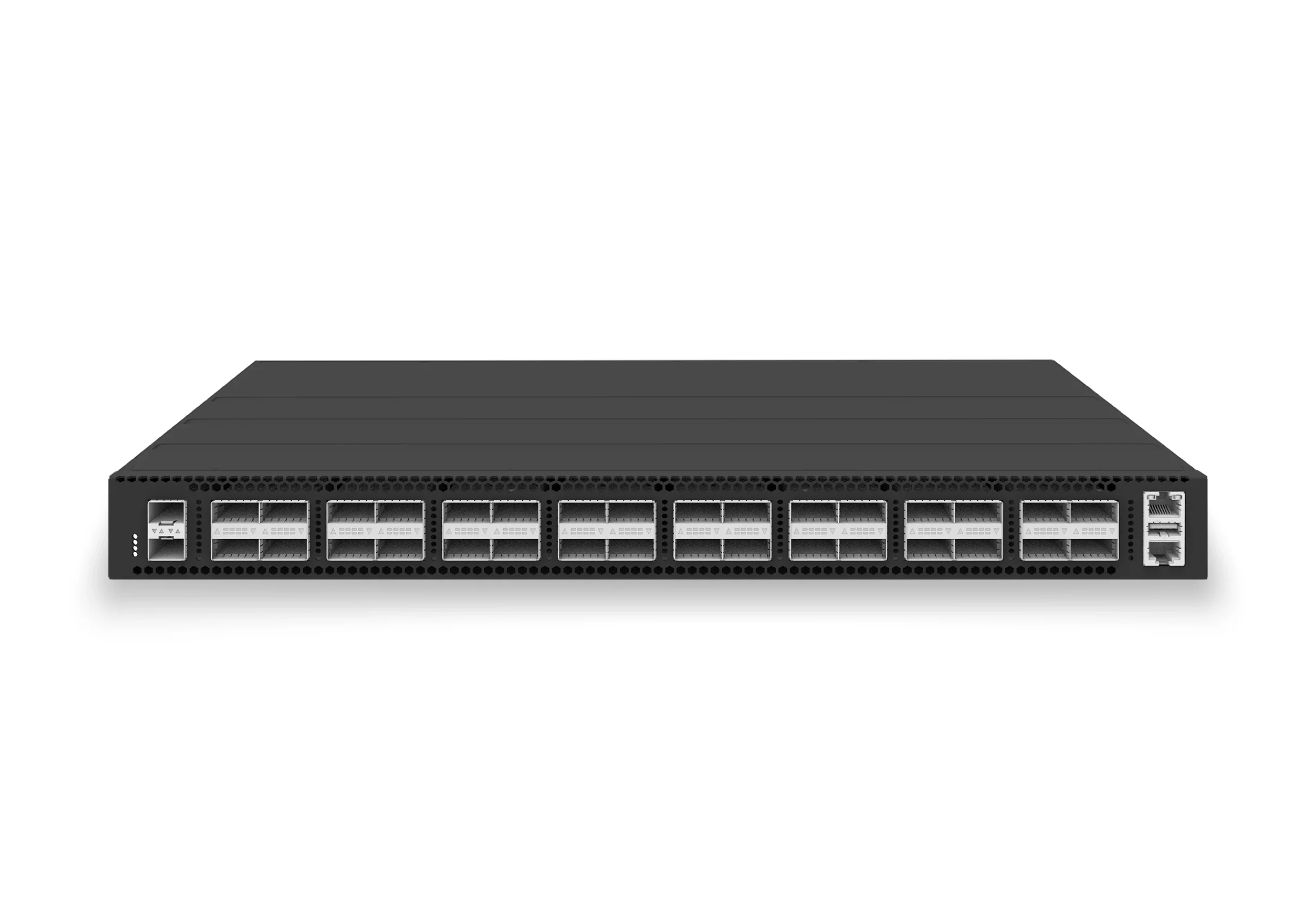
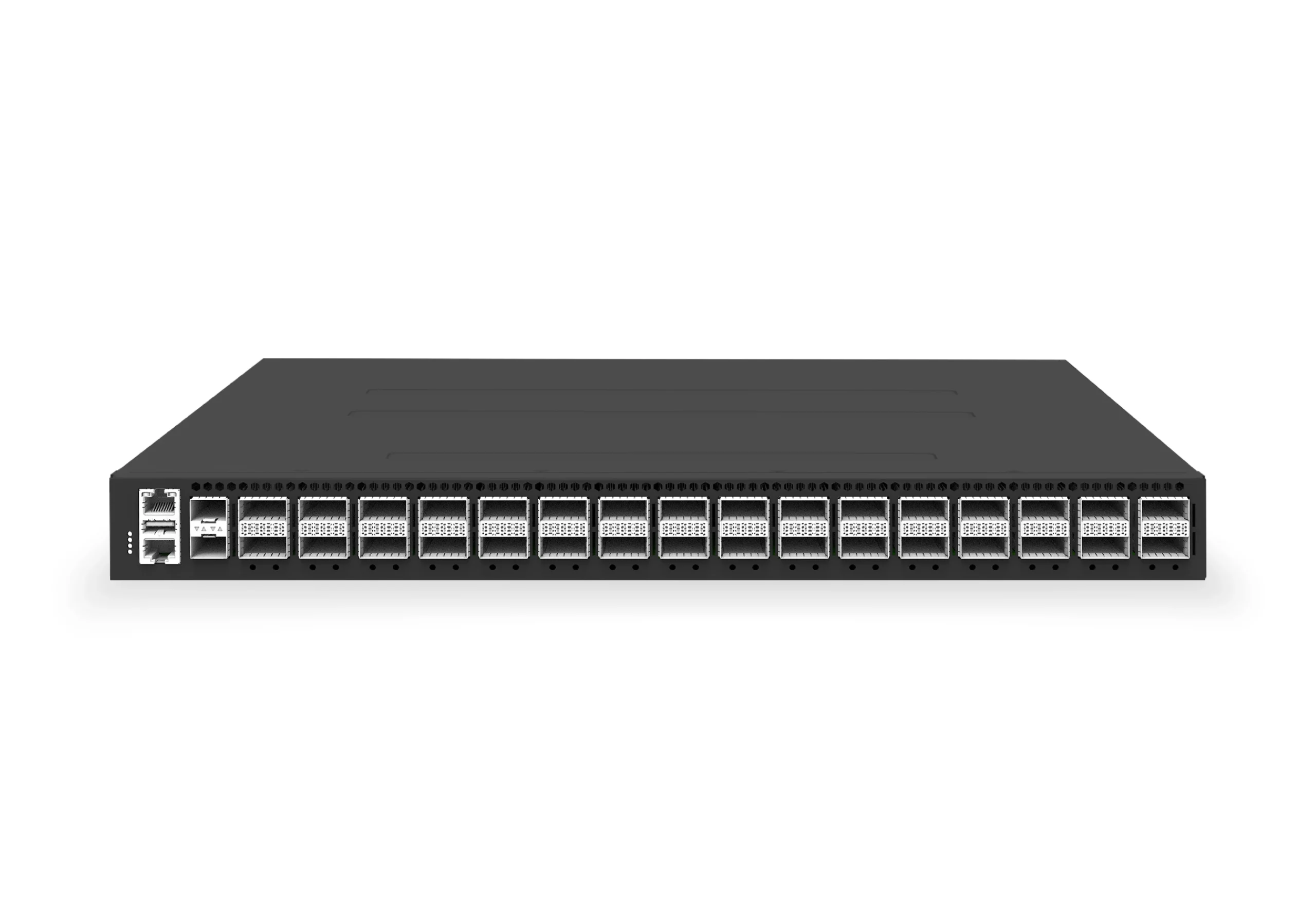
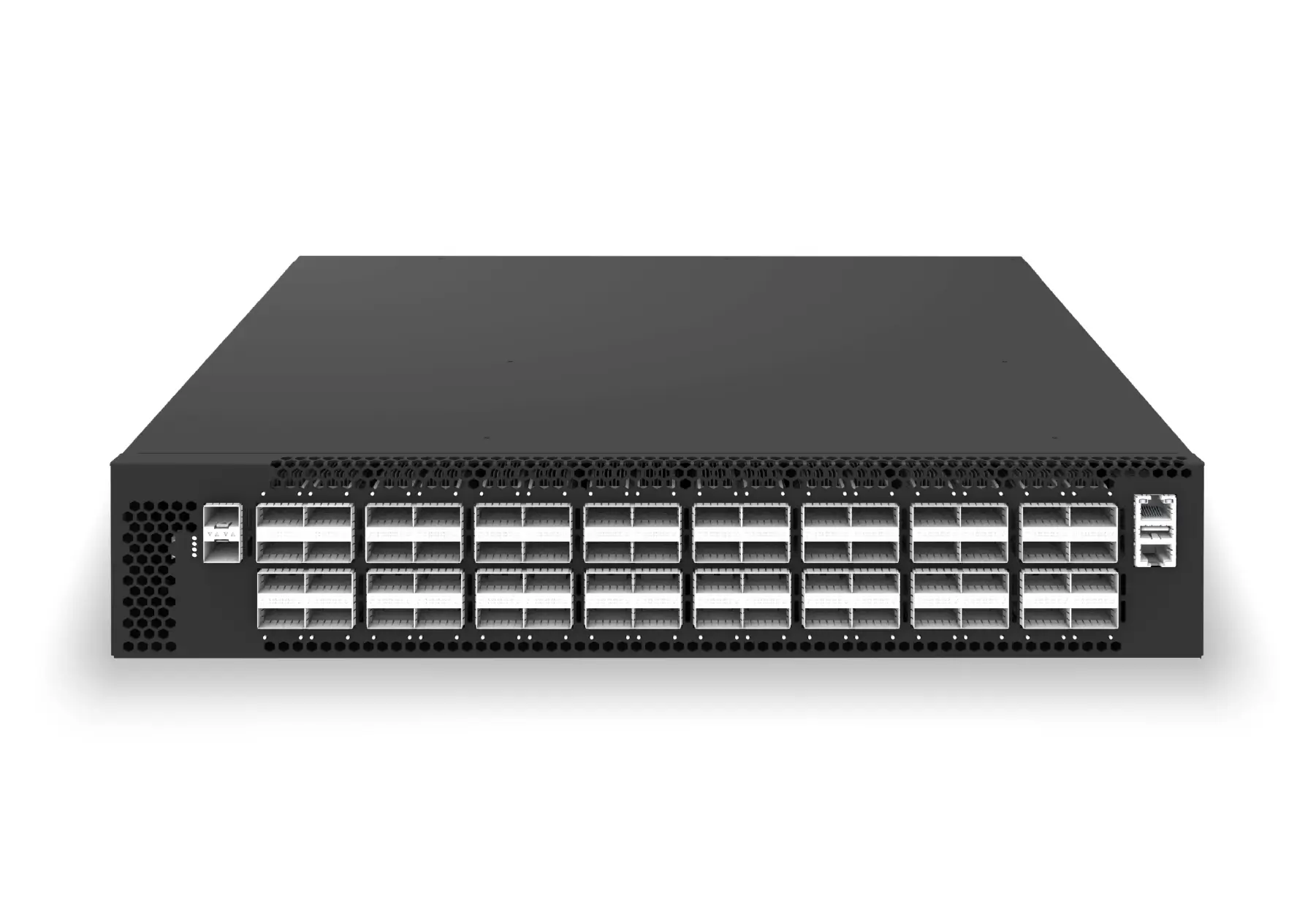
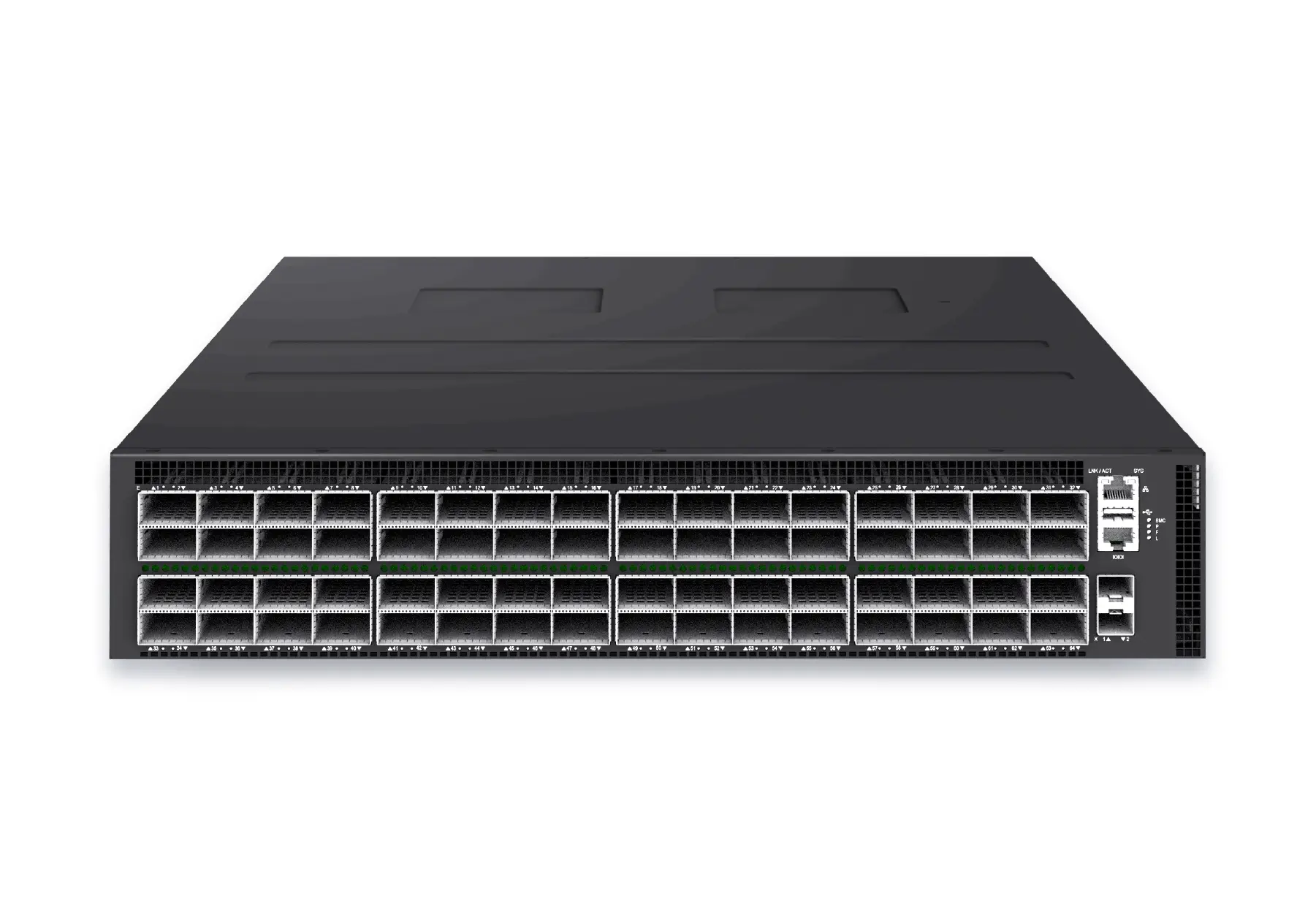
IPTPath telemetry fits xSONiC AI and data center fabrics where operators need more than device-level health. It is especially useful for large 400G and 800G fabrics where many equal-cost paths exist and path-level visibility is required to localize performance problems.
Engineering Validation Checkpoint
IPT and path telemetry should be accepted by troubleshooting speed. Run 3 path changes, one congested queue, and one failed uplink while recording path ID, hop sequence, latency, queue depth, and packet drops. The evidence should show where the packet changed path and why the SLO moved.
| Check | Evidence to collect | Reject condition |
|---|---|---|
| Path localization | Hop sequence, path ID, ingress/egress port, and timestamp data. | The team cannot identify the failing hop from telemetry alone. |
| Correlation | Interface counters, queue telemetry, application latency, and alert time. | Telemetry and application timing cannot be aligned. |
| Collector readiness | Sampling rate, storage rate, query latency, and retention policy. | The collector drops data during the event it was meant to diagnose. |
Engineering FAQ
How is IPTPath different from ordinary flow monitoring?
Flow monitoring can tell operators who talked to whom and how much traffic was sent. IPTPath is useful when the question is where the traffic experienced queueing, delay, path change, or loss risk. It is a path-quality tool, not only a traffic-accounting tool.
What is the minimum useful pilot?
Use 3 representative paths, at least 2 packet sizes, one planned ECMP path change, and one congestion event. The pilot should prove that the collector can store, query, and replay the hop sequence quickly enough for an incident review.