Overview
Power over Ethernet allows campus access switches to deliver data and power over the same copper cabling. For enterprise networks, this simplifies deployment of wireless APs, phones, cameras, sensors, and smart building devices while giving IT teams centralized power control.
xSONiC PoE planning should start with endpoint inventory, power class, uplink capacity, redundancy expectations, and operational monitoring. A PoE switch is not only an access device; it is also part of the building power and service continuity plan.
PoE Standards and Power Classes
| Standard | Common Name | Typical Endpoint Fit | Planning Note |
|---|---|---|---|
| IEEE 802.3af | PoE | Phones, simple cameras, low-power sensors. | Usually sufficient for legacy edge devices. |
| IEEE 802.3at | PoE+ | Wi-Fi APs, PTZ cameras, richer endpoints. | Common baseline for modern access closets. |
| IEEE 802.3bt Type 3/4 | PoE++ | High-power APs, smart displays, multi-radio devices. | Requires careful per-port and total-budget planning. |
Power Budget Planning
| Planning Item | Why It Matters | Example Check |
|---|---|---|
| Per-port power | Ensures endpoint class is supported. | Does the AP require PoE+ or PoE++? |
| Total PoE budget | Prevents oversubscription of switch power. | Can all critical ports power on at once? |
| Power priority | Keeps key devices online during budget pressure. | Are security cameras higher priority than guest ports? |
| Uplink capacity | Prevents powered edge growth from overloading uplinks. | Do Wi-Fi 7 APs need 2.5G access and 25G uplinks? |
| Redundancy | Protects closets and critical services. | Is redundant PSU or UPS required? |
Campus Design Pattern
APs / cameras / phones / sensors
        |
        v
xSONiC PoE access switch
        |
        v
25G / 10G uplinks to aggregation
        |
        v
Campus core and services
1G PoE access is still practical for phones, cameras, and many office devices. 2.5G PoE access is better aligned with Wi-Fi 6E and Wi-Fi 7 APs where wireless capacity can exceed classic 1G access assumptions.
LLDP and Power Negotiation
LLDP can help endpoints and switches negotiate more accurate power behavior. Where supported, this reduces wasted budget compared with assuming maximum draw for every connected device.
| Mode | Behavior | Operational Use |
|---|---|---|
| Static budget | Reserve configured power per port. | Predictable but may waste budget. |
| Class-based allocation | Allocate based on detected PoE class. | Good baseline for mixed endpoint environments. |
| LLDP negotiation | Endpoint advertises requested power. | Better for APs and devices with variable draw. |
Operational Controls
- Monitor power draw by port and by switch.
- Alert on overload, short-circuit, and denied-power events.
- Define power priority for emergency or constrained-power conditions.
- Document which endpoints are mission-critical.
- Test endpoint recovery after switch reboot or power maintenance.
Deployment Checklist
- Inventory endpoint count, location, and power requirement.
- Select access speed: 1G for classic edge, 2.5G for high-capacity APs.
- Choose total PoE budget with growth headroom.
- Match uplink speed to expected wireless and camera traffic.
- Configure LLDP and power priority where supported.
- Validate AP boot, camera operation, phone registration, and restart recovery.
xSONiC Platform Fit
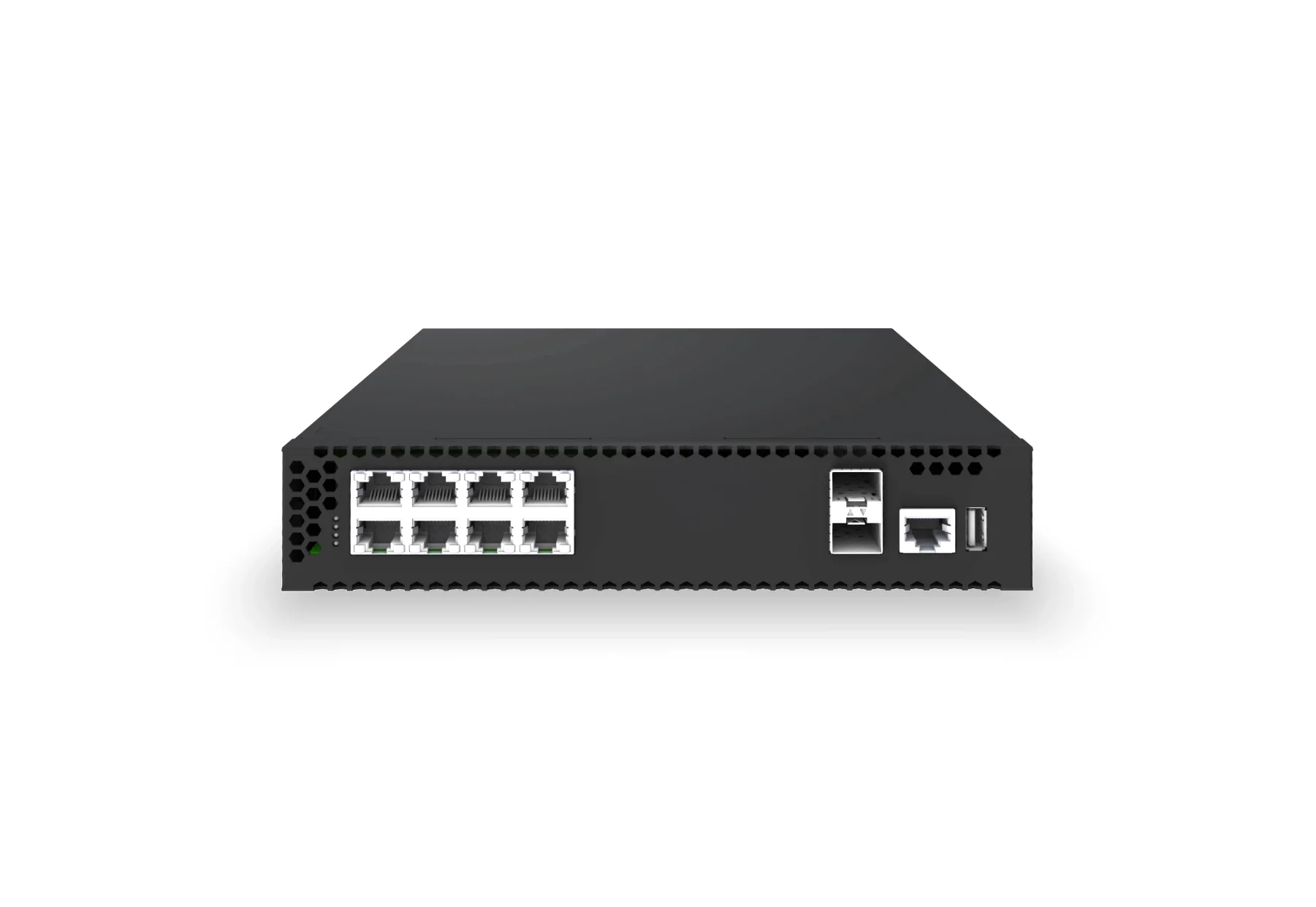
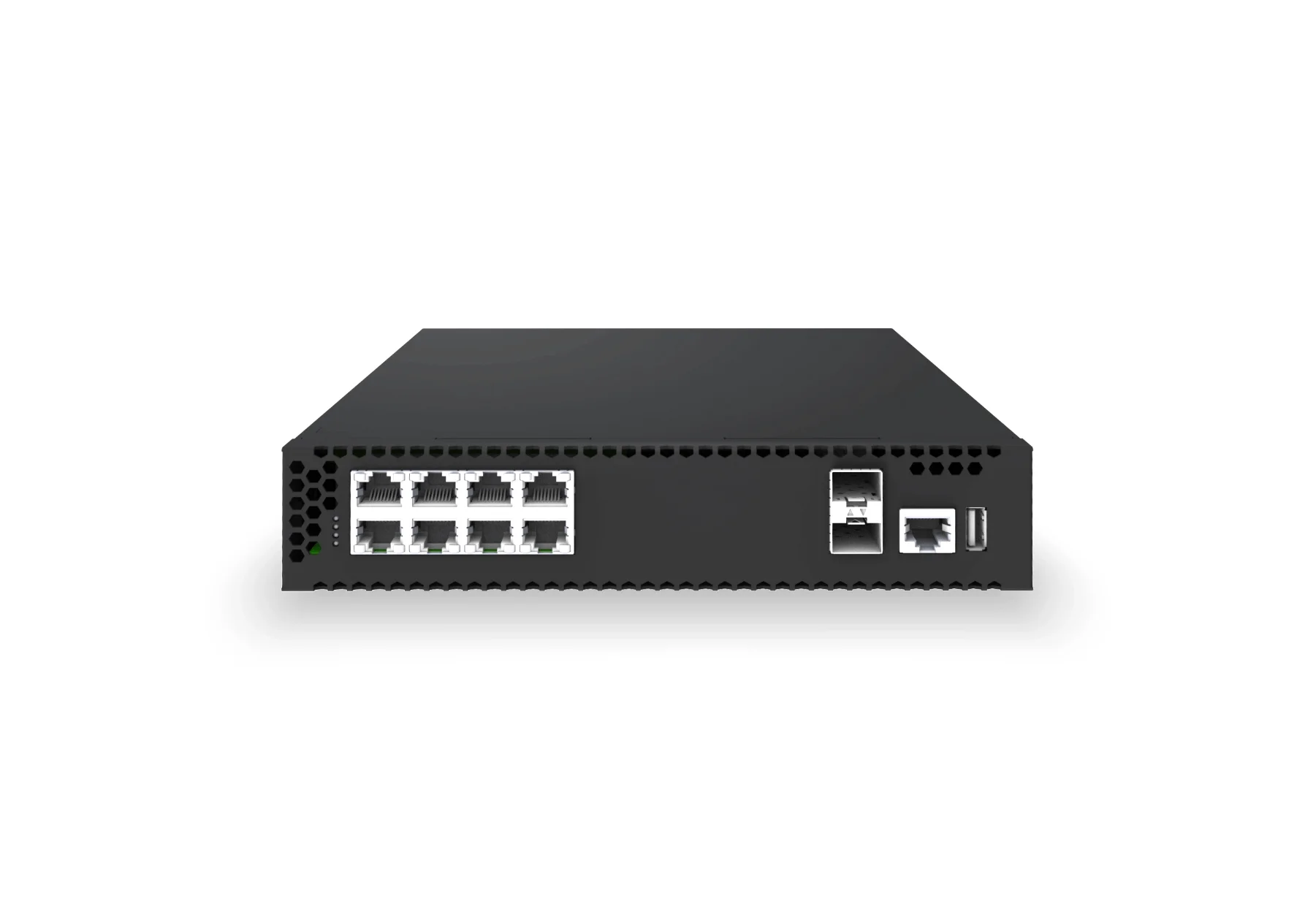
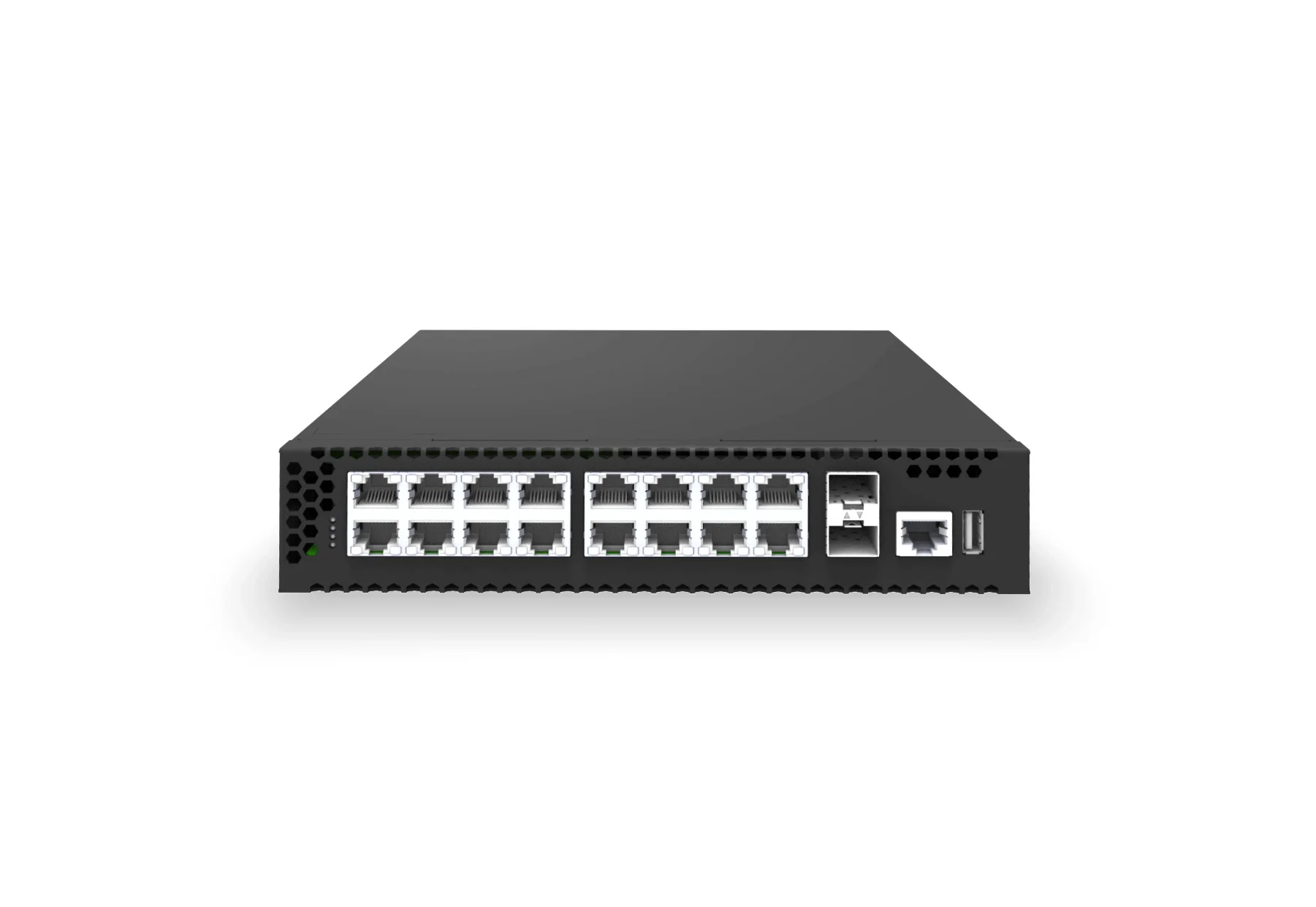
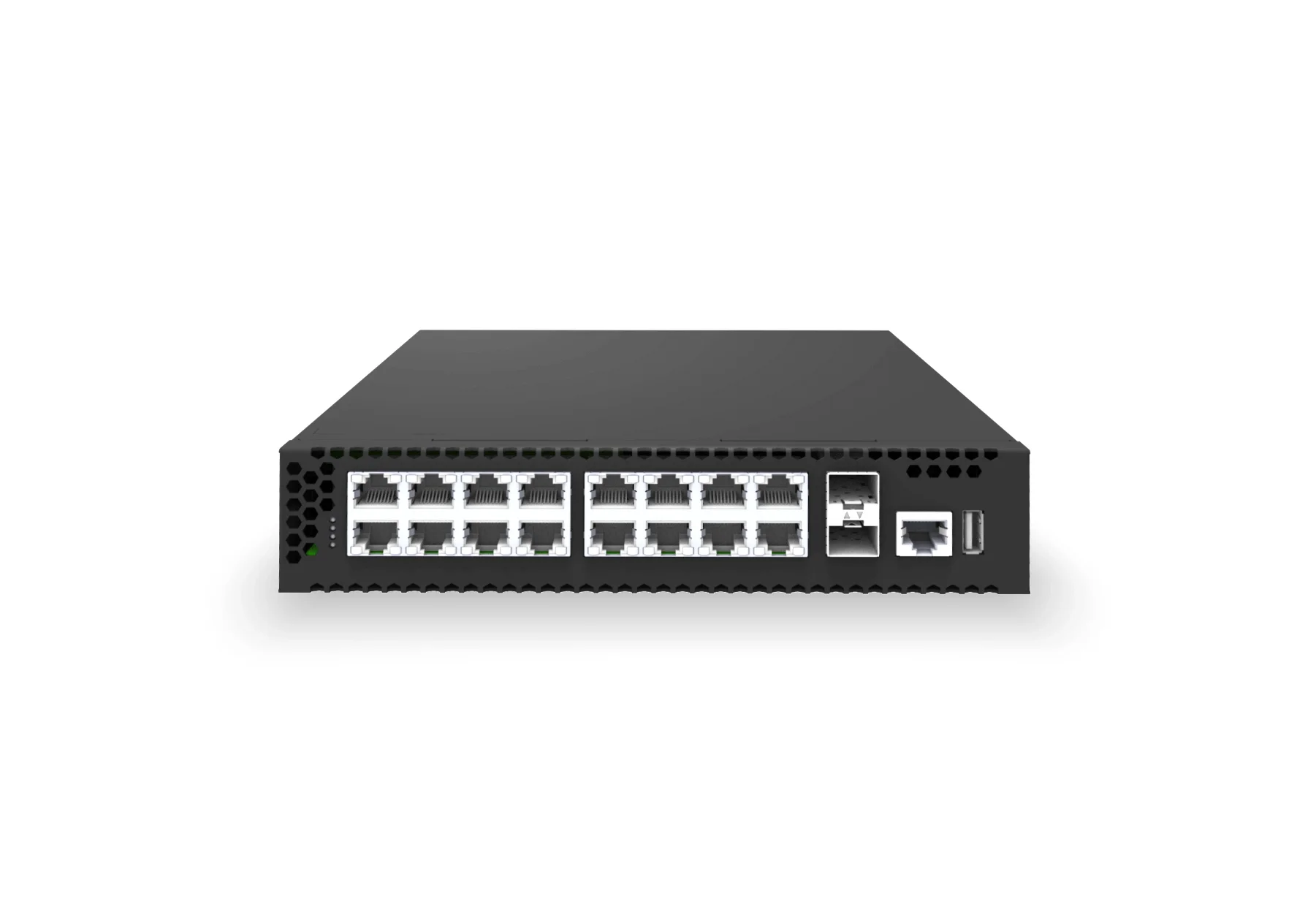
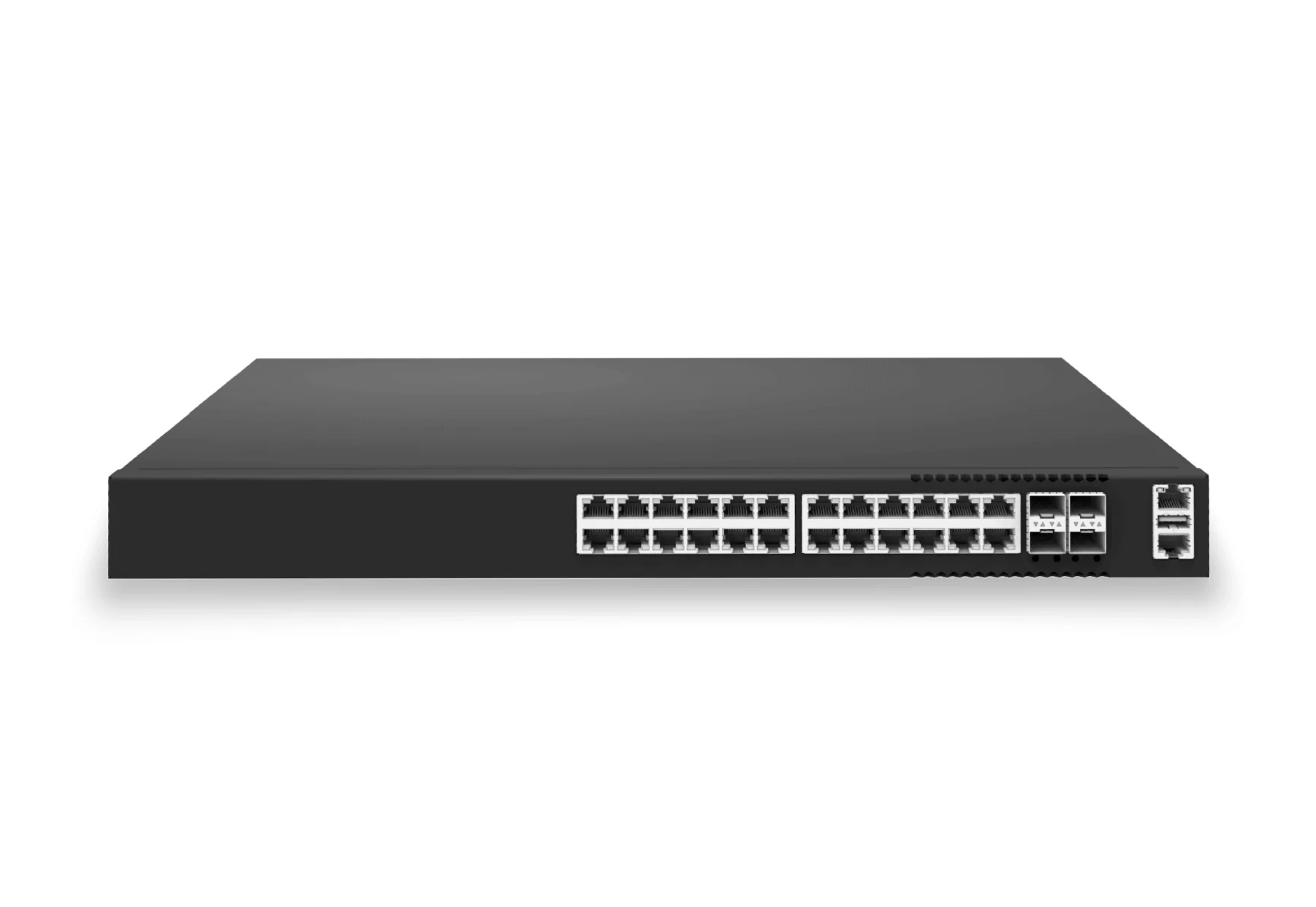
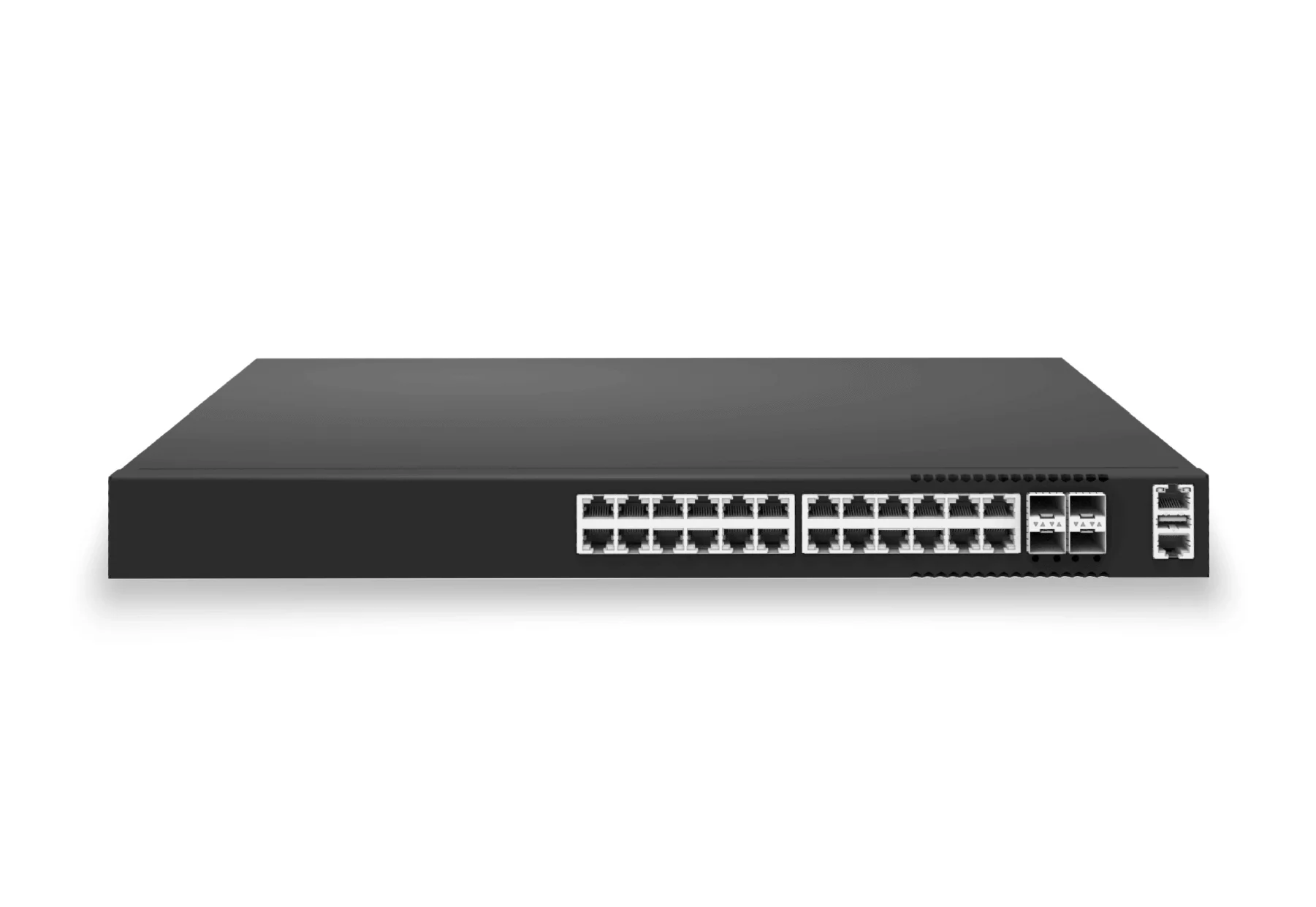
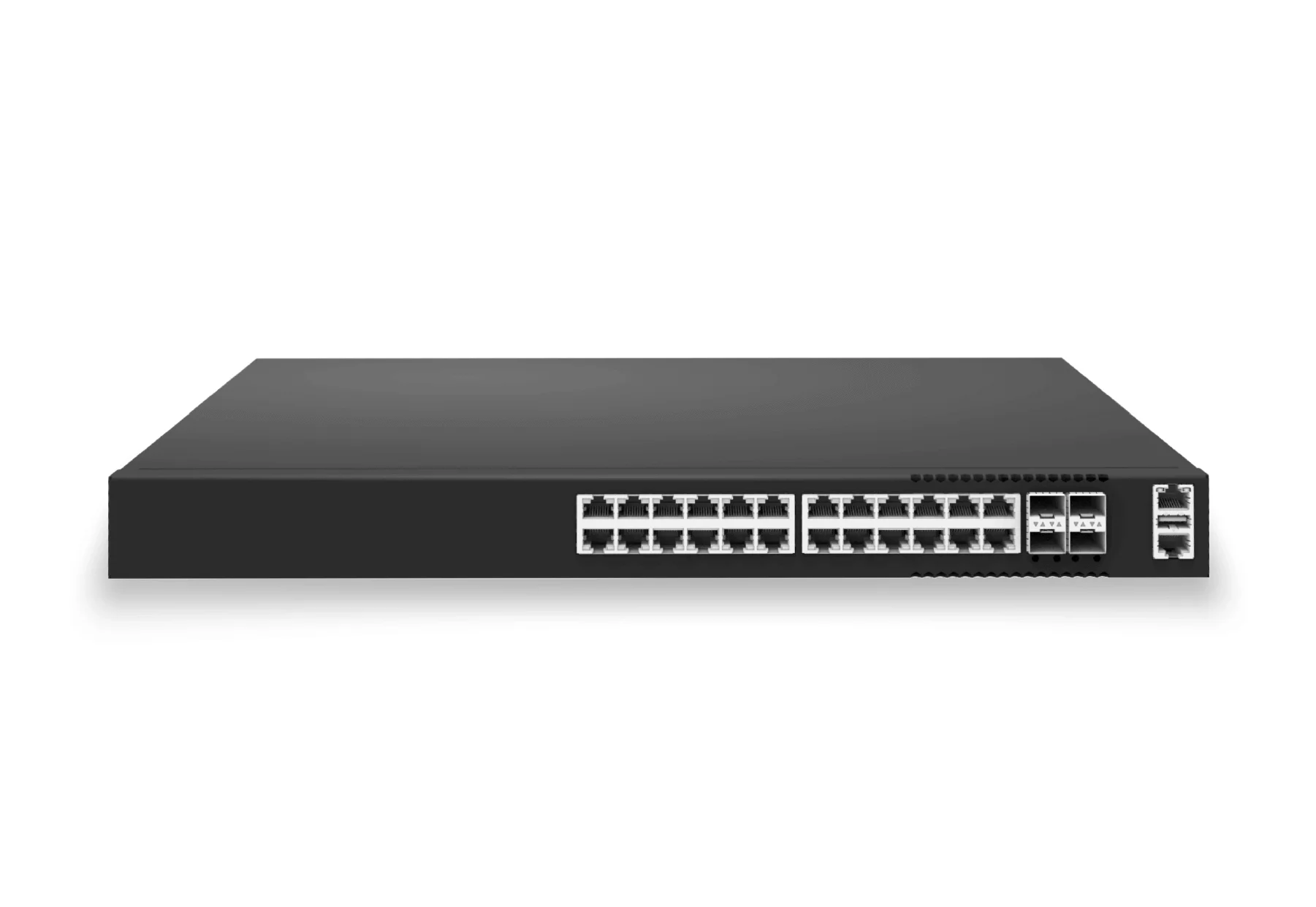
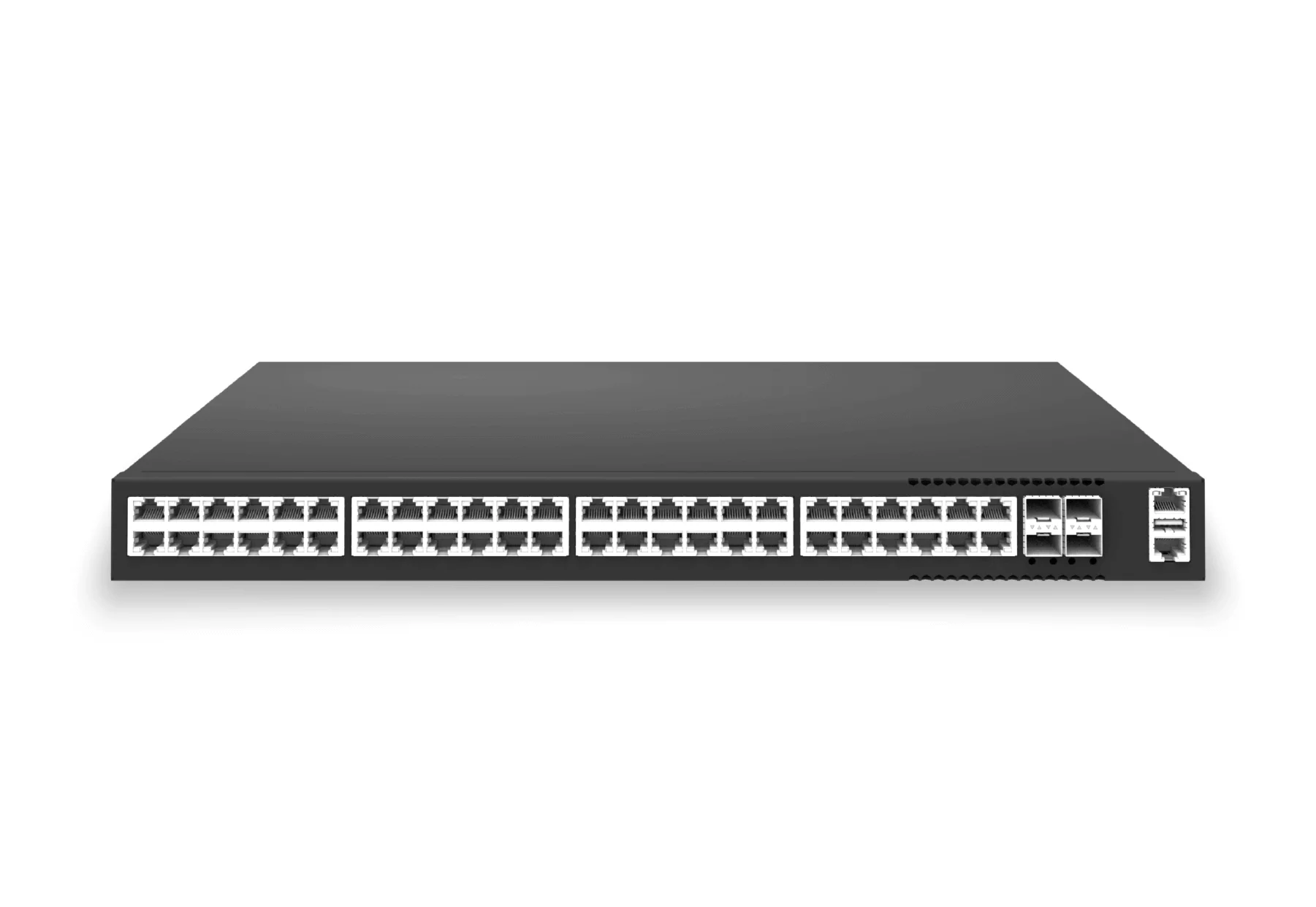
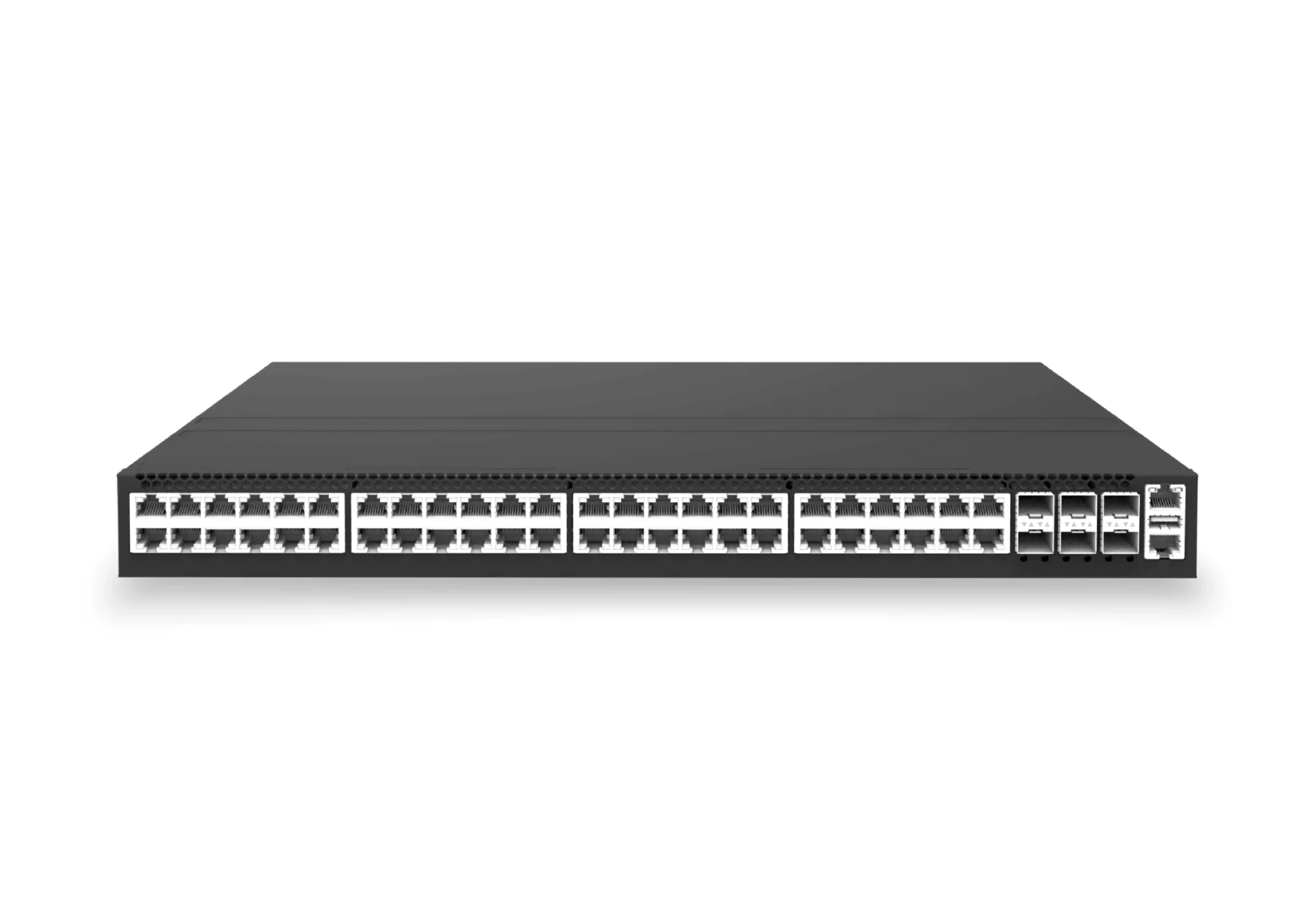
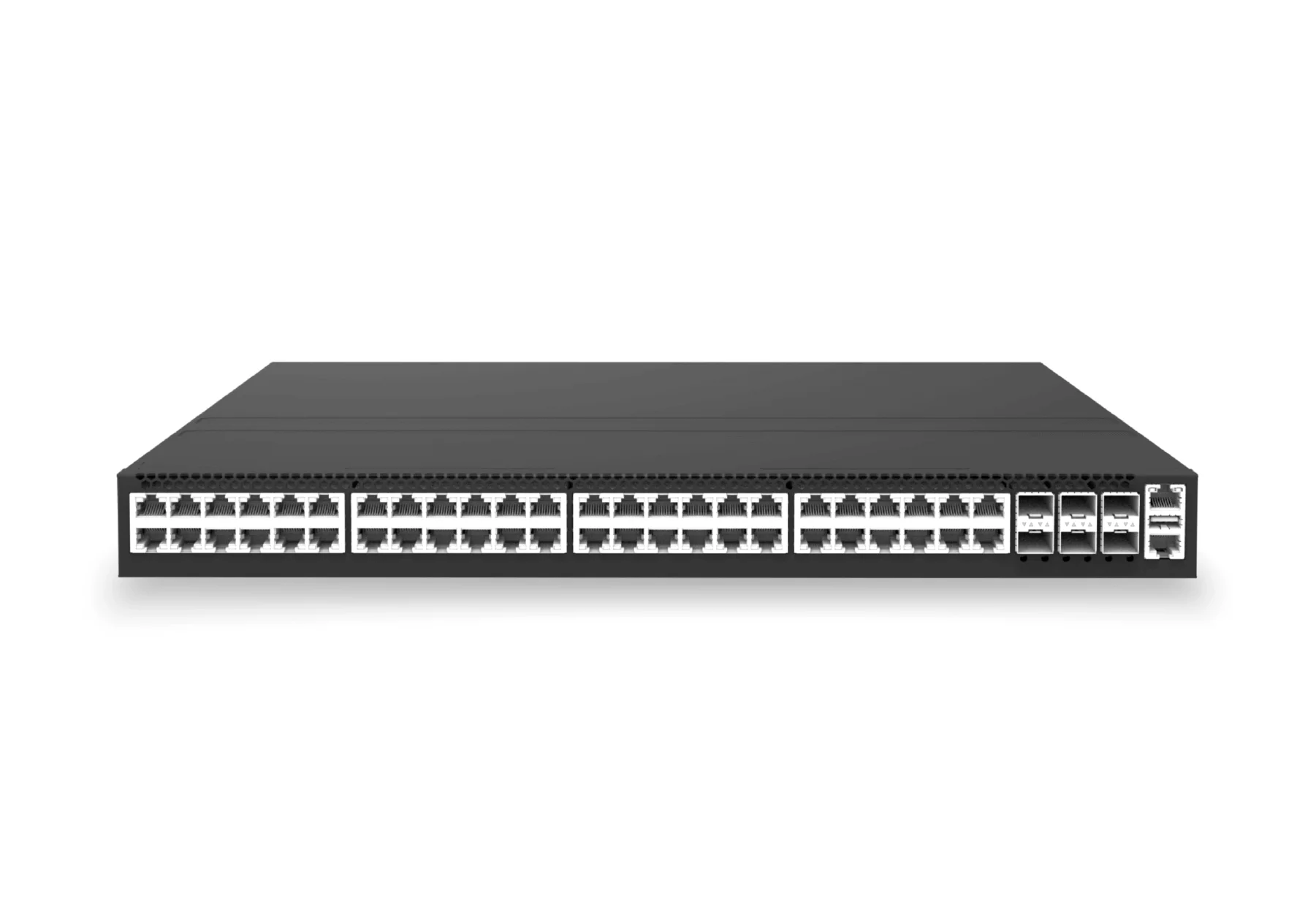
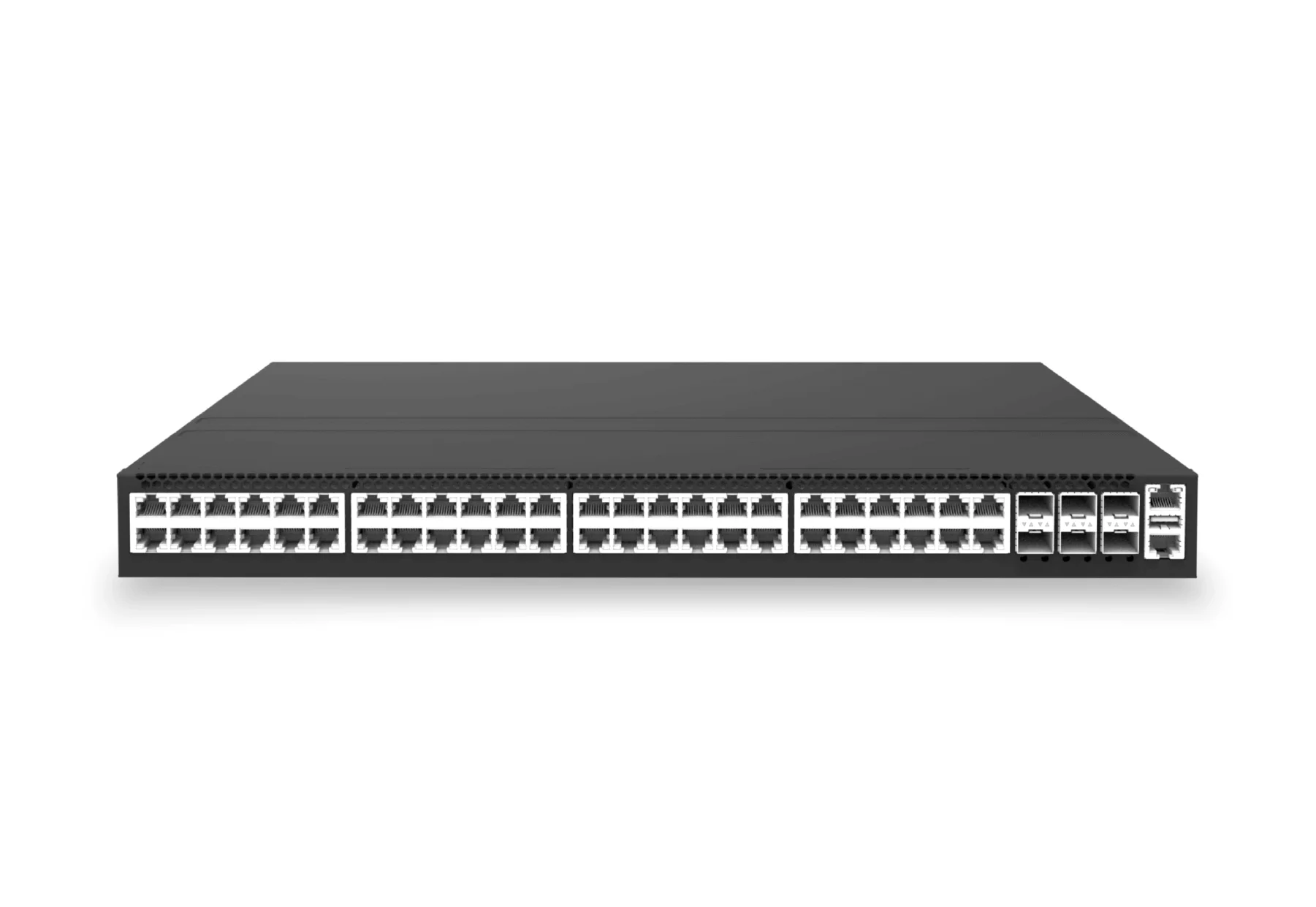
The XS-AA PoE family covers compact 8-port and 16-port edge deployments through 24-port and 48-port campus access closets. POE150, POE370, POE740, and POE1440 class names keep the intended power-budget profile visible in the SKU.
Engineering Validation Checkpoint
PoE campus planning needs an electrical and network acceptance test. Validate at least 48 powered ports, 3 endpoint classes, one AP reboot wave, and 24 hours of power draw telemetry. Include switch temperature, port errors, LLDP power negotiation, and uplink utilization in the same report.
| Check | Evidence to collect | Reject condition |
|---|---|---|
| Power budget | Per-port draw, total budget, LLDP negotiation, and surge behavior. | Power denial, reboot loops, or thermal alarms during expected load. |
| Network behavior | VLAN, QoS, multicast, roaming, and uplink utilization counters. | Voice/video traffic misses priority or uplinks saturate during AP peaks. |
| Operations | Alert routing, template rollback, and spare-port capacity. | No documented response path for power or endpoint incidents. |
Engineering FAQ
How much PoE headroom should a campus design keep?
The answer depends on endpoint class and business criticality, but the design should not assume every port draws its nameplate maximum forever. Build a measured budget from endpoint inventory, LLDP power negotiation, boot surge, critical-device priority, and growth allowance. Then validate it with a 24 hour draw report before broad rollout.
When should 2.5G PoE access be selected over 1G?
Select 2.5G PoE when Wi-Fi 6E, Wi-Fi 7, high-density APs, or camera clusters can exceed the practical headroom of 1G access. Keep 1G for classic phones, simple cameras, sensors, and low-throughput endpoints where the uplink and power budget remain inside the accepted SLO.