In brief
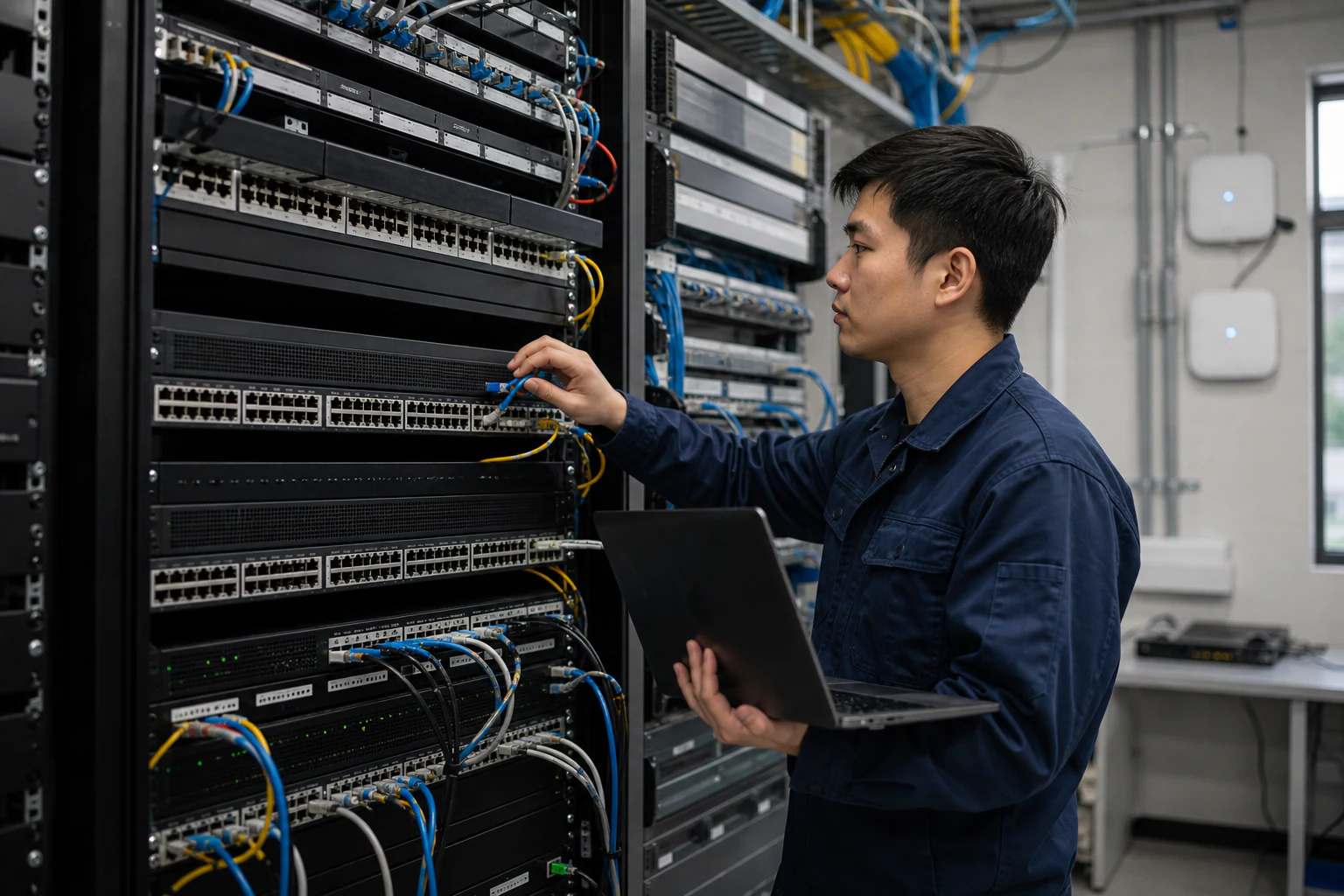
Engineering guidance on PoE Campus Planning Checklist for Enterprise SONiC Access Switches for Australian campus networks, covering RF planning, security controls.
Key takeaways
- Power over Ethernet is no longer a convenience feature on the campus edge.
- For enterprise network teams evaluating open networking options with SONiC-based access and aggregation switches, PoE planning deserves early attention.
- This article provides a practical planning checklist for PoE campus deployments, with a focus on factors relevant to Australian enterprise sites.
Why PoE Planning Decides Campus Refresh Success
Power over Ethernet is no longer a convenience feature on the campus edge. It is the primary power delivery method for wireless access points, IP security cameras, digital signage, building IoT sensors, and increasingly, thin-client workstations and desk phones with integrated displays. When a campus refresh project underestimates PoE requirements, the result is stranded switch ports, expensive midspan injectors, or a forced second round of hardware procurement.
For enterprise network teams evaluating open networking options with SONiC-based access and aggregation switches, PoE planning deserves early attention. The switch hardware, firmware support, and power supply configuration all determine how many endpoints a given closet can serve.
This article provides a practical planning checklist for PoE campus deployments, with a focus on factors relevant to Australian enterprise sites.
Understand the IEEE PoE Standards
Before specifying switch hardware, confirm which PoE standard your endpoints require. The three active IEEE standards define the maximum power a switch port can deliver:
| Standard | Common Name | Max Power per Port | Typical Endpoints |
|---|---|---|---|
| IEEE 802.3af | PoE | 15.4 W (12.95 W at device) | Basic IP phones, simple APs, IoT sensors |
| IEEE 802.3at | PoE+ | 30 W (25.5 W at device) | Wi-Fi 6/6E APs, PTZ cameras, thin clients |
| IEEE 802.3bt Type 3 | PoE++ | 60 W (51 W at device) | Wi-Fi 7 APs, multi-radio APs, digital signage |
| IEEE 802.3bt Type 4 | PoE++ | 90-100 W (71.3 W at device) | High-performance displays, POS terminals, advanced IoT gateways |
The critical planning question is: what is the maximum simultaneous draw across all powered ports on a given switch?
Build Your Power Budget
A switch datasheet lists total PoE budget capacity, but that number only tells part of the story. Real planning requires adding up the expected draw from every connected endpoint and comparing it against the switch power supply rating.
Step 1: Inventory Your Endpoints
List every PoE-powered device per wiring closet. Include:
- Wireless access points (count radios and generation: Wi-Fi 6E and Wi-Fi 7 APs draw more than Wi-Fi 5)
- IP cameras (fixed vs. PTZ, IR illuminator usage)
- IP phones (basic vs. executive with video)
- IoT sensors and building automation controllers
- Digital signage or kiosks
- Future expansion allowance (add 20-30% headroom)
Step 2: Assign Power Classes
Each PoE device negotiates a power class during link establishment. Map each device type to its IEEE class or check the manufacturer datasheet for actual measured draw. Do not assume every device draws its maximum rated power simultaneously, but plan for worst case on at least 60% of ports.
Step 3: Match to Switch PoE Budget
Access switches typically come in 24-port and 48-port models. Compare your per-closet endpoint count and power draw against the switch PoE budget. For example:
- A 48-port PoE+ switch with a 740 W budget can power 24 ports at full 30 W draw, or 48 ports at roughly 15 W average.
- A 48-port PoE++ switch with a 1,440 W budget can support a denser deployment of high-power endpoints.
If your power budget is tight, consider distributing endpoints across two switches or upgrading the power supply.
Cabling and Distance Constraints
PoE power delivery depends on cable quality and distance. Plan your cabling infrastructure to support the PoE standard you are deploying.
| Cable Category | Max PoE Distance | Supports 802.3bt? | Notes |
|---|---|---|---|
| Cat5e | 100 m | Yes (limited headroom) | Acceptable for 802.3af/at; tighter resistance margins for bt |
| Cat6 | 100 m | Yes | Better alien crosstalk performance |
| Cat6A | 100 m | Yes (recommended) | Best choice for 802.3bt Type 3/4; lower resistance, better heat dissipation in bundled runs |
For Australian sites, the 100 m maximum distance includes the patch cord at both ends. In larger campus buildings with long corridor runs, verify actual cable path distances before assuming 100 m is achievable. Sites with underground or outdoor runs should account for temperature effects on cable resistance.
Bundle Heating
When many PoE cables are bundled together, the power dissipation in the cable bundle raises the ambient temperature. TIA-568 and ISO/IEC 11801 standards define derating factors for bundled cable runs. For 802.3bt deployments with high-power endpoints, limit bundle sizes or use Cat6A shielded cable to manage thermal effects. This is particularly relevant in Australian environments where ambient temperatures in ceiling spaces and risers can exceed 45 degrees C during summer months.
Port Density and Closet Planning
Right-Size Your Closets
The number of PoE ports per closet depends on the floor layout, user density, and endpoint distribution. Common planning ratios:
- Office floors: 1-2 PoE ports per desk for phone plus data; additional ports for wireless APs every 15-25 metres.
- Warehouses and logistics: Fewer user ports, but potentially many IoT sensors and barcode scanners.
- Healthcare and education: Higher AP density for reliable wireless coverage; consider dedicated PoE switches for building automation systems.
Consider Non-PoE Uplinks
Uplinks from access switches to distribution or core switches do not require PoE. Plan for dedicated uplink ports using SFP+ or QSFP28 fibre or DAC connections. This separates the PoE power domain from the switching fabric and avoids wasting PoE-capable ports on uplinks.
xSONiC access and aggregation switches support a range of uplink options via SFP+ and QSFP28 slots. When paired with xSONiC optical transceivers, campus backbone links can scale from 10G to 100G depending on bandwidth requirements.
Stacking and Virtual Chassis Considerations
Many campus deployments benefit from switch stacking or virtual chassis configurations to simplify management and provide redundancy. When planning PoE in a stacked configuration:
- Confirm that the PoE budget is calculated per-unit, not shared across the stack. Most stacking implementations maintain independent PoE power domains per switch.
- Verify that the stacking interconnect does not consume ports you need for PoE endpoints.
- Ensure the management plane can report PoE status per-port across all stack members.
For SONiC-based campuses, virtual chassis and MC-LAG configurations provide high availability without proprietary stacking protocols. Review the MC-LAG and STP guide and Virtual Chassis guide for redundancy options that complement your PoE deployment.
Power Supply and Redundancy
Select the Right PSU
PoE switches draw significant power. A 48-port PoE++ switch can consume over 1,500 W at full load. Ensure your wiring closet has:
- Sufficient electrical circuits (dedicated circuits are recommended for high-density PoE closets)
- Redundant power supply units in the switch (if uptime requirements demand it)
- UPS capacity sized for both the switch and the PoE load during a mains outage
Australian Electrical Considerations
Australian sites operate on 230 V / 50 Hz mains power. Verify that the switch power supply supports this input voltage. Most enterprise switches are universal-input (100-240 V), but confirm this against the datasheet. For sites with three-phase power distribution, balance PoE switch loads across phases to avoid overloading a single circuit.
Software and Management
SONiC provides a unified management interface for campus switches. For PoE management specifically, confirm that your SONiC distribution or vendor extension supports:
- Per-port PoE enable/disable and priority settings
- PoE power class assignment and budget monitoring
- SNMP or gNMI telemetry for PoE status reporting
- Scheduled PoE power cycling for endpoint management
- LLDP-MED for automated power negotiation with endpoints
These features enable network teams to monitor and control PoE deployments from a central controller or through automated playbooks. For campus-wide visibility, the xSONiC AIDC Controller can integrate PoE telemetry into the broader network management workflow.
Planning Checklist Summary
Use this checklist when scoping a PoE campus deployment with SONiC-based access switches:
- Inventory all PoE endpoints per wiring closet
- Map each endpoint to its IEEE PoE class and maximum draw
- Calculate total power budget per closet with 20-30% headroom
- Verify switch PoE budget against calculated endpoint load
- Confirm cabling category supports target PoE standard at actual distances
- Assess bundle sizes for thermal derating, especially for 802.3bt
- Plan non-PoE uplinks using fibre or DAC to distribution switches
- Size electrical circuits and UPS for PoE switch power consumption
- Confirm switch PSU supports local mains voltage (230 V for Australia)
- Verify SONiC PoE management features: per-port control, telemetry, LLDP-MED
- Evaluate stacking or virtual chassis impact on PoE port availability
- Document power redundancy requirements and PSU configuration
Next Steps
A well-planned PoE infrastructure is the foundation of a reliable campus network. By addressing power budgets, cabling, and management early in the design phase, you avoid costly retrofitting after deployment.
Explore the xSONiC PoE Campus solution for deployment patterns and architecture guidance. Browse xSONiC access and aggregation switches for SONiC-based campus hardware options. If you are planning a broader campus refresh, the Campus Refresh guide provides a structured approach to evaluating open networking alternatives.
Ready to discuss your campus PoE requirements? Contact the xSONiC team for a deployment consultation.
Engineering FAQ
How should a campus team size the PoE budget before buying switches? Build the budget from real endpoints, not brochure averages. Count each AP, camera, phone, sensor, and access-control device by closet, assign the IEEE PoE class, then add 20-30% headroom for refresh growth and simultaneous startup draw.
Does PoE++ remove the need for cabling assessment? No. IEEE 802.3bt defines higher power delivery, but existing cable bundles, connector quality, distance, and heat still decide whether a site is ready. Older school and healthcare buildings should be checked before assuming every run can support the planned load.
What should be tested on a SONiC PoE access switch? Test power class negotiation, LLDP-MED behaviour, per-port disable/enable, reboot recovery, PSU failover, telemetry, and what happens when the switch hits its aggregate power budget. These behaviours matter more than the nominal maximum watts per port.
Where does xSONiC fit in PoE planning? xSONiC should be evaluated as the SONiC-based access platform in a broader campus design. The acceptance gate is practical: can the switch power the real endpoint mix, expose useful telemetry, and recover cleanly from power or software events?
Related xSONiC Resources
Sources Reviewed
- IEEE 802.1Q Bridges and Bridged Networks
- IEEE 802.1AX Link Aggregation
- Ethernet Network Adapters - ConnectX NICs | NVIDIA
- NVIDIA BlueField Data Processing Unit
- NVIDIA Spectrum-X Ethernet Platform
- OpenConfig gNMI Specification
- OpenConfig
- RFC 7950 - The YANG 1.1 Data Modeling Language
- RFC 6241 - Network Configuration Protocol (NETCONF)
- ACSC Essential Eight
- OAIC Notifiable Data Breaches
- APRA CPS 234 Information Security
- NETSCOUT Network Packet Definition
- Cloudflare Network Packet Definition
- IEEE 802.11be Wireless LAN Standard
- IEEE 802.3bt Power over Ethernet
- SONiC Project Documentation
- Broadcom Ethernet Switching
- Marvell Switching
- NVIDIA Ethernet Switching
- Open Compute Networking
- SONiC GitHub
- SONiC Foundation
Product fit
Products referenced for evaluation
These products are referenced for evaluation context in the article. Confirm workload, port, optics, software, interoperability, and support requirements against the exact deployment before procurement.
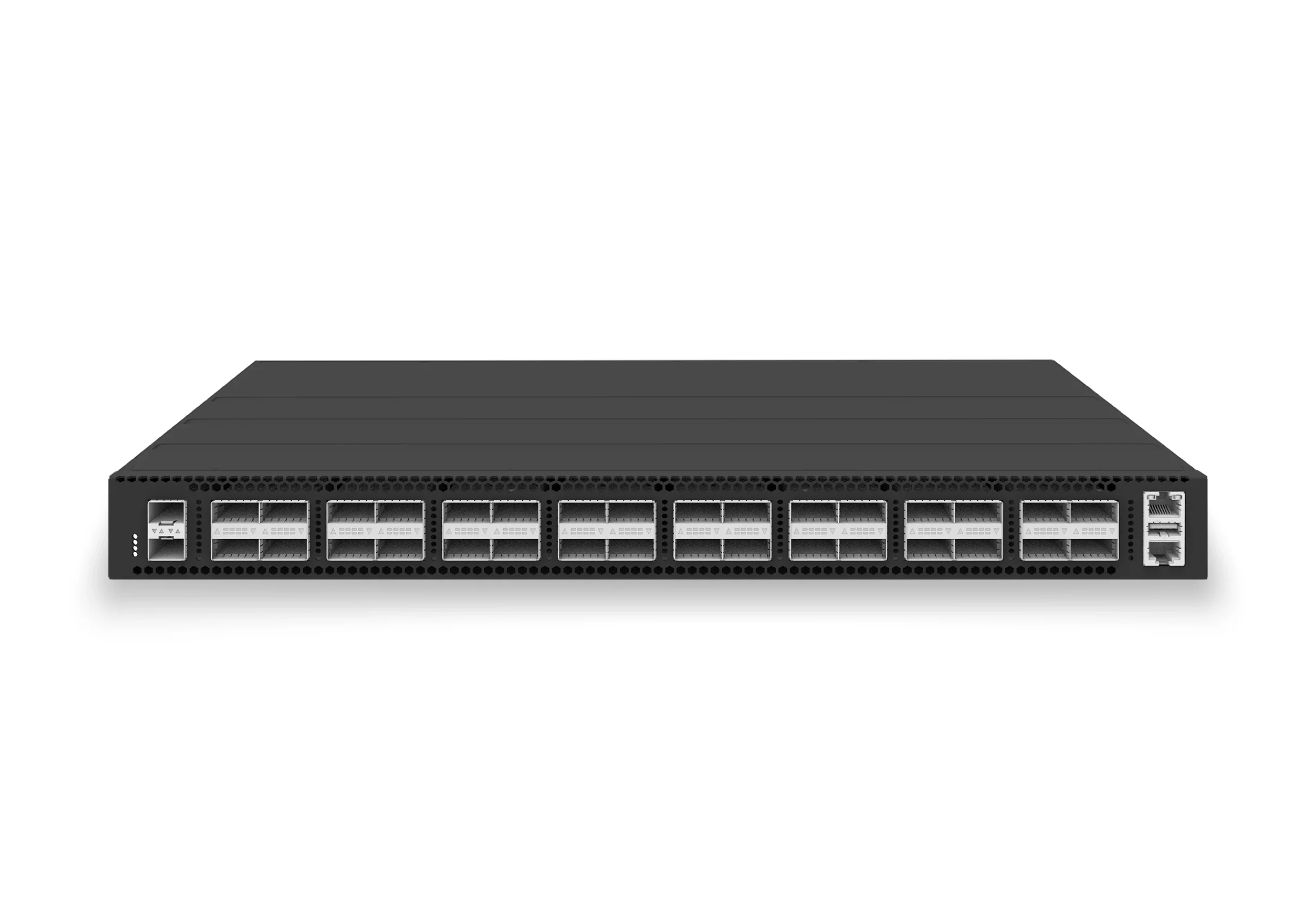 datacenter aiXS-DC-32X100-LS-G232-port 100G leaf/spine switch for VXLAN fabrics, RoCE-ready workloads, and tenant-scale routing.View product
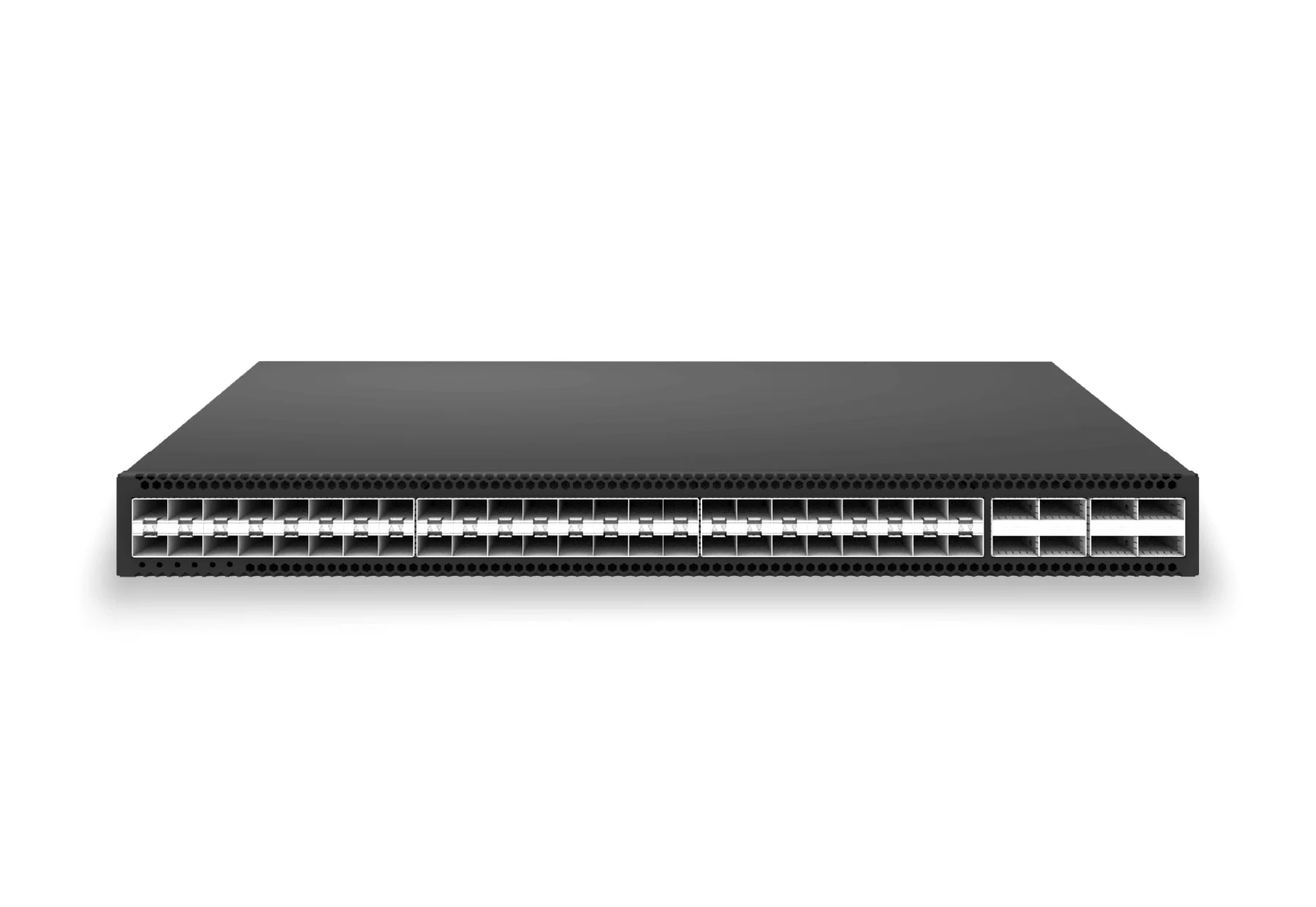 access aggregateXS-AA-48X25-8X100-AGG48x 25G SFP28 aggregation/core switch with 8x 100G QSFP28 for enterprise access and aggregation networks.View product
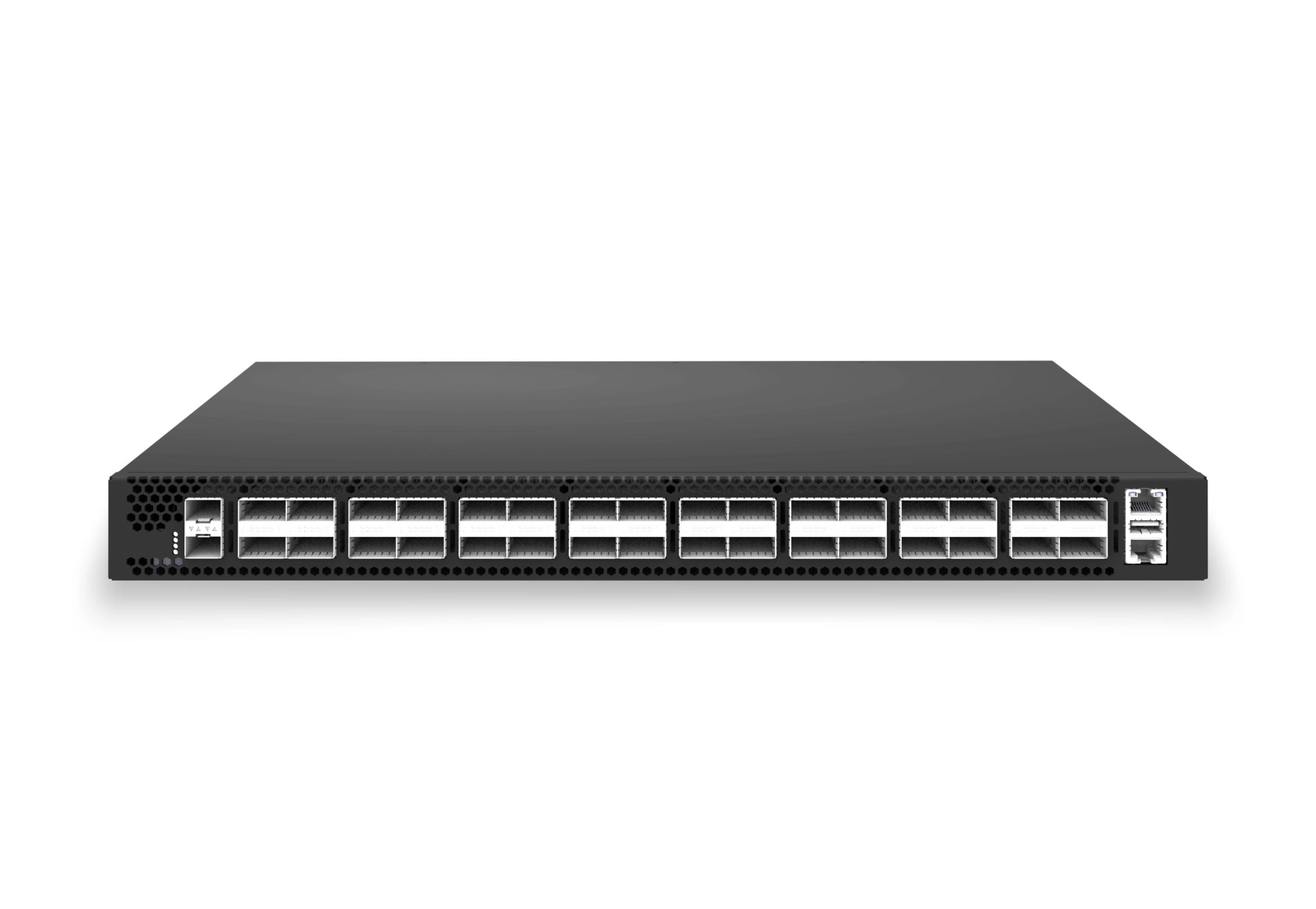 access aggregateXS-AA-32X100-CORE32x 100G QSFP28 aggregation/core switch with 2x 10G SFP+ auxiliary for enterprise access and aggregation networks.View product
Continue reading
Related articles
 Technical ArticleWi-Fi 6E/7 Access Point Planning for Australian Enterprise CampusesA practical Wi-Fi 6E and Wi-Fi 7 access point planning guide for Australian campuses covering 6 GHz spectrum, PoE++, backhaul, client readiness, and pilot validation.Read article
 Technical ArticleCampus Access and Aggregation Refresh with Enterprise SONiCEngineering guide for campus switching teams covering PoE, access design, MC-LAG/STP risk, telemetry, support, and pilot validation.Read article
 Technical ArticleEnterprise Campus PoE Refresh with SONiC Open NetworkingEngineering guide for campus switching teams covering PoE, access design, MC-LAG/STP risk, telemetry, support, and pilot validation.Read article