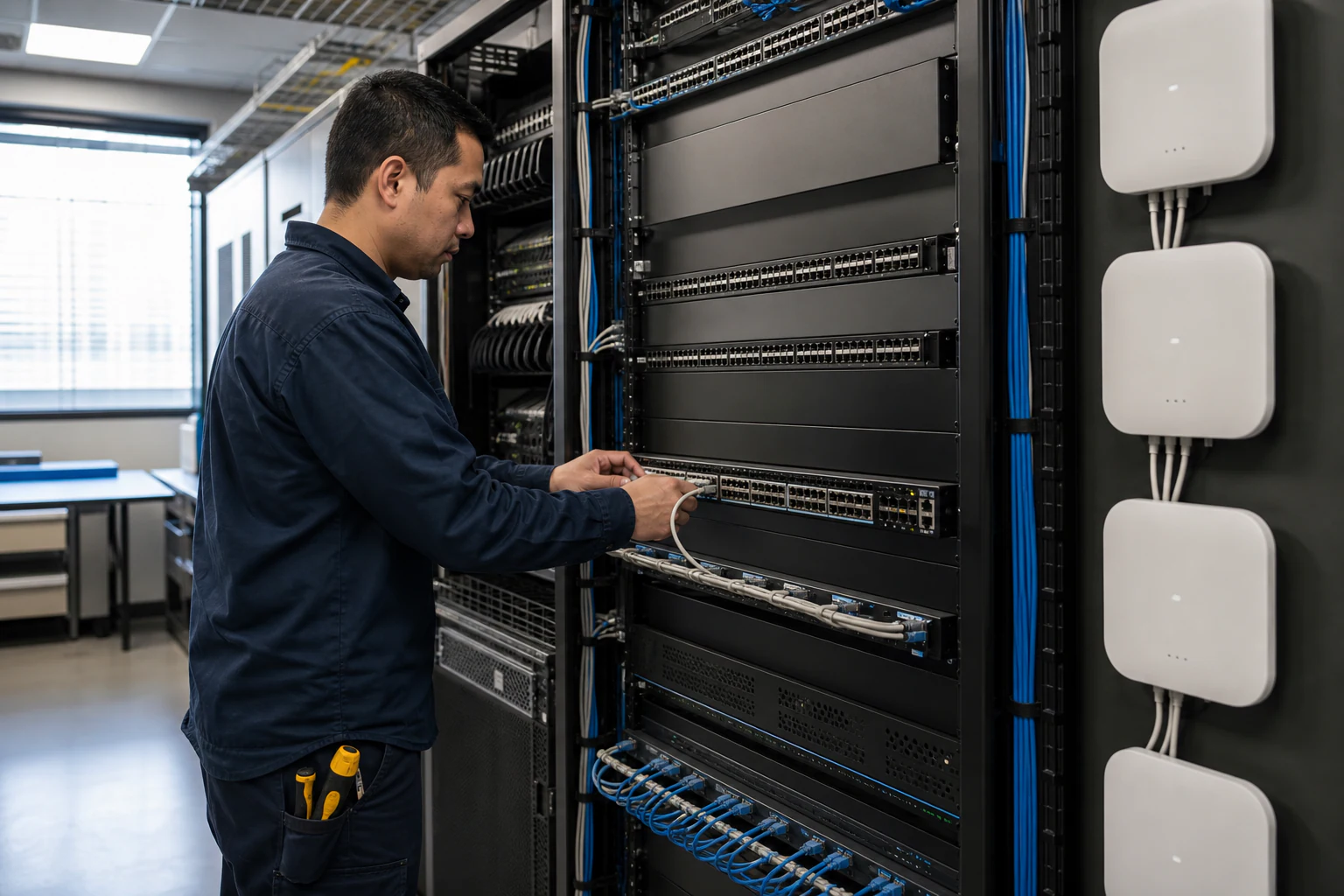
In brief
A practical Wi-Fi 6E and Wi-Fi 7 access point planning guide for Australian campuses covering 6 GHz spectrum, PoE++, backhaul, client readiness, and pilot validation.
Key takeaways
- Enterprise campuses across Australia are hitting a decision point. Wi-Fi 5 access points are reaching end-of-life, Wi-Fi 6 deployments are maturing, and two newer standards -- Wi-Fi 6E and Wi-Fi 7 -- are competing for the next refresh cycle budget.
- For network teams managing university campuses, hospital precincts, multi-floor office towers, or logistics facilities, the question is not just which access point to buy.
- This guide walks through the practical planning considerations for Wi-Fi 6E and Wi-Fi 7 enterprise access point deployments, with a focus on the Australian regulatory and market environment.
Why Campus Planners in Australia Need to Think About Wi-Fi 6E and Wi-Fi 7 Now
Enterprise campuses across Australia are hitting a decision point. Wi-Fi 5 access points are reaching end-of-life, Wi-Fi 6 deployments are maturing, and two newer standards — Wi-Fi 6E and Wi-Fi 7 — are competing for the next refresh cycle budget. The stakes are higher than a simple speed upgrade. These newer standards introduce fundamentally different spectrum, channel widths, and multi-radio architectures that reshape how you plan coverage, backhaul, and power delivery.
For network teams managing university campuses, hospital precincts, multi-floor office towers, or logistics facilities, the question is not just which access point to buy. It is whether your wired infrastructure, PoE budget, and management strategy can support what these new radios demand.
This guide walks through the practical planning considerations for Wi-Fi 6E and Wi-Fi 7 enterprise access point deployments, with a focus on the Australian regulatory and market environment. It also explores how open networking principles — including OpenWiFi-aligned access points and SONiC-based campus switching — can reduce vendor lock-in and give you more flexibility across refresh cycles.
Wi-Fi 6E and Wi-Fi 7: What Changes for Campus Decision-Makers
Wi-Fi 6E (IEEE 802.11ax extended to the 6 GHz band) and Wi-Fi 7 (IEEE 802.11be) represent two distinct steps forward from Wi-Fi 6. Understanding what each standard actually introduces helps you plan the right deployment for your campus.
Wi-Fi 6E opens access to the 6 GHz frequency band, which in most regulatory domains adds up to 1200 MHz of additional spectrum. For enterprise campuses, this means more non-overlapping channels, less co-channel interference, and the ability to support high-density environments without the congestion that plagues 2.4 GHz and 5 GHz deployments. Wi-Fi 6E radios operate exclusively on 6 GHz — they do not fall back to 5 GHz. This is a clean-spectrum environment.
Wi-Fi 7 builds on Wi-Fi 6E with several key enhancements:
- 320 MHz channel width: Double the maximum channel width of Wi-Fi 6E, enabling higher single-client throughput.
- 4096-QAM modulation: A denser modulation scheme that increases data rates in good signal conditions.
- Multi-Link Operation (MLO): Allows a single client to transmit and receive across multiple frequency bands simultaneously, reducing latency and improving reliability.
- Preamble puncturing: Enables use of wider channels even when parts of the spectrum are occupied by interference.
For campus planners, the practical takeaway is this: Wi-Fi 6E gives you cleaner spectrum today. Wi-Fi 7 adds throughput headroom and latency improvements that matter for real-time applications, AR/VR, and high-density environments. Many campuses will deploy both standards across different zones based on density and application requirements.
Spectrum Planning in the Australian Regulatory Context
Spectrum planning is where regulatory context directly shapes your deployment. The Australian Communications and Media Authority (ACMA) governs how the 6 GHz band can be used in Australia.
In many countries, the 6 GHz band (5925-7125 MHz) has been opened for Wi-Fi use under different power categories: Low Power Indoor (LPI), Very Low Power (VLP), and Standard Power (with Automated Frequency Coordination, or AFC). The specific ranges and power levels vary by regulatory domain.
What this means for planning:
| Consideration | Wi-Fi 6E Impact | Wi-Fi 7 Impact |
|---|---|---|
| Available spectrum | Depends on ACMA allocation (likely 500-1200 MHz) | Same as Wi-Fi 6E for 6 GHz; also uses 2.4/5 GHz |
| Channel widths | 20, 40, 80, 160 MHz | Up to 320 MHz |
| Non-overlapping channels (80 MHz) | Up to 7 in full 1200 MHz allocation | Same, but MLO uses multiple simultaneously |
| Outdoor deployment | May be restricted depending on ACMA rules | MLO may enable multi-band outdoor use |
| Interference environment | Clean (6 GHz only, no legacy devices) | Multi-band, but preamble puncturing helps |
The key planning insight for Australian campuses: if ACMA has opened only the lower 6 GHz range (5925-6425 MHz), you have fewer non-overlapping channels than in regions with the full 1200 MHz allocation. This makes AP density planning and channel assignment more critical. Confirm the regulatory details before finalising your AP count and placement.
Backhaul, PoE, and the Wired Infrastructure Behind Your Wireless
Every new generation of wireless access points demands more from the wired network beneath it. This is where many campus refresh projects stall — the APs arrive, but the switches and cabling cannot keep up.
Power over Ethernet (PoE) requirements increase with each Wi-Fi generation. Wi-Fi 6E access points with tri-radio configurations (2.4 GHz, 5 GHz, 6 GHz) typically require PoE+ (802.3at, 30W) as a minimum, with some high-performance models needing PoE++ (802.3bt, 60W or higher). Wi-Fi 7 access points with MLO and 320 MHz radios push power demands further.
Backhaul bandwidth matters just as much. A tri-radio Wi-Fi 7 access point operating at 320 MHz channel widths can theoretically deliver aggregate wireless throughput that exceeds a 1 Gbps uplink. For campus deployments, this means:
- Minimum backhaul: 2.5 GbE per AP for Wi-Fi 6E deployments with 160 MHz channels.
- Recommended backhaul: 5 GbE or 10 GbE per AP for Wi-Fi 7 deployments with 320 MHz channels and MLO.
- Uplink to aggregation: 25 GbE or higher from access switch stacks to the distribution or core layer.
This is where your campus switching infrastructure becomes the bottleneck or the enabler. Access and aggregation switches that support multi-gigabit (mGig) ports, 802.3bt PoE, and 25 GbE uplinks give you headroom for Wi-Fi 7 APs without a forklift upgrade of the wired network.
Open networking campus switches — such as those running Enterprise SONiC — provide the flexibility to match switching hardware to your exact port density, PoE budget, and uplink speed requirements without being locked into a single vendor’s pricing or feature roadmap. SONiC (Software for Open Networking in the Cloud) is an open-source network operating system originally developed for hyperscale data centres and now increasingly adopted in enterprise campus environments. Its container-based architecture and multi-vendor hardware support allow campus teams to select switching platforms based on operational fit rather than vendor allegiance.
For campus refresh planning, the wired and wireless decisions are inseparable. Plan them together.
Campus AP Planning Acceptance Matrix
The AP standard is only one input. A campus refresh should prove that RF, power, switching, cabling, authentication, monitoring, and support work together in the building where the APs will actually run.
| Planning Area | Evidence to Capture | Acceptance Target | Rework Trigger |
|---|---|---|---|
| RF and spectrum | 2.4 GHz/5 GHz/6 GHz survey, channel width, AP placement, interference notes | Pilot validates coverage and roaming in a representative floor or building | Design assumes 320 MHz channels everywhere without spectrum evidence |
| Client readiness | Device inventory, Wi-Fi 6E/7 support, driver versions, MLO capability | At least the target user groups can use the selected AP features | Most clients cannot use the paid-for AP capabilities |
| PoE and cabling | 802.3at/802.3bt class, per-port draw, aggregate switch budget, cable length | AP runs full radio mode without disabling 6 GHz, USB, or additional radios | AP operates only in reduced mode due to PoE limits |
| Wired backhaul | 2.5G/5G/10G access port plan, 25G aggregation uplinks, oversubscription | AP traffic does not bottleneck on 1G access ports or undersized uplinks | Wireless upgrade exposes wired switching constraints |
| Security and operations | 802.1X, guest policy, certificates, logs, alerting, firmware workflow | Authentication, roaming, telemetry, and rollback work during pilot | Operations team cannot isolate AP, client, switch, or controller faults |
For xSONiC buyers, this matrix is also a switch selection tool. If Wi-Fi 7 is likely within the 5-7 year campus lifecycle, the access layer should be specified for PoE++, multi-gigabit ports, and aggregation headroom even if the first AP wave is Wi-Fi 6E.
Engineering FAQ
What should be validated before a Wi-Fi 6E or Wi-Fi 7 rollout? Validate channel plan, 6 GHz client readiness, PoE budget, uplink capacity, roaming, authentication, RF density, interference, and management tooling. The AP standard alone does not prove campus performance.
Why does backhaul planning matter for modern access points? Wi-Fi 6E and Wi-Fi 7 can expose bottlenecks in access switching, PoE, cabling, and uplink design. Buyers should confirm whether 2.5G, 5G, 10G, and PoE budgets match the real AP deployment plan.
What evidence should vendors provide for enterprise WLAN projects? Ask for supported security modes, firmware lifecycle, controller or cloud management model, RF planning assumptions, client compatibility notes, and a pilot report from a representative building or floor.
Related xSONiC Resources
Sources Reviewed
- Ethernet Network Adapters - ConnectX NICs | NVIDIA
- NVIDIA BlueField Data Processing Unit
- NVIDIA Spectrum-X Ethernet Platform
- IEEE 802.11be Wireless LAN Standard
- IEEE 802.3bt Power over Ethernet
- SONiC Project Documentation
- Broadcom Ethernet Switching
- Marvell Switching
- NVIDIA Ethernet Switching
- Open Compute Networking
- SONiC GitHub
- SONiC Foundation
Product fit
Products referenced for evaluation
These products are referenced for evaluation context in the article. Confirm workload, port, optics, software, interoperability, and support requirements against the exact deployment before procurement.
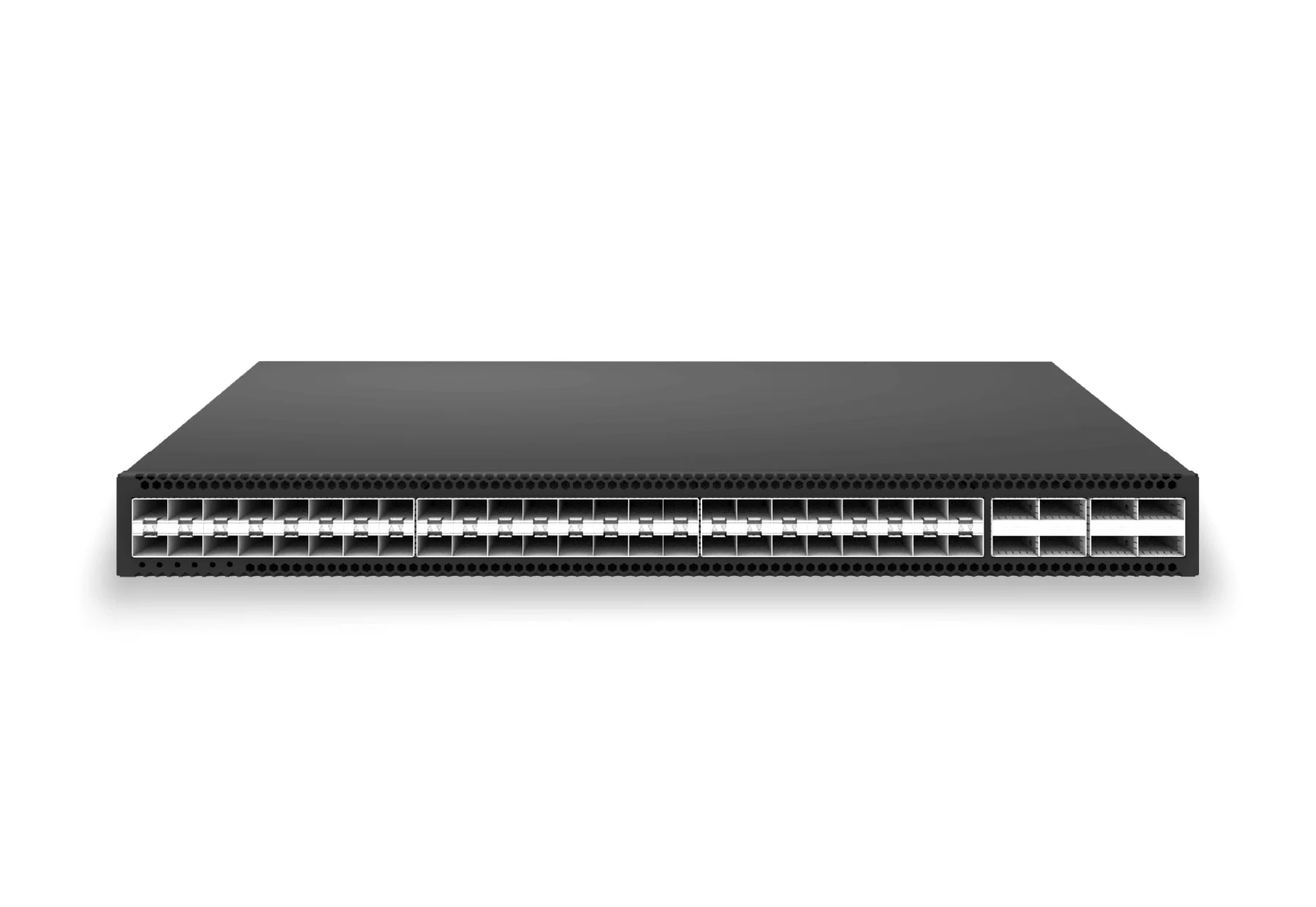 access aggregateXS-AA-48X25-8X100-AGG48x 25G SFP28 aggregation/core switch with 8x 100G QSFP28 for enterprise access and aggregation networks.View product
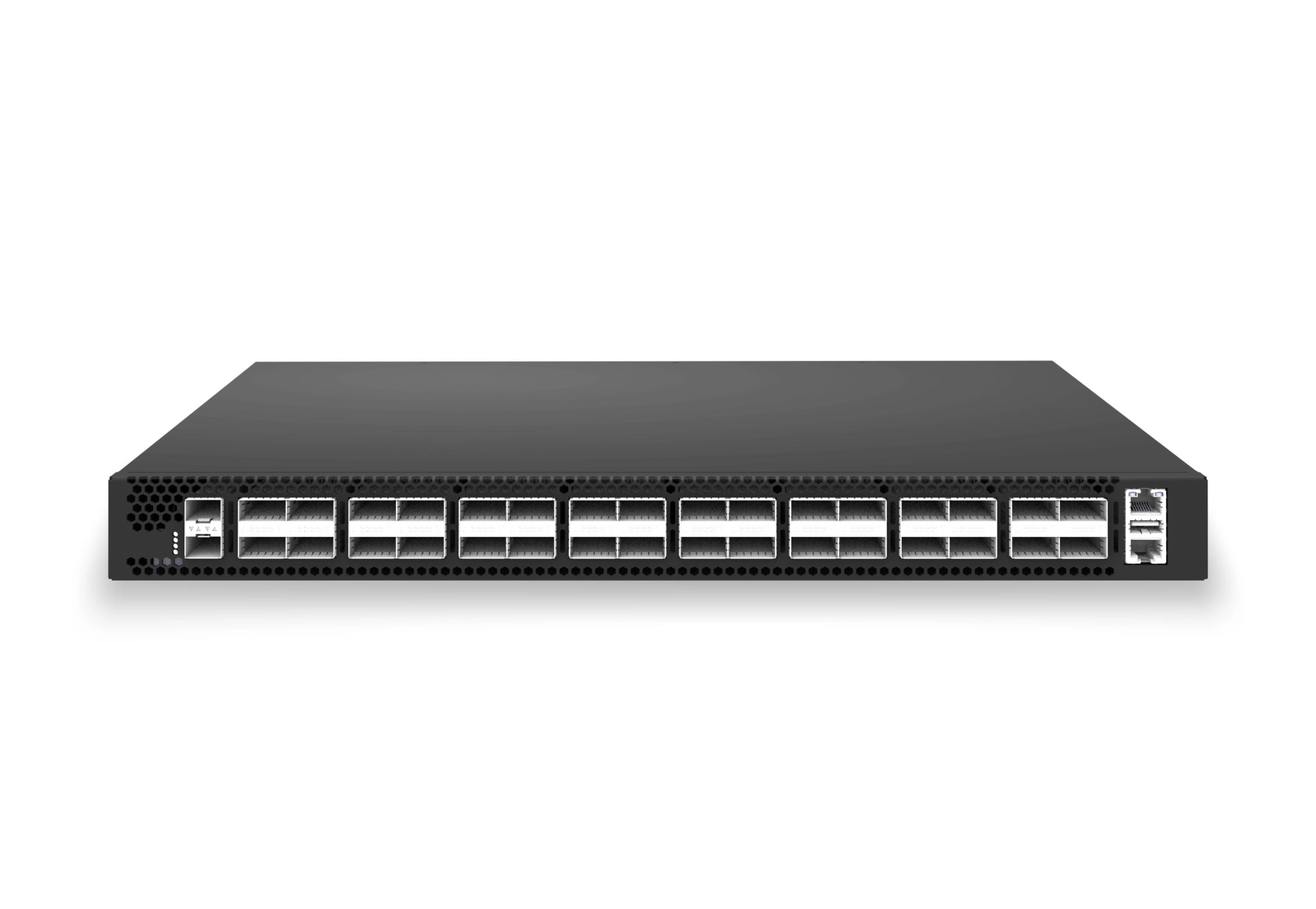 access aggregateXS-AA-32X100-CORE32x 100G QSFP28 aggregation/core switch with 2x 10G SFP+ auxiliary for enterprise access and aggregation networks.View product
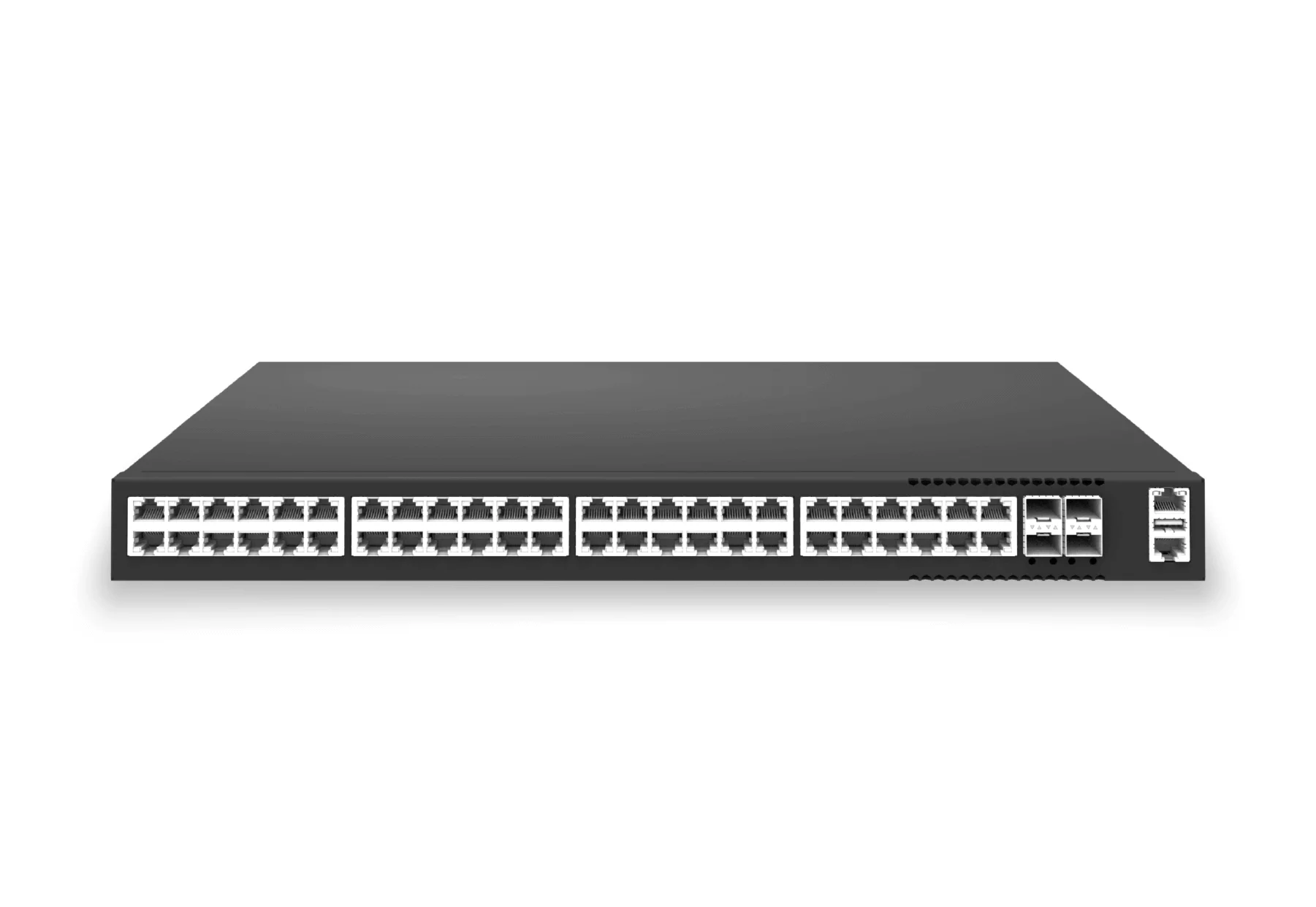 access aggregateXS-AA-48X1-4X25-POE48x1G PoE access switch with 4x25G uplinks for APs, phones, cameras, and smart edge devices.View product
Continue reading
Related articles
 Technical ArticlePoE Campus Planning Checklist for Enterprise SONiC Access SwitchesEngineering guidance on PoE Campus Planning Checklist for Enterprise SONiC Access Switches for Australian campus networks, covering RF planning, security controls.Read article
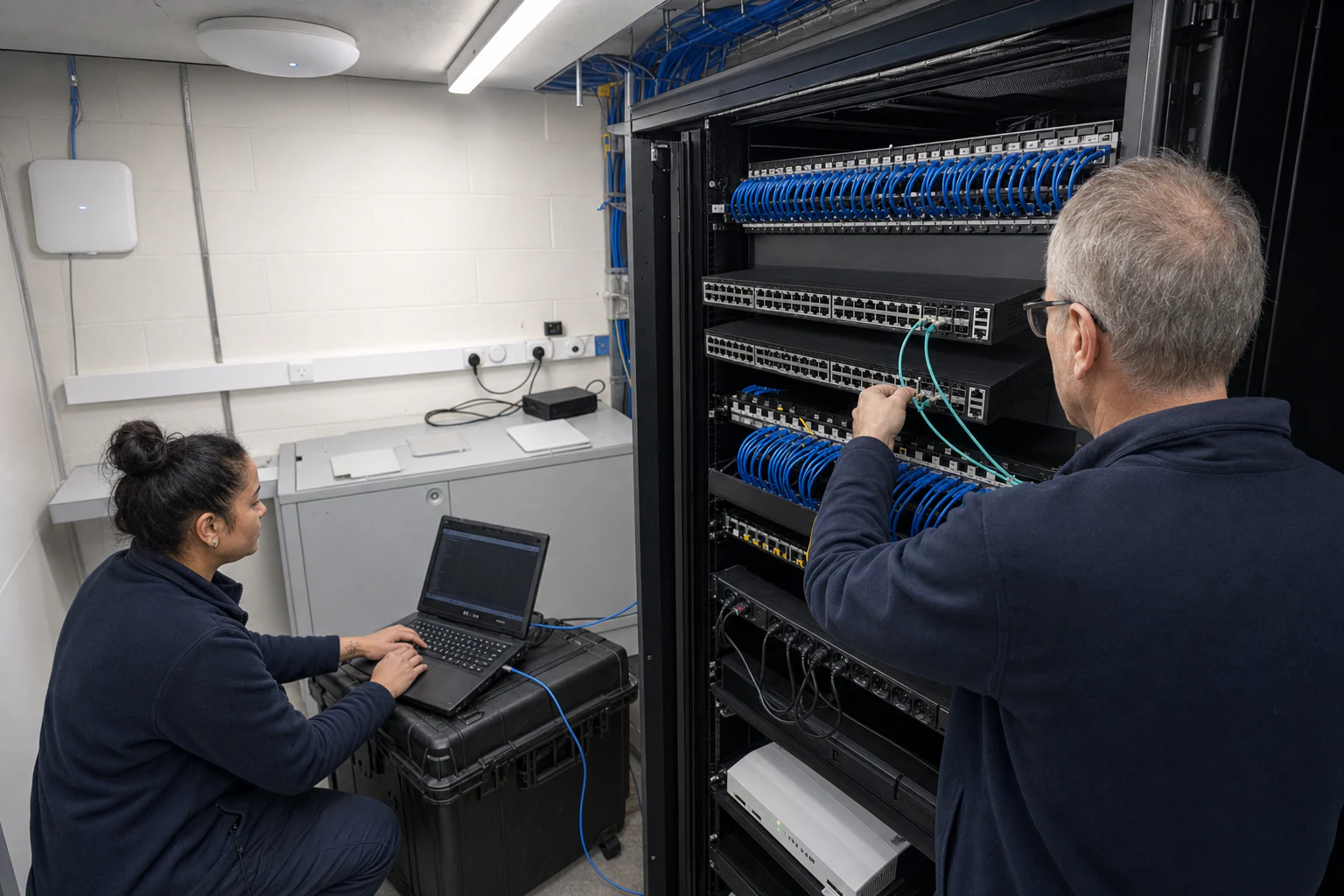 Technical ArticleCampus Edge Open Networking: MC-LAG, STP and PBREngineering guidance on open networking at the campus edge, covering MC-LAG, STP, PBR, SONiC validation, failover, operations, and Australian refresh planning.Read article
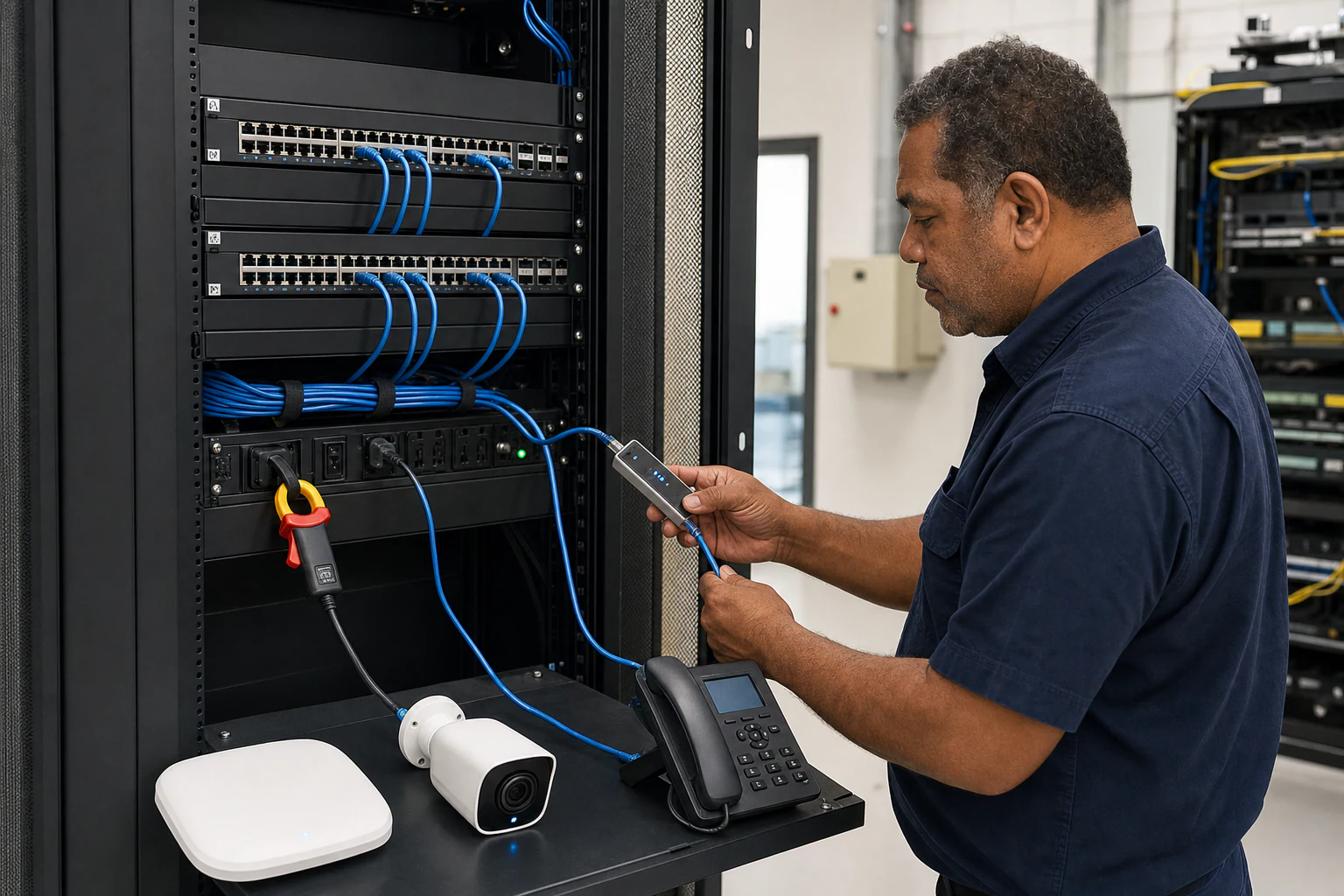 Technical ArticlePoE Campus Planning: What Australian Network Teams Need to Know Before Specifying Access Switch Power BudgetsEngineering guide for campus switching teams covering PoE, access design, MC-LAG/STP risk, telemetry, support, and pilot validation.Read article