
In brief
Learn how SONiC streaming telemetry, gNMI, and container-based monitoring give enterprise teams real-time visibility into AI fabric performance without proprietary lock-in.
Key takeaways
- Enterprise teams running AI and machine learning clusters face a monitoring problem that traditional SNMP polling cannot solve.
- SONiC (Software for Open Networking in the Cloud) addresses this gap with a container-based architecture that exposes telemetry data through open, programmable interfaces rather than proprietary hooks.
- The SONiC project, hosted under the Linux Foundation, builds its network operating system on the Switch Abstraction Interface (SAI), which decouples network functions into individual Docker containers.
Why Traditional Network Monitoring Falls Short in AI Fabric Environments
Enterprise teams running AI and machine learning clusters face a monitoring problem that traditional SNMP polling cannot solve. When GPU nodes exchange RDMA traffic across a spine-leaf fabric, microsecond-level congestion events and packet drops can degrade training job throughput without triggering conventional threshold-based alerts.
SONiC (Software for Open Networking in the Cloud) addresses this gap with a container-based architecture that exposes telemetry data through open, programmable interfaces rather than proprietary hooks. For Australian data center operators evaluating open networking, understanding how SONiC telemetry works is a practical step toward reducing mean time to resolution (MTTR) in high-performance fabric environments.
The SONiC project, hosted under the Linux Foundation, builds its network operating system on the Switch Abstraction Interface (SAI), which decouples network functions into individual Docker containers. This architecture means the telemetry subsystem runs independently from routing, switching, and management functions, providing better fault isolation and more predictable monitoring behaviour under load.
SONiC Telemetry Architecture: Containers, Databases, and Open Interfaces
SONiC organises its telemetry stack around several core components that enterprise buyers should understand before committing to an open networking platform.
Redis State Database
At the centre of SONiC’s operational monitoring is a Redis-based state database (State DB) that maintains real-time information about interface status, BGP neighbour states, ACL counters, and hardware resource utilisation. Because every SONiC daemon writes to this shared database, operators gain a unified view of the switch state without querying multiple subsystems independently.
For AI fabric operators, this means you can query the state database to check RDMA queue depths, port buffer utilisation, and priority flow control (PFC) statistics through a single consistent interface. This contrasts with proprietary NOS approaches where telemetry data may be siloed across vendor-specific management planes.
gNMI Streaming Telemetry
SONiC supports gNMI (gRPC Network Management Interface) for streaming telemetry, which pushes operational data to collectors at configurable intervals rather than requiring collectors to poll devices. This push-based model reduces management plane overhead on switches and provides near-real-time visibility into fabric performance.
gNMI uses OpenConfig YANG models to define telemetry paths, which means the same collector infrastructure can ingest data from SONiC switches regardless of the underlying hardware vendor or ASIC platform. For Australian enterprises running multi-vendor fabrics, this standardisation eliminates the need for vendor-specific monitoring plugins.
SNMP and Legacy Compatibility
While gNMI represents the modern telemetry approach, SONiC retains SNMP support for environments where legacy monitoring tools must coexist with newer automation workflows. SNMP v2c and v3 are both supported, allowing teams to transition monitoring platforms incrementally rather than performing a rip-and-replace migration.
Operational Monitoring Use Cases for AI Fabric Deployments
Telemetry automation in SONiC becomes most valuable when applied to specific operational challenges in AI and high-performance computing environments.
RDMA and RoCE v2 Health Monitoring
AI training workloads depend on lossless Ethernet behaviour for RoCE v2 traffic. SONiC telemetry can stream PFC frame counters, ECN-marked packet counts, and queue depth statistics at sub-second intervals. When a congestion event occurs on one fabric link, the telemetry stream identifies the affected ports within seconds rather than waiting for the next SNMP poll cycle.
This visibility is critical for teams operating GPU backend fabrics where a single congested link can throttle collective communication patterns like AllReduce across an entire training cluster. The xSONiC INT (In-band Network Telemetry) solution pillar extends this capability by embedding hop-by-hop latency and congestion metadata directly into the data plane, giving operators line-rate visibility into packet forwarding behaviour.
BGP and Underlay Health
SONiC’s BGP daemon writes neighbour state changes to the Redis database in real time. Telemetry collectors subscribed to BGP state paths receive immediate notification when a peer session flaps or enters a degraded state. For spine-leaf fabrics running eBGP as the underlay routing protocol, this rapid feedback loop accelerates root cause analysis when connectivity issues arise.
Hardware Resource Monitoring
SONiC includes a system health monitoring daemon that tracks ASIC resource utilisation, TCAM capacity, and temperature thresholds. When hardware resources approach capacity limits, the monitoring daemon generates events that telemetry collectors can correlate with traffic pattern changes. For data centre teams managing AI fabric scaling, this capacity visibility supports proactive infrastructure planning rather than reactive troubleshooting.
Building a SONiC Telemetry Stack: Practical Considerations
Australian enterprise teams evaluating SONiC telemetry automation should consider the following architectural components when designing their monitoring infrastructure.
| Component | Role | Open Source Options |
|---|---|---|
| gNMI Collector | Receives streaming telemetry from SONiC switches | Telegraf, OpenNTI, gnmic |
| Time-Series Database | Stores telemetry data for analysis and alerting | InfluxDB, Prometheus, TimescaleDB |
| Visualisation | Dashboard and reporting for operational teams | Grafana, Chronograf |
| Alerting Engine | Triggers notifications based on telemetry thresholds | Kapacitor, Prometheus Alertmanager, PagerDuty |
| Configuration Management | Pushes telemetry subscription configs to switches | Ansible, SaltStack, custom NETCONF scripts |
This stack avoids proprietary monitoring platform lock-in and gives operations teams full control over data retention, alerting logic, and dashboard design. For organisations with existing Grafana and Prometheus deployments, adding SONiC telemetry ingestion is typically a configuration exercise rather than a platform migration.
Deployment Patterns
Most SONiC telemetry deployments follow one of two patterns:
Centralised collection pushes all telemetry streams to a single collector cluster, which is suitable for smaller fabrics or lab environments. This approach simplifies management but creates a single point of failure for monitoring infrastructure.
Distributed collection deploys collector agents at each rack or pod, aggregating data before forwarding to a central time-series database. This pattern scales better for large AI fabric deployments and provides monitoring resilience if a collector node fails.
SONiC Telemetry vs Proprietary NOS Monitoring: What Changes for Operations Teams
When evaluating SONiC telemetry against proprietary network operating systems, several operational differences are worth noting.
Data ownership: SONiC telemetry data flows to infrastructure you control. There is no dependency on vendor cloud platforms for data access, retention, or export. For Australian organisations with data sovereignty requirements, this architectural control is a meaningful advantage.
Customisation depth: Because SONiC runs on standard Linux with Docker containers, operations teams can deploy custom telemetry agents directly on switches when needed. This flexibility supports specialised monitoring requirements that proprietary NOS platforms may not accommodate.
Multi-vendor consistency: The SAI abstraction layer means telemetry data structures remain consistent across different switch hardware platforms. Operations teams do not need to maintain separate monitoring configurations for each hardware vendor in a mixed environment.
Community-driven development: Telemetry features and bug fixes benefit from open source community contributions rather than depending on a single vendor’s release cycle. The SONiC community, coordinated through the Linux Foundation, actively develops telemetry enhancements and YANG model extensions.
However, open source telemetry also introduces operational considerations. Teams need Linux and container management skills to maintain the monitoring stack. Vendor support models vary, and organisations should evaluate whether their operational maturity aligns with open source support expectations. The xSONiC AIDC Controller platform addresses this gap by providing a managed control plane that abstracts SONiC telemetry complexity for enterprise operations teams.
Connecting Telemetry to xSONiC Product Pillars
SONiC telemetry automation aligns directly with several xSONiC solution pillars that Australian buyers can evaluate.
The xSONiC INT Technology solution extends standard SONiC telemetry with in-band network telemetry capabilities that embed per-hop latency, congestion, and queue depth data into packet headers. This provides fabric-level observability at line rate without increasing management plane overhead.
The xSONiC IPTPath Telemetry solution builds on INT to deliver end-to-end path tracing for troubleshooting multi-hop forwarding issues in spine-leaf topologies. For AI fabric operators diagnosing intermittent performance degradation, path telemetry eliminates the guesswork in identifying which hop introduces delay or packet loss.
The xSONiC AIDC Controller integrates SONiC telemetry streams into a unified fabric management platform, providing topology-aware dashboards, automated alert correlation, and policy-driven remediation workflows. This controller approach suits enterprise teams that want open networking telemetry benefits without building a custom monitoring stack from scratch.
For teams evaluating data centre switch hardware, xSONiC data centre AI switches ship with SONiC pre-installed and tested, reducing the integration effort required to enable telemetry automation in production environments.
Getting Started with SONiC Telemetry: Next Steps
Enterprise teams considering SONiC telemetry automation can take the following practical steps.
First, evaluate your current monitoring gaps. If your AI fabric relies on SNMP polling with five-minute intervals, streaming telemetry at one-second granularity will reveal congestion and performance patterns that are currently invisible.
Second, assess your team’s Linux and container skills. SONiC telemetry infrastructure runs on standard open source tools, but operations staff need comfort with container management, YANG data models, and gNMI configuration.
Third, consider whether a controller-based approach suits your operational model. The xSONiC AIDC Controller provides enterprise-grade telemetry management without requiring your team to build and maintain a custom monitoring stack.
Finally, request a lab evaluation. Testing SONiC telemetry against your actual workload patterns is the most reliable way to validate whether open networking monitoring meets your operational requirements before committing to a production deployment.
Engineering Evidence Floor
For packet broker and traffic visibility topics, accept capacity claims only after replication, filtering, and tool delivery are modelled together. The evidence package should include source links, 95th percentile utilisation, burst peaks, tunnel handling, packet slicing or deduplication, replication factor, tool-port capacity, HA behaviour, and alert ownership. A useful pilot should replay 30 minutes of representative traffic, cover 100G/400G links where present, and include at least 3 failure or tool-overload cases.
| Evidence area | What to validate | Acceptance gate | Rework trigger |
|---|---|---|---|
| Source traffic | Link speed, burst peak, packet mix, and tunnel mix | Model covers current and 12 months growth | Average utilisation drives sizing |
| Replication | Copy count, filters, deduplication, slicing, and load balance | 30 minutes replay with rules enabled | Vendor proof uses clean traffic only |
| Tool delivery | IDS/NDR/SIEM ingress, loss counters, and failover | No sustained drops at broker or tool | Tools overload while broker is healthy |
| Resilience | HA, bypass, link failure, tool failure, and rollback | 3 failure cases documented | Visibility disappears during incidents |
| Audit | Evidence bundle, retention, access control, and ownership | P1 packet evidence ready within 2 hours | Teams debate which data is authoritative |
Engineering FAQ
What should be proven before adopting EVPN-VXLAN on SONiC? Prove underlay routing, BGP sessions, VTEP behaviour, MAC/IP learning, route scale, multi-homing design, failure convergence, and observability. The overlay should be accepted as a system, not a feature checkbox.
Why does the underlay design still matter in an overlay network? EVPN-VXLAN depends on a stable routed underlay. MTU, ECMP, addressing, route policy, link failure behaviour, and telemetry determine whether the overlay remains predictable under load and during faults.
What should be included in an EVPN-VXLAN operations runbook? Include naming, IP plan, BGP policy, VNI mapping, change process, rollback commands, failure checks, telemetry fields, backup and restore steps, and escalation ownership for the selected SONiC image.
Related xSONiC Resources
Sources Reviewed
- Ethernet Network Adapters - ConnectX NICs | NVIDIA
- NVIDIA BlueField Data Processing Unit
- NVIDIA Spectrum-X Ethernet Platform
- OpenConfig gNMI Specification
- OpenConfig
- RFC 7950 - The YANG 1.1 Data Modeling Language
- RFC 6241 - Network Configuration Protocol (NETCONF)
- SONiC Project Documentation
- Broadcom Ethernet Switching
- Marvell Switching
- NVIDIA Ethernet Switching
- Open Compute Networking
- SONiC GitHub
- SONiC Foundation
Product fit
Products referenced for evaluation
These products are referenced for evaluation context in the article. Confirm workload, port, optics, software, interoperability, and support requirements against the exact deployment before procurement.
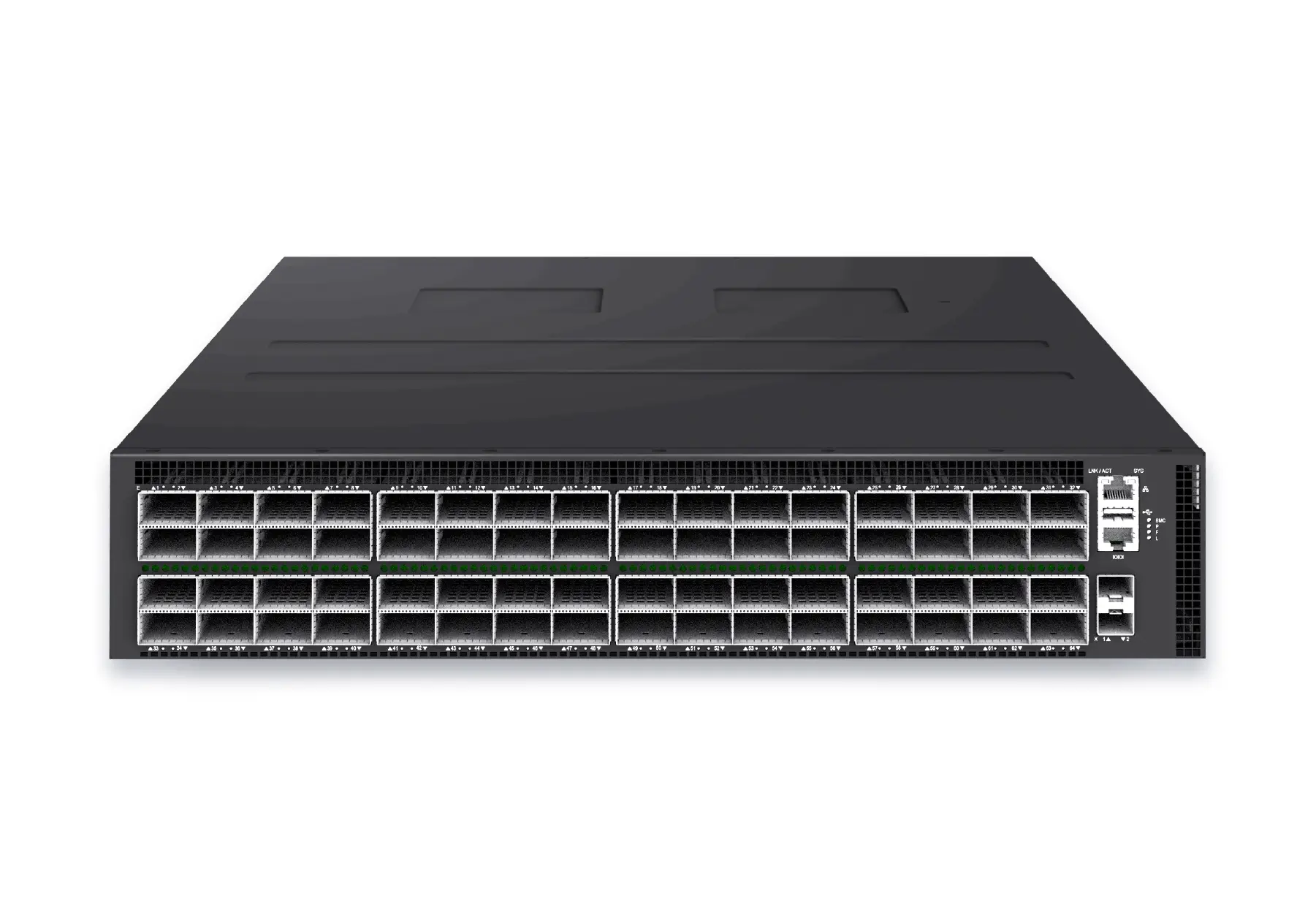 datacenter aiXS-DC-64X800-AI-G164-port 800G AI fabric switch for large-scale GPU clusters, HPC backbones, and ultra-high-throughput data center networks.View product
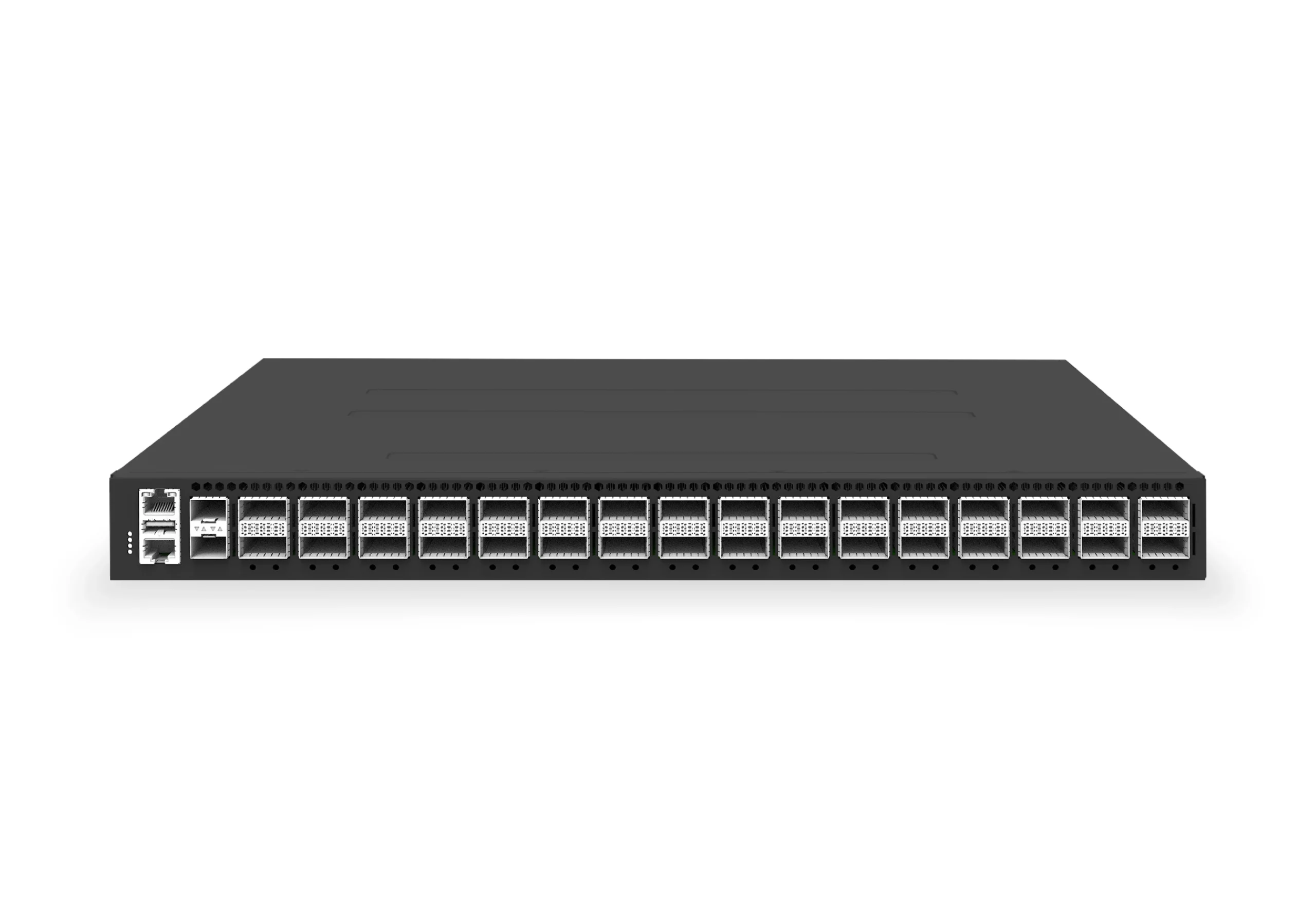 datacenter aiXS-DC-32X400-SP-G232-port 400G spine/core switch for high-capacity data center fabrics and AI-ready backbones.View product
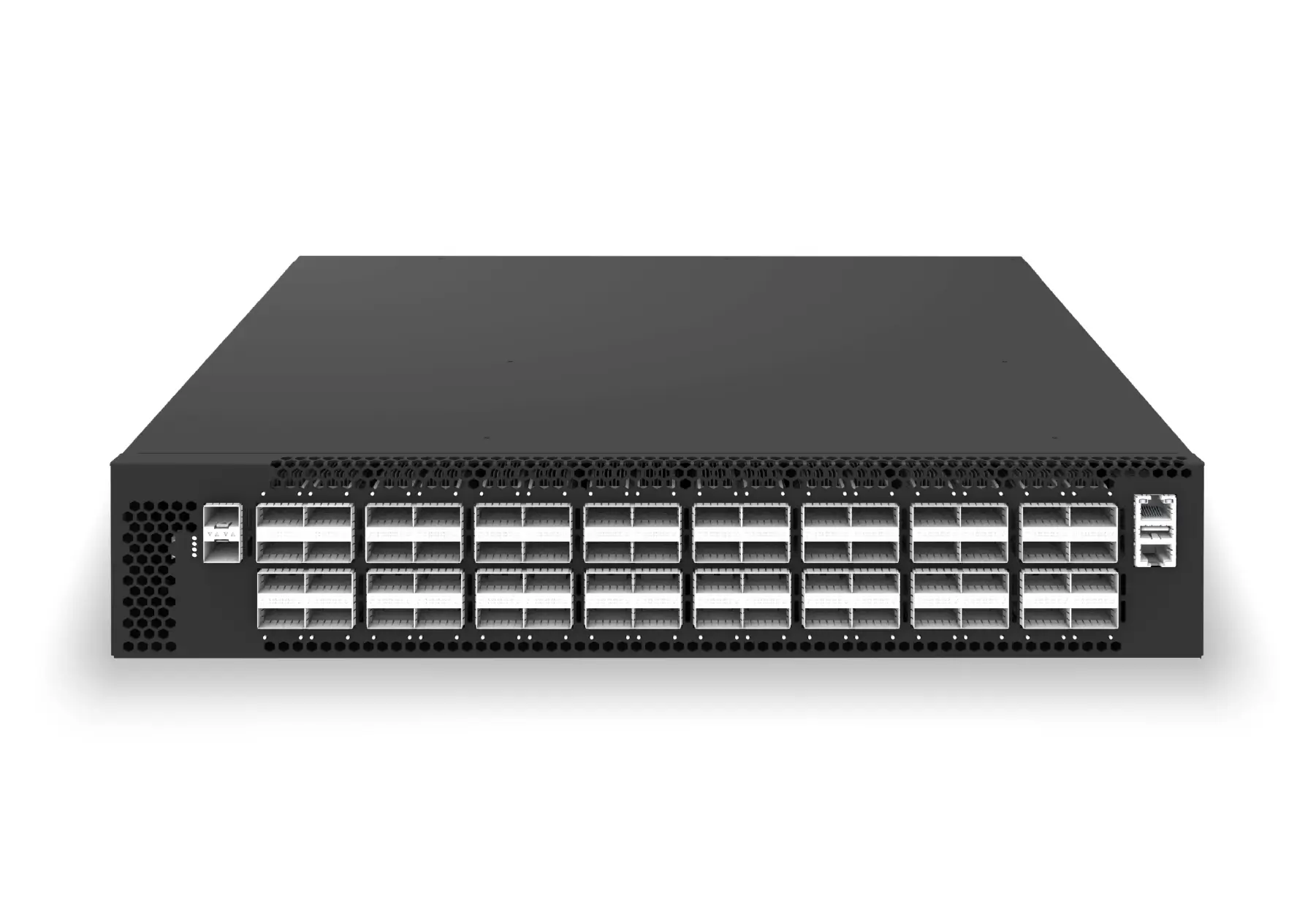 datacenter aiXS-DC-64X200-LS-G164-port 200G leaf/spine switch for high-bandwidth storage, compute, and scale-out data center fabrics.View product
Continue reading
Related articles
 Technical ArticleWhat Enterprise Buyers Actually Get From Open Networking Support: A SONiC Reality CheckA SONiC support reality check for Australian enterprise buyers covering community, commercial distribution, hardware, integration, SLA, and escalation.Read article
 Technical ArticleWarm Reboot and Fast Reboot in SONiC: How to Validate High Availability Without a Full OutageEngineering guide to validating SONiC warm reboot and fast reboot, covering ASIC support, control-plane recovery, traffic loss, telemetry, and rollback.Read article
 Technical ArticleSONiC Security Hardening: A Practical Guide for Data Center Network TeamsA practical SONiC security hardening guide for data center teams covering management access, patching, logging, RBAC, image provenance, telemetry, and audit evidence.Read article