In brief
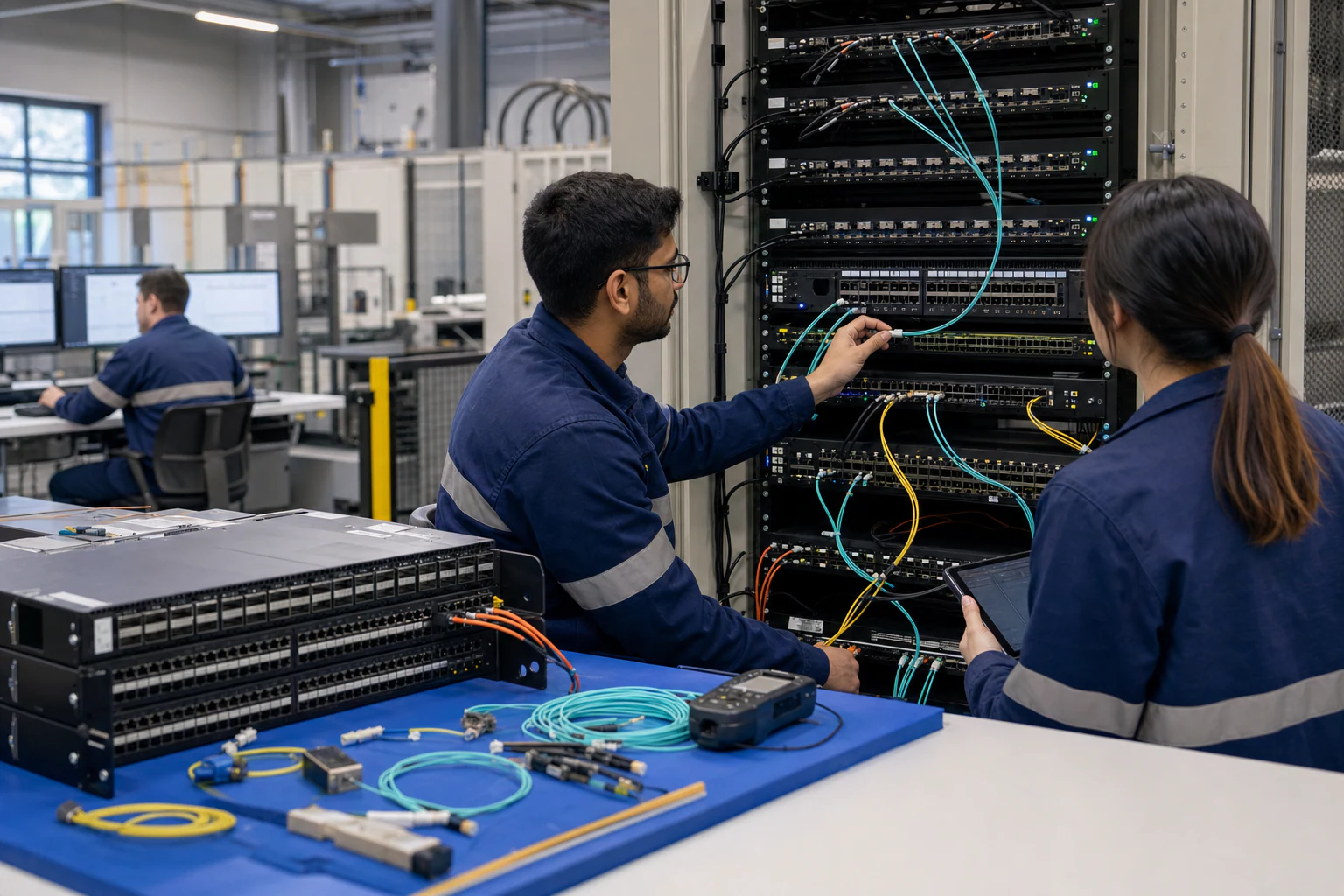
A practical architecture comparison of network TAPs and packet brokers for security visibility, tool delivery, traffic aggregation, and Australian data centre operations.
Key takeaways
- Network TAPs and packet brokers are not substitutes. A TAP creates a copy of traffic from a link.
- The decision is architectural. If the question is "how do I safely copy this link?", the answer is usually a TAP.
- A network TAP is a traffic-copy device. Passive optical TAPs split light; active copper TAPs regenerate electrical signals.
Engineering Position
Network TAPs and packet brokers are not substitutes. A TAP creates a copy of traffic from a link. A packet broker conditions and distributes traffic copies to tools. Most serious security visibility designs need both: TAPs for capture integrity and brokers for tool delivery.
The decision is architectural. If the question is “how do I safely copy this link?”, the answer is usually a TAP. If the question is “how do I deliver many traffic sources to many tools without overload or blind spots?”, the answer is a packet broker.
What a TAP Does Well
A network TAP is a traffic-copy device. Passive optical TAPs split light; active copper TAPs regenerate electrical signals. The critical property of a TAP is production-path safety: a correctly deployed passive TAP does not depend on the monitoring tool to keep the production link alive.
Use TAPs when:
- A link must be copied without relying on switch SPAN behaviour.
- Compliance or forensic teams need a defensible observation point.
- The monitored link is high value, such as internet edge, firewall handoff, data centre border, or AI fabric spine/leaf path.
- The monitoring design must not affect production traffic.
TAPs have limits. They do not filter, deduplicate, slice packets, load balance tools, decode overlays, or maintain policy logs. A TAP gives you traffic. It does not decide what each tool should receive.
What a Packet Broker Does Well
A packet broker receives copies from TAPs, SPAN sessions, virtual TAPs, or cloud visibility feeds and turns them into tool-ready streams. Its value is policy and scale:
- Aggregate many sources.
- Filter by VLAN, VNI, IP, port, protocol, direction, or tunnel field.
- Replicate selected traffic to multiple tools.
- Deduplicate overlapping captures.
- Slice packets to headers where payload is not required.
- Load balance across IDS, NDR, packet capture, or analytics clusters.
- Report drops, tool congestion, and policy changes.
The broker is where visibility becomes auditable. It should prove which source traffic reached which tool and where any loss occurred.
Architecture Comparison
| Decision area | Network TAP | Packet broker |
|---|---|---|
| Primary role | Safe traffic copy from a link. | Policy-based delivery from many sources to many tools. |
| Production-path impact | Near zero for passive optical designs. | Out-of-band designs have no production-path impact; inline designs require failover engineering. |
| Filtering | No. | Yes, depending on ASIC/software pipeline. |
| Deduplication | No. | Yes, with testable behaviour. |
| Tool scaling | Limited by physical outputs. | Designed for many sources to many tools. |
| Packet slicing | No. | Yes, useful for storage and privacy control. |
| Tunnel handling | No. | Can match or strip VXLAN, GRE, MPLS, EVPN, depending on platform. |
| Auditability | Physical placement evidence. | Policy, counters, logs, and tool-delivery evidence. |
| Typical failure risk | Wrong placement or optical budget. | Misconfigured policy, egress congestion, tool backpressure, or unsupported tunnel parsing. |
When a TAP Alone Is Enough
A TAP alone can be enough when the environment is small and the traffic path is simple:
- One or two high-value links.
- One dedicated capture or IDS tool.
- No need for filtering, deduplication, or tool fan-out.
- Tool capacity exceeds the copied link traffic.
- No overlay traffic requiring tunnel processing.
Even then, keep evidence of optical budget, link speed, duplex direction, and tool capacity.
When a Packet Broker Is Required
A packet broker becomes necessary when any of these are true:
- Multiple tools need overlapping traffic.
- Multiple TAPs or SPAN sessions feed the same tool layer.
- Source links exceed individual tool capacity.
- The network uses VXLAN, GRE, MPLS, EVPN, ERSPAN, or similar encapsulations.
- Payload must be sliced or excluded for privacy or storage control.
- Tool feeds need change control and audit logs.
- AI or data centre fabrics generate east-west traffic beyond traditional monitoring capacity.
Why Packet Format and Tunnels Matter
Broker policy depends on parsing packet fields correctly. RFC 791 defines IPv4 datagrams, RFC 8200 defines IPv6, RFC 9293 defines TCP, and RFC 768 defines UDP. Those fields become match keys for 5-tuple filtering, flow symmetry, packet slicing, and load balancing.
For overlays, RFC 7348 defines VXLAN, RFC 2784 defines GRE, RFC 3031 defines MPLS architecture, and RFC 7432 defines EVPN procedures. A TAP does not care about these protocols; it copies the signal. A packet broker may need to understand them to deliver useful traffic to security tools.
Australian Security and Compliance Context
APRA CPS 234 requires regulated entities to maintain information security capability, test controls, and maintain incident response plans. NIST SP 800-94 remains useful for designing IDPS sensor placement and maintenance. A TAP can prove an observation point existed; a packet broker can prove what evidence was delivered to each sensor or capture system.
For Australian organisations improving cyber maturity, the practical question is this: during an incident review, can the team show that the relevant traffic was observable, delivered, and retained according to policy?
Recommended Design Pattern
For most enterprise and data centre environments:
- Use TAPs or reliable mirror feeds at important observation points.
- Feed those copies into redundant packet brokers.
- Apply broker policy per tool group: IDS, NDR, SIEM metadata, packet capture, DLP, and performance tools.
- Monitor broker drops and tool backpressure.
- Store broker configuration and policy changes with incident records.
This gives the architecture both capture integrity and operational flexibility.
xSONiC Fit
xSONiC packet broker platforms should be evaluated as the policy and delivery layer between TAP/SPAN sources and the tool stack. In high-speed environments, they should be assessed alongside data center switches, AI fabric, INT telemetry, and IPTPath telemetry.
Bottom Line
TAPs capture. Packet brokers curate. The stronger architecture uses TAPs for safe traffic copies and packet brokers for filtering, deduplication, load balancing, tunnel handling, and auditability.
TAP vs Packet Broker Acceptance Matrix
| Visibility layer | Acceptance evidence | Rework trigger |
|---|---|---|
| TAP coverage | Critical 10G, 25G, 100G, or 400G links mapped to passive or active TAP sources | Important east-west or regulated traffic has no capture point |
| Broker aggregation | Input load, replication factor, output tool capacity, and filter rules modelled with 95th-percentile and burst traffic | Tool ports oversubscribe during peak load |
| Filtering and dedup | VLAN, IP, protocol, tunnel, packet slicing, and dedup rules validated with packet captures | Security tools receive duplicate noise or miss required traffic |
| Failure handling | Tool failover, broker rollback, drop counters, and alerting tested during a 2-hour maintenance window | Visibility disappears without alerting during upgrade or tool failure |
Engineering FAQ
What should be measured before sizing a packet broker? Measure source link speed, 95th-percentile utilisation, burst peaks, replication factor, filter complexity, tunnel handling needs, and tool-port capacity. Packet broker sizing fails when it is based on average traffic rather than copied and filtered traffic.
What proves that a visibility design is production ready? The design should prove aggregation, filtering, replication, load balancing, packet slicing or deduplication if required, and tool failover under realistic traffic. Security teams should also verify that drops are reported rather than hidden.
Where do Australian buyers most often under-scope visibility projects? The common gaps are east-west data centre traffic, encrypted or tunneled flows, AI cluster bursts, retention requirements, and tool oversubscription. A procurement brief should model those before asking vendors for a bill of materials.
Related xSONiC Resources
Sources Reviewed
- Ethernet Network Adapters - ConnectX NICs | NVIDIA
- NVIDIA BlueField Data Processing Unit
- NVIDIA Spectrum-X Ethernet Platform
- ACSC Essential Eight
- OAIC Notifiable Data Breaches
- APRA CPS 234 Information Security
- NETSCOUT Network Packet Definition
- Cloudflare Network Packet Definition
- SONiC Project Documentation
- Broadcom Ethernet Switching
- Marvell Switching
- NVIDIA Ethernet Switching
- Open Compute Networking
- SONiC GitHub
- SONiC Foundation
Product fit
Products referenced for evaluation
These products are referenced for evaluation context in the article. Confirm workload, port, optics, software, interoperability, and support requirements against the exact deployment before procurement.
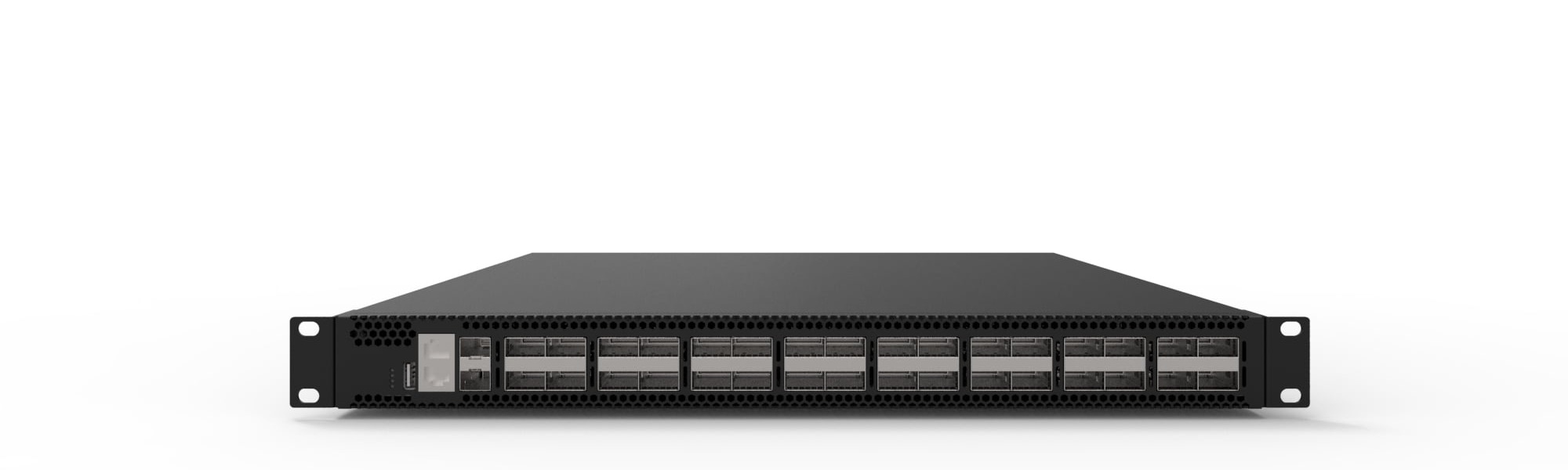 packet brokerXS-PB-32X100-G132x100G network packet broker for high-density traffic aggregation, filtering, correlation, and monitoring tool delivery.View product
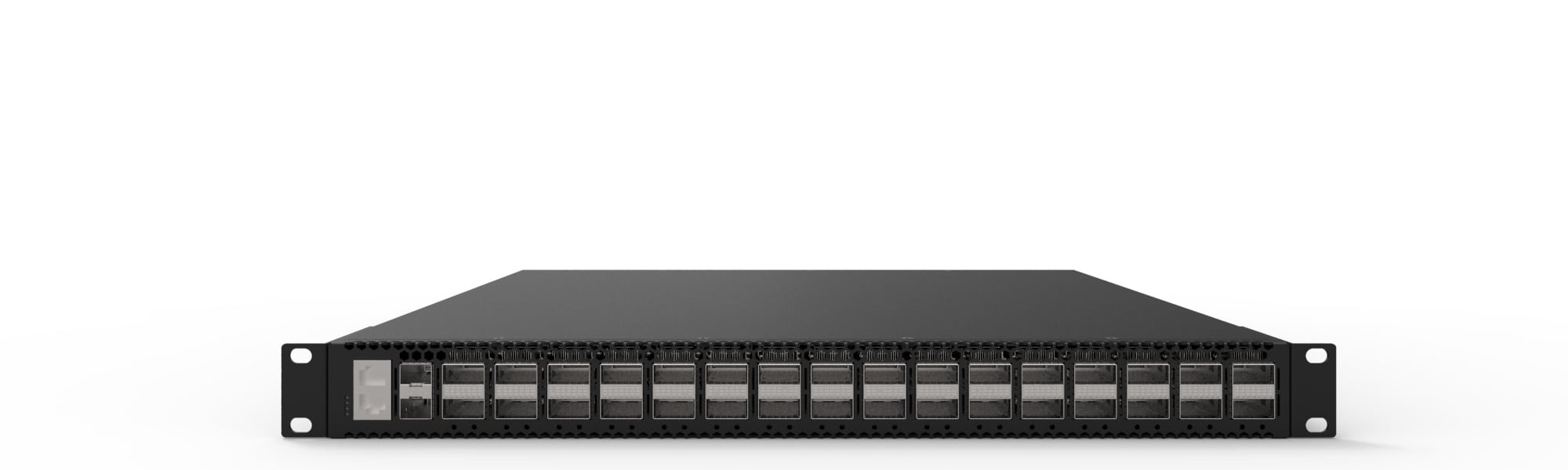 packet brokerXS-PB-32X400-G132x400G network packet broker for backbone-scale traffic visibility, filtering, replication, and high-performance tool delivery.View product
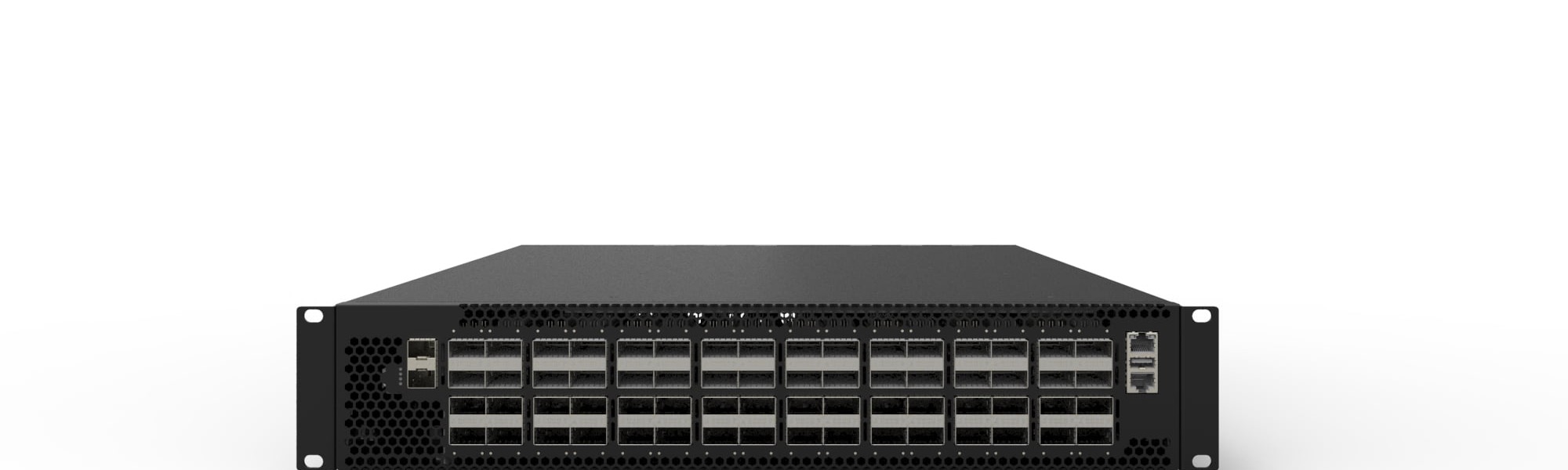 packet brokerXS-PB-64X100-G164x100G network packet broker for high-density data center and enterprise visibility fabrics.View product
Continue reading
Related articles
 Technical ArticlePacket Broker vs Network Tap vs SPAN: Which Traffic Visibility Method Fits Your Australian NetworkA practical comparison of packet brokers, network TAPs, and SPAN for Australian teams designing traffic visibility, tool feeds, and capacity models.Read article
 Technical ArticleWhere Your Packets Disappear: A Visibility Gap Analysis for Australian Security and Observability TeamsEngineering guide for packet broker and visibility planning covering traffic capacity, filtering, tool delivery, resilience, and audit evidence.Read article
 Technical ArticlePacket Broker Filtering, Replication, and Load Balancing for Visibility ArchitectureTechnical guide to packet broker filtering, replication, and load balancing for Australian visibility, security, and AI fabric monitoring.Read article