In brief
A practical comparison of packet brokers, network TAPs, and SPAN for Australian teams designing traffic visibility, tool feeds, and capacity models.
Key takeaways
- Every network packet carries information that matters. Whether your team is troubleshooting application latency, hunting for lateral movement inside a compromised VLAN, or proving compliance under Australia's Notifiable Data Breaches scheme, you need access to the actual traffic flowing through your infrastructure.
- Three approaches dominate enterprise and data center traffic visibility today: SPAN port mirroring on managed switches, standalone network taps, and dedicated packet brokers.
- This article breaks down how each method works, where each one shines, and where it falls short, so you can match your visibility architecture to your actual operational requirements.
Why Traffic Visibility Is No Longer Optional
Every network packet carries information that matters. Whether your team is troubleshooting application latency, hunting for lateral movement inside a compromised VLAN, or proving compliance under Australia’s Notifiable Data Breaches scheme, you need access to the actual traffic flowing through your infrastructure. The question is not whether to monitor, but how.
Three approaches dominate enterprise and data center traffic visibility today: SPAN port mirroring on managed switches, standalone network taps, and dedicated packet brokers. Each has a distinct architecture, cost profile, and operational trade-off. Choosing the wrong one can mean blind spots during a security incident, dropped packets during peak loads, or wasted budget on over-engineered infrastructure.
This article breaks down how each method works, where each one shines, and where it falls short, so you can match your visibility architecture to your actual operational requirements.
What Happens When a Network Packet Travels Your Infrastructure
Before comparing visibility tools, it helps to understand what they are copying. As industry sources explain, a network packet is a formatted unit of data carried by a packet-switched network. Each packet consists of a header containing routing information such as source and destination addresses, plus a payload carrying the actual application data. Packets are the fundamental units of data transmission across Ethernet, IP, and higher-layer protocols.
In packet-switched networks, traffic from multiple devices shares the same physical infrastructure. Packets from different conversations interleave across the same links and switch backplanes. A visibility method must capture enough of this traffic, with enough fidelity, to serve whatever downstream tools consume it, whether that is an intrusion detection system, a network performance monitor, or a packet forecaster for capacity planning.
The three approaches differ in where they sit, what they copy, and what they sacrifice.
SPAN: The Built-In Starting Point
SPAN stands for Switched Port Analyzer, commonly called port mirroring. Most managed switches include SPAN as a software feature. When you configure SPAN, the switch copies packets from one or more source ports (or VLANs) and sends the copies to a designated destination port where your monitoring tool connects.
How SPAN Works
The switch ASIC receives packets on the source interfaces. A firmware function duplicates selected packets and queues them toward the SPAN destination port. This happens inside the switch itself, with no additional hardware required.
Where SPAN Makes Sense
- Small or branch networks where you need to troubleshoot a specific link or VLAN.
- Environments where the traffic volume on monitored ports is well below the switch backplane capacity.
- Quick diagnostics where deploying a tap or broker is not justified.
Where SPAN Falls Short
- Packet drops under load. SPAN traffic is lower priority than production forwarding inside the switch. When the switch is congested, SPAN traffic is the first to be dropped, which means your monitoring tool sees incomplete data exactly when you need complete data the most.
- No delivery guarantees. SPAN is a best-effort feature. The switch does not guarantee that every packet from the source ports will appear on the mirror port.
- Scaling limits. Each switch typically supports a limited number of SPAN sessions. As your monitoring needs grow, you run out of sessions and destination ports quickly.
- Timing and metadata gaps. SPAN mirrors may not preserve original packet timing, and some switches strip or modify certain frame fields during the mirroring process.
- Shared resource impact. Because SPAN runs on the same ASIC as production traffic, heavy mirroring can affect switch performance.
For a campus closet or a quick troubleshooting session, SPAN is perfectly adequate. For a production data center or a security operations center that depends on complete packet capture, SPAN alone creates unacceptable blind spots.
Network TAPs: Purpose-Built Passive Access
A network TAP (Test Access Point) is a dedicated hardware device installed inline on a network link. It physically copies all traffic passing through that link and sends the copies to one or more monitoring ports.
How TAPs Work
A passive optical TAP splits the light signal on a fiber link, sending one copy onward to the production network and another copy to the monitoring output. Copper TAPs use an inline electrical bridge. In both cases, the TAP does not participate in the network protocol; it simply copies everything that crosses the link.
Advantages of TAPs
- Complete traffic capture. Because the TAP operates at the physical layer, it copies every frame including undersized frames, errored frames, and runt packets that a SPAN port might filter out.
- Zero impact on production traffic. A passive TAP has no IP address, no MAC address, and no software. It cannot introduce latency, drop production packets, or be targeted by an attacker.
- Deterministic output. Unlike SPAN, a TAP does not drop monitoring traffic under load because it is a passive signal split.
Limitations of TAPs
- One link per TAP. Each TAP covers a single network link. Monitoring 48 access ports requires 48 TAPs, plus the cabling and rack space to support them.
- No filtering or aggregation. A TAP sends everything. If your security tool only needs DNS traffic, it receives every packet on the link and must filter internally, consuming processing resources.
- No load balancing. If the monitoring output exceeds the tool’s ingest rate, packets are lost at the tool side, not inside the TAP.
- Directional copies. Some TAPs output the transmit and receive directions on separate ports, requiring your monitoring tool to handle both or requiring an external aggregator.
TAPs solve the completeness problem that SPAN creates. But in any network with more than a handful of links to monitor, the operational overhead of deploying and managing dozens or hundreds of individual TAPs becomes a significant challenge.
Packet Brokers: The Aggregation and Intelligence Layer
A network packet broker is a hardware or software appliance that sits between your TAPs or SPAN ports and your monitoring tools. It aggregates traffic from multiple input sources, applies filtering and processing rules, and delivers the right traffic to the right tools.
How Packet Brokers Work
Traffic enters the packet broker from TAP outputs, SPAN ports, or direct network connections. The broker’s processing engine can perform several operations before forwarding traffic to tool ports:
- Aggregation. Combine traffic from multiple lower-speed inputs into a single higher-speed output.
- Filtering. Select only traffic matching specific criteria (IP addresses, VLAN tags, protocols, port numbers) and direct it to the appropriate tool.
- Replication. Send the same traffic to multiple tools simultaneously without consuming additional switch SPAN sessions.
- Load balancing. Distribute traffic across multiple tool instances so that no single tool is overwhelmed.
- Deduplication. Remove duplicate copies of the same packet that arrive from overlapping TAP or SPAN sources.
- Packet slicing. Strip payloads and forward only headers to reduce bandwidth to tools that only need flow metadata.
- Timestamping. Add precision timestamps for forensic and compliance use cases.
- Header modification. Strip MPLS, VXLAN, or GRE tunnel encapsulation so that inner packets are visible to security tools.
When a Packet Broker Becomes Essential
The threshold where a packet broker earns its place depends on several factors:
| Factor | SPAN Only | TAPs Only | Packet Broker |
|---|---|---|---|
| Number of monitored links | Fewer than 8 | Fewer than 10 | 10 or more |
| Traffic volume per link | Low to moderate | Any | Moderate to high |
| Number of monitoring tools | 1 to 2 | 1 to 3 | 3 or more |
| Need for filtering or dedup | No | No | Yes |
| Encapsulated traffic (VXLAN, GRE) | Not handled | Not handled | Can strip or map tunnels |
| Compliance or forensics timestamping | No | No | Yes |
In Australian data centers running AI training clusters, EVPN-VXLAN fabrics, or multi-tenant environments, the volume and encapsulation depth of traffic typically exceeds what SPAN or raw TAPs can deliver to tools effectively.
Packet Broker Advantages for Australian Networks
Australian enterprises face a particular combination of compliance pressure (including the Privacy Act, CPS 234 for financial services, and critical infrastructure obligations) and growing east-west traffic inside data centers. A packet broker addresses both:
- East-west visibility. In modern spine-leaf fabrics, the majority of traffic moves laterally between servers, not north-south to the Internet. TAPs at spine or leaf uplinks feed into a packet broker that filters and distributes this east-west traffic to monitoring tools.
- Tool consolidation. Instead of dedicating separate TAP-to-tool connections for each link, a packet broker lets multiple tools share access to the same traffic pool, filtered by policy.
- Encapsulation handling. If your fabric uses VXLAN, GRE, or MPLS encapsulation, a packet broker can decapsulate inner packets so that security tools see the actual application payload.
- Scalable growth. As you add links, tools, or traffic volume, you expand the packet broker fabric rather than running new TAP-to-tool cabling for every connection.
Choosing Your Approach: A Decision Framework
The right visibility architecture is not always the most expensive one. Use this framework to match your approach to your current and projected needs.
Start with SPAN if: you have a small network, need to troubleshoot a specific issue, and your monitoring requirement is temporary or low-stakes.
Add TAPs if: you need complete, lossless traffic capture on critical links, your monitoring tools can handle raw unfiltered traffic, and the number of links to monitor is manageable.
Deploy a packet broker when: you have more than 10 links to monitor, multiple tools consuming overlapping traffic, encapsulated traffic in overlays, east-west monitoring requirements inside a data center, or compliance obligations that demand complete and timestamped packet records.
Many Australian networks use a combination: TAPs at critical fabric links feeding into a packet broker, with SPAN on access-layer switches for lower-priority visibility. The key is to avoid relying on SPAN alone for anything your security or operations team depends on continuously.
Visibility Acceptance Matrix and Capacity Checks
A visibility design is accepted only when it proves that monitoring tools receive the packets they are supposed to see under load. The engineering risk is rarely the individual TAP or SPAN feature; it is the combined replication, filtering, burst, and tool-ingest model.
| Design check | Acceptance evidence | Rework trigger |
|---|---|---|
| Source capacity | For every monitored 10G, 25G, 100G, or 400G link, record average, 95th-percentile, and burst utilisation before choosing broker ports | Packet broker input plan assumes average utilisation and ignores peak replication factor |
| Replication and filtering | Document each rule, output tool, filter match, and copy count; validate rule order with controlled packet captures | A single source packet is copied to more tools than planned or filtered out without a logged reason |
| Drop observability | Broker, tool, and switch counters expose dropped packets, oversubscription, buffer pressure, and interface errors | Any drop can occur without telemetry, alerting, or a runbook owner |
| Encapsulation handling | VXLAN, GRE, VLAN, and QinQ traffic is decoded, stripped, or forwarded according to each tool’s capability | Security tools receive outer headers only when they require inner packet visibility |
| Failure and maintenance | Tool-port failover, broker software rollback, and bypass or maintenance mode are tested during a 2-hour window | Monitoring visibility disappears during a routine upgrade with no fallback capture path |
Key Takeaway
SPAN gets you started. TAPs give you confidence that you are seeing everything. Packet brokers give you control over what your tools receive and how they receive it. For growing Australian networks, especially those running modern data center fabrics with overlay encapsulation, a packet broker is not a luxury, it is the difference between guessing and knowing what is happening on your network.
If you are evaluating packet broker options for your next data center refresh or campus visibility upgrade, the xSONiC team can help you scope the right architecture for your traffic volumes, tool requirements, and compliance obligations. Contact us to discuss your visibility requirements.
Engineering FAQ
What should be measured before sizing a packet broker? Measure source link speed, 95th-percentile utilisation, burst peaks, replication factor, filter complexity, tunnel handling needs, and tool-port capacity. Packet broker sizing fails when it is based on average traffic rather than copied and filtered traffic.
What proves that a visibility design is production ready? The design should prove aggregation, filtering, replication, load balancing, packet slicing or deduplication if required, and tool failover under realistic traffic. Security teams should also verify that drops are reported rather than hidden.
Where do Australian buyers most often under-scope visibility projects? The common gaps are east-west data centre traffic, encrypted or tunneled flows, AI cluster bursts, retention requirements, and tool oversubscription. A procurement brief should model those before asking vendors for a bill of materials.
Related xSONiC Resources
Sources Reviewed
- ACSC Essential Eight
- OAIC Notifiable Data Breaches
- APRA CPS 234 Information Security
- NETSCOUT Network Packet Definition
- Cloudflare Network Packet Definition
- xSONiC Packet Broker Product Family
- xSONiC 100G Packet Broker Platform
- xSONiC 400G Packet Broker Platform
- SONiC Project Documentation
- Broadcom Ethernet Switching
- Marvell Switching
- NVIDIA Ethernet Switching
- Open Compute Networking
- SONiC GitHub
- SONiC Foundation
Product fit
Products referenced for evaluation
These products are referenced for evaluation context in the article. Confirm workload, port, optics, software, interoperability, and support requirements against the exact deployment before procurement.
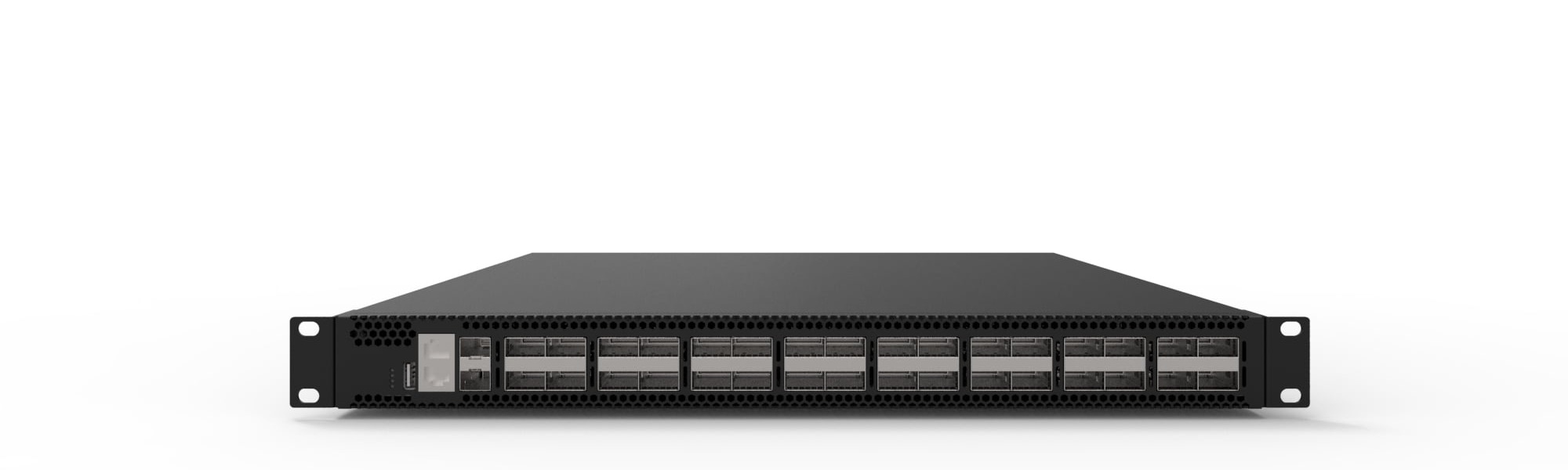 packet brokerXS-PB-32X100-G132x100G network packet broker for high-density traffic aggregation, filtering, correlation, and monitoring tool delivery.View product
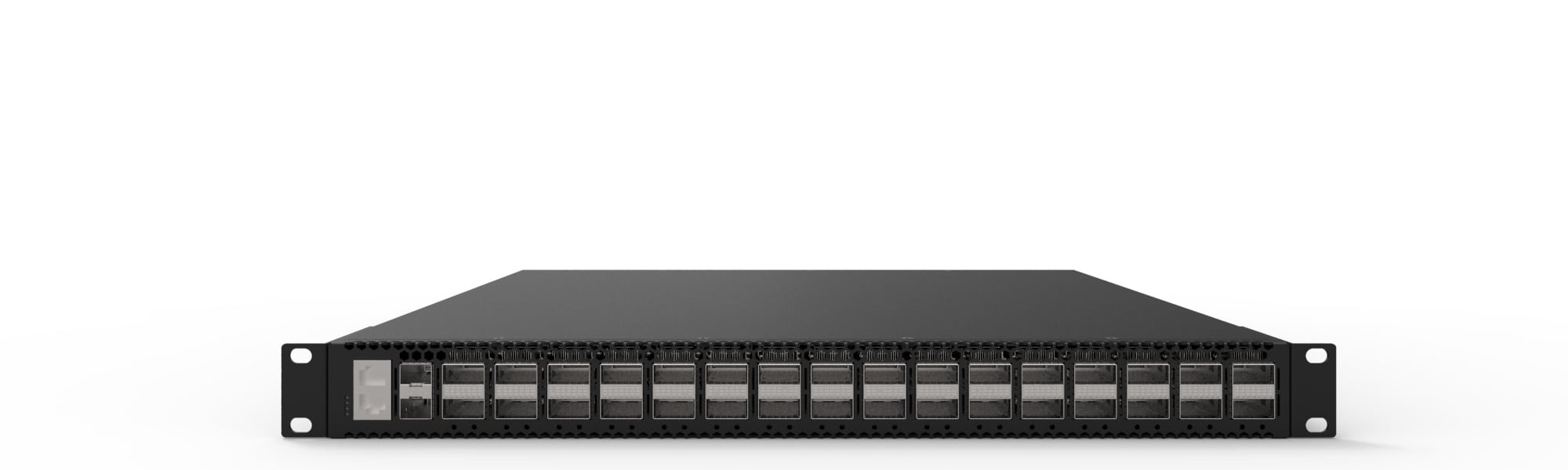 packet brokerXS-PB-32X400-G132x400G network packet broker for backbone-scale traffic visibility, filtering, replication, and high-performance tool delivery.View product
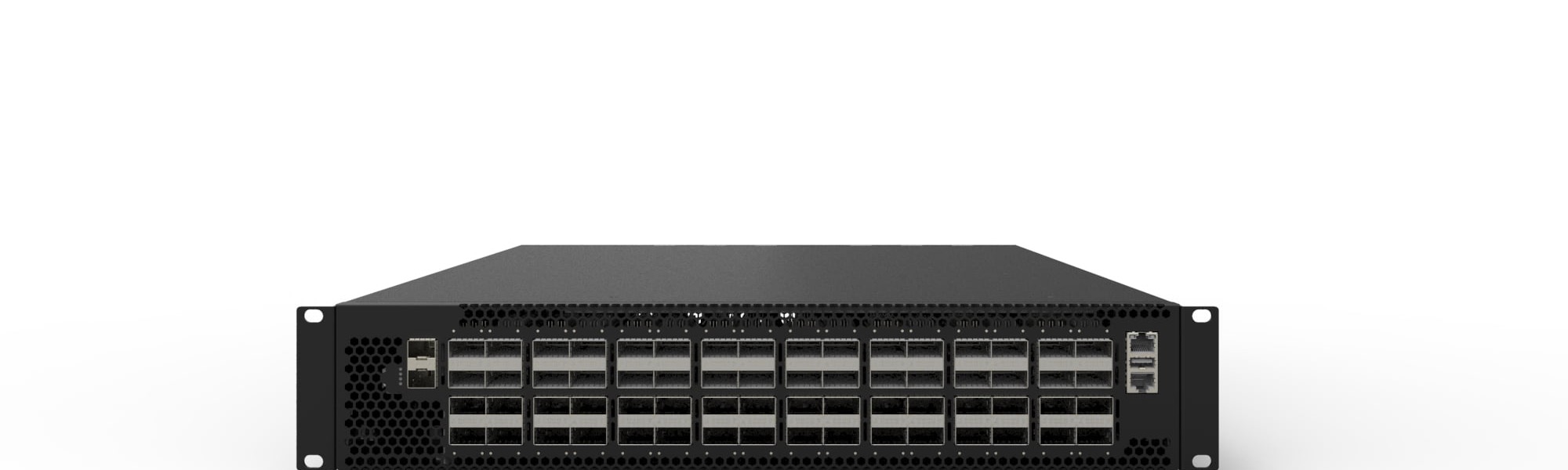 packet brokerXS-PB-64X100-G164x100G network packet broker for high-density data center and enterprise visibility fabrics.View product
Continue reading
Related articles
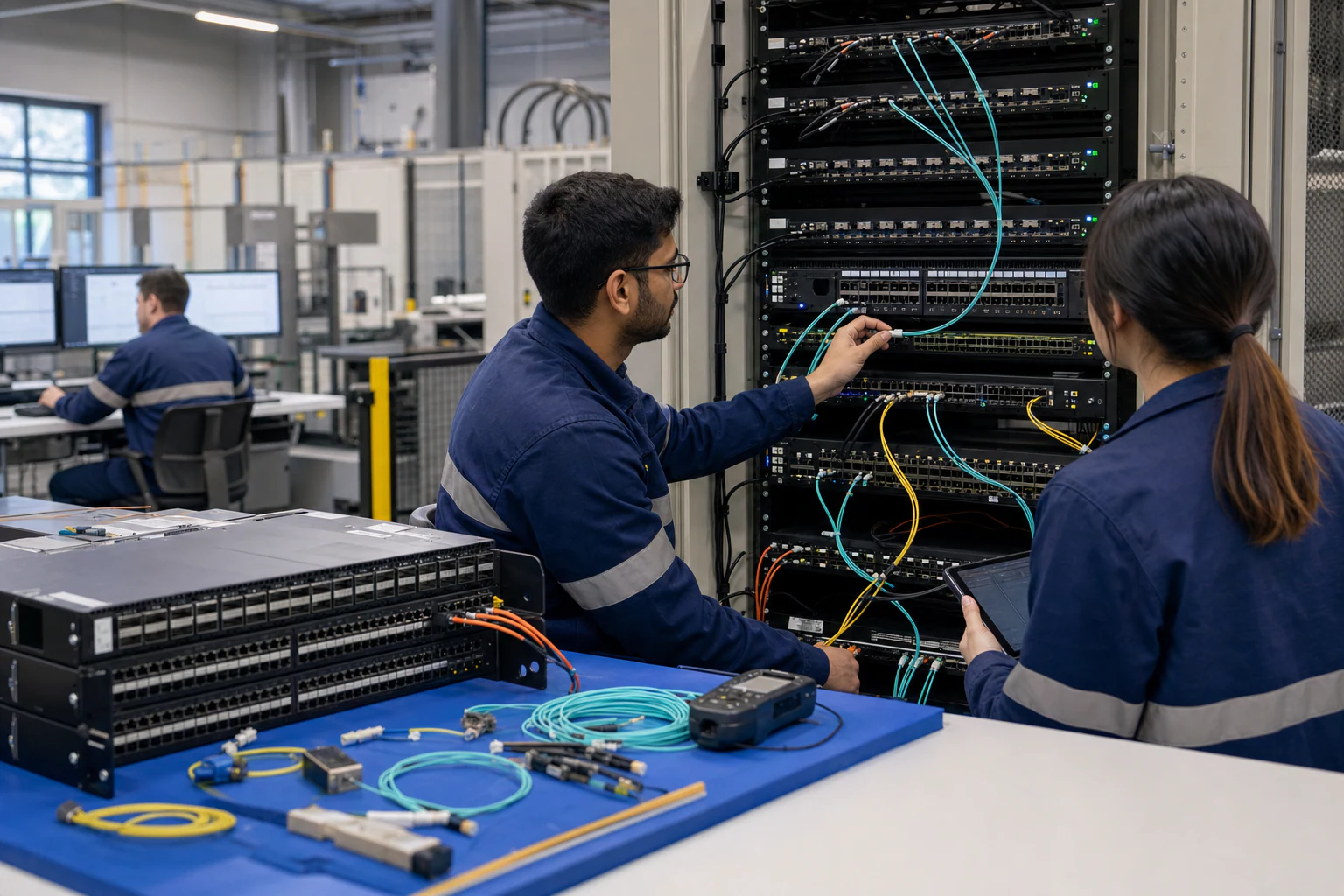 Technical ArticlePacket Broker vs Network TAP Aggregation for Security Visibility: Which Layer Do You Need?A practical architecture comparison of network TAPs and packet brokers for security visibility, tool delivery, traffic aggregation, and Australian data centre operations.Read article
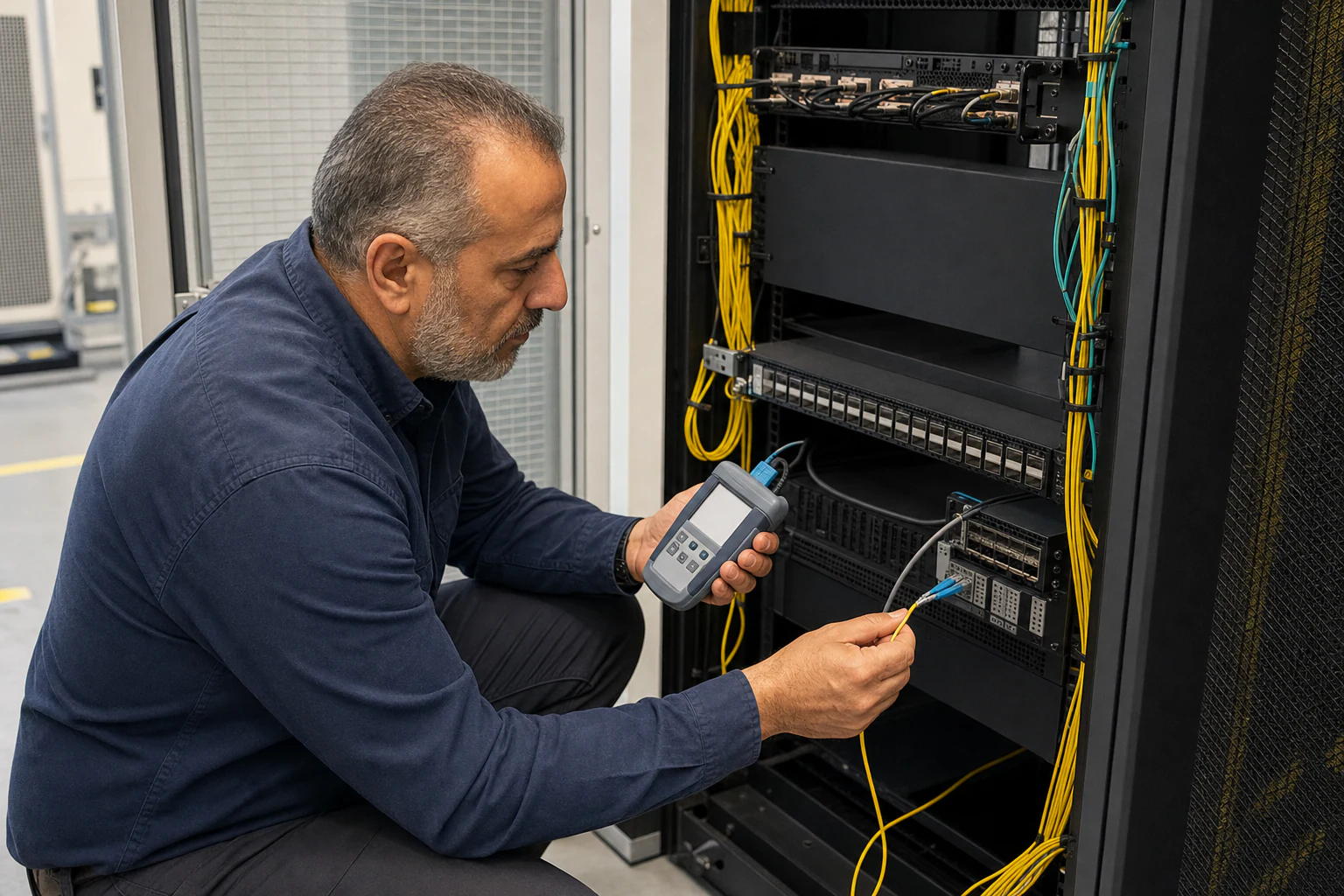 Technical ArticleWhere Your Packets Disappear: A Visibility Gap Analysis for Australian Security and Observability TeamsEngineering guide for packet broker and visibility planning covering traffic capacity, filtering, tool delivery, resilience, and audit evidence.Read article
 Technical ArticlePacket Broker Filtering, Replication, and Load Balancing for Visibility ArchitectureTechnical guide to packet broker filtering, replication, and load balancing for Australian visibility, security, and AI fabric monitoring.Read article