
In brief
Engineering use cases for network packet brokers in data centre, campus, AI fabric, and security operations environments, with validation criteria for each design.
Key takeaways
- A network packet broker is justified when the monitoring tool chain cannot reliably ingest raw traffic from every observation point.
- For Australian data centre, campus, service provider, and AI infrastructure teams, the main use cases are traffic aggregation, selective filtering, tool replication, load balancing, deduplication, packet slicing, and tunnel handling.
- IDS, IPS, NDR, SIEM, packet capture, and forensic tools do not need identical packet feeds.
Engineering Position
A network packet broker is justified when the monitoring tool chain cannot reliably ingest raw traffic from every observation point. The useful question is not “what is a packet broker?” but “which visibility failure does it remove, and how do we prove it removed that failure?”
For Australian data centre, campus, service provider, and AI infrastructure teams, the main use cases are traffic aggregation, selective filtering, tool replication, load balancing, deduplication, packet slicing, and tunnel handling. Each use case should have a measurable acceptance test before the broker is treated as production infrastructure.
Use Case 1: Security Tool Delivery
IDS, IPS, NDR, SIEM, packet capture, and forensic tools do not need identical packet feeds. Some need full payload, some need headers, some need selected application flows, and some need only metadata. NIST SP 800-94 describes IDPS planning in terms of sensor placement, event collection, analysis, and maintenance. The packet broker sits before that sensor tier and decides whether the right evidence reaches the right tool.
Common failure: an IDS receives too much irrelevant traffic, drops during peaks, or misses traffic from a segment that was never mirrored.
Packet broker design: aggregate TAP/SPAN inputs, filter by segment or protocol, replicate selected traffic to multiple tools, and load balance high-volume feeds across tool clusters.
Validation: replay known test traffic and confirm the IDS, NDR, SIEM, and capture appliance receive only the intended flows. Check broker drop counters and tool-side packet counters at the same time.
Use Case 2: Performance Troubleshooting
Application complaints often require packet-level evidence: retransmissions, asymmetric paths, out-of-order delivery, MTU mismatch, DNS latency, TLS handshake failure, or congestion signatures. Flow records alone are useful but often insufficient for root cause analysis.
Common failure: a flow collector shows that traffic exists, but the performance team cannot inspect packet timing or protocol behaviour.
Packet broker design: deliver full packets to a short-retention capture tool during the incident window, while sending sliced headers or IPFIX-style metadata to long-retention analytics.
Validation: during a controlled test, capture traffic from the affected VLAN or VNI, confirm packet timestamps are preserved at the tool, and verify that slicing does not remove fields required by the analysis platform.
Use Case 3: Data Centre Fabric Visibility
Spine-leaf data centres create many equal-cost paths. One observation point rarely sees the whole service path. Overlays also hide inner workload flows unless the visibility layer can process tunnel headers.
RFC 7348 defines VXLAN as an overlay for virtualised data centres and multi-tenant networks. RFC 7432 defines EVPN procedures used in many modern fabric designs. A packet broker used in these environments must be tested with actual VXLAN/EVPN traffic, not just unencapsulated Ethernet frames.
Common failure: monitoring tools see only VTEP-to-VTEP outer headers and cannot map incidents to the real tenant, workload, or inner flow.
Packet broker design: aggregate from selected leaf/spine observation points, match outer and inner headers, strip tunnel headers where appropriate, and deliver scoped feeds to capture and NDR tools.
Validation: capture a known workload flow through the overlay and confirm the tool receives the expected VNI, inner IP, inner port, and direction.
Use Case 4: AI Fabric and GPU Backend Monitoring
AI training and inference clusters generate dense east-west traffic. Visibility tooling must not sit in the critical data path unless the failure behaviour is explicitly designed and tested. Out-of-band brokering is usually the first option for RoCEv2 or latency-sensitive GPU backend fabrics.
Common failure: the monitoring stack is sized for north-south enterprise traffic and collapses when a GPU cluster generates bursty rack-to-rack flows.
Packet broker design: filter by rack, VLAN/VNI, source/destination range, protocol, or test window; use load balancing across capture nodes; and combine packet feeds with INT, path telemetry, and flow records.
Validation: run a synthetic or scheduled workload window, prove no production-path latency was introduced, and confirm the broker did not drop mirrored packets before they reached the tool tier.
Use Case 5: Compliance and Forensic Capture
APRA CPS 234 requires regulated entities to maintain information security capability, test controls systematically, and maintain incident response plans from detection through post-incident review. Packet brokers do not satisfy CPS 234 by themselves, but they help produce defensible evidence when incidents or control tests require packet-level records.
Common failure: teams can show logs, but cannot prove what packet traffic was available to the detection or forensic tool at the time of an event.
Packet broker design: create scoped capture policies for regulated segments, use packet slicing when payload retention is not justified, and keep change records for filters and tool delivery paths.
Validation: perform an incident-response exercise where a known test flow is captured, retained, retrieved, and tied back to the broker policy active at the time.
Use Case 6: Campus and Branch Visibility
Campus and branch environments usually have fewer dedicated monitoring links than data centres. They also carry wireless, IoT, PoE endpoint, voice, guest, and user traffic on shared aggregation layers.
Common failure: SPAN is configured temporarily for troubleshooting, then left undocumented or removed without updating the monitoring design.
Packet broker design: centralise feeds from campus cores, wireless controllers, SD-WAN edges, or high-risk VLANs; filter by site and device class; and deliver selected traffic to central security tools.
Validation: test traffic from each monitored site or VLAN and verify it reaches the intended tool with correct labelling, site context, and retention policy.
Use Case 7: Tool Farm Scaling
Tool capacity rarely grows at the same pace as link speed. A data centre may refresh production links from 25G to 100G or 400G while the monitoring tools still ingest 10G, 25G, or 40G per appliance.
Common failure: tool ports saturate even though production links are healthy.
Packet broker design: apply pre-filtering, deduplication, packet slicing, and flow-stable load balancing across multiple tool instances.
Validation: generate peak-like traffic, confirm per-tool utilisation stays inside limits, and confirm both directions of stateful flows remain together when the tool requires it.
Engineering Checklist for NPB Projects
| Question | Why it matters |
|---|---|
| What traffic must be observed, and from which points? | Prevents blind spots caused by vague “monitor the network” goals. |
| Which tools need full payload versus headers only? | Reduces storage, privacy, and tool-throughput waste. |
| Which encapsulations exist in production? | Prevents VXLAN, GRE, MPLS, or EVPN traffic from becoming opaque. |
| What is the peak packet rate and packet-size mix? | Throughput in Gbps is not enough; packet rate can be the limiter. |
| Which drops are acceptable and which are incidents? | Makes broker counters actionable instead of decorative. |
| How is policy changed and audited? | Aligns visibility policy with security operations and compliance evidence. |
Connecting Packet Brokers to xSONiC Open Networking
xSONiC network packet brokers are designed for teams that want programmable visibility infrastructure alongside open switching. The fit is strongest when the same environment also uses AI fabric, GPU backend fabric, INT telemetry, IPTPath telemetry, or NETCONF/YANG automation.
The broker should be documented as part of the architecture: sources, filters, output tools, automation interface, failure behaviour, and evidence retention. Without that, it becomes another appliance that works until the first incident review asks exactly what it was doing.
Engineering FAQ
What should be measured before sizing a packet broker? Measure source link speed, 95th-percentile utilisation, burst peaks, replication factor, filter complexity, tunnel handling needs, and tool-port capacity. Packet broker sizing fails when it is based on average traffic rather than copied and filtered traffic.
What proves that a visibility design is production ready? The design should prove aggregation, filtering, replication, load balancing, packet slicing or deduplication if required, and tool failover under realistic traffic. Security teams should also verify that drops are reported rather than hidden.
Where do Australian buyers most often under-scope visibility projects? The common gaps are east-west data centre traffic, encrypted or tunneled flows, AI cluster bursts, retention requirements, and tool oversubscription. A procurement brief should model those before asking vendors for a bill of materials.
Related xSONiC Resources
Sources Reviewed
- Ethernet Network Adapters - ConnectX NICs | NVIDIA
- NVIDIA BlueField Data Processing Unit
- NVIDIA Spectrum-X Ethernet Platform
- OpenConfig gNMI Specification
- OpenConfig
- RFC 7950 - The YANG 1.1 Data Modeling Language
- RFC 6241 - Network Configuration Protocol (NETCONF)
- ACSC Essential Eight
- OAIC Notifiable Data Breaches
- APRA CPS 234 Information Security
- NETSCOUT Network Packet Definition
- Cloudflare Network Packet Definition
- IEEE 802.11be Wireless LAN Standard
- IEEE 802.3bt Power over Ethernet
- SONiC Project Documentation
- Broadcom Ethernet Switching
- Marvell Switching
- NVIDIA Ethernet Switching
- Open Compute Networking
- SONiC GitHub
- SONiC Foundation
Product fit
Products referenced for evaluation
These products are referenced for evaluation context in the article. Confirm workload, port, optics, software, interoperability, and support requirements against the exact deployment before procurement.
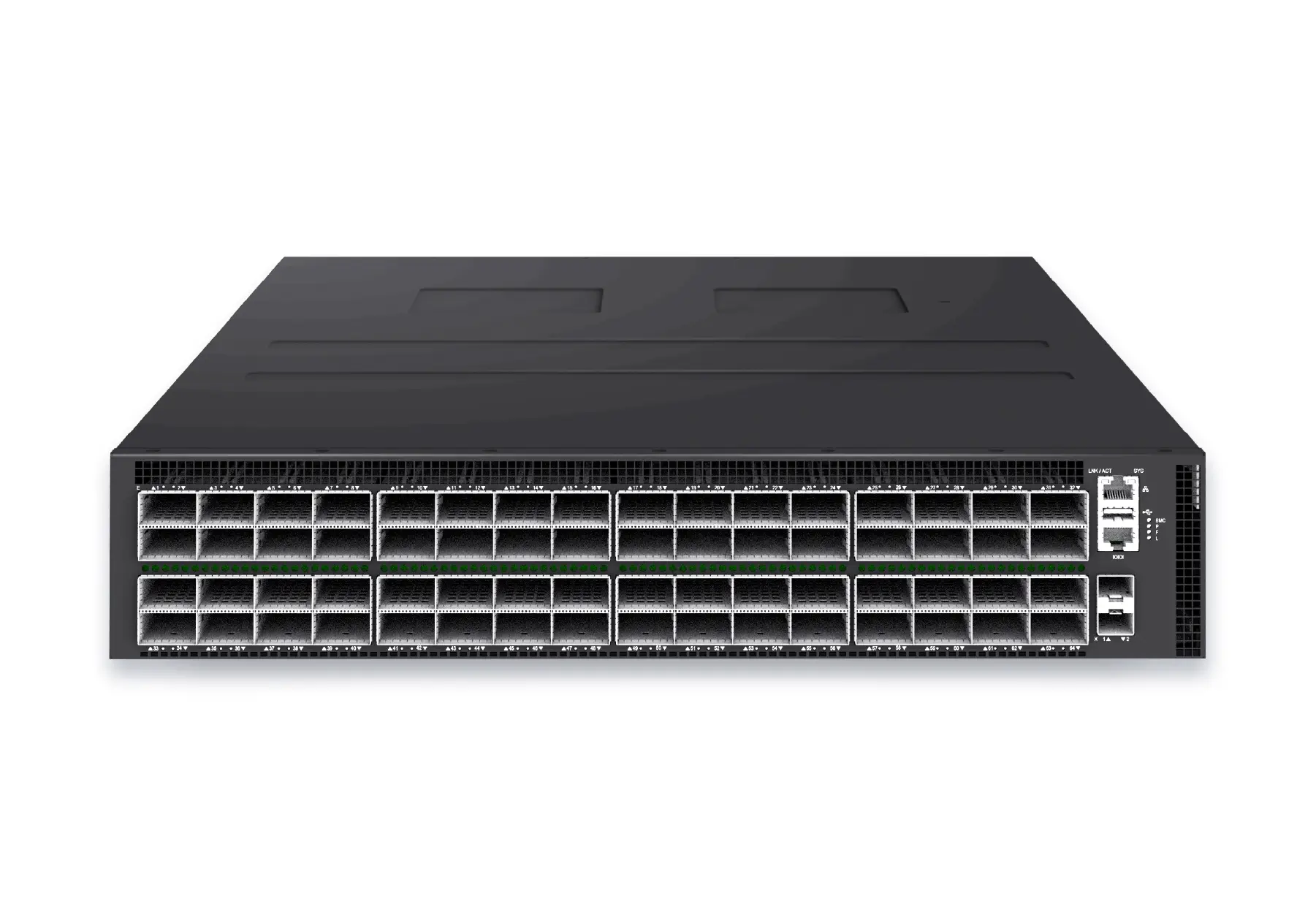 datacenter aiXS-DC-64X800-AI-G164-port 800G AI fabric switch for large-scale GPU clusters, HPC backbones, and ultra-high-throughput data center networks.View product
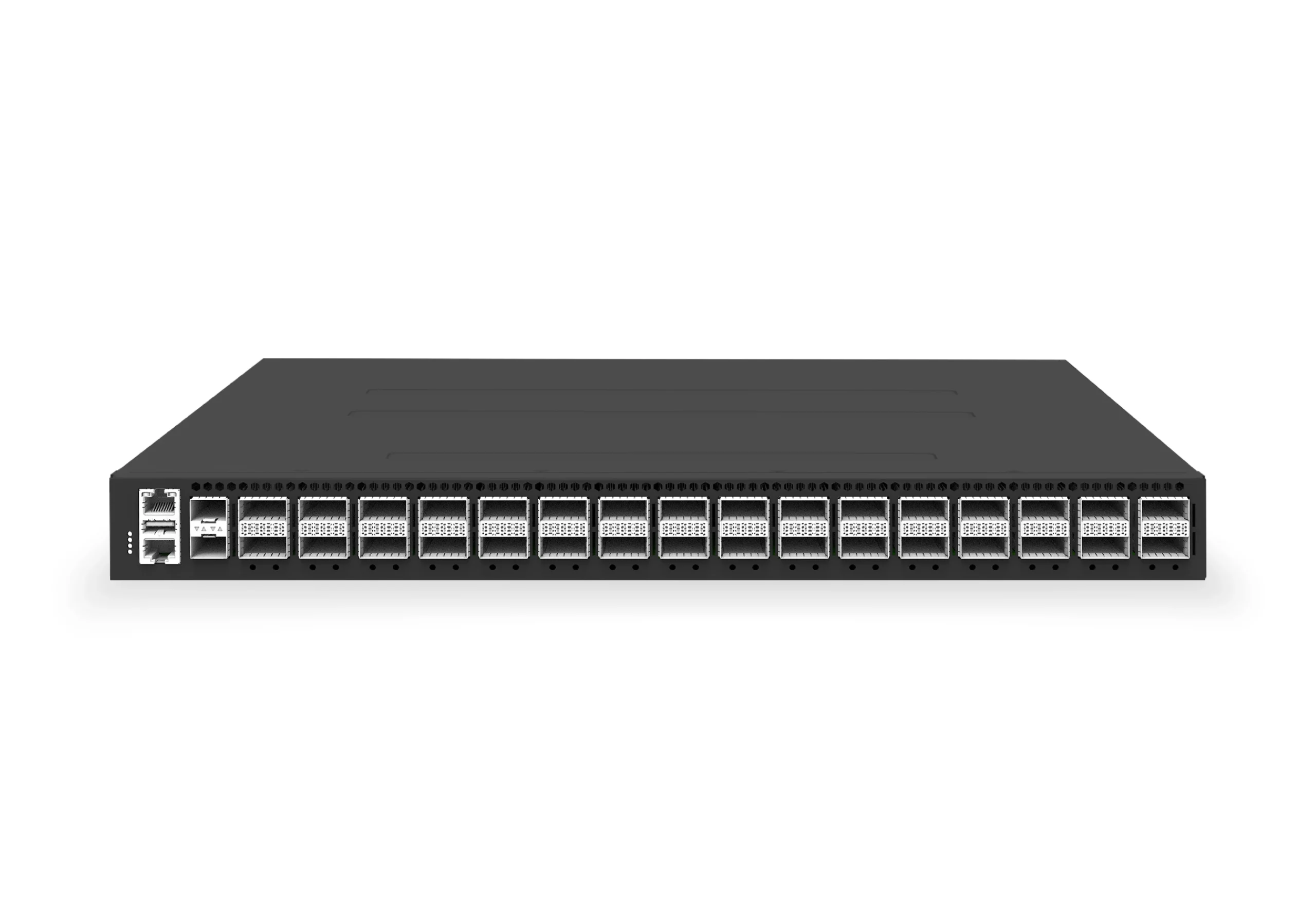 datacenter aiXS-DC-32X400-SP-G232-port 400G spine/core switch for high-capacity data center fabrics and AI-ready backbones.View product
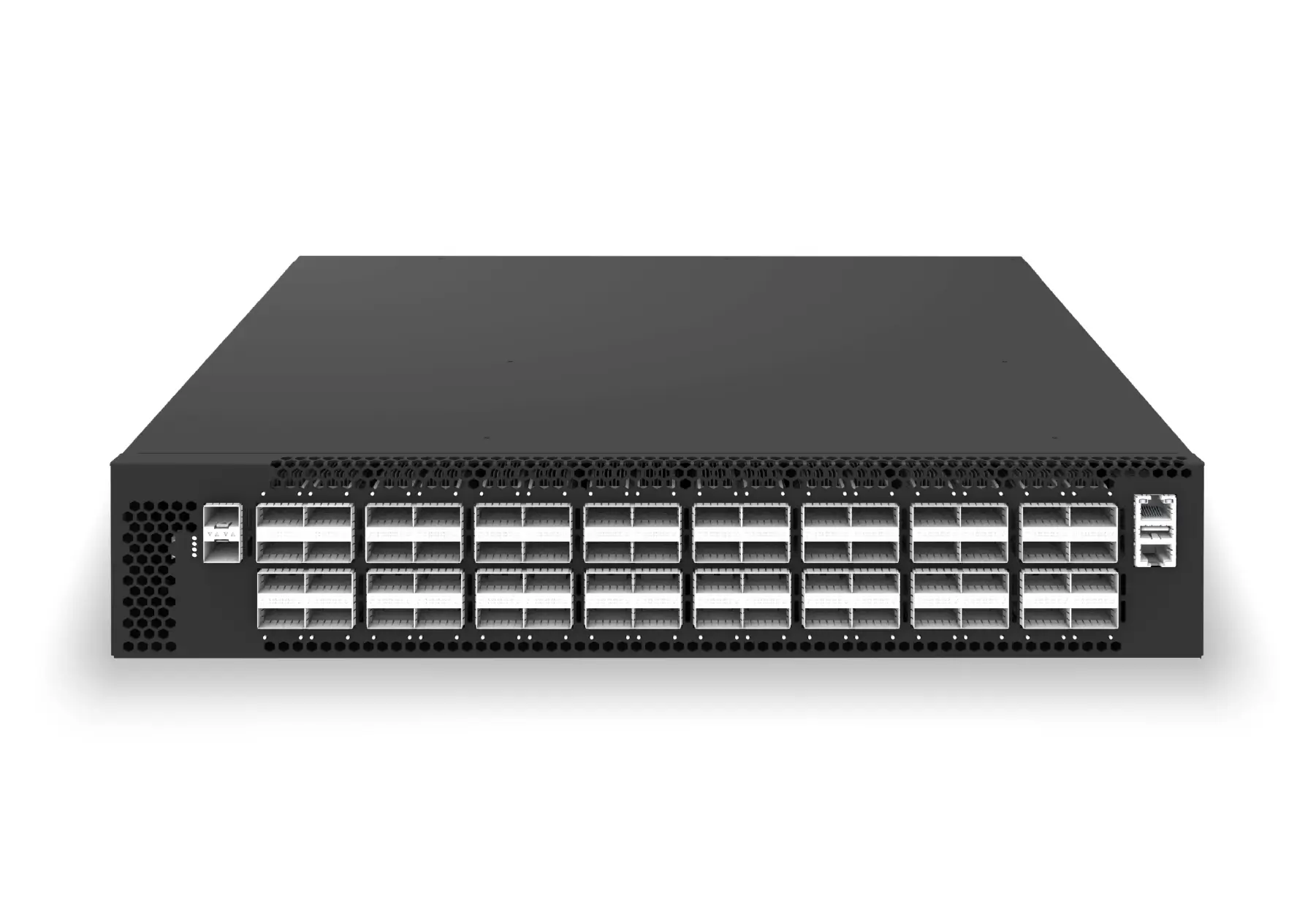 datacenter aiXS-DC-64X200-LS-G164-port 200G leaf/spine switch for high-bandwidth storage, compute, and scale-out data center fabrics.View product
Continue reading
Related articles
 Technical ArticlePacket Broker vs TAP Aggregation vs SPAN: 2026 Deployment ChecklistCompare SPAN, TAP aggregation, and packet broker approaches for traffic visibility, with an Australian enterprise checklist for monitoring, compliance, and security tool delivery.Read article
 Technical ArticleINT and Path Telemetry RFP Guide for Australian Data CentresEngineering guidance on RFP Question Set for INT and Path Telemetry for Australian network operators, covering gNMI, NETCONF/YANG, OpenConfig, telemetry pipelines, and.Read article
 Technical ArticlePacket Broker Security Hardening Checklist for Australian MSPs and IntegratorsPacket-broker hardening checklist for Australian MSPs and integrators, covering segmentation, access control, logging, configuration audits, and secure tool delivery.Read article