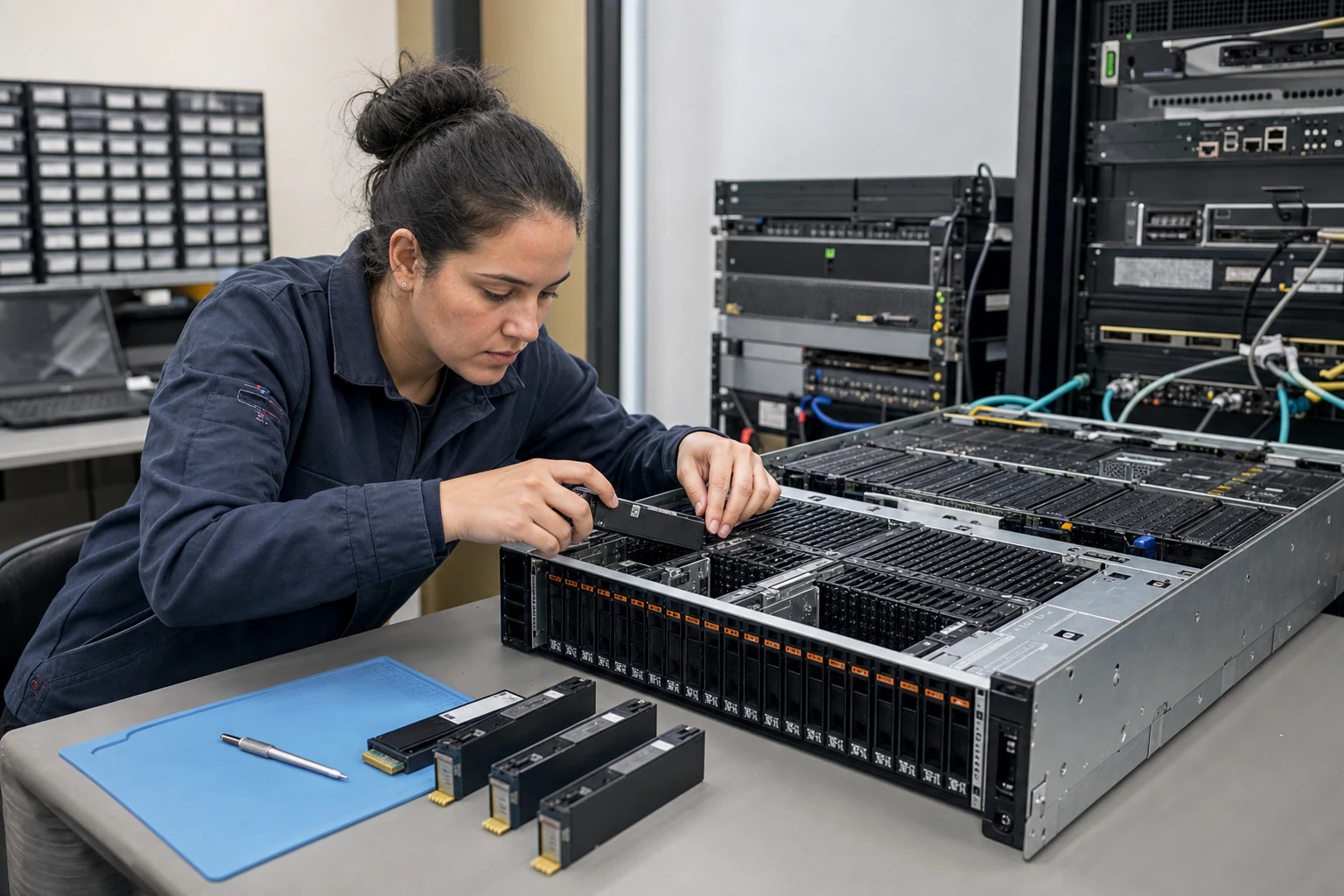
In brief
Compare U.2, M.2, E1.S, and AIC NVMe SSD form factors for enterprise AI storage, cloud databases, HPC, thermals, and serviceability.
Key takeaways
- Modern AI training clusters, inference pipelines, cloud-native databases, and HPC workloads all place intense demands on storage throughput, latency, and density.
- Choosing the wrong form factor can mean stranded rack capacity, thermal throttling under sustained AI checkpoint writes, or an inability to service failed drives without taking a node offline.
- Each NVMe SSD form factor targets a different set of physical and operational constraints.
Why NVMe SSD Form Factor Choice Matters for AI and Cloud Storage
Modern AI training clusters, inference pipelines, cloud-native databases, and HPC workloads all place intense demands on storage throughput, latency, and density. The NVMe protocol over PCIe has become the dominant interface for high-performance solid-state storage in enterprise data centers. However, not all NVMe SSDs are physically alike. Form factor determines how many drives fit in a rack unit, how hot-swap service works, what thermal envelope applies, and ultimately whether your storage tier meets the performance targets your AI fabric requires.
Choosing the wrong form factor can mean stranded rack capacity, thermal throttling under sustained AI checkpoint writes, or an inability to service failed drives without taking a node offline. For Australian enterprise buyers refreshing storage alongside their data center networking, understanding the four primary NVMe SSD form factors - U.2, M.2, E1.S, and AIC (Add-In Card) - is a critical early step in infrastructure planning.
The Four Primary Enterprise NVMe SSD Form Factors
Each NVMe SSD form factor targets a different set of physical and operational constraints. The table below summarizes the key characteristics that matter for AI and cloud storage buyers.
| Form Factor | Physical Size | Typical Interface | Hot-Swap | Primary Use Case |
|---|---|---|---|---|
| U.2 (2.5-inch) | 2.5-inch x 15mm (typical) | PCIe Gen4 x4, U.2 connector | Yes | Mainstream data center capacity, general-purpose cloud |
| M.2 | 2280 (22mm x 80mm) typical | PCIe Gen4 x4, M-key | No | Boot drives, edge nodes, read-heavy caching |
| E1.S (EDSFF) | 31.5mm or 25mm wide, multiple lengths | PCIe Gen4 x4 | Yes | High-density storage shelves, JBOF, scale-out |
| AIC (Add-In Card) | Half-height or full-height PCIe card | PCIe Gen4 x8 or x16 | No (requires slot access) | Maximum throughput per drive, GPU-direct storage, HPC |
The EDSFF (Enterprise and Data Center Standard Form Factor) family, including E1.S and E1.L, was specifically developed by the storage industry to address the thermal, density, and serviceability limitations of legacy 2.5-inch U.2 drives. U.2 remains the most widely deployed form factor in enterprise servers today, but E1.S adoption is accelerating in new rack designs, particularly for AI and cloud-native storage targets.
U.2: The Enterprise Workhorse for Mainstream AI and Cloud Storage
U.2 (sometimes called 2.5-inch NVMe) has been the default enterprise NVMe form factor for several years. Its 2.5-inch bay design supports true hot-swap, making it straightforward for data center operations teams to replace failed drives without powering down a server. U.2 SSDs are available from most major suppliers in capacities up to 15.36TB or higher, using PCIe Gen4 x4 interfaces that deliver sequential read speeds in the range of 6,000-7,000 MB/s per drive.
For AI workloads, U.2 drives suit several common roles:
- Local scratch storage for AI training dataset staging
- High-capacity storage for checkpoint persistence
- Tier-1 storage for cloud-native databases backing vector search and RAG inference pipelines
- General-purpose block storage for virtualized AI infrastructure nodes
U.2’s main limitation is density. The 2.5-inch bay consumes more vertical rack space than E1.S, and the thermal envelope of the U.2 enclosure can limit sustained write throughput under heavy AI checkpoint workloads. For buyers prioritizing maximum capacity per rack unit, E1.S may be a better fit.
M.2: Boot Drives and Edge AI Storage
M.2 NVMe SSDs, typically in the 2280 (22mm x 80mm) size, are widely used for boot volumes and lightweight read-heavy workloads. In AI infrastructure nodes, M.2 drives commonly serve as the OS boot drive, freeing the U.2 or E1.S bays for data volumes. This separation of boot and data storage is a standard architectural pattern in GPU inference servers and AI training nodes.
M.2 drives are not hot-swappable and have a smaller thermal envelope than U.2 or E1.S, which limits their suitability for sustained write-heavy AI workloads. However, their compact size makes them ideal for edge AI deployments, branch infrastructure, and compact server designs where physical space is constrained.
For Australian buyers deploying AI inference at the edge or building compact branch servers with local AI model caching, M.2 NVMe SSDs paired with larger-capacity U.2 or E1.S data drives form a practical two-tier local storage architecture.
E1.S: High-Density Storage for Scale-Out AI and Cloud Platforms
E1.S is the EDSFF form factor designed for data center environments that need maximum drive density per rack unit. E1.S drives are narrower than U.2 and are inserted vertically or horizontally into purpose-built chassis sleds, depending on the server or JBOF (Just a Bunch of Flash) design.
Key advantages for AI storage buyers include:
- Higher drive density per rack unit compared to U.2
- Improved thermal management through integrated heat spreaders designed for the E1.S envelope
- Hot-swap support equivalent to U.2
- Purpose-built connector design that reduces signal integrity issues at high PCIe Gen4/Gen5 speeds
E1.S is particularly well-suited for:
- Scale-out object storage pools for AI training dataset lakes
- High-performance distributed storage clusters backing cloud-native AI platforms
- NVMe-oF (NVMe over Fabrics) target arrays where drive density and thermal predictability are critical
AIC (Add-In Card): Maximum Throughput for GPU-Direct and HPC Storage
AIC NVMe SSDs are full PCIe cards installed in standard PCIe x8 or x16 slots. They bypass the 2.5-inch or E1.S drive bay entirely, connecting directly to the PCIe bus. This design enables the highest per-drive throughput, as AIC drives can use more PCIe lanes (x8 or x16) than the x4 lanes typical of U.2, M.2, or E1.S drives.
For AI workloads, AIC NVMe SSDs are relevant in several scenarios:
- GPU-Direct Storage: AIC drives can participate in GPU Direct Storage (GDS) architectures where data flows directly between NVMe storage and GPU memory, bypassing the CPU. This reduces latency for large AI checkpoint reads and dataset loading.
- HPC scratch storage: High-performance computing clusters that need maximum local storage throughput per node.
- Database acceleration: OLAP and vector database workloads where per-drive IOPS and throughput are more important than drive density.
AIC drives are not hot-swappable in most server designs and occupy PCIe slots that might otherwise be used for GPUs, NICs, or other accelerators. In GPU-heavy AI training nodes where PCIe slot availability is at a premium, U.2 or E1.S bays are usually preferred for data storage, reserving PCIe slots for GPUs and high-speed network adapters.
PCIe Gen4 vs Gen5: What Australian AI Storage Buyers Should Know
Most enterprise NVMe SSDs shipping today use PCIe Gen4 x4 interfaces, which provide approximately 64 Gbps of raw bandwidth per x4 link (roughly 8 GB/s). This is sufficient for the majority of AI training, inference, and cloud database workloads.
PCIe Gen5 NVMe SSDs are entering the market and double the per-lane bandwidth to approximately 32 GT/s, yielding roughly 128 Gbps per x4 link. Gen5 SSDs are relevant for:
- Very large AI checkpoint writes where per-drive throughput is a bottleneck
- NVMe-oF target arrays that aggregate multiple Gen5 SSDs behind a high-bandwidth fabric
- Future-proofing new server deployments where the CPU and platform support Gen5 natively
For most Australian enterprise buyers evaluating NVMe SSDs today, PCIe Gen4 drives offer the best balance of availability, cost, and compatibility. Gen5 SSDs are worth specifying in new builds if the server platform supports Gen5 natively, but Gen4 remains the practical choice for the majority of deployed AI and cloud storage targets.
Form Factor Decision Checklist for AI Storage Buyers
Use the following checklist when specifying NVMe SSD form factors for AI and cloud storage projects:
- Workload profile: Is the primary workload write-heavy (AI checkpoint, logging), read-heavy (inference cache, vector DB), or mixed (cloud database)? Write-heavy workloads benefit from U.2 or E1.S with larger thermal envelopes.
- Density target: How many TB of local NVMe storage does each node need, and how many drive bays are available per rack unit? E1.S wins on density; U.2 is the safe default.
- Hot-swap requirement: Does your operations model require hot-swap drive replacement? U.2 and E1.S support hot-swap; M.2 and AIC do not.
- PCIe slot availability: In GPU-heavy nodes, are PCIe slots reserved for GPUs and NICs? If so, prefer U.2 or E1.S bays for data storage over AIC cards.
- Server platform compatibility: Does your target server natively support the desired form factor? Verify before procurement.
- Thermal environment: Is the target rack in a high-ambient-temperature facility? E1.S and U.2 with integrated heat spreaders handle thermal stress better than bare M.2 drives.
- Boot and data separation: Plan M.2 for boot drives and U.2/E1.S/AIC for data volumes to simplify serviceability and maximize data bay availability.
How NVMe SSD Form Factors Fit the xSONiC Infrastructure Stack
xSONiC Enterprise NVMe SSDs span the U.2, M.2, E1.S, and AIC form factors, designed for data center storage, cloud, AI, HPC, and database workloads. When paired with xSONiC data center AI switches running Enterprise SONiC in a spine-leaf fabric, NVMe storage nodes can be connected at 100G, 400G, or higher speeds to deliver the low-latency, high-bandwidth storage access that AI training and inference pipelines demand.
For buyers building private AI infrastructure, the storage tier is only as fast as the network connecting it to compute. A well-architected AI fabric uses RoCE v2-enabled spine-leaf switching to deliver lossless, low-latency NVMe-oF traffic from storage shelves to GPU inference servers. xSONiC’s AI Fabric and GPU Backend Fabric solution pillars are designed to support this end-to-end architecture.
Australian enterprise buyers evaluating NVMe SSD storage alongside their data center network refresh should consider form factor, PCIe generation, and network fabric as a single integrated decision rather than three separate procurement exercises.
Explore xSONiC NVMe SSDs: [/products/nvme-ssd/] Explore xSONiC Data Center AI Switches: [/products/datacenter-ai/] Explore xSONiC AI Infrastructure Systems: [/products/ai-infrastructure/] Explore the xSONiC AI Fabric Solution: [/solutions/data-center/ai-fabric/]
NVMe Form Factor Acceptance Matrix
| Validation area | Acceptance evidence | Rework trigger |
|---|---|---|
| Capacity and density | Usable TB/RU, spare ratio, RAID or erasure coding overhead, and 12-month growth target calculated for U.2, E1.S, M.2, and AIC | Raw drive capacity is compared without usable-capacity math |
| PCIe topology | Gen4 or Gen5 negotiation, x4/x8/x16 lane mapping, BIOS bifurcation, and NUMA locality documented | Drive performance depends on shared lanes with a GPU, NIC, or riser that was not modelled |
| Thermal behavior | 24-hour sustained read/write test records inlet temperature, drive temperature, throttling, and SMART/NVMe health counters | Any production workload causes thermal throttle or unexplained latency spikes |
| Serviceability | U.2/E1.S hot-swap and M.2/AIC maintenance steps tested with remote-hands instructions | A failed drive cannot be replaced without disturbing GPUs, NICs, or adjacent drives |
| AI workload proof | Dataset staging, checkpoint writes, and vector/RAG read paths tested with queue depth, 70/30 mix, and latency SLO evidence | Storage cannot sustain the agreed GB/s target or becomes the GPU utilisation bottleneck |
Engineering FAQ
How should NVMe form factor selection be made? Start with workload profile, usable capacity, serviceability, thermal envelope, write endurance, PCIe generation, slot layout, and replacement process. U.2, E1.S, M.2, and AIC devices solve different mechanical and operational problems.
What matters more than peak sequential speed? Sustained performance, thermal throttling behaviour, write endurance, latency under load, firmware stability, power-loss protection, and fleet manageability usually matter more than a single benchmark number.
How should storage be validated for AI or cloud workloads? Test the selected form factor in the real chassis with expected airflow, queue depth, write mix, temperature range, and monitoring stack. Validation should include steady-state and recovery behaviour, not only fresh-drive performance.
Related xSONiC Resources
Sources Reviewed
- NVM Express Specifications for NVMe SSDs
- PCI-SIG PCI Express Specifications
- SNIA Storage Form Factors and SFF Specifications
- SNIA EDSFF Enterprise and Data Center SSD Form Factor Work
- Open Compute Project NVMe Cloud SSD Specification
- xSONiC U.2 NVMe SSD Product
- xSONiC E1.S NVMe SSD Product
- xSONiC AIC NVMe SSD Product
Product fit
Products referenced for evaluation
These products are referenced for evaluation context in the article. Confirm workload, port, optics, software, interoperability, and support requirements against the exact deployment before procurement.
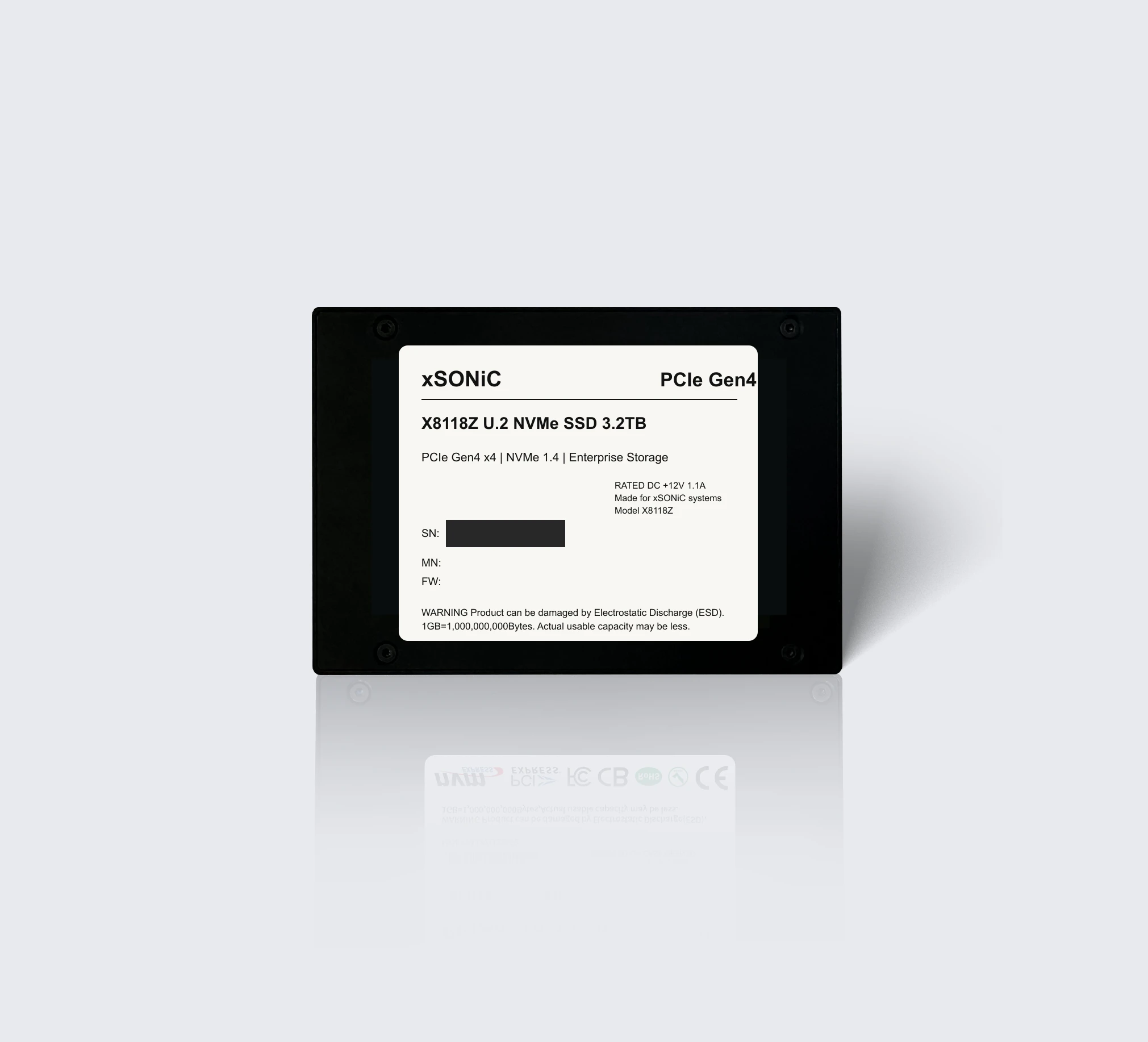 nvme ssdXS-SSD-8118Z-U2Enterprise U.2 NVMe SSD with PCIe Gen4 x4, NVMe 1.4, up to 7.1 GB/s sequential read, and 1,000K IOPS for data center storage workloads.View product
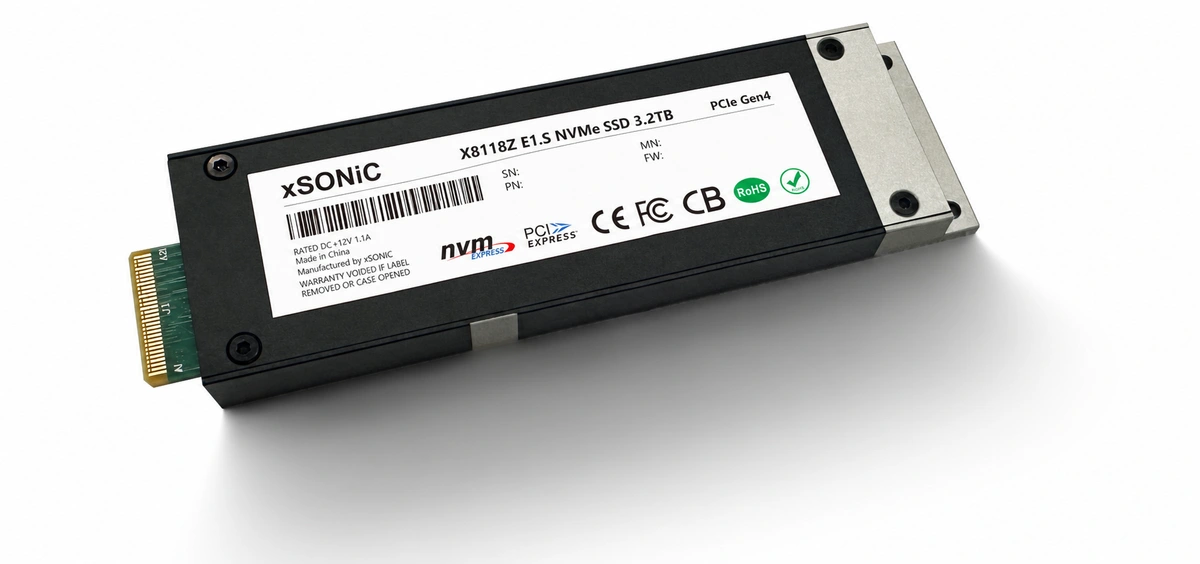 nvme ssdXS-SSD-8118Z-E1SEnterprise E1.S NVMe SSD with PCIe Gen4 x4, up to 7.1 GB/s sequential read, 1,000K IOPS, and compact data center storage density.View product
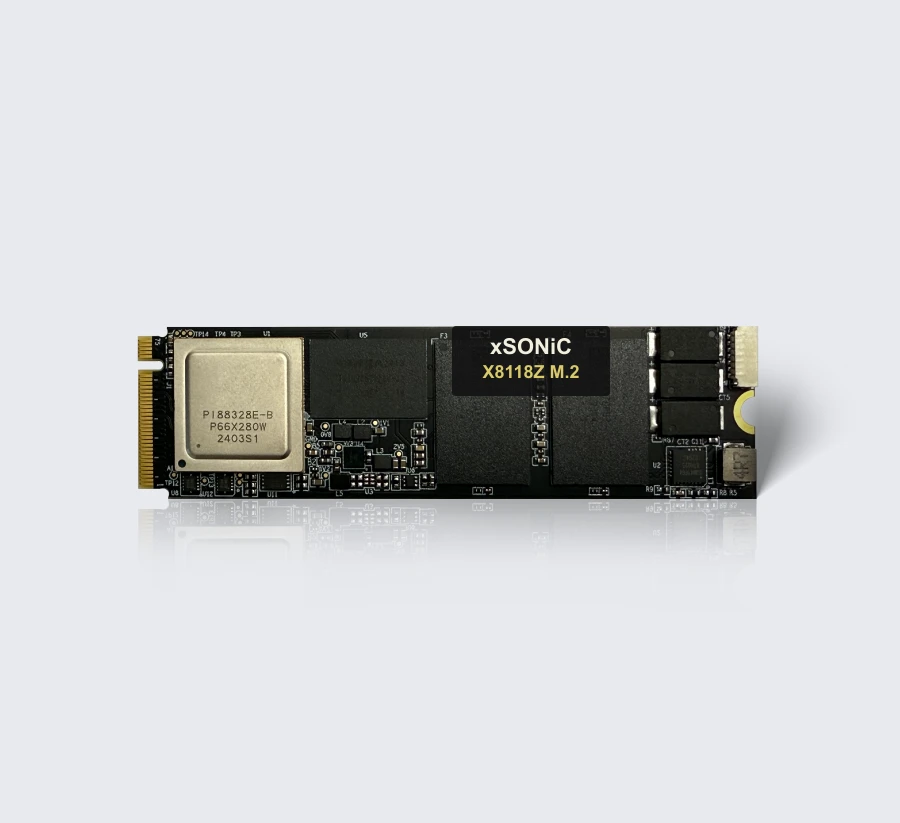 nvme ssdXS-SSD-8118Z-M2Enterprise M.2-2280 NVMe SSD with PCIe Gen4 x4, up to 7.1 GB/s sequential read, 1,000K IOPS, and compact storage deployment flexibility.View product
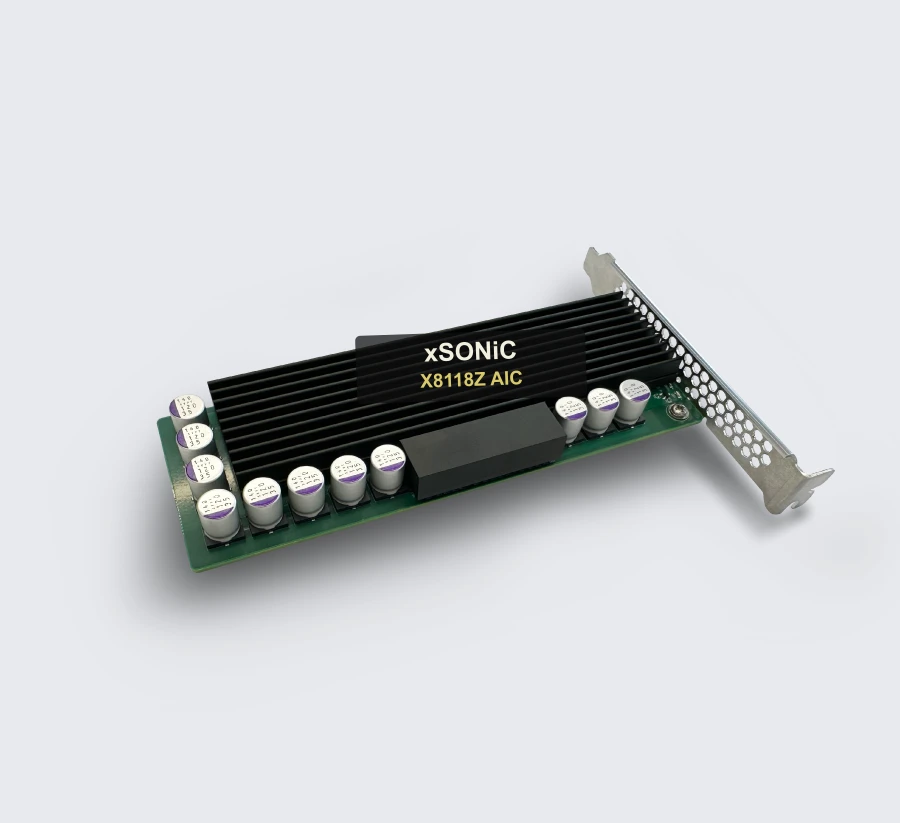 nvme ssdXS-SSD-8118Z-AICEnterprise AIC NVMe SSD with PCIe Gen4 x4, up to 7.0 GB/s sequential read, 1,000K IOPS, and add-in-card deployment flexibility.View product
Continue reading
Related articles
 Technical ArticleNVMe SSD Form Factor Comparison: U.2 vs E1.S vs M.2 vs AIC for Enterprise and AI WorkloadsAn engineering comparison of U.2, E1.S, M.2, and AIC NVMe SSD form factors for enterprise storage, AI workloads, thermals, and serviceability.Read article
 Technical ArticleU.2 vs E1.S vs M.2 vs AIC: NVMe SSD Form Factor Capacity Planning Guide for Australian Enterprise ProcurementCapacity planning guidance for U.2, E1.S, M.2, and AIC NVMe SSD procurement across enterprise storage, AI, thermal, and serviceability needs.Read article
 Technical ArticleWhy AI Infrastructure Demands Are Reshaping Enterprise NVMe SSD Form Factor Choices in AustraliaEngineering guide to NVMe SSD form factor choices for Australian AI infrastructure, covering U.2, M.2, E1.S, AIC, thermals, endurance, and validation.Read article