
In brief
An engineering comparison of U.2, E1.S, M.2, and AIC NVMe SSD form factors for enterprise storage, AI workloads, thermals, and serviceability.
Key takeaways
- Choosing the right NVMe SSD form factor is no longer a simple matter of picking the drive that fits your server bay.
- This guide breaks down the four primary enterprise NVMe SSD form factors -- U.2 (2.5-inch), E1.S, M.2, and AIC (Add-in Card) -- and helps you match each one to real workload requirements.
- When most teams evaluate NVMe SSDs, they focus on sequential read/write throughput, IOPS, and endurance ratings.
Choosing the right NVMe SSD form factor is no longer a simple matter of picking the drive that fits your server bay. As AI training clusters, inference pipelines, and high-performance storage demands push data center architectures to new limits, the physical shape of your SSD directly affects thermal headroom, rack density, serviceability, and total cost of ownership.
This guide breaks down the four primary enterprise NVMe SSD form factors — U.2 (2.5-inch), E1.S, M.2, and AIC (Add-in Card) — and helps you match each one to real workload requirements.
Why Form Factor Matters More Than You Think
When most teams evaluate NVMe SSDs, they focus on sequential read/write throughput, IOPS, and endurance ratings. Those specs matter, but the form factor you choose sets hard constraints on:
- Thermal dissipation: Larger surface area means more passive cooling headroom. Small form factors in dense enclosures require active airflow or heatsink solutions.
- Drive bay density: How many SSDs can you fit per rack unit? E1.S was designed specifically to solve the density problem that U.2 cannot.
- Hot-swap serviceability: Can your operations team replace a failed drive without shutting down the server or storage shelf?
- Interface bandwidth: All four form factors use PCIe and NVMe, but physical connector and lane count differ, affecting maximum throughput.
- AI and HPC fit: GPU-heavy AI infrastructure has specific storage I/O patterns that favor certain form factors over others.
Understanding these trade-offs before you commit to a platform saves significant rework later.
U.2 (2.5-inch): The Enterprise Workhorse
U.2 drives use the familiar 2.5-inch form factor with an SFF-8639 connector. They support PCIe Gen3, Gen4, and in some newer platforms Gen5, with lane counts up to x4 per drive.
Where U.2 fits:
- General-purpose enterprise storage servers
- Database workloads requiring consistent low-latency random I/O
- Mixed-read/write environments like OLTP and virtualization
- Storage arrays where hot-swap is a hard operational requirement
Strengths:
- Proven hot-swap support via standard 2.5-inch backplanes
- Wide ecosystem compatibility across server OEMs and storage platforms
- Mature supply chain with multiple vendors offering enterprise-grade drives
- Good thermal characteristics due to larger surface area
Limitations:
- Lower drive density per rack unit compared to E1.S or M.2
- Larger physical footprint limits blade and ultra-dense server designs
U.2 remains the default choice for most enterprise servers because of its balance of performance, serviceability, and compatibility. If you are running a general-purpose data center in Australia — whether in a colocation facility or on-premises — U.2 is likely the starting point for your NVMe storage.
E1.S (EDSFF): Built for Density
E1.S is part of the EDSFF (Enterprise and Data Center SSD Form Factor) family standardized by SNIA and the EDSFF working group. It was purpose-built for data center environments that need higher drive density than U.2 can deliver.
The E1.S drive is roughly the width of a ruler and comes in multiple lengths (5.9mm, 8.01mm, 9.5mm, 15mm, and 25mm thickness variants). The thinner 5.9mm and 9.5mm versions are designed for dense JBOD and JBOF configurations, while the 15mm and 25mm versions include built-in heatsinks for direct-attach server deployments.
Where E1.S fits:
- High-density storage servers and disaggregated storage architectures
- Cloud service providers optimizing for rack-level density
- AI data lakes and object storage backends that need massive raw capacity
- Edge data centers with strict space constraints
Strengths:
- Significantly higher drive density per rack unit than U.2
- Designed with data center thermals in mind — consistent thermal interface across all drive bays
- Supports hot-plug in compliant backplanes
- Standardized connector and slot design across vendors
Limitations:
- Smaller ecosystem than U.2 — fewer server chassis natively support E1.S bays without adapters
- Transition cost if your existing fleet is U.2-based
- Thinner E1.S variants have lower sustained write performance under heavy thermal load compared to thicker U.2 drives
For organizations building new AI-era data center capacity, E1.S deserves serious evaluation. If your storage architecture prioritizes petabyte-scale capacity per rack, E1.S can deliver meaningful density improvements over U.2.
M.2: Compact, but Know the Trade-Offs
M.2 (formerly NGFF) is the smallest of the four enterprise NVMe form factors. The common enterprise M.2 sizes are 2280 (22mm x 80mm) and 22110 (22mm x 110mm), using an M-key connector with PCIe x4 lanes.
Where M.2 fits:
- Boot and OS drives in servers and storage nodes
- Read-intensive caching tiers
- Edge appliances and compact server platforms
- Development and test environments
Strengths:
- Minimal physical footprint — fits in blade servers, compact edge nodes, and embedded platforms
- Lower cost per drive at smaller capacities
- Widely available from consumer through enterprise grades
Limitations:
- No native hot-swap support in most server platforms
- Thermal throttling risk under sustained write workloads without heatsinks or directed airflow
- Lower maximum capacity compared to U.2 and E1.S enterprise drives
- Endurance ratings on M.2 enterprise drives are typically lower than U.2 or E1.S equivalents at the same capacity point
M.2 is excellent for boot drives and lightweight caching, but it is not a primary storage form factor for demanding enterprise or AI workloads. Do not confuse M.2 consumer drives with enterprise-grade M.2 — the endurance, power-loss protection, and sustained performance characteristics differ significantly.
AIC (Add-in Card): Maximum Performance per Slot
AIC NVMe SSDs are full-height or half-height PCIe cards that plug directly into a PCIe slot. They use the full PCIe lane width available in the slot — commonly x8 or x16 — which means they can deliver the highest per-drive throughput of any NVMe form factor.
Where AIC fits:
- High-performance computing (HPC) scratch and burst storage
- AI training data staging where burst read bandwidth is critical
- GPU-adjacent storage in inference servers
- Workloads that need a single drive to saturate multiple PCIe lanes
Strengths:
- Highest per-drive bandwidth — a single AIC drive can use PCIe Gen4 x16 or Gen5 x16 for massive throughput
- Large heatsink surface area enables sustained performance under heavy load
- Some AIC drives support multiple NVMe namespaces and hardware RAID
Limitations:
- Occupies a PCIe slot that could be used for a GPU, NIC, or accelerator
- No hot-swap — AIC drives require server shutdown for replacement in most chassis
- Lower drive density per server compared to U.2 or E1.S backplane configurations
- Limited to the number of available PCIe slots in the server
In AI infrastructure platforms, AIC SSDs can serve as high-bandwidth local storage staging for training datasets before they are fed to GPUs. However, the trade-off is a PCIe slot that could otherwise host a network adapter or accelerator card. Careful platform planning is essential.
Decision Matrix: Matching Form Factor to Workload
The following table summarizes the key trade-offs across all four form factors.
| Criteria | U.2 | E1.S | M.2 | AIC |
|---|---|---|---|---|
| Form factor size | 2.5-inch | EDSFF ruler | 22mm-wide stick | PCIe card |
| Max PCIe lanes per drive | x4 | x4 | x4 | x8 to x16 |
| Hot-swap support | Yes | Yes (compliant bays) | No (most platforms) | No |
| Drive density (per RU) | Moderate | High | Very high (boot tier) | Low |
| Thermal headroom | Good | Good to excellent | Limited | Excellent |
| Typical capacity range | 1TB to 30TB+ | 1TB to 16TB+ | 256GB to 8TB | 1TB to 30TB+ |
| Recommended fit | General enterprise storage | Dense data center / cloud | Boot / cache / edge | HPC / AI burst storage |
Engineering Validation Matrix for NVMe Form Factor Selection
The correct form factor is the one that survives chassis-level validation. Benchmarking a bare drive on a lab bench is useful for screening, but it does not prove serviceability, airflow, firmware behavior, or performance under the mixed I/O patterns that Australian enterprise and AI platforms actually run.
| Validation area | Acceptance evidence | Rework trigger |
|---|---|---|
| PCIe lane and generation fit | Confirm x4, x8, or x16 lane allocation and Gen4 or Gen5 negotiation in the target server BIOS and operating system | Drive negotiates below the expected PCIe speed, shares lanes with a GPU or NIC unexpectedly, or loses link during hot-plug tests |
| Sustained thermal behavior | Run at least 24 hours of steady-state read/write load with inlet temperature, drive temperature, and throttling counters recorded | Any thermal throttle event during the accepted 4 KiB random or sequential workload profile |
| Serviceability | Validate hot-swap for U.2 and E1.S bays; document shutdown procedure for M.2 and AIC replacement | A drive replacement requires an undocumented chassis step or risks disturbing adjacent GPUs, NICs, or cables |
| AI workload fit | Test dataset staging, checkpoint writes, and RAG/vector-store reads at the expected queue depth and 70/30 read/write mix where applicable | GPU utilization drops because storage cannot sustain the agreed GB/s target or latency SLO |
| Fleet operations | Firmware version, power-loss protection, SMART/NVMe-MI telemetry, and failure alerting are visible in the management stack | No central evidence for endurance, media errors, namespace state, or rollback after firmware update |
Connecting SSD Form Factors to AI Infrastructure
Modern AI infrastructure — whether you are running private LLM inference, RAG pipelines, or large-scale training — places unique demands on storage. The key considerations are:
- Training data staging: Large datasets need high sequential read bandwidth. AIC and U.2 Gen4/Gen5 drives deliver the burst throughput needed to keep GPUs fed.
- Checkpoint writes: During training, model checkpoints require fast sustained writes. U.2 and E1.S with sufficient overprovisioning handle this well.
- Inference I/O: RAG and retrieval workloads generate mixed random read patterns. U.2 drives with consistent low-latency random IOPS are a strong fit.
- Density at scale: For petabyte-scale AI data lakes, E1.S offers the density to store training corpora without consuming excessive rack space.
If you are building or refreshing an AI infrastructure platform, the storage tier is not an afterthought — it is a direct bottleneck on GPU utilization and training throughput. Choosing the right SSD form factor is part of that equation.
Australian Market Considerations
For enterprise buyers in Australia, SSD form factor selection also factors into:
- Colocation compatibility: Major Australian colocation providers (Equinix, NextDC, AirTrunk) support standard U.2 and increasingly E1.S backplanes. Verify your target facility’s server room specifications before committing to E1.S if your chassis does not natively support it.
- Supply chain lead times: E1.S drives may have longer lead times in the Australian market compared to U.2. Plan procurement timelines accordingly.
- Edge deployments: Australia’s geographic spread means edge data centers in regional locations benefit from compact form factors like M.2 for boot tiers and E1.S for storage density.
Frequently Asked Questions
Can I mix U.2 and E1.S in the same server? Some modern server chassis support both U.2 and E1.S with adapter carriers, but most are designed for one or the other. Check your server OEM’s compatibility list before mixing.
Is E1.S replacing U.2? E1.S is gaining traction in hyperscale and cloud environments, but U.2 remains dominant in enterprise and mid-market deployments. Both form factors will coexist for the foreseeable future.
Should I use M.2 for primary storage in production servers? M.2 is best used for boot drives or read-intensive caching. For primary production storage, U.2 or E1.S provides better endurance, capacity, and serviceability.
What about PCIe Gen5 SSDs? PCIe Gen5 NVMe SSDs are entering the market across U.2, E1.S, and AIC form factors. Gen5 doubles the per-lane bandwidth of Gen4, but real-world performance gains depend on workload I/O patterns. Confirm Gen5 drive availability and server platform support before planning a Gen5-specific deployment.
Next Steps
Choosing the right NVMe SSD form factor is one decision in a broader infrastructure strategy. Start by mapping your workload I/O patterns to the thermal, density, and serviceability requirements of each form factor. If you are planning an AI infrastructure build or data center refresh, storage is part of the full-stack equation alongside networking, compute, and cooling.
Explore xSONiC’s enterprise NVMe SSD product range or contact the xSONiC team to discuss your specific workload requirements.
Engineering Evidence Floor
For NVMe and storage infrastructure topics, form factor claims should be tied to serviceability, thermal behaviour, endurance, and workload evidence. The evidence package should include PCIe generation, queue depth, write mix, sustained latency, thermal readings, airflow path, firmware lifecycle, replacement procedure, power-loss protection, and telemetry. A credible pilot should run 24 hours of mixed workload, capture 30 minutes of peak queue pressure, and prove replacement or rollback inside 2 hours.
| Evidence area | What to validate | Acceptance gate | Rework trigger |
|---|---|---|---|
| Mechanical fit | U.2, M.2, E1.S, AIC, airflow, and service path | Replacement path proven within 2 hours | Density is chosen without serviceability |
| Performance | Queue depth, latency, throughput, write mix, and p99 behaviour | 24 hours mixed workload record | Fresh-drive benchmark is the only proof |
| Endurance | DWPD, TBW, spare blocks, firmware, and monitoring | 12 months wear model approved | Capacity is bought without endurance math |
| Failure | Power loss, drive removal, rebuild, and alert path | 3 failure cases documented | Recovery is assumed from datasheet |
| Operations | Telemetry, inventory, spares, and support owner | Evidence bundle ready for P1 review | Storage and platform teams split ownership |
Engineering FAQ
When choosing M.2 NVMe for a dense 1U database appliance with 24 drive bays, what thermal specifications matter? Check each drive’s sustained power, permitted composite temperature, throttle threshold, required airflow, heatsink clearance, and the server vendor’s inlet-temperature and fan-curve limits. A 24-drive 1U design should be accepted only after every bay completes a sustained database-like mixed-I/O test without thermal throttling; also record the hottest bay, controller temperature, p99 latency, fan duty cycle, and performance after an adjacent-drive failure.
How should NVMe form factor selection be made? Start with workload profile, usable capacity, serviceability, thermal envelope, write endurance, PCIe generation, slot layout, and replacement process. U.2, E1.S, M.2, and AIC devices solve different mechanical and operational problems.
What matters more than peak sequential speed? Sustained performance, thermal throttling behaviour, write endurance, latency under load, firmware stability, power-loss protection, and fleet manageability usually matter more than a single benchmark number.
How should storage be validated for AI or cloud workloads? Test the selected form factor in the real chassis with expected airflow, queue depth, write mix, temperature range, and monitoring stack. Validation should include steady-state and recovery behaviour, not only fresh-drive performance.
Related xSONiC Resources
Sources Reviewed
- NVM Express Specifications for NVMe SSDs
- PCI-SIG PCI Express Specifications
- SNIA Storage Form Factors and SFF Specifications
- SNIA EDSFF Enterprise and Data Center SSD Form Factor Work
- Open Compute Project NVMe Cloud SSD Specification
- xSONiC U.2 NVMe SSD Product
- xSONiC E1.S NVMe SSD Product
- xSONiC AIC NVMe SSD Product
Product fit
Products referenced for evaluation
These products are referenced for evaluation context in the article. Confirm workload, port, optics, software, interoperability, and support requirements against the exact deployment before procurement.
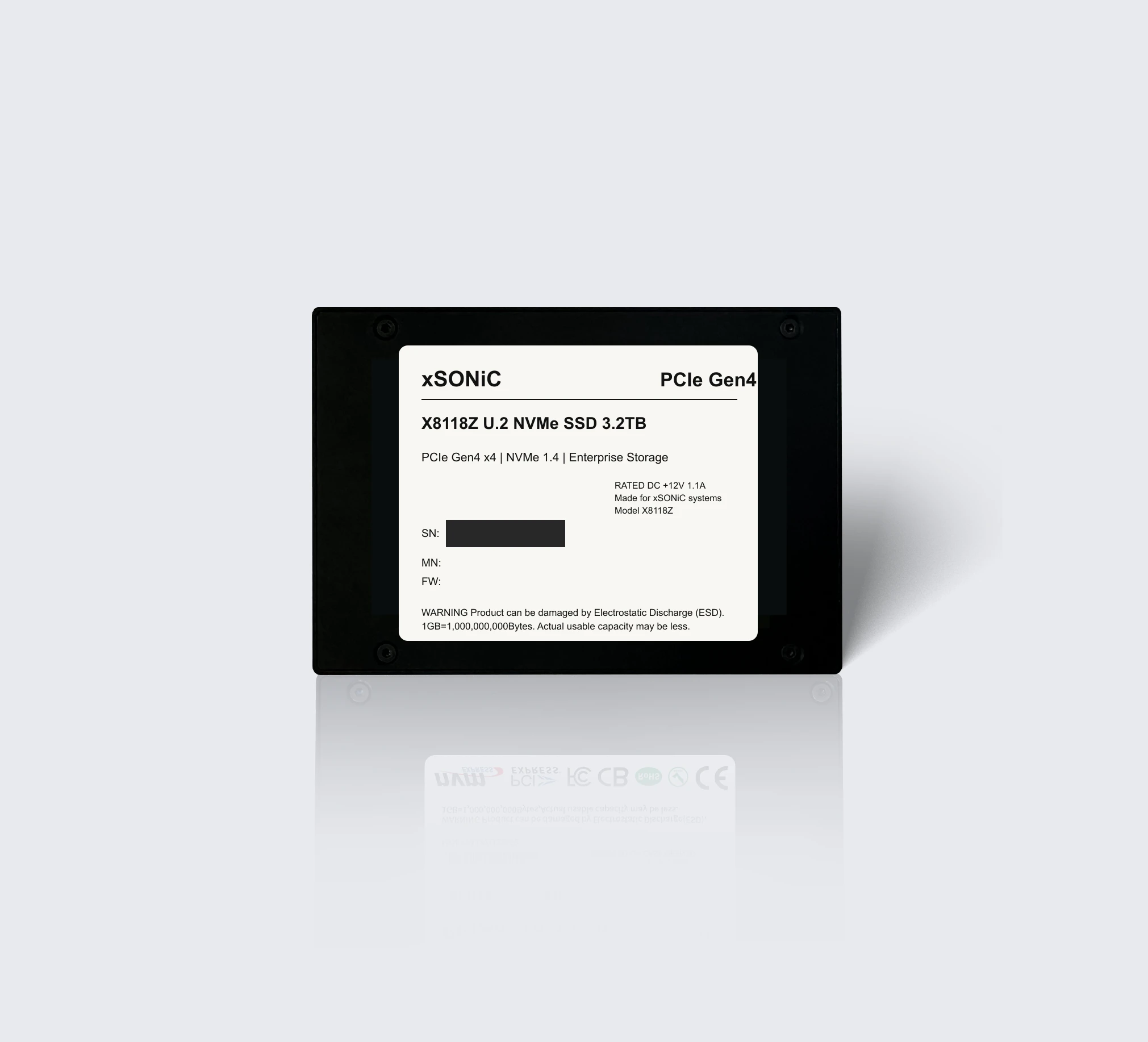 nvme ssdXS-SSD-8118Z-U2Enterprise U.2 NVMe SSD with PCIe Gen4 x4, NVMe 1.4, up to 7.1 GB/s sequential read, and 1,000K IOPS for data center storage workloads.View product
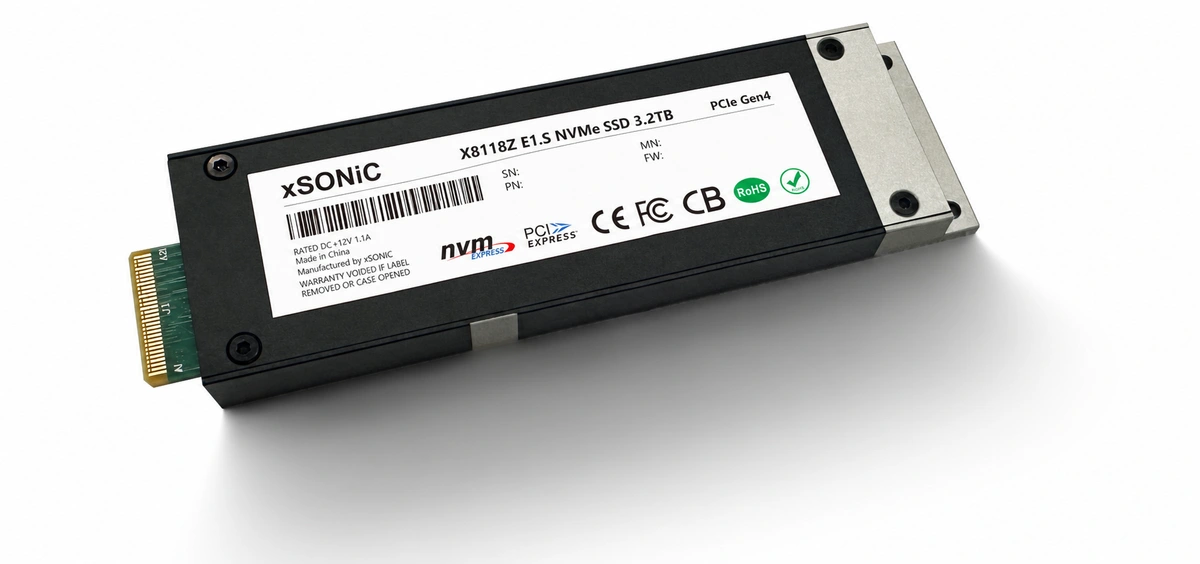 nvme ssdXS-SSD-8118Z-E1SEnterprise E1.S NVMe SSD with PCIe Gen4 x4, up to 7.1 GB/s sequential read, 1,000K IOPS, and compact data center storage density.View product
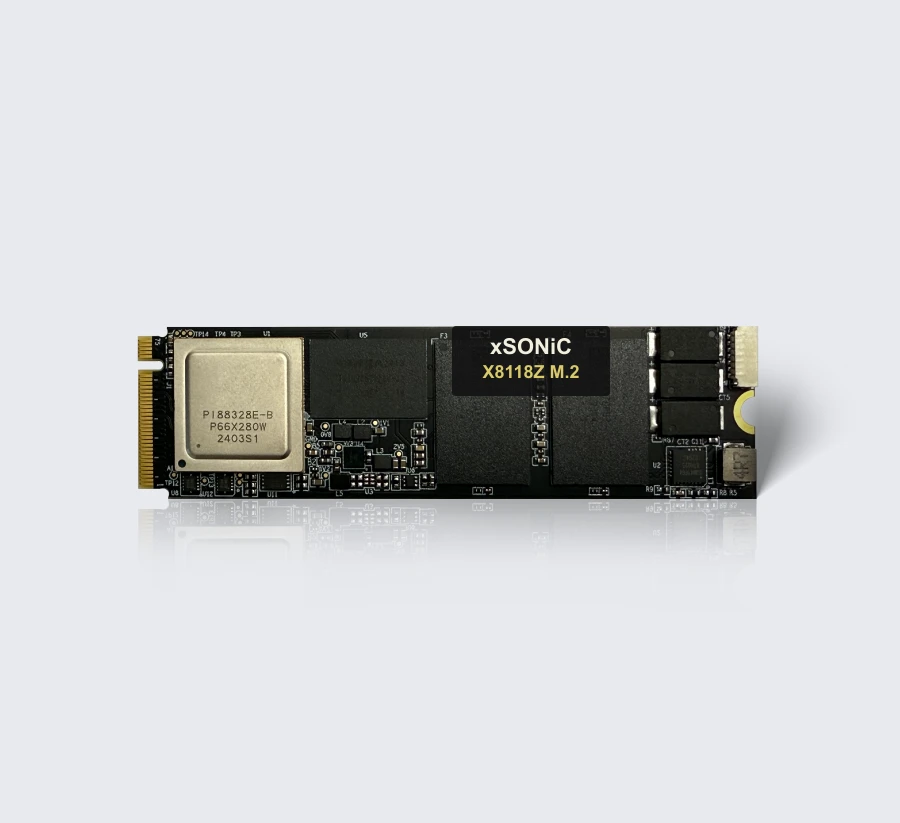 nvme ssdXS-SSD-8118Z-M2Enterprise M.2-2280 NVMe SSD with PCIe Gen4 x4, up to 7.1 GB/s sequential read, 1,000K IOPS, and compact storage deployment flexibility.View product
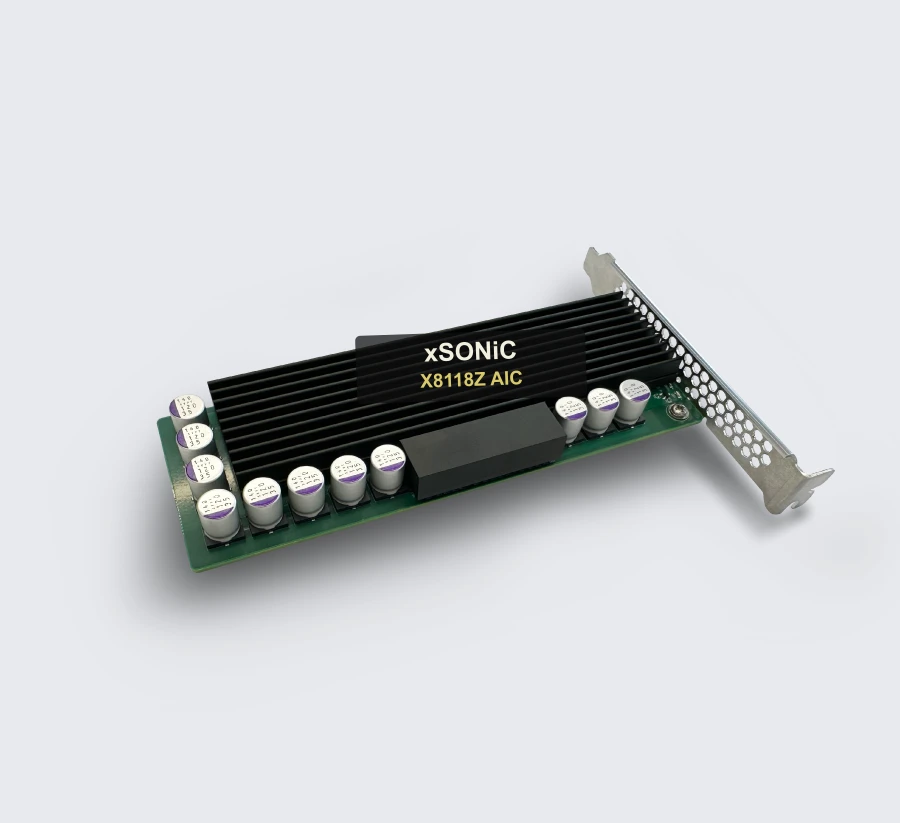 nvme ssdXS-SSD-8118Z-AICEnterprise AIC NVMe SSD with PCIe Gen4 x4, up to 7.0 GB/s sequential read, 1,000K IOPS, and add-in-card deployment flexibility.View product
Continue reading
Related articles
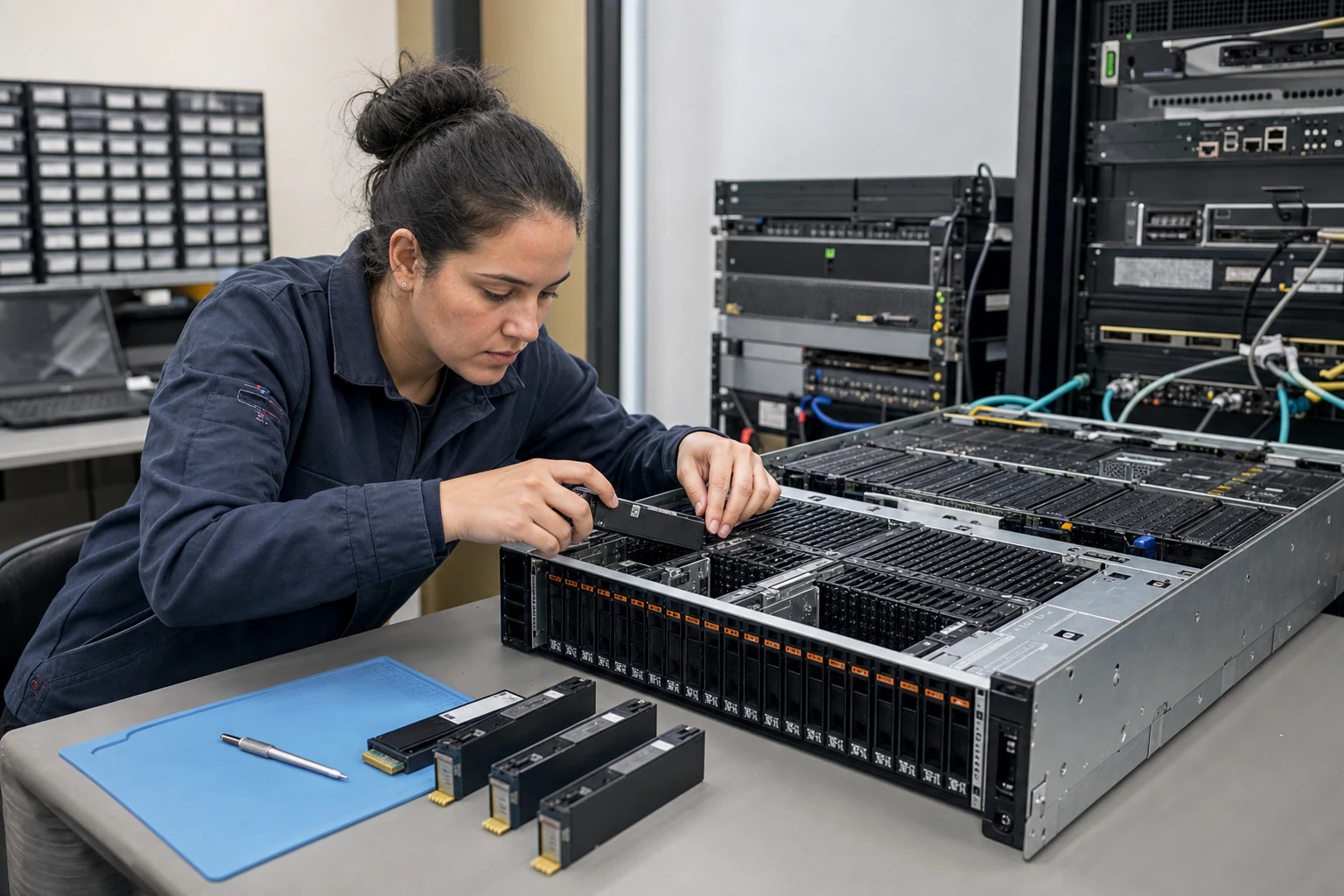 Technical ArticleEnterprise NVMe SSD Form Factors for AI Storage and Cloud Workloads: A Buyer's GuideCompare U.2, M.2, E1.S, and AIC NVMe SSD form factors for enterprise AI storage, cloud databases, HPC, thermals, and serviceability.Read article
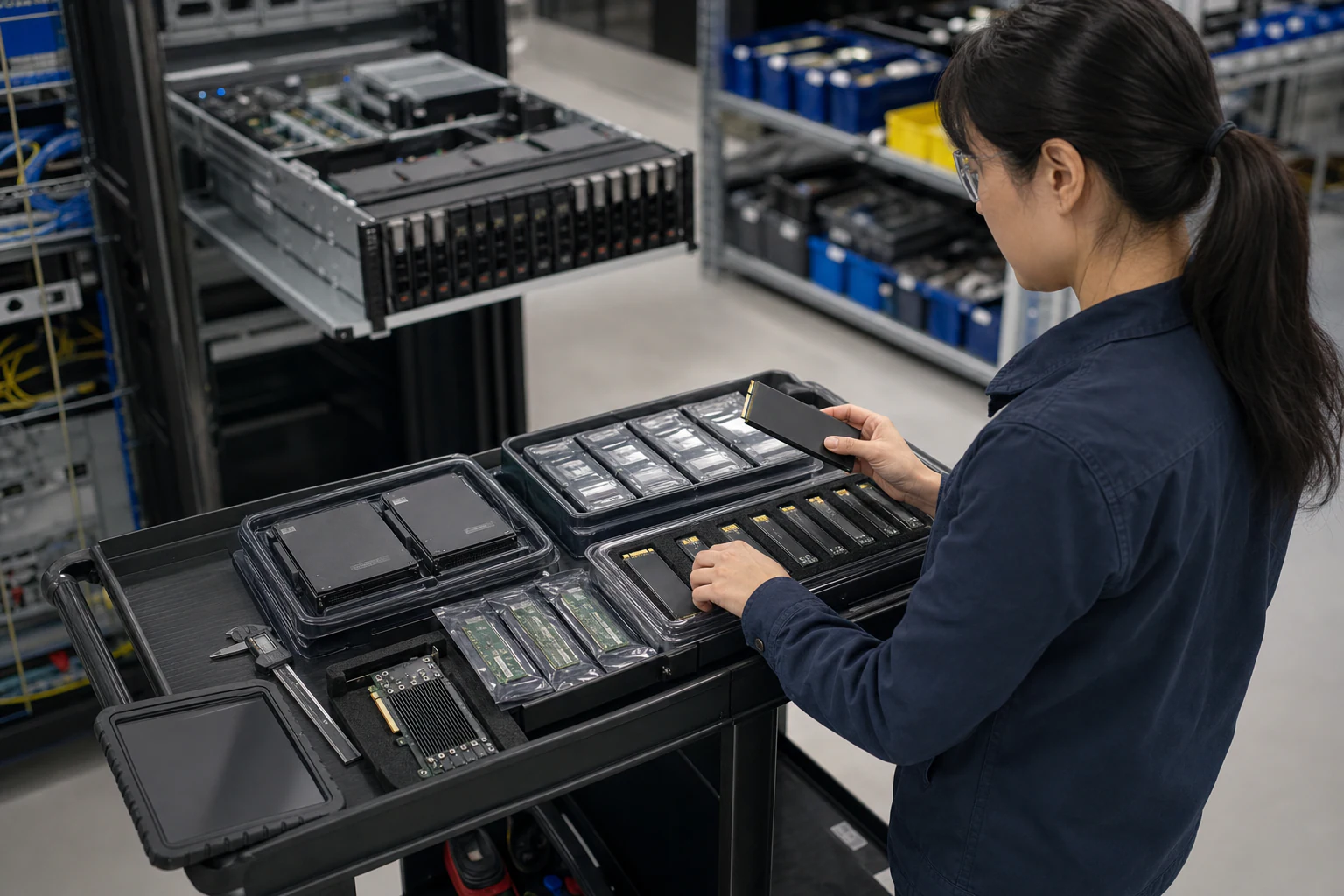 Technical ArticleU.2 vs E1.S vs M.2 vs AIC: NVMe SSD Form Factor Capacity Planning Guide for Australian Enterprise ProcurementCapacity planning guidance for U.2, E1.S, M.2, and AIC NVMe SSD procurement across enterprise storage, AI, thermal, and serviceability needs.Read article
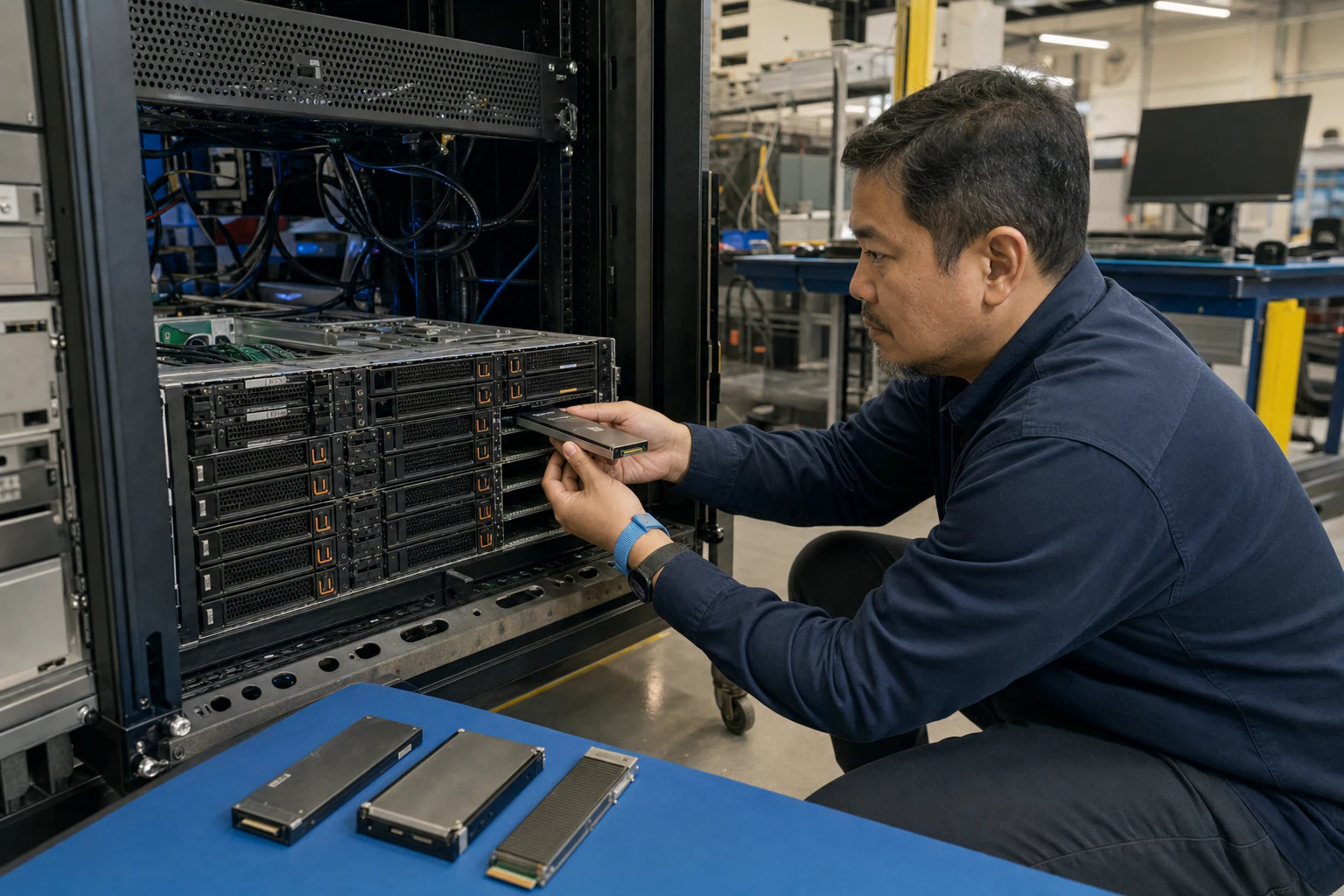 Technical ArticleWhy AI Infrastructure Demands Are Reshaping Enterprise NVMe SSD Form Factor Choices in AustraliaEngineering guide to NVMe SSD form factor choices for Australian AI infrastructure, covering U.2, M.2, E1.S, AIC, thermals, endurance, and validation.Read article