In brief
Engineering guide for campus switching teams covering PoE, access design, MC-LAG/STP risk, telemetry, support, and pilot validation.
Key takeaways
- Software for Open Networking in the Cloud (SONiC) was born in hyperscale data centers.
- SONiC runs network functions in Docker containers, giving each service -- BGP, LLDP, DHCP relay, SNMP, and so on -- its own isolated environment.
- Community SONiC is powerful but was designed for data center fabrics. Enterprise SONiC distributions build on the community foundation and add the campus-specific capabilities that bare community images typically lack: PoE management and budgeting, 802.1X wired authentication, RADIUS integration, per-port access control lists, DHCP snooping, ARP inspection, and simplified Day-1 provisioning workflows.
Introduction: SONiC Leaves the Data Center
Software for Open Networking in the Cloud (SONiC) was born in hyperscale data centers. Originally developed and production-hardened by major cloud service providers, SONiC is a free, open-source network operating system built on Linux that decouples hardware from software through the Switch Abstraction Interface (SAI). Today, the ecosystem is expanding. Enterprise SONiC distributions are now targeting campus access, aggregation, and branch roles — environments where Power over Ethernet (PoE), wired authentication, and simplified operations are non-negotiable. For Australian enterprises planning a campus network refresh, this shift deserves a close look.
What SONiC Actually Is (and What Enterprise Distributions Add)
SONiC runs network functions in Docker containers, giving each service — BGP, LLDP, DHCP relay, SNMP, and so on — its own isolated environment. This modular, container-based architecture improves fault isolation, simplifies troubleshooting, and allows individual components to be upgraded without rebuilding the entire system. The SONiC project uses standard Linux interfaces and tools, making it programmable via JSON-based configuration, CLI, or API-driven automation.
Community SONiC is powerful but was designed for data center fabrics. Enterprise SONiC distributions build on the community foundation and add the campus-specific capabilities that bare community images typically lack: PoE management and budgeting, 802.1X wired authentication, RADIUS integration, per-port access control lists, DHCP snooping, ARP inspection, and simplified Day-1 provisioning workflows. They also typically include commercial support, validated hardware compatibility lists, and tested upgrade paths — all critical for production campus deployments.
Campus Access: Why PoE Is the Table Stakes
In a campus access layer, the switch does far more than forward packets. It delivers power to endpoints: Wi-Fi 6/6E/7 access points, IP phones, security cameras, IoT sensors, and building management devices. Modern PoE standards — IEEE 802.3af (15.4 W), 802.3at/PoE+ (30 W), and 802.3bt/PoE++ (up to 90 W per port) — determine how many and what type of devices a switch can support.
An Enterprise SONiC-based campus PoE switch must handle per-port power classification, dynamic power budgeting, scheduling, and fault detection with the same reliability as a proprietary alternative. This is an area where the NOS and the underlying hardware must work tightly together, and where the SAI abstraction layer proves its value: vendors implement PoE control through SAI extensions, allowing the same SONiC software image to manage PoE across different switch ASICs and power supply designs.
For Australian campuses, PoE reliability is especially important in sites spread across large footprints — university precincts, hospital wards, mining camps, and multi-building corporate parks — where powered devices may be hundreds of metres from the nearest switch room.
Aggregation and Distribution: The Middle-Tier Challenge
Between the access layer and the core sits the aggregation or distribution tier. In a campus network, this tier must handle inter-VLAN routing, redundant uplinks, policy enforcement, and traffic shaping. Common requirements include:
- Multi-Chassis Link Aggregation (MC-LAG) for active-active uplinks without spanning tree blocking
- Spanning Tree Protocol (STP) variants (RSTP/MSTP) for environments where MC-LAG is not deployed
- Policy-Based Routing (PBR) for traffic steering, guest network isolation, and compliance segmentation
- Virtual chassis or stacking for simplified management of multiple physical switches as one logical unit
- EVPN-VXLAN for larger campus fabrics that require scalable L2/L3 overlay segmentation
Enterprise SONiC distributions have been adding support for these campus-relevant protocols. EVPN-VXLAN, for example, is well-proven in SONiC data center fabrics and can be extended to campus designs, giving network teams a consistent overlay technology from spine-leaf to campus aggregation. MC-LAG, STP, and PBR support varies by distribution and hardware platform, making careful validation essential during the design phase.
Multi-Vendor Hardware Flexibility: The Open Networking Advantage
SONiC is built on SAI (Switch Abstraction Interface), which standardises how the NOS communicates with the underlying switching ASIC. This means network teams can choose switch hardware from multiple vendors — running different silicon from vendors such as Broadcom and Marvell — and run the same SONiC-based software image across all of them. For campus networks, this translates to:
- Reduced vendor lock-in: Hardware and software procurement can be separated, giving purchasing teams more leverage.
- Faster hardware refresh cycles: When silicon generations change, the NOS can remain consistent.
- Simplified operations: A single OS across access, aggregation, and core tiers reduces training and tooling costs.
- Supply chain resilience: If one hardware vendor has lead-time issues, alternatives are available without changing the NOS or automation tooling.
For Australian organisations — particularly those in government, education, and healthcare where procurement frameworks and long planning cycles are common — the ability to standardise on a single NOS across diverse hardware is a meaningful operational benefit.
Note: SONiC is licensed under the Apache License 2.0 and is supported by a growing ecosystem including premier members and contributing organisations under the Linux Foundation.
Automation, Observability, and Day-2 Operations
One of SONiC’s architectural strengths is its use of standard Linux tooling and standard management interfaces. Campus network teams can leverage:
- NETCONF/YANG for model-driven configuration and state retrieval
- gNMI for streaming telemetry, enabling real-time visibility into port status, PoE draw, CPU/memory, and interface counters
- REST APIs for integration with ITSM, monitoring, and orchestration platforms
- Ansible, Terraform, and Python for infrastructure-as-code workflows
For campus environments with hundreds or thousands of switch ports, the ability to push consistent configurations, collect telemetry, and automate firmware upgrades across a multi-vendor fleet is a significant operational improvement over legacy CLI-driven management.
Australian campus networks often serve distributed sites with lean IT teams. Automation that reduces per-site configuration drift and accelerates troubleshooting can lower the total cost of ownership in ways that go beyond the initial hardware price.
Decision Framework: Is Enterprise SONiC Right for Your Campus?
Not every campus is ready for open networking. The table below provides a starting framework:
| Factor | Enterprise SONiC Fit | Notes |
|---|---|---|
| Multi-site campus with 500+ ports | Strong | Automation and single-OS benefits scale well |
| Single small office | May be overkill | Proprietary turnkey solutions may be simpler |
| Team with Linux/automation skills | Strong | Maximum value from programmable NOS |
| Team with no open-source experience | Moderate | Requires training or managed service partner |
| Government/education procurement | Strong | Open-source aligns with many AU public sector policies |
| Mission-critical 99.999% uptime | Evaluate carefully | Requires validated HA features and support SLA |
| Heavy PoE (cameras, APs, IoT) | Strong | Verify PoE budget and chipset compatibility |
| Existing proprietary investment | Moderate | Migration planning required |
Practical Next Steps for Australian Network Teams
- Identify your campus refresh requirements: port count, PoE budget per switch, uplink speeds (1G/10G/25G to aggregation), and endpoint types.
- Evaluate Enterprise SONiC distributions: Compare commercial offerings that include campus features, support SLAs, and validated hardware compatibility lists.
- Request a proof-of-concept: Test PoE power delivery, 802.1X authentication, VLAN segmentation, and automation workflows on representative hardware.
- Engage local partners: Identify Australian resellers or systems integrators with open networking experience.
- Build automation early: Start with Ansible playbooks for switch provisioning and telemetry collection. The investment pays off at scale.
Open networking is not an all-or-nothing decision. Many organisations start with a single campus building or a greenfield site, prove the model, and expand incrementally.
Engineering FAQ
What should be validated before a Wi-Fi 6E or Wi-Fi 7 rollout? Validate channel plan, 6 GHz client readiness, PoE budget, uplink capacity, roaming, authentication, RF density, interference, and management tooling. The AP standard alone does not prove campus performance.
Why does backhaul planning matter for modern access points? Wi-Fi 6E and Wi-Fi 7 can expose bottlenecks in access switching, PoE, cabling, and uplink design. Buyers should confirm whether 2.5G, 5G, 10G, and PoE budgets match the real AP deployment plan.
What evidence should vendors provide for enterprise WLAN projects? Ask for supported security modes, firmware lifecycle, controller or cloud management model, RF planning assumptions, client compatibility notes, and a pilot report from a representative building or floor.
Related xSONiC Resources
Sources Reviewed
- IEEE 802.1Q Bridges and Bridged Networks
- IEEE 802.1AX Link Aggregation
- Ethernet Network Adapters - ConnectX NICs | NVIDIA
- NVIDIA BlueField Data Processing Unit
- NVIDIA Spectrum-X Ethernet Platform
- OpenConfig gNMI Specification
- OpenConfig
- RFC 7950 - The YANG 1.1 Data Modeling Language
- RFC 6241 - Network Configuration Protocol (NETCONF)
- ACSC Essential Eight
- OAIC Notifiable Data Breaches
- APRA CPS 234 Information Security
- NETSCOUT Network Packet Definition
- Cloudflare Network Packet Definition
- IEEE 802.11be Wireless LAN Standard
- IEEE 802.3bt Power over Ethernet
- SONiC Project Documentation
- Broadcom Ethernet Switching
- Marvell Switching
- NVIDIA Ethernet Switching
- Open Compute Networking
- SONiC GitHub
- SONiC Foundation
Product fit
Products referenced for evaluation
These products are referenced for evaluation context in the article. Confirm workload, port, optics, software, interoperability, and support requirements against the exact deployment before procurement.
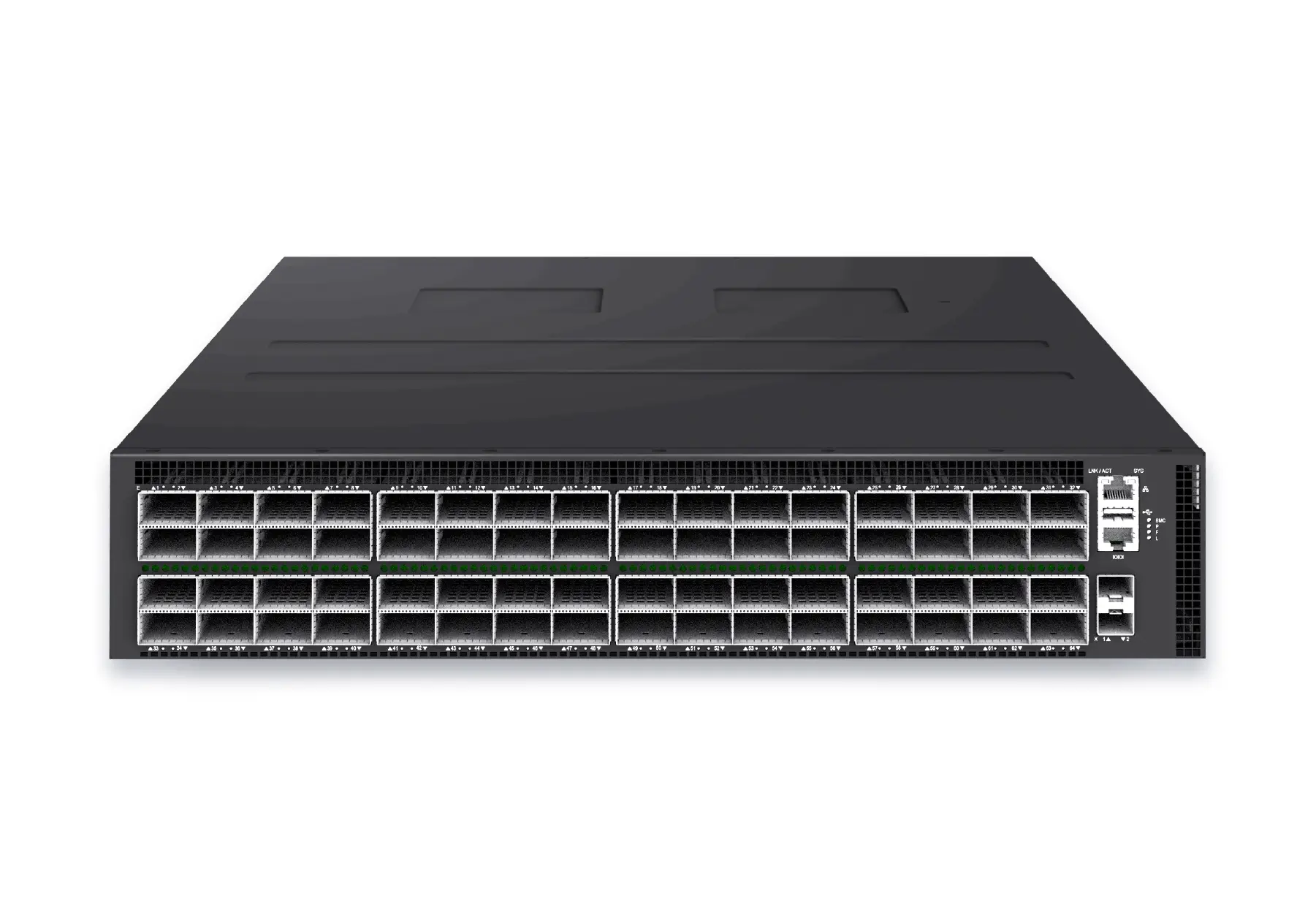 datacenter aiXS-DC-64X800-AI-G164-port 800G AI fabric switch for large-scale GPU clusters, HPC backbones, and ultra-high-throughput data center networks.View product
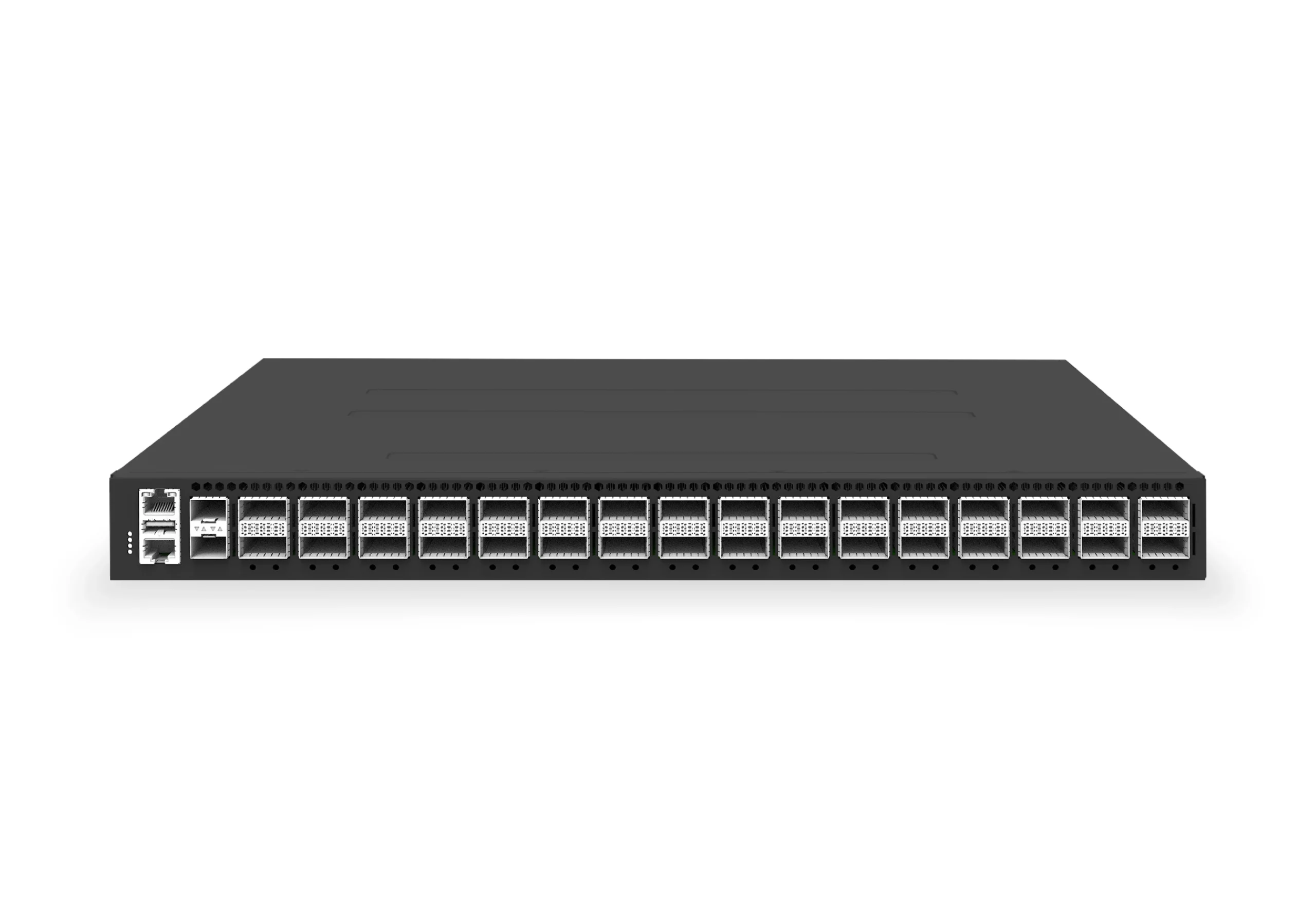 datacenter aiXS-DC-32X400-SP-G232-port 400G spine/core switch for high-capacity data center fabrics and AI-ready backbones.View product
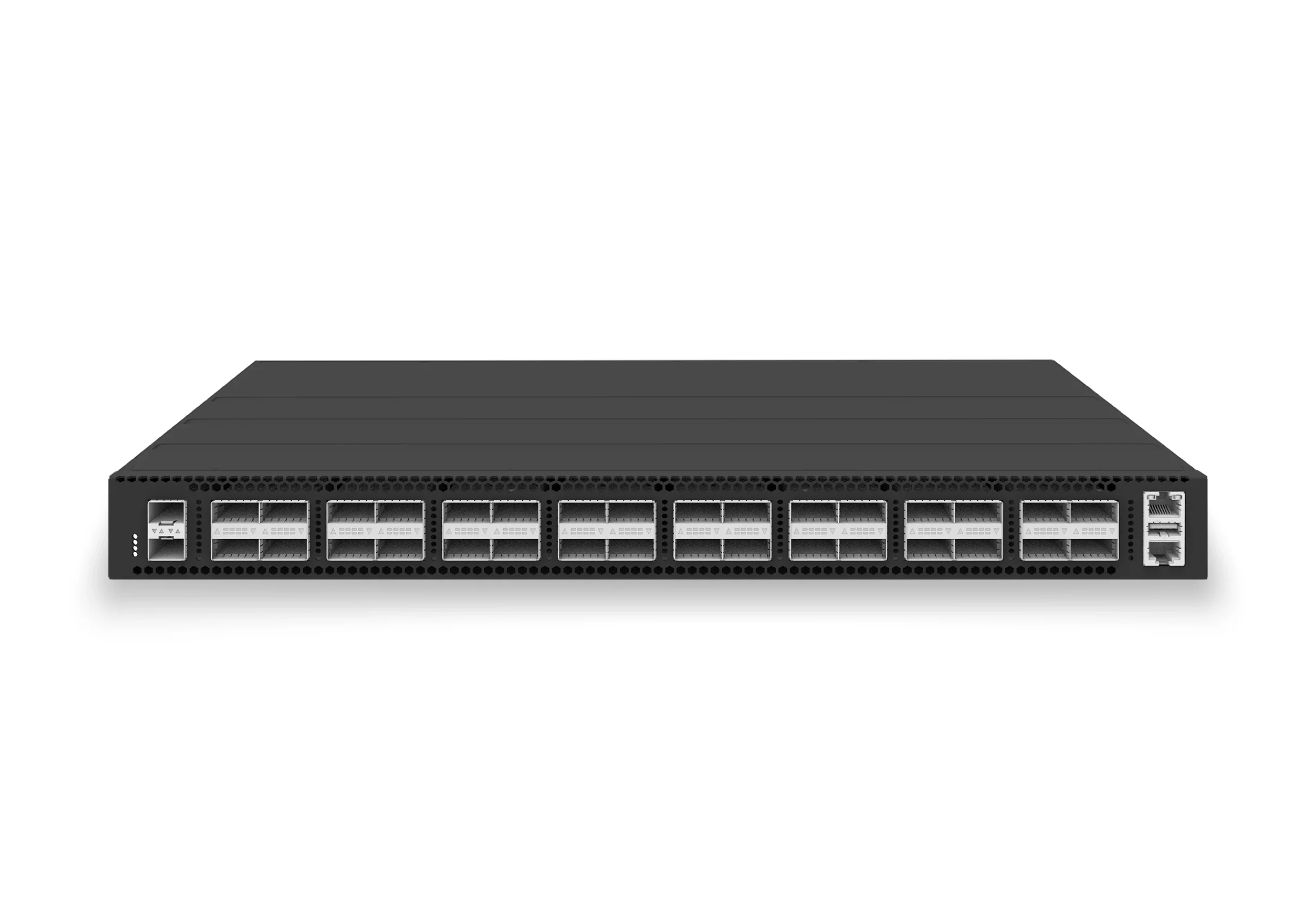 datacenter aiXS-DC-32X100-LS-G232-port 100G leaf/spine switch for VXLAN fabrics, RoCE-ready workloads, and tenant-scale routing.View product
Continue reading
Related articles
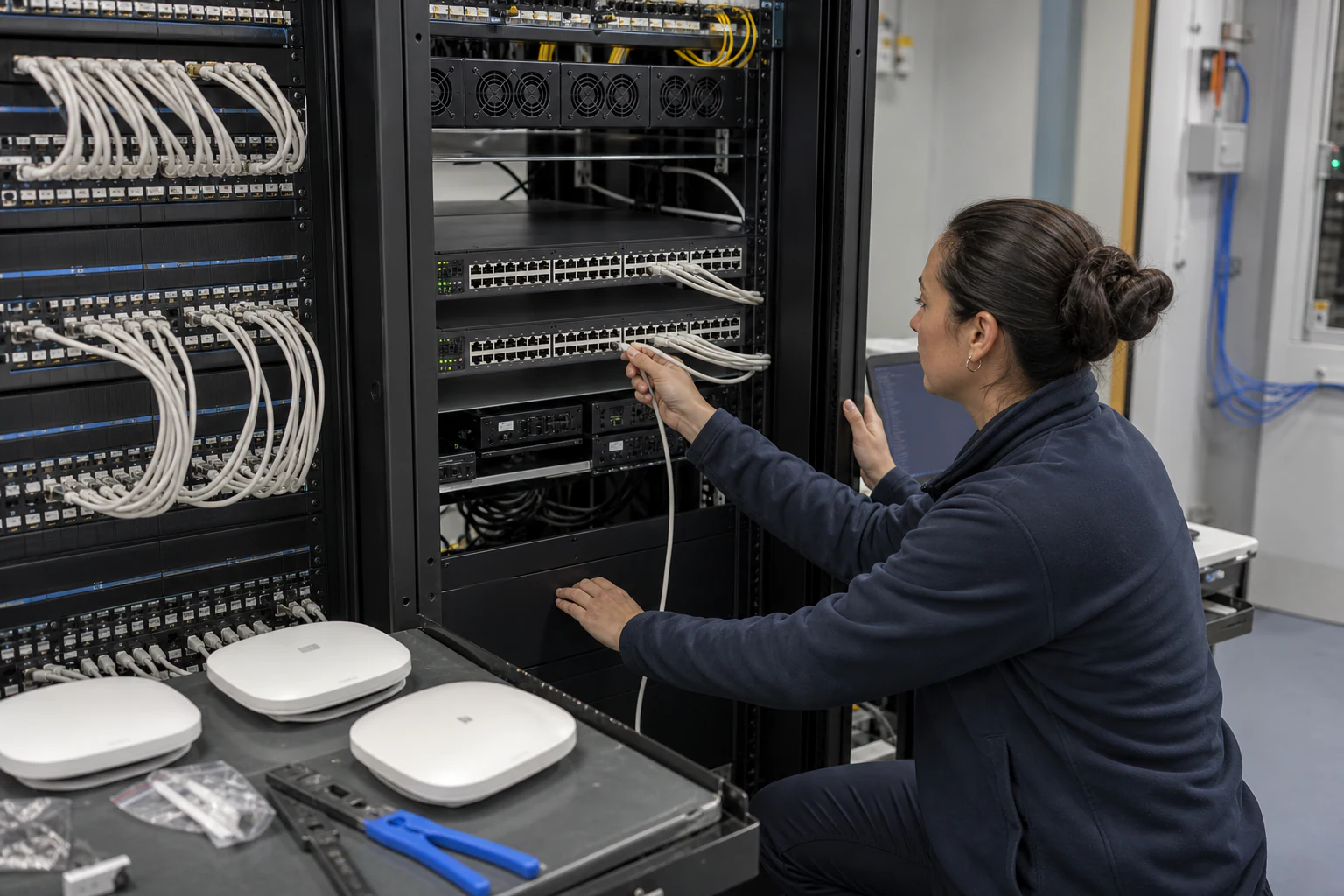 Technical ArticleCampus Access and Aggregation Refresh with Enterprise SONiCEngineering guide for campus switching teams covering PoE, access design, MC-LAG/STP risk, telemetry, support, and pilot validation.Read article
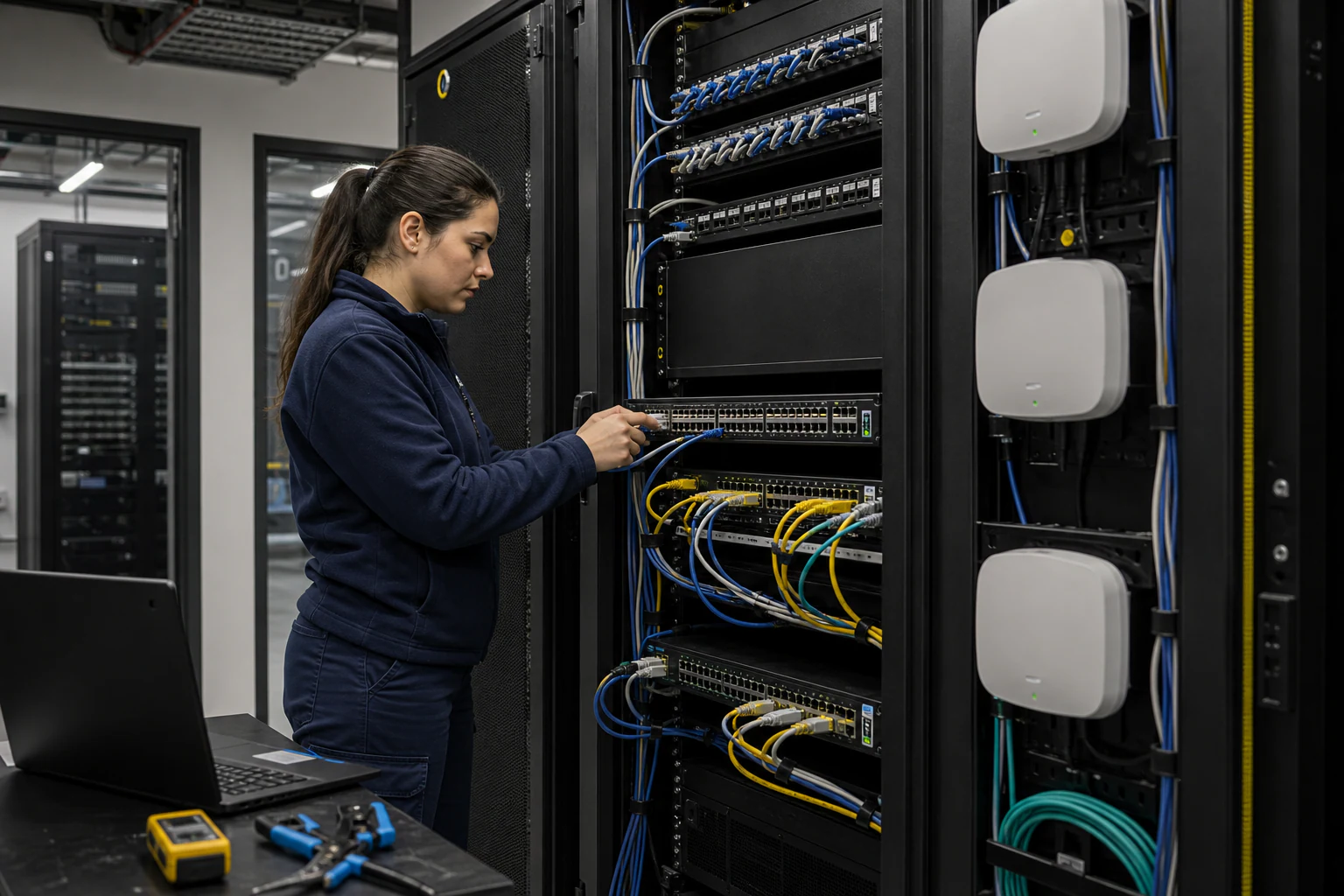 Technical ArticleEnterprise Campus PoE Refresh with SONiC Open NetworkingEngineering guide for campus switching teams covering PoE, access design, MC-LAG/STP risk, telemetry, support, and pilot validation.Read article
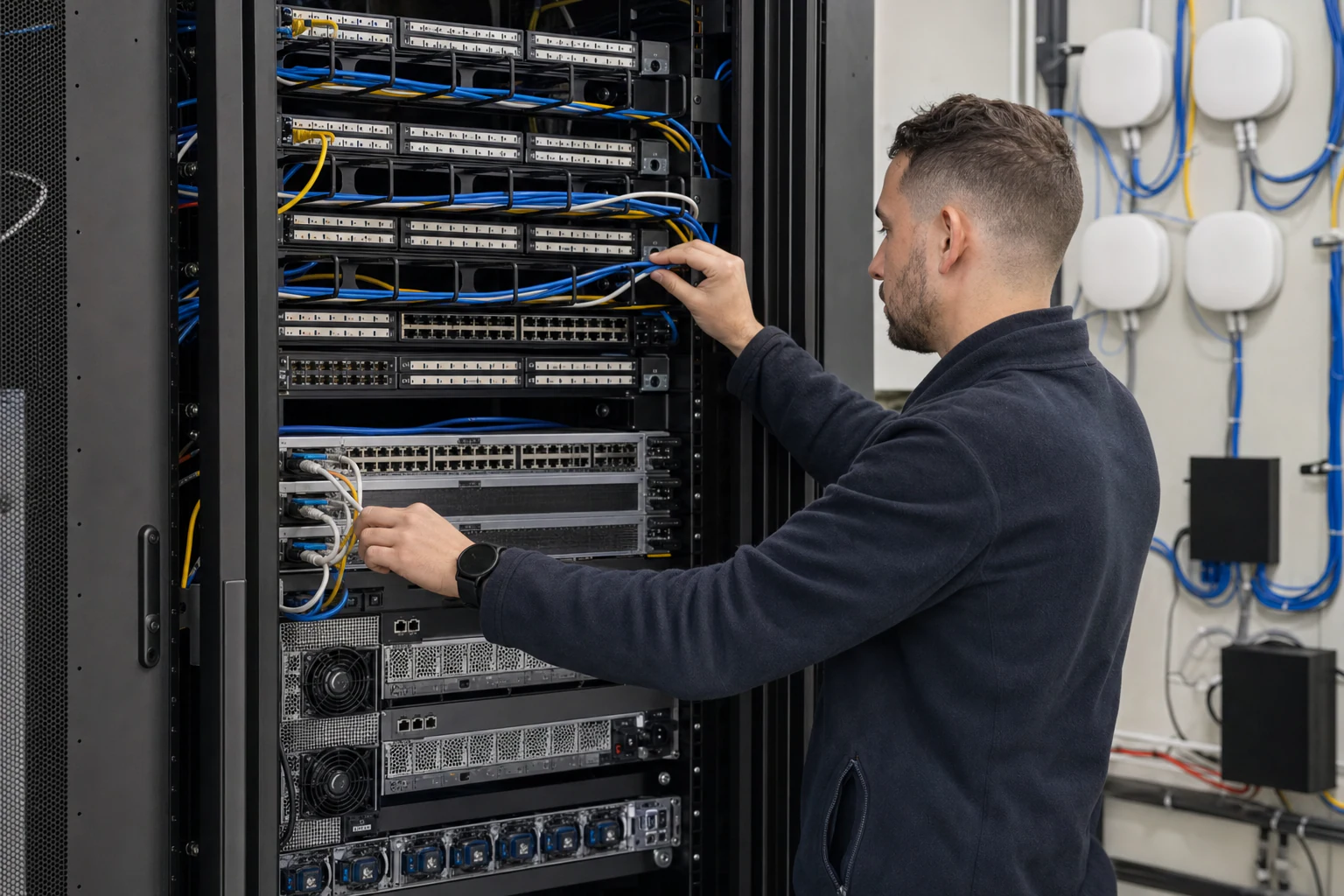 Technical ArticleWhy Australian Enterprises Are Rethinking Campus Switching with Enterprise SONiCEngineering guide for campus switching teams covering PoE, access design, MC-LAG/STP risk, telemetry, support, and pilot validation.Read article