
In brief
Engineering guidance on SONiC Switch Pre-Production Validation Checklist for Australian data centre buyers, covering form factor choice, link budgets, cabling.
Key takeaways
- SONiC (Software for Open Networking in the Cloud) is an open-source network operating system that runs on switches from multiple vendors and ASICs.
- But open networking does not mean unstructured networking. The flexibility that makes SONiC attractive -- multi-vendor hardware support, containerized architecture, and programmable configuration -- also means your team owns the integration quality.
- This checklist gives your team a repeatable pre-production validation framework.
Why a Validation Checklist Matters for Every SONiC Deployment
SONiC (Software for Open Networking in the Cloud) is an open-source network operating system that runs on switches from multiple vendors and ASICs. It has been production-hardened in the data centers of major cloud providers and is now seeing rapid adoption in enterprise AI fabric, campus refresh, and service provider environments.
But open networking does not mean unstructured networking. The flexibility that makes SONiC attractive — multi-vendor hardware support, containerized architecture, and programmable configuration — also means your team owns the integration quality. There is no single vendor standing behind the full stack. That is the point. It is also the responsibility.
This checklist gives your team a repeatable pre-production validation framework. Run it on every SONiC switch — whether it is a spine-leaf 400G data center switch or a PoE campus access device — before you promote it from lab to live.
For Australian enterprise and service provider teams, this framework also helps demonstrate operational rigor to internal governance and security stakeholders, which matters in regulated environments where audit trails and change control are expected.
Before You Begin: Lab Setup Prerequisites
Before running the 12-point checklist, confirm you have the following in place:
- A dedicated test VLAN or isolated management network that mirrors your production topology
- A traffic generator (commercial or open-source tools like TRex or Ostinato)
- Access to the SONiC management CLI and, where applicable, the SONiC REST API or NETCONF/YANG interface
- A baseline configuration file (JSON format) ready for the target deployment role: spine, leaf, border leaf, campus aggregation, or access
- Out-of-band console access for recovery scenarios
- A recorded inventory of the switch hardware model, ASIC type, port count, optics installed, and SONiC image version
Document everything. If you cannot reproduce a test result, it does not count as validated.
The 12-Point SONiC Pre-Production Validation Checklist
1. Hardware and Platform Detection
Run the SONiC platform verification commands to confirm the switch hardware is fully recognized.
- Confirm the platform, HWSKU, and ASIC are detected correctly
- Verify all transceiver modules are recognized and reporting DOM (Digital Optical Monitoring) data
- Check PSU, fan, and thermal sensor status for no alarms
- Validate that the installed SONiC image version matches your target release
SONiC’s containerized architecture means each network function runs in its own Docker container. If the platform layer is not healthy, every container above it is at risk.
2. Management Plane Access and Backup
Confirm all management access paths work before touching the data plane.
- SSH access to the management interface is functional
- Console (serial) access works as a recovery path
- Configuration save and restore commands produce valid JSON output
- A known-good configuration backup exists off the switch
For teams using programmatic management, also verify that the REST API or NETCONF/YANG interface is reachable and returns expected responses. This is the first step toward automation-ready operations.
3. Interface and Port Validation
Every port that is supposed to be up must come up cleanly.
- Verify all expected physical interfaces are in the correct admin-up state
- Confirm link speed and FEC (Forward Error Correction) settings match your cabling and optics plan
- Check for CRC errors, input/output errors, and interface resets — all should be zero on a clean boot
- Validate optical transceiver power levels are within vendor-specified ranges
If you are deploying QSFP28, QSFP-DD, or OSFP transceivers for 100G, 400G, or 800G links, confirm compatibility with both the switch hardware and the SONiC transceiver driver list. Mismatched optics are one of the most common pre-production failures.
4. Layer 2 Forwarding and VLAN Integrity
Before enabling any routing, confirm the Layer 2 foundation is solid.
- Create test VLANs and verify they propagate correctly across all relevant ports
- Confirm untagged and tagged (802.1Q) traffic forwarding works as expected
- Test MAC address learning and aging timers
- If using Link Aggregation (LAG), verify LACP negotiation and hash distribution
For campus and aggregation deployments using MC-LAG or STP, also validate failover timing and loop prevention behavior. Mark any convergence time that exceeds your service-level target as a finding.
5. Layer 3 Routing and Protocol Convergence
This is where SONiC’s BGP-first architecture shows its strength. Test it rigorously.
- Establish BGP sessions with your test peers and confirm routes are exchanged
- Inject a simulated route failure and measure convergence time
- Verify ECMP (Equal-Cost Multi-Path) hash distribution across available next hops
- If using OSPF or static routes (available in some Enterprise SONiC distributions), confirm they coexist with BGP as expected
For AI fabric deployments, this step is critical. GPU backend traffic is extremely sensitive to microbursts and path asymmetry. A routing convergence event that takes 500ms instead of 50ms can cause job failures in distributed training workloads.
6. EVPN-VXLAN Overlay Validation
If your deployment uses EVPN-VXLAN for network virtualization, this step is non-negotiable.
- Verify VTEP (VXLAN Tunnel Endpoint) establishment between leaf switches
- Confirm Layer 2 and Layer 3 VNI (VXLAN Network Identifier) traffic forwarding
- Test host mobility and MAC/IP route updates across VTEPs
- Validate ARP suppression and distributed gateway behavior
EVPN-VXLAN is the dominant overlay fabric technology in modern data centers. Skipping this validation step is one of the most common reasons multi-tenant environments experience silent traffic drops after cutover.
7. RoCE and Lossless Ethernet Validation (AI Fabric)
For AI and HPC fabric deployments using RDMA over Converged Ethernet (RoCE v2), lossless behavior must be verified end-to-end.
- Confirm PFC (Priority Flow Control) is negotiated and active on all RoCE-class ports
- Verify ECN (Explicit Congestion Notification) marking is functioning under load
- Test DCBX (Data Center Bridging Capability Exchange) parameter exchange between switch and NIC
- Run a sustained traffic load and confirm zero packet drops on the RoCE priority queue
This is where AI fabric deployments live or die. If PFC or ECN is misconfigured, GPU-to-GPU communication will stall, and your expensive AI infrastructure becomes an expensive paperweight. Do not assume default settings are correct. Test under load.
8. Control-Plane Resilience and Process Recovery
SONiC’s containerized architecture is designed for fault isolation. Verify it actually works.
- Restart individual containers (e.g., BGP, syncd, swss) and confirm automatic recovery
- Verify that a container restart does not cause data-plane traffic loss
- Check that system health monitoring detects and reports the failure event
- Confirm the switch recovers to a consistent state without manual intervention
This test validates one of SONiC’s core architectural advantages over monolithic NOS designs. If a single process failure brings down the entire switch, your deployment is not production-ready.
9. Telemetry and Monitoring Integration
If you cannot see it, you cannot manage it. Validate your observability stack.
- Confirm gNMI or SNMP telemetry streams are delivering interface counters, BGP state, and system health data to your monitoring platform
- Verify INT (In-band Network Telemetry) or IPTPath telemetry if your deployment uses packet-level visibility for AI fabric troubleshooting
- Test threshold-based alerting for interface errors, BGP flaps, and thermal events
- Validate that log forwarding to your SIEM or centralized logging platform is working
For Australian enterprise environments, telemetry integration is also a practical requirement for meeting operational risk frameworks. If your security and compliance teams cannot see what the network is doing, they will push back on open networking adoption.
10. Security Posture and Access Control
Harden the switch before it touches production traffic.
- Verify management ACLs restrict access to authorized source IPs only
- Confirm that unused services (e.g., Telnet, HTTP) are disabled
- Validate TACACS+ or RADIUS authentication integration if required by your security policy
- Check that the SONiC image has no known critical CVEs against the installed version
- Review SSH key and password policies
11. Configuration Automation and Rollback
The whole point of open networking is programmability. Prove it works.
- Apply your target configuration via JSON config push (not manual CLI entry)
- Verify the configuration matches your source-of-truth template after apply
- Test a deliberate configuration rollback to a known-good state
- Confirm the rollback restores service without traffic interruption
If your team cannot push configuration programmatically and roll it back safely, you are not ready for production automation. This step builds the operational confidence to move from manual change windows to continuous delivery for network infrastructure.
12. End-to-End Traffic Validation Under Load
The final test. Send real traffic through the switch under conditions that approximate production.
- Run sustained bidirectional traffic at 70 to 90 percent of target throughput
- Measure latency, jitter, and packet loss under load
- Simulate a link failure and confirm traffic reroutes within your convergence target
- Verify that post-failure recovery is clean and the switch returns to baseline state
Do not trust a switch that has only been tested at idle. Production networks are not idle. Test under load, test with failures, and document the results.
What to Do After Validation
Once all 12 checkpoints pass, document the results in your change management system. Include:
- Switch serial number and SONiC image version
- Test date, tester name, and lab environment details
- Pass/fail status for each checkpoint with supporting evidence (command output, traffic generator reports)
- Any findings or exceptions with remediation status
This record becomes your production readiness gate. No switch goes live without it.
How xSONiC Supports Production-Grade SONiC Deployments
xSONiC data center AI switches and bare-metal switching hardware are designed for exactly this kind of rigorous, team-owned validation. Every xSONiC platform is tested for SONiC compatibility, multi-vendor transceiver support, and programmable management interfaces, so your team can focus on the checklist, not on hardware quirks.
If your team is evaluating open networking for an Australian data center or campus deployment, contact the xSONiC team to discuss hardware compatibility, optics planning, and validation support for your specific topology.
Engineering FAQ
What should be checked before ordering 400G or 800G optics? Check port form factor, lane speed, reach, fibre type, breakout plan, DOM telemetry, firmware compatibility, thermal budget, and the switch vendor optics support matrix. The same speed can behave differently across QSFP-DD, OSFP, DAC, AOC, and fibre modules.
Why is optics validation part of a SONiC deployment? SONiC exposes the NOS layer, but optics behaviour still depends on the switch platform, transceiver EEPROM data, firmware, thermal design, and operational tooling. Buyers should test the exact module and cable combination before volume rollout.
What should be included in an optics procurement record? Record SKU, reach, connector, fibre type, temperature class, supported breakout modes, switch platform, SONiC image, DOM fields, link test result, and spare strategy. That record becomes the reference for future replacements.
Related xSONiC Resources
Sources Reviewed
- IEEE 802.1Q Bridges and Bridged Networks
- IEEE 802.1AX Link Aggregation
- Ethernet Network Adapters - ConnectX NICs | NVIDIA
- NVIDIA BlueField Data Processing Unit
- NVIDIA Spectrum-X Ethernet Platform
- OpenConfig gNMI Specification
- OpenConfig
- RFC 7950 - The YANG 1.1 Data Modeling Language
- RFC 6241 - Network Configuration Protocol (NETCONF)
- ACSC Essential Eight
- OAIC Notifiable Data Breaches
- APRA CPS 234 Information Security
- NETSCOUT Network Packet Definition
- Cloudflare Network Packet Definition
- IEEE 802.11be Wireless LAN Standard
- IEEE 802.3bt Power over Ethernet
- SONiC Project Documentation
- Broadcom Ethernet Switching
- Marvell Switching
- NVIDIA Ethernet Switching
- Open Compute Networking
- SONiC GitHub
- SONiC Foundation
| Source | URL | What It Supports |
|---|---|---|
| SONiC Foundation - What is SONiC | SONiC Foundation website | SONiC definition, multi-vendor support, containerized architecture, BGP and RDMA features, production-hardened in large cloud provider data centers |
| sonic-net/SONiC GitHub Repository | SONiC project source and documentation | Key features (multi-vendor support, container-based architecture, standard Linux interfaces, programmable), architecture description (Docker containers for fault isolation and scalability), JSON-based configuration, supported installation methods (ONIE, Docker, VM) |
| NVIDIA Ethernet Switching - Pure SONiC | NVIDIA Ethernet switching portfolio | NVIDIA Spectrum switches support Pure SONiC as a NOS option alongside Cumulus Linux; Spectrum-X platform designed for AI workloads with RoCE acceleration; confirms SONiC is used in production data center switching |
| OpenSSL Documentation | OpenSSL command-line documentation | Supporting reference for TLS/certificate validation context in management-plane security testing |
| Broadcom Ethernet Switches | Broadcom Ethernet switching products | ASIC ecosystem context for SONiC-compatible switching silicon (minimal content retrieved) |
Product fit
Products referenced for evaluation
These products are referenced for evaluation context in the article. Confirm workload, port, optics, software, interoperability, and support requirements against the exact deployment before procurement.
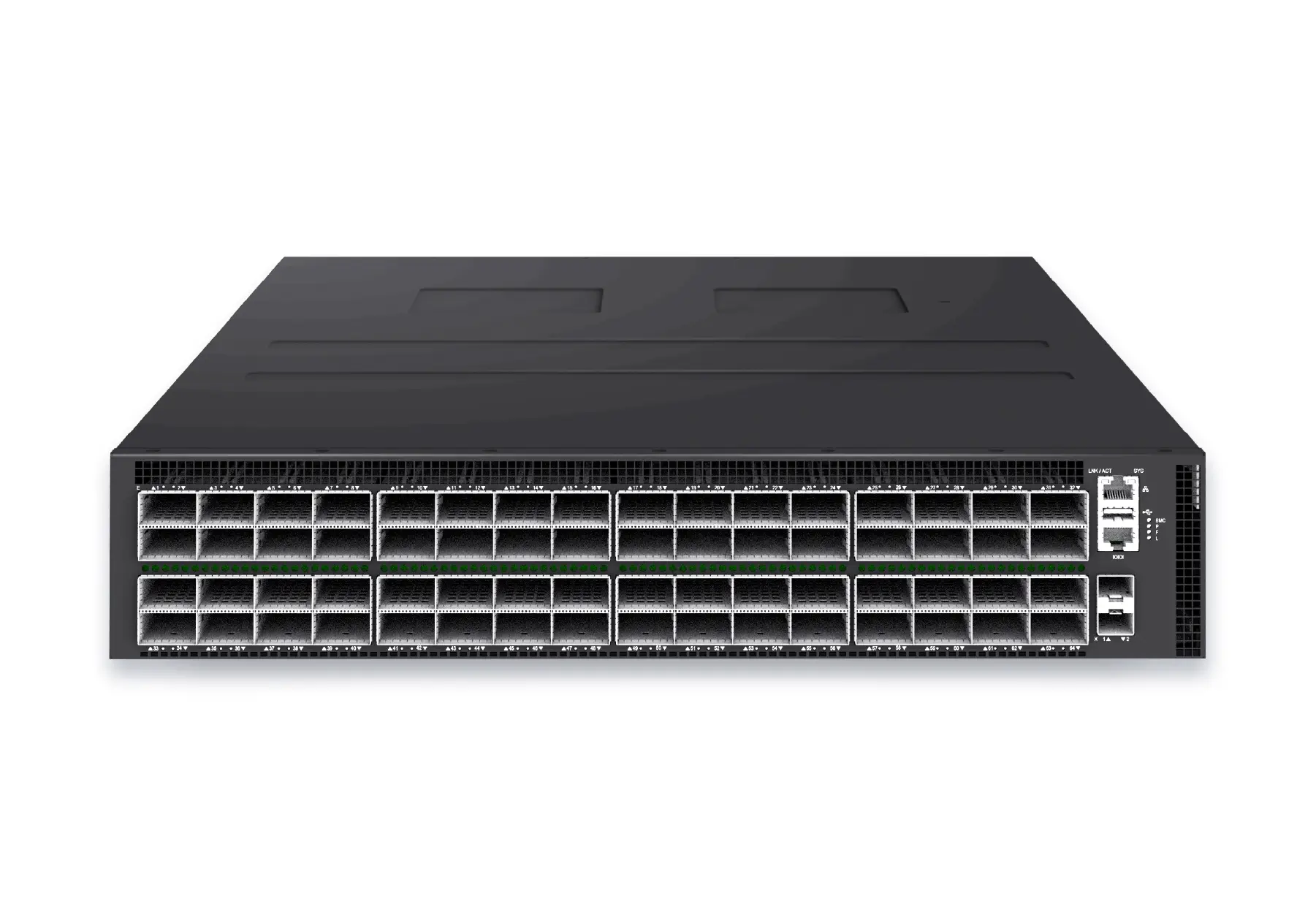 datacenter aiXS-DC-64X800-AI-G164-port 800G AI fabric switch for large-scale GPU clusters, HPC backbones, and ultra-high-throughput data center networks.View product
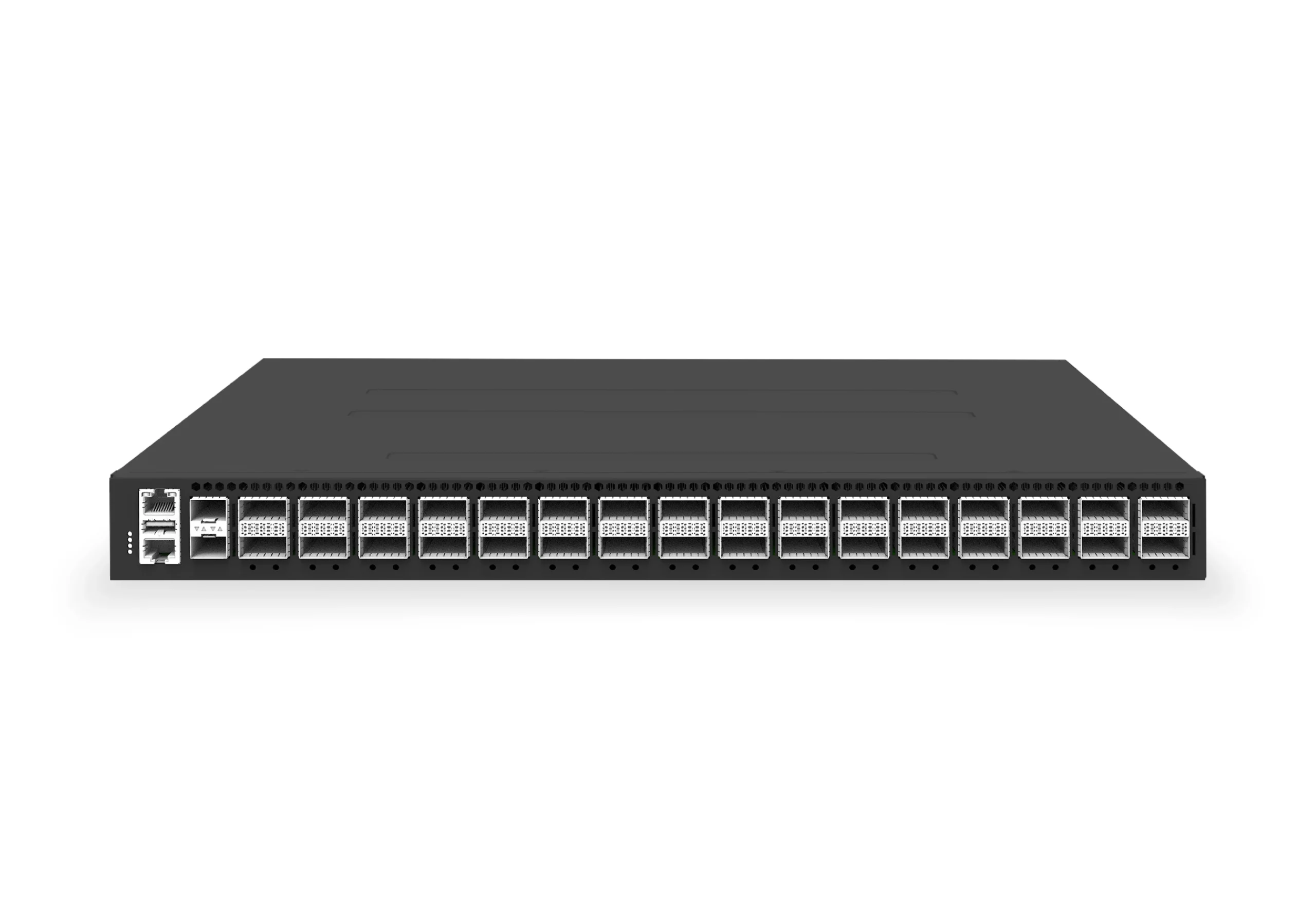 datacenter aiXS-DC-32X400-SP-G232-port 400G spine/core switch for high-capacity data center fabrics and AI-ready backbones.View product
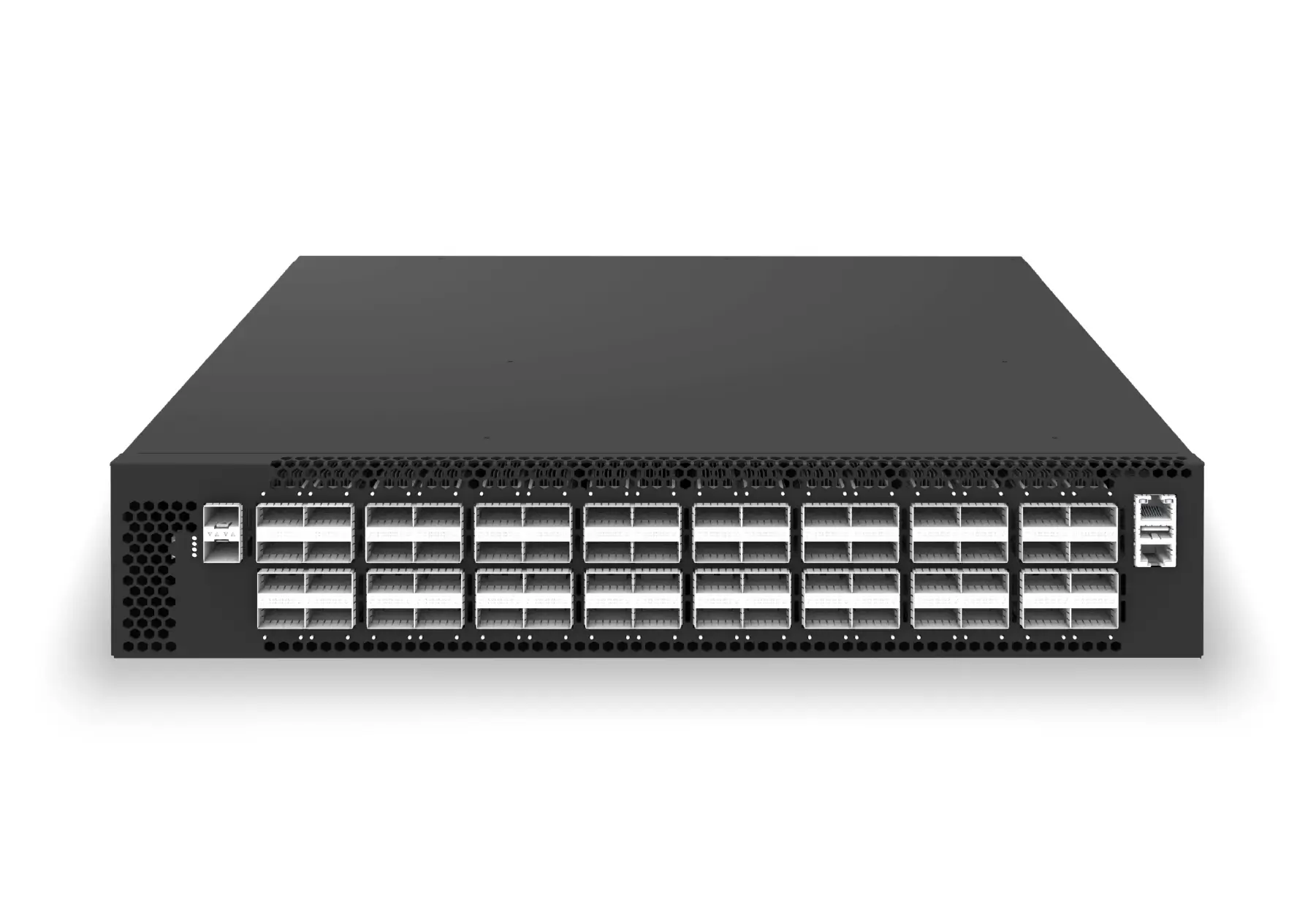 datacenter aiXS-DC-64X200-LS-G164-port 200G leaf/spine switch for high-bandwidth storage, compute, and scale-out data center fabrics.View product
Continue reading
Related articles
 Technical ArticleWhy Australian Data Centers Are Re-evaluating Open Networking for AI InfrastructureEngineering guide for AI fabric buyers covering RoCE, SONiC, telemetry, optics, support ownership, and deployment validation.Read article
 Technical ArticleSONiC Switch Validation Before Production: What Australian Network Teams Need on Their ChecklistEngineering guide for SONiC and open networking buyers covering platform fit, automation, support, telemetry, and validation evidence.Read article
 Technical ArticleThe SONiC Ecosystem in 2025: How Open Networking Moved from Hyperscale Cloud to Every Enterprise Data CenterAn engineering view of the SONiC ecosystem in 2025, covering OCP, SAI, ONIE, cloud operators, AI fabrics, campus adoption, support, and Australian buyer validation.Read article