In brief
Engineering guidance on MC-LAG and STP Interoperability Playbook for Campus Aggregation Switches for Australian campus teams, covering PoE budgets, access-layer.
Key takeaways
- In Australian enterprise campus networks, the aggregation layer is the control point for redundancy, policy enforcement, and traffic forwarding between access closets and the core.
- The challenge: MC-LAG does not eliminate STP. In most campus environments, STP continues to run on access-layer switches, uplink trunks, and sometimes on the core.
- According to the SONiC Foundation, SONiC is an open-source network operating system that runs on switches from multiple vendors and ASICs, offering a full suite of network functionality that has been production-hardened in large-scale environments (sonicfoundation.dev).
Why MC-LAG and STP Interoperability Matters at the Campus Aggregation Layer
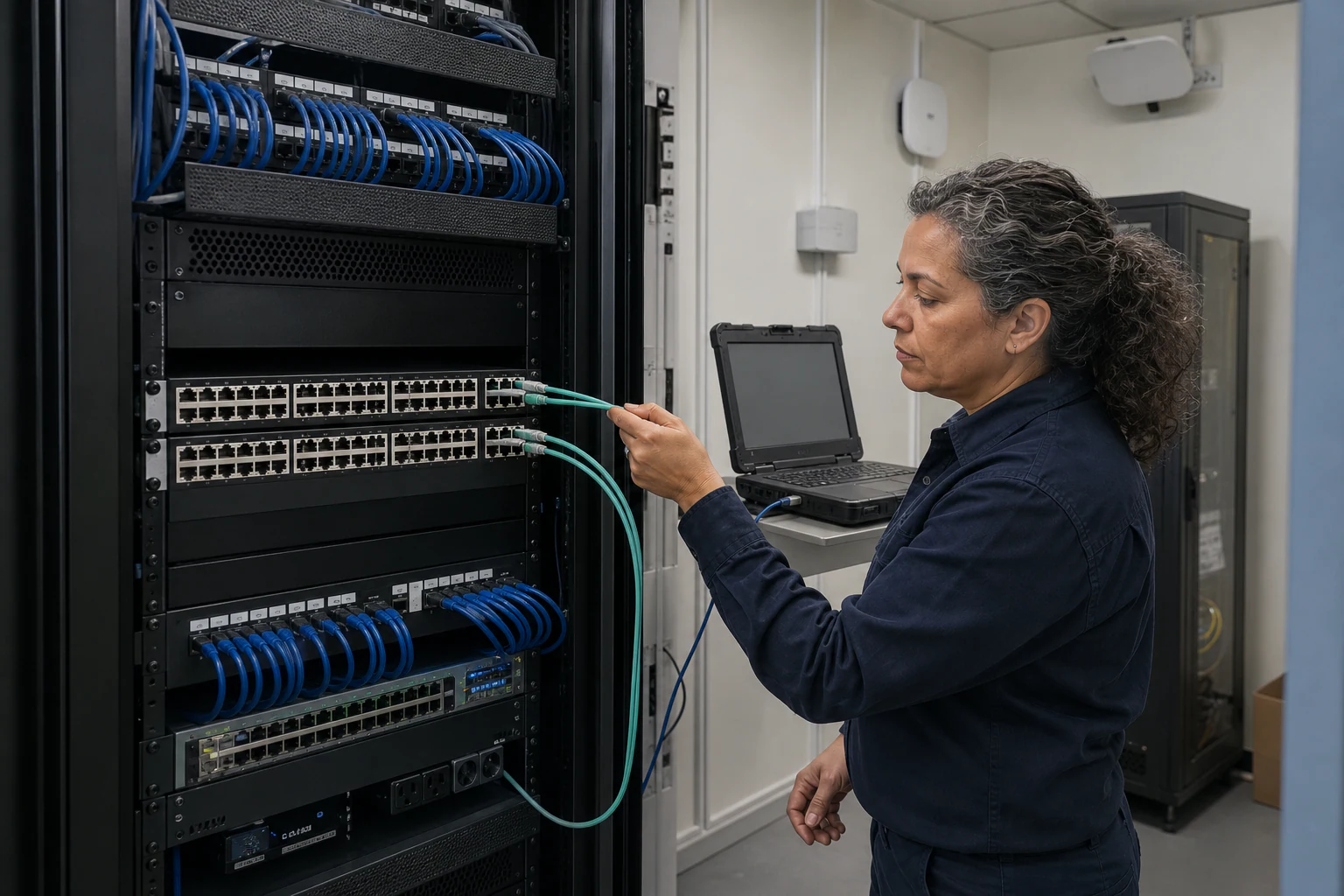
In Australian enterprise campus networks, the aggregation layer is the control point for redundancy, policy enforcement, and traffic forwarding between access closets and the core. Historically, many campus networks rely on chassis-based switches at aggregation, using proprietary stacking or virtual chassis to present a single logical switch to STP. When those chassis reach end-of-life or the organisation moves toward open networking, MC-LAG (Multi-Chassis Link Aggregation) becomes the standard replacement for chassis-level redundancy.
The challenge: MC-LAG does not eliminate STP. In most campus environments, STP continues to run on access-layer switches, uplink trunks, and sometimes on the core. When MC-LAG peers at the aggregation layer must interoperate with STP-speaking access switches or a legacy core, misconfigured STP parameters can cause port blocking, traffic blackholes, or split-brain forwarding failures.
According to the SONiC Foundation, SONiC is an open-source network operating system that runs on switches from multiple vendors and ASICs, offering a full suite of network functionality that has been production-hardened in large-scale environments (sonicfoundation.dev). This multi-vendor capability is exactly what makes STP interoperability planning essential: unlike a single-vendor chassis where the vendor controls both the MC-LAG implementation and the STP timers, an open networking campus aggregation fabric must be explicitly designed to interoperate with whatever STP-speaking devices exist downstream and upstream.
For Australian campus networks in sectors like education, healthcare, government, and multi-site enterprise, the practical consequence is clear: you cannot deploy MC-LAG at the aggregation layer and assume STP will just work. You need a deliberate design, a tested configuration baseline, and a verification checklist before you migrate production traffic.
Core Concepts: MC-LAG Operation Modes and STP Variants
Before evaluating interoperability, campus network engineers need a clear understanding of the two technologies and their common deployment modes.
MC-LAG Basics
MC-LAG allows two (or more) aggregation switches to appear as a single logical endpoint for a Link Aggregation Group. The downstream access switch sees one LAG partner, even though the physical links terminate on separate chassis. MC-LAG peers synchronize their state via an inter-chassis link (ICL) or peer link and use a control plane protocol to coordinate forwarding.
Common MC-LAG control plane approaches in open networking:
- LACP-based MC-LAG: The peers coordinate LACP session state so the downstream switch forms a single LAG with both peers. This is the most common model in Enterprise SONiC deployments.
- Static MC-LAG: No LACP negotiation; the peers coordinate forwarding via the ICL. Less common in campus environments because it lacks the negotiation safety of LACP.
STP Variants You Will Encounter
| STP Variant | IEEE Standard | Convergence Time | Common in AU Campuses |
|---|---|---|---|
| STP (802.1D) | 802.1D-1998 | 30-50 seconds | Legacy only |
| RSTP (802.1w) | 802.1D-2004 | 1-3 seconds | Very common |
| MSTP (802.1s) | 802.1Q-2005 | 1-3 seconds per instance | Common in larger campuses |
| PVST+/RPVST+ | Cisco proprietary | 1-3 seconds | Common where Cisco access switches exist |
The Interoperability Tension
MC-LAG peers must present consistent STP behavior to downstream switches. If the MC-LAG peers disagree on STP port roles, port states, or bridge priorities, the downstream access switch may see conflicting BPDUs and block ports it should forward on. The worst-case scenario is a forwarding loop caused by STP state inconsistency between the two MC-LAG peers during a failover event.
Design Decision Criteria: Choosing Your MC-LAG and STP Strategy
The right MC-LAG and STP design depends on what is downstream and upstream of your aggregation layer. Use the following decision framework.
Decision 1: What STP variant runs on your access layer?
If the access layer runs RSTP or MSTP, you have the widest interoperability options because both are IEEE standards. If the access layer runs Cisco PVST+ or RPVST+, you must verify that your MC-LAG aggregation switches can process per-VLAN STP BPDUs correctly. Some open networking NOS implementations support PVST+ interoperability; others do not.
Decision 2: Do you need STP on the MC-LAG peer link?
Best practice is to disable STP on the MC-LAG ICL/peer link because the MC-LAG control plane handles loop prevention between the peers. Running STP on the peer link can cause conflicting port state transitions during failover.
Decision 3: What is your STP root bridge placement?
In a campus design, the aggregation layer is often the STP root. With MC-LAG, both peers should be configured with the same (lowest) bridge priority so they present as a single logical root bridge. If you place the root at the core layer instead, the MC-LAG peers become designated or alternate ports, which changes the failure behavior.
Decision 4: How will you handle STP topology change notifications (TCNs)?
When an MC-LAG peer fails, the surviving peer inherits all traffic. This can generate TCNs that propagate downstream and cause MAC address flushing on access switches. In a large Australian campus with hundreds of access switches, uncontrolled TCN propagation can cause transient traffic flooding on every VLAN affected by the failover.
Decision 5: Do you have a mixed-vendor core?
If the upstream core switches are a different vendor than the MC-LAG aggregation switches, you must verify STP BPDU format compatibility and timer synchronization. IEEE standard RSTP/MSTP is generally safe, but PVST+ interoperation at the core-to-aggregation boundary requires explicit testing.
| Scenario | Recommended Approach | Risk Level |
|---|---|---|
| RSTP access, single-vendor aggregation | MC-LAG with RSTP, aggregation as root | Low |
| RSTP access, mixed-vendor aggregation | MC-LAG with RSTP, verify BPDU timers in lab | Medium |
| PVST+ access, open networking aggregation | Verify PVST+ support or migrate access to RSTP | Medium-High |
| MSTP access, multi-VLAN campus | MC-LAG with MSTP, consistent region config | Medium |
| Legacy STP (802.1D) access | Upgrade access to RSTP before deploying MC-LAG | High if not upgraded |
MC-LAG and STP Failure Scenarios: What Can Go Wrong
Understanding failure modes before deployment is critical. The following scenarios are the most common causes of outages in MC-LAG and STP campus designs.
Scenario 1: STP Port Blocking on MC-LAG Ports After Peer Failure
When MC-LAG peer A fails, peer B inherits all LAG member ports. If STP on peer B transitions those ports to a blocking or learning state before forwarding, downstream access switches lose connectivity for the STP convergence period. With RSTP, this is typically 1-3 seconds. With legacy STP, it can be 30-50 seconds.
Mitigation: Ensure MC-LAG failover and STP state synchronization are coordinated. The MC-LAG control plane should pre-stage forwarding state so that STP does not need to reconverge.
Scenario 2: Forwarding Loop During ICL Failure
If the ICL between MC-LAG peers fails but both peers remain operational, each peer believes it is the sole forwarding endpoint for the LAG. Without an effective loop prevention mechanism, both peers may forward traffic toward the same downstream switch, creating a loop.
Mitigation: MC-LAG implementations must include a split-brain detection mechanism (typically via a keepalive channel on a separate physical path). If split-brain is detected, one peer should enter a recovery state and stop forwarding on MC-LAG ports.
Scenario 3: BPDU Inconsistency Between MC-LAG Peers
If the two MC-LAG peers send BPDUs with different bridge IDs, priorities, or port role assignments, downstream switches may oscillate between forwarding states as they receive conflicting information.
Mitigation: Both MC-LAG peers must be configured with identical STP bridge priority and must synchronize their BPDU transmission. Some implementations use a virtual bridge ID for MC-LAG ports.
Scenario 4: MAC Address Table Flushing on TCN
An MC-LAG failover triggers STP topology change notifications. Downstream access switches flush their MAC address tables, causing temporary flooding of unicast traffic on all ports.
Mitigation: Tune STP TCN propagation settings. Consider using TCN guard or BPDU guard on access ports to limit the blast radius of topology changes.
Scenario 5: Asymmetric VLAN Configuration Across MC-LAG Peers
If VLANs are not consistently configured on both MC-LAG peers, STP may block ports on one peer but not the other, creating asymmetric forwarding paths.
Mitigation: Use configuration management (NETCONF/YANG or similar) to ensure identical VLAN and STP configurations across both MC-LAG peers.
Pre-Deployment Checklist for MC-LAG and STP in Campus Aggregation
Use this checklist before deploying MC-LAG at the campus aggregation layer. Every item must be confirmed, not assumed.
Network Design Checklist
- Identify the STP variant running on every access switch that will connect to the MC-LAG aggregation layer
- Confirm whether the upstream core runs STP, and if so, which variant
- Decide STP root bridge placement (aggregation vs. core) and configure bridge priorities accordingly
- Determine whether PVST+ interoperability is required; if yes, confirm NOS support
- Design the ICL/peer link physical topology (dedicated links vs. shared uplinks)
- Plan a separate keepalive channel for MC-LAG split-brain detection (out-of-band management network or dedicated link)
- Define VLANs that will be carried over MC-LAG LAG bundles
- Confirm that VLAN membership is symmetric across both MC-LAG peers
STP Configuration Checklist
- Disable STP on the MC-LAG ICL/peer link
- Configure identical STP bridge priority on both MC-LAG peers
- Set consistent STP timers (hello, forward delay, max age) across all switches in the STP domain
- Enable BPDU guard on access ports that should not receive BPDUs
- Enable root guard on ports where root bridge placement must be enforced
- Configure TCN guard on access ports if MAC table flooding during failover is a concern
- Verify STP portfast (or edge port) configuration on access-facing ports
- If using MSTP, ensure both MC-LAG peers are in the same MST region with identical revision number and VLAN-to-instance mapping
MC-LAG Configuration Checklist
- Configure MC-LAG peer IDs, system MAC, and LACP system priority identically on both peers
- Verify ICL/peer link bandwidth is sufficient for cross-chassis traffic during normal and failover conditions
- Configure LACP fallback timeout appropriate for the campus environment
- Test MC-LAG failover in the lab before production deployment
- Confirm that MC-LAG failover does not trigger STP reconvergence on downstream switches
- Document the expected failover time and compare against campus SLA requirements
Lab Validation Checklist
- Replicate the production topology in the lab with representative access switches
- Test MC-LAG peer failure (power off one peer) and verify traffic convergence time
- Test ICL failure and verify split-brain detection and recovery
- Test simultaneous MC-LAG peer failure and ICL failure scenarios
- Verify that no forwarding loops occur during any failure scenario
- Verify MAC address table behavior during failover (no sustained flooding beyond expected TCN period)
- Capture BPDUs from both MC-LAG peers and verify consistency
- Test with the actual access switch models and firmware versions used in production
Engineering Evidence Floor
For campus and access switching topics, acceptance should be based on endpoint behaviour under real operating constraints. The evidence package should include endpoint classes, PoE budget, NAC/802.1X, LLDP-MED, voice VLANs, multicast, STP or MC-LAG behaviour, uplink capacity, monitoring, rollback, and help-desk workflow. A representative pilot should run at least 48 ports for 30 days, include one planned rollback inside 24 hours, and document support ownership before scale-out.
| Evidence area | What to validate | Acceptance gate | Rework trigger |
|---|---|---|---|
| Endpoint mix | APs, phones, cameras, laptops, IoT, and printers | 48 ports run mixed load for 24 hours | Only laptop traffic is tested |
| Power and uplinks | PoE budget, 1G/2.5G/5G/10G access, and 100G uplinks | No power or uplink bottleneck in pilot | Refresh ignores closet constraints |
| Resilience | STP, MC-LAG, link loss, member loss, and rollback | 3 failure cases captured | Campus works only in steady state |
| Operations | Monitoring, logs, backup, restore, and help-desk runbook | Incident evidence ready within 2 hours | Support depends on informal notes |
| Rollout | Site selection, training, spares, and change windows | 30 days pilot approved before estate rollout | Procurement scales before validation |
Engineering FAQ
What should be tested before moving campus switching to SONiC or open networking? Test PoE behaviour, NAC integration, VLAN and policy design, STP or MC-LAG interaction, multicast, monitoring, upgrade rollback, and help-desk workflows. Campus readiness is an operations test, not only a forwarding test.
Where do campus refresh projects usually carry hidden risk? The risk often sits in closets: power budget, old cabling, undocumented uplinks, mixed endpoint types, voice devices, cameras, badge systems, and change windows. Those details should be inventoried before selecting switch models.
How should Australian campus teams structure a pilot? Choose one representative site or building, document endpoint classes, run PoE and failover tests, verify monitoring, train operations staff, and define rollback steps before expanding to the broader estate.
Related xSONiC Resources
Sources Reviewed
- IEEE 802.1Q Bridges and Bridged Networks
- IEEE 802.1AX Link Aggregation
- Ethernet Network Adapters - ConnectX NICs | NVIDIA
- NVIDIA BlueField Data Processing Unit
- NVIDIA Spectrum-X Ethernet Platform
- OpenConfig gNMI Specification
- OpenConfig
- RFC 7950 - The YANG 1.1 Data Modeling Language
- RFC 6241 - Network Configuration Protocol (NETCONF)
- IEEE 802.11be Wireless LAN Standard
- IEEE 802.3bt Power over Ethernet
- SONiC Project Documentation
- Broadcom Ethernet Switching
- Marvell Switching
- NVIDIA Ethernet Switching
- Open Compute Networking
- SONiC GitHub
- SONiC Foundation
Product fit
Products referenced for evaluation
These products are referenced for evaluation context in the article. Confirm workload, port, optics, software, interoperability, and support requirements against the exact deployment before procurement.
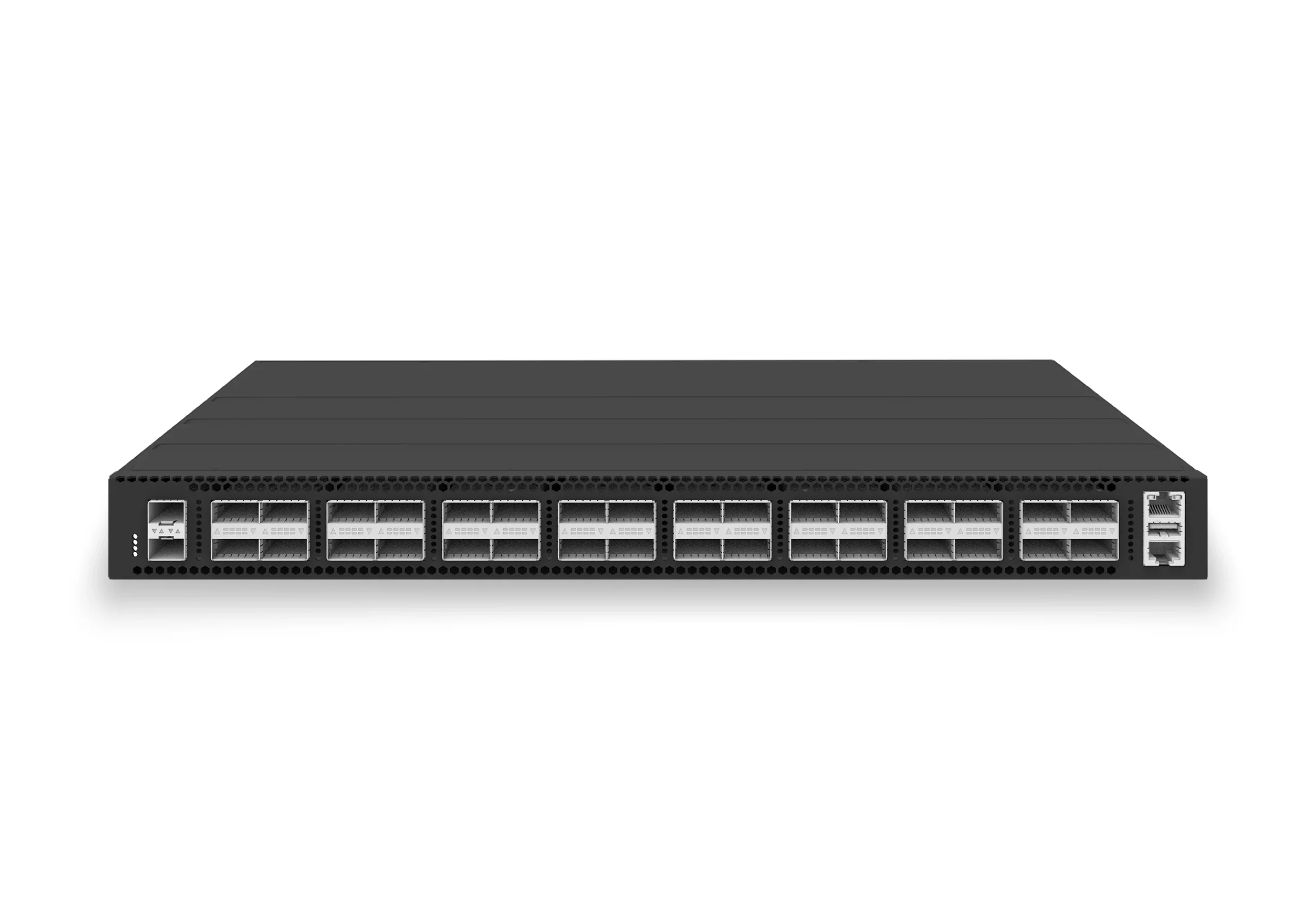 datacenter aiXS-DC-32X100-LS-G232-port 100G leaf/spine switch for VXLAN fabrics, RoCE-ready workloads, and tenant-scale routing.View product
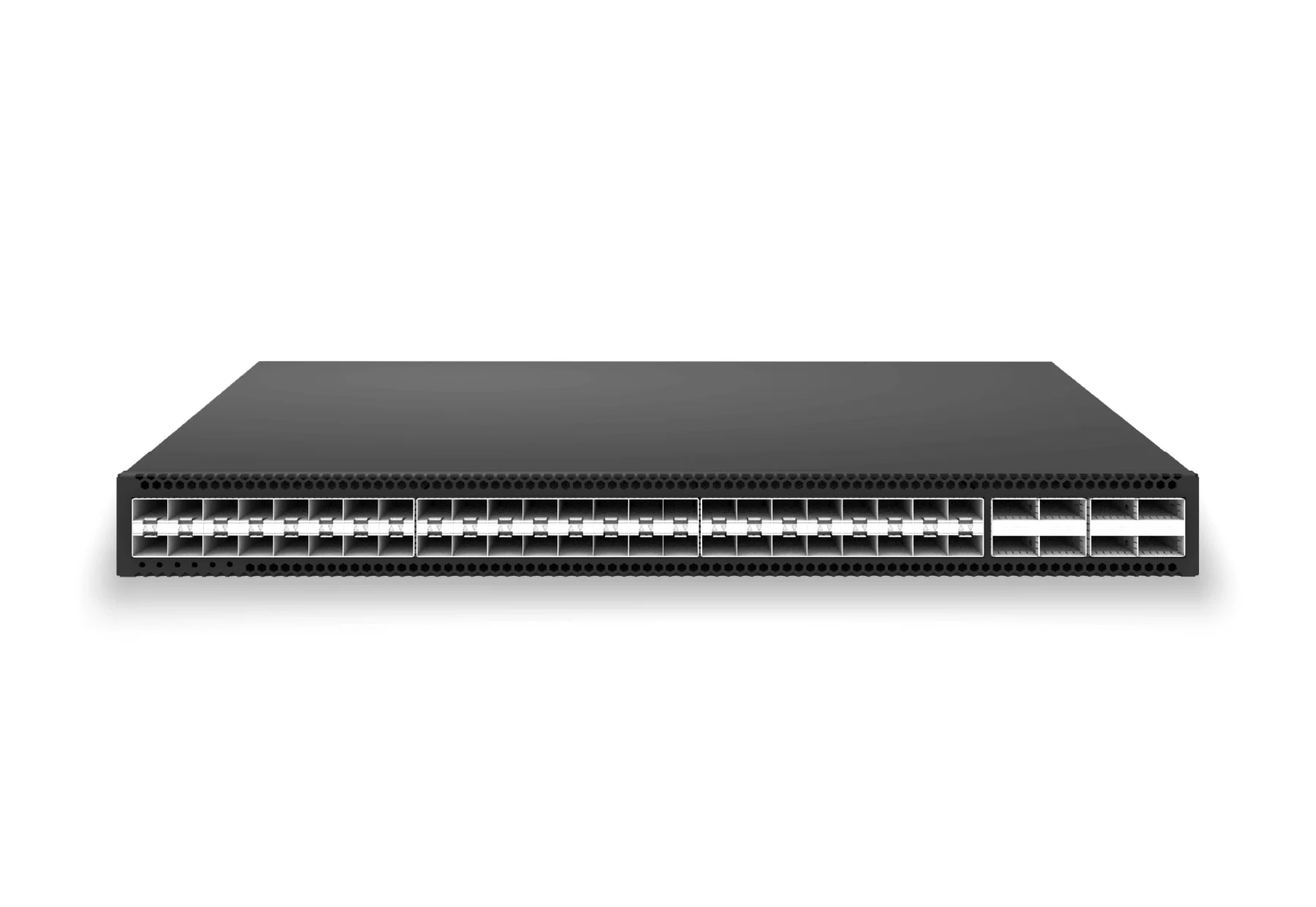 access aggregateXS-AA-48X25-8X100-AGG48x 25G SFP28 aggregation/core switch with 8x 100G QSFP28 for enterprise access and aggregation networks.View product
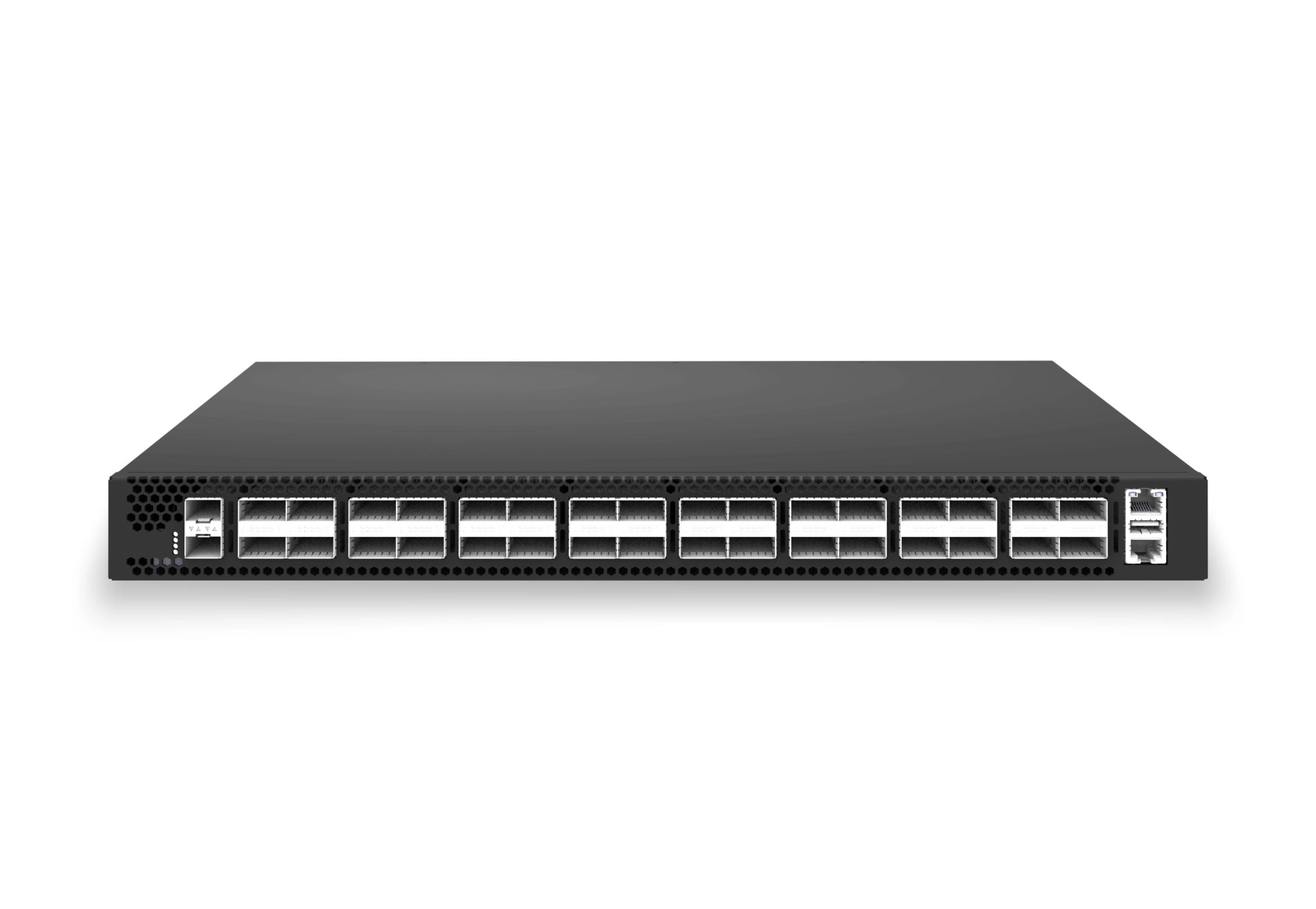 access aggregateXS-AA-32X100-CORE32x 100G QSFP28 aggregation/core switch with 2x 10G SFP+ auxiliary for enterprise access and aggregation networks.View product
Continue reading
Related articles
 Technical ArticleMC-LAG, STP, and Policy-Based Routing: Building Resilient Enterprise Campus Networks on Open SwitchingEngineering guidance on MC-LAG, STP, and policy-based routing for Australian campus teams building resilient open switching designs with SONiC.Read article
 Technical ArticleWi-Fi 6E/7 Access Point Planning for Australian Enterprise CampusesA practical Wi-Fi 6E and Wi-Fi 7 access point planning guide for Australian campuses covering 6 GHz spectrum, PoE++, backhaul, client readiness, and pilot validation.Read article
 Technical ArticlePolicy-Based Routing for Enterprise Campus Networks: When Destination-Only Routing Is Not EnoughHow Australian campus teams can use PBR for traffic steering, segmentation and application-aware forwarding without proprietary lock-in.Read article