In brief
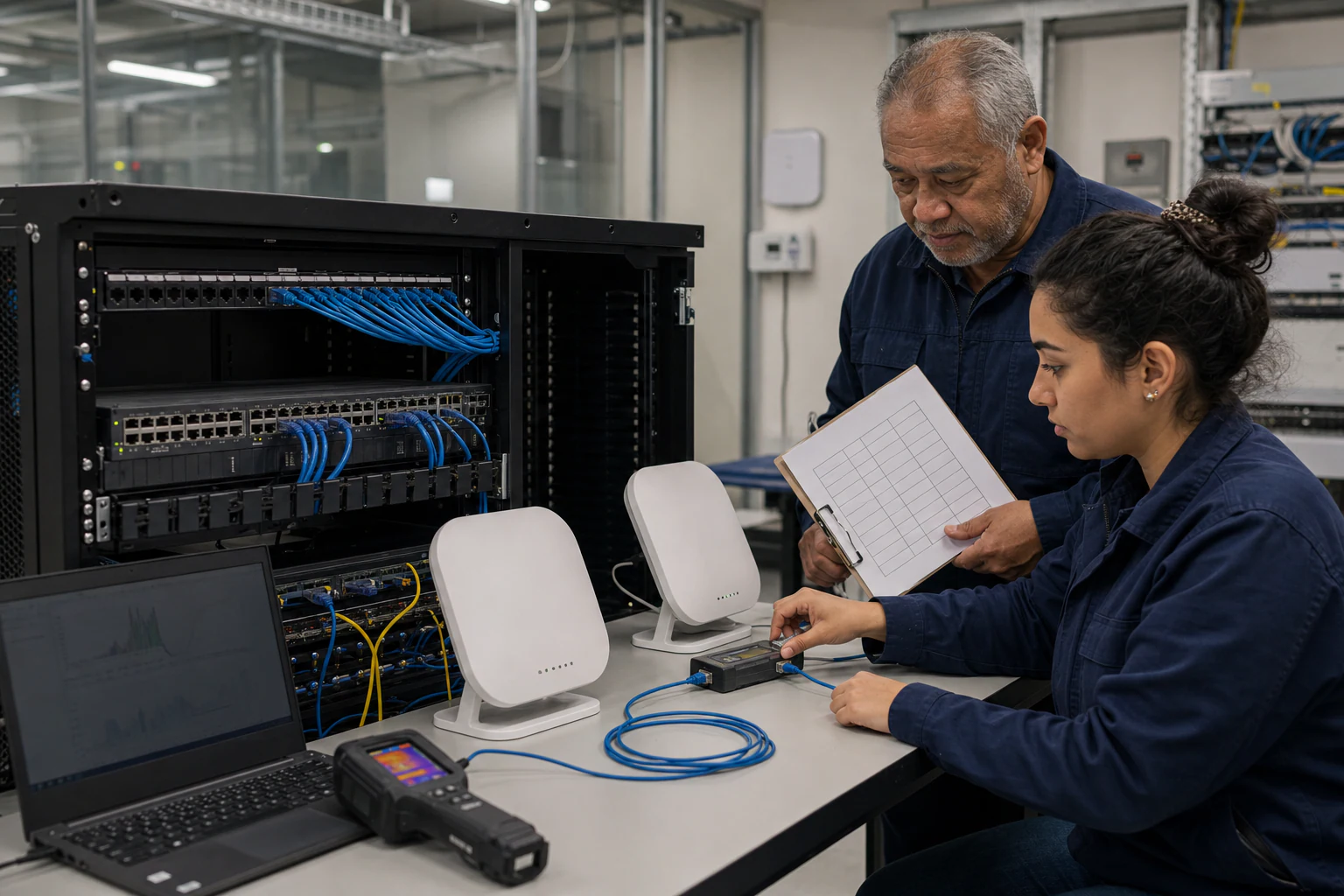
Engineering guidance on Procurement Scorecard for AI Platform Teams for Australian campus networks, covering RF planning, security controls, client readiness, backhaul.
Key takeaways
- Enterprise AI programs do not live only in the data center. Edge inference nodes, IoT sensor backhaul, developer workstation connectivity, and real-time model-serving endpoints all depend on campus wireless infrastructure.
- A structured scorecard helps AI platform teams avoid two common pitfalls: over-specifying expensive proprietary APs for workloads that do not need them, and under-specifying the wireless backbone that edge AI and high-density collaboration environments demand.
- Australia's enterprise infrastructure market has distinct characteristics that shape campus wireless procurement.
Why AI Platform Teams Need a Campus Wi-Fi Scorecard
Enterprise AI programs do not live only in the data center. Edge inference nodes, IoT sensor backhaul, developer workstation connectivity, and real-time model-serving endpoints all depend on campus wireless infrastructure. When an Australian enterprise builds or expands an AI platform, the wireless access layer becomes a critical dependency that procurement teams often evaluate too late.
A structured scorecard helps AI platform teams avoid two common pitfalls: over-specifying expensive proprietary APs for workloads that do not need them, and under-specifying the wireless backbone that edge AI and high-density collaboration environments demand. The goal is to evaluate Wi-Fi 6E and Wi-Fi 7 access points against criteria that matter for the next five to seven years of campus operations, not just the next refresh cycle.
The Australian Enterprise Campus Context
Australia’s enterprise infrastructure market has distinct characteristics that shape campus wireless procurement. The OCP Podcast’s January 2026 conversation with David Hirst, CEO of Macquarie Data Centres, highlighted several factors that apply beyond the data center: the importance of sovereign infrastructure approaches, compliance as a market advantage, the challenge of power availability in dense urban environments, and the long-term operator mindset that Australian enterprises favor over short-term build-and-flip strategies.
For campus networking specifically, Australian enterprises face additional considerations:
- Geographic distribution: Many Australian organizations operate campuses across multiple states and remote sites, requiring consistent wireless management from centralized IT teams.
- Regulatory environment: The Australian Communications and Media Authority (ACMA) governs spectrum use for 6 GHz (Wi-Fi 6E and Wi-Fi 7). Procurement teams must verify that APs meet local regulatory requirements for 6 GHz band operation.
- Data sovereignty: Government and critical-infrastructure buyers increasingly require that management planes, telemetry data, and authentication services remain onshore or within controlled environments.
- Power infrastructure: Older campus buildings may have limited PoE budgets, making power efficiency a practical procurement constraint rather than a theoretical one.
- Climate and site conditions: Outdoor and semi-outdoor campus zones in Australian environments require APs rated for higher ambient temperatures and UV exposure.
These factors mean that a procurement scorecard designed for a North American or European campus cannot be applied directly in Australia without localization.
Wi-Fi 6E versus Wi-Fi 7: What Changes for Procurement
Wi-Fi 6E extends the Wi-Fi 6 (802.11ax) standard into the 6 GHz band, offering up to 1,200 MHz of additional spectrum in regions where regulators permit it. Wi-Fi 7 (802.11be) adds multi-link operation (MLO), 4096-QAM, 320 MHz channels, and improved interference handling on top of Wi-Fi 6E capabilities.
For procurement teams, the practical differences break down as follows:
| Criterion | Wi-Fi 6E (802.11ax, 6 GHz) | Wi-Fi 7 (802.11be) |
|---|---|---|
| Maximum channel width | 160 MHz | 320 MHz |
| Multi-link operation | Not supported | Supported (simultaneous band use) |
| Modulation | 1024-QAM | 4096-QAM |
| Typical high-density throughput gain | 2-3x over Wi-Fi 6 (5 GHz) | Additional 2-4x over Wi-Fi 6E in ideal conditions |
| 6 GHz spectrum availability in Australia | Available (subject to ACMA regulation) | Available (subject to ACMA regulation) |
| Client device ecosystem maturity (as of early 2026) | Mature; widespread in laptops, phones, and IoT | Growing; premium devices lead adoption |
| PoE power requirements | PoE+ (802.3at, 30W typical) | PoE++ (802.3bt, 60W typical for tri-band models) |
The key procurement insight is that Wi-Fi 7 delivers the most value in environments with high client density, latency-sensitive AI edge workloads, and bandwidth-hungry collaboration tools. Wi-Fi 6E remains a strong choice for cost-sensitive campus zones where the 6 GHz band alone provides sufficient capacity improvement over legacy 5 GHz deployments.
The Procurement Scorecard: Eight Evaluation Dimensions
The following scorecard framework gives AI platform teams a structured way to compare access point candidates. Each dimension carries a weighting that teams should adjust based on their campus profile, workload mix, and budget constraints.
1. Radio Performance and Spectral Efficiency (Weight: High) Evaluate each AP’s tri-band capability (2.4 GHz, 5 GHz, 6 GHz), maximum aggregate throughput, and performance under simulated high-density loads. Request vendor test data or independent lab results rather than relying on datasheet maximums.
2. PoE Power Budget Alignment (Weight: High) Map AP power draw against your existing campus switch PoE budgets. Wi-Fi 7 tri-band APs drawing 60W per unit will strain a PoE+ (30W per port) switch infrastructure. This dimension connects directly to your campus switching procurement. If your PoE switches cannot deliver 802.3bt power, you face a hidden rip-and-replace cost.
3. Open Management and API Access (Weight: Medium-High) Assess whether the AP supports standard management protocols: NETCONF/YANG, RESTCONF, SNMP v3, and open telemetry export (gNMI, streaming telemetry). Proprietary-only management planes create long-term lock-in and complicate integration with AIOps and campus fabric orchestration tools. APs aligned with OpenWiFi or similar open-architecture initiatives reduce this risk.
4. Security and Authentication (Weight: High) Verify support for WPA3-Enterprise, 802.1X, RADIUS integration, and certificate-based onboarding. For Australian government and critical-infrastructure campuses, confirm that the AP’s authentication and key management meet the Australian Signals Directorate (ASD) Essential Eight and relevant Information Security Manual (ISM) controls.
6. Environmental and Site Suitability (Weight: Medium) Match AP form factors (ceiling, wall, outdoor, ruggedized) to campus zones. Australian outdoor deployments need IP67 ratings and operating temperature ranges that accommodate local climate extremes.
7. Total Cost of Ownership (Weight: High) Look beyond unit price. Include licensing fees (per-AP vs. per-controller), annual support costs, PoE switch upgrade requirements, cabling upgrades for multi-gigabit backhaul, and management platform costs. Open-architecture APs that do not require a proprietary cloud controller can significantly reduce five-year TCO.
8. Vendor Ecosystem and Community Support (Weight: Medium) Evaluate the AP vendor’s Australian channel presence, local TAC capability, firmware release cadence, and community or open-source project backing. For teams adopting open networking principles, SONiC-aligned or OpenWiFi-compatible APs benefit from broader community contribution and multi-vendor hardware choice.
Connecting AP Procurement to Campus Switching Decisions
Access point procurement does not happen in isolation. The switches that power and backhaul your APs determine whether your wireless investment performs as expected. Key integration points include:
-
PoE capacity planning: Calculate total PoE budget across all APs per switch stack, then add a 20-30% headroom margin for future AP additions and IoT endpoints. If your campus is moving to Wi-Fi 7 tri-band APs, your aggregation and access switches likely need 802.3bt PoE++ capability.
-
Multi-gigabit uplinks: Wi-Fi 7 APs can exceed 1 Gbps of aggregate throughput per unit. Your access switches should support 2.5GbE or 5GbE AP-facing ports, with 10GbE or 25GbE uplinks to aggregation layers.
-
Management plane integration: Campus switches running an open NOS such as Enterprise SONiC can integrate with AP management through standard APIs, enabling unified telemetry, policy enforcement, and troubleshooting across wired and wireless domains.
-
Campus fabric alignment: For campuses deploying EVPN-VXLAN or MC-LAG/STP-based fabrics, verify that AP management VLANs, client VLANs, and multicast forwarding integrate cleanly with the fabric design. APs that support dynamic VLAN assignment via RADIUS simplify this integration.
This is where xSONiC’s campus portfolio becomes relevant. Enterprise SONiC access and aggregation switches paired with OpenWiFi-aligned access points give campus teams a disaggregated wired and wireless stack that avoids single-vendor lock-in across both layers. See the campus refresh and PoE campus solution guides for detailed architecture patterns.
Internal link suggestions: /solutions/enterprise-campus/campus-refresh/, /solutions/enterprise-campus/poe-campus-guide/, /products/access-aggregate/
Engineering FAQ
What should be validated before a Wi-Fi 6E or Wi-Fi 7 rollout? Validate channel plan, 6 GHz client readiness, PoE budget, uplink capacity, roaming, authentication, RF density, interference, and management tooling. The AP standard alone does not prove campus performance.
Why does backhaul planning matter for modern access points? Wi-Fi 6E and Wi-Fi 7 can expose bottlenecks in access switching, PoE, cabling, and uplink design. Buyers should confirm whether 2.5G, 5G, 10G, and PoE budgets match the real AP deployment plan.
What evidence should vendors provide for enterprise WLAN projects? Ask for supported security modes, firmware lifecycle, controller or cloud management model, RF planning assumptions, client compatibility notes, and a pilot report from a representative building or floor.
Related xSONiC Resources
Sources Reviewed
- IEEE 802.1Q Bridges and Bridged Networks
- IEEE 802.1AX Link Aggregation
- Ethernet Network Adapters - ConnectX NICs | NVIDIA
- NVIDIA BlueField Data Processing Unit
- NVIDIA Spectrum-X Ethernet Platform
- OpenConfig gNMI Specification
- OpenConfig
- RFC 7950 - The YANG 1.1 Data Modeling Language
- RFC 6241 - Network Configuration Protocol (NETCONF)
- IEEE 802.11be Wireless LAN Standard
- IEEE 802.3bt Power over Ethernet
- SONiC Project Documentation
- Broadcom Ethernet Switching
- Marvell Switching
- NVIDIA Ethernet Switching
- Open Compute Networking
- SONiC GitHub
- SONiC Foundation
Product fit
Products referenced for evaluation
These products are referenced for evaluation context in the article. Confirm workload, port, optics, software, interoperability, and support requirements against the exact deployment before procurement.
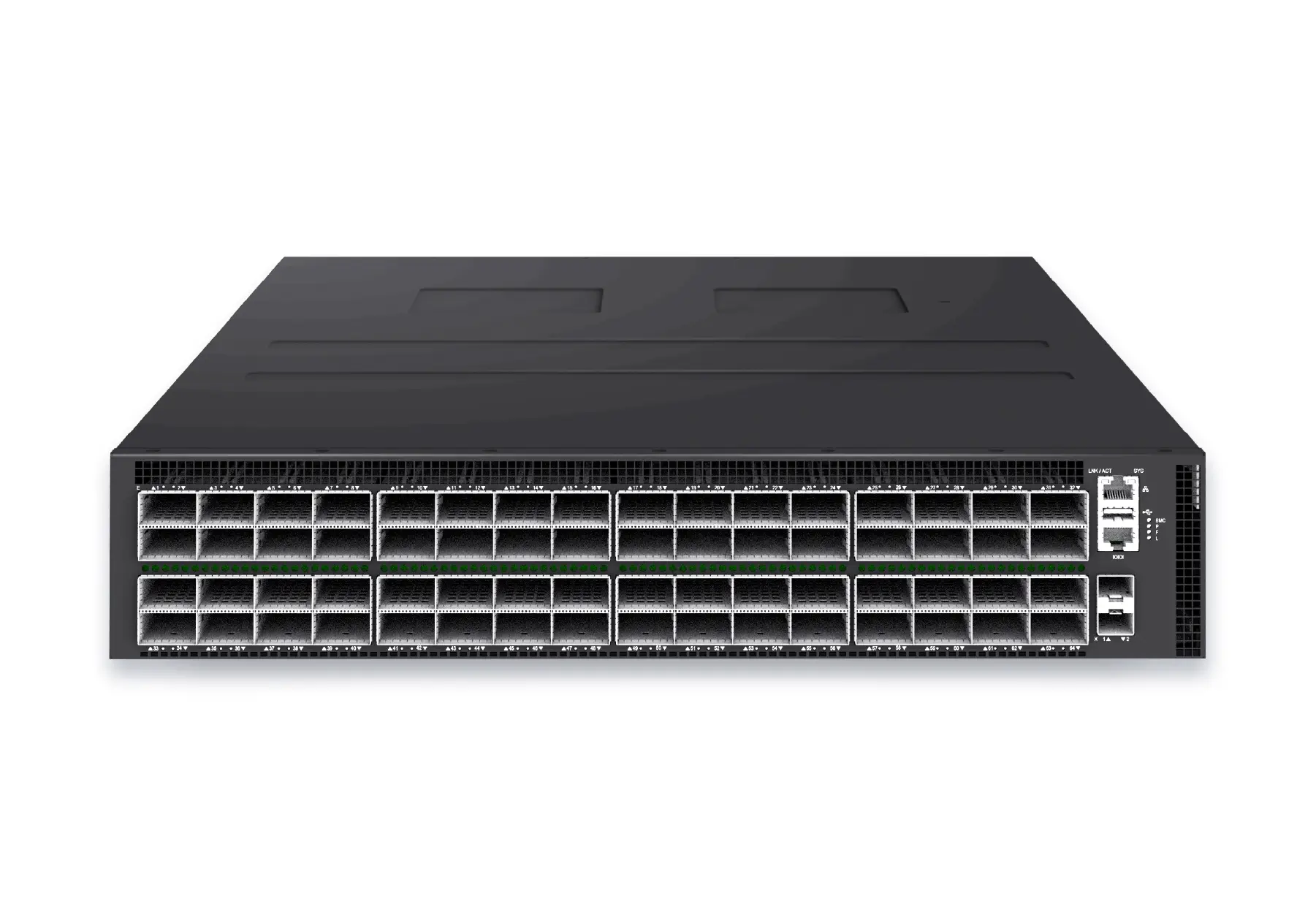 datacenter aiXS-DC-64X800-AI-G164-port 800G AI fabric switch for large-scale GPU clusters, HPC backbones, and ultra-high-throughput data center networks.View product
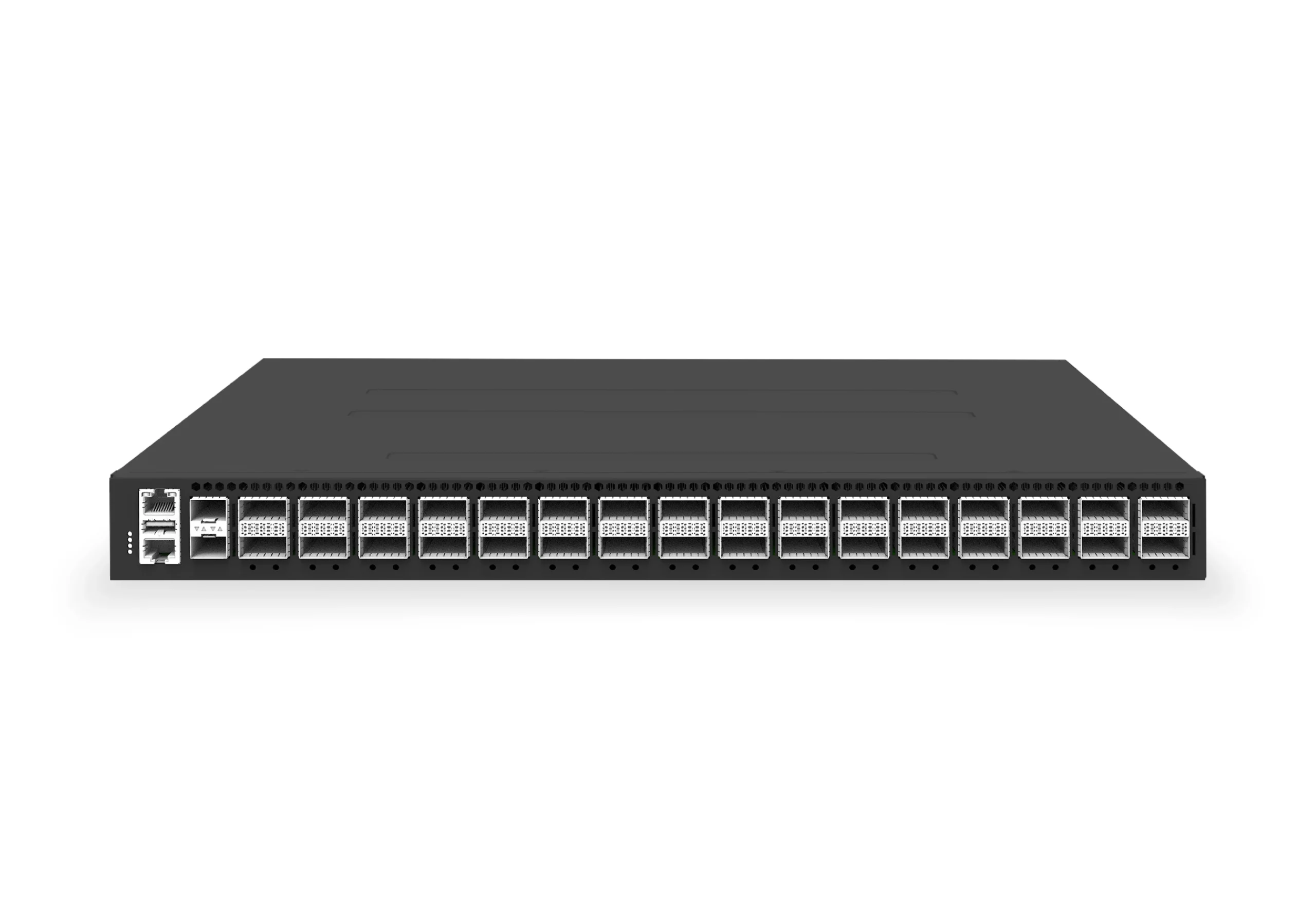 datacenter aiXS-DC-32X400-SP-G232-port 400G spine/core switch for high-capacity data center fabrics and AI-ready backbones.View product
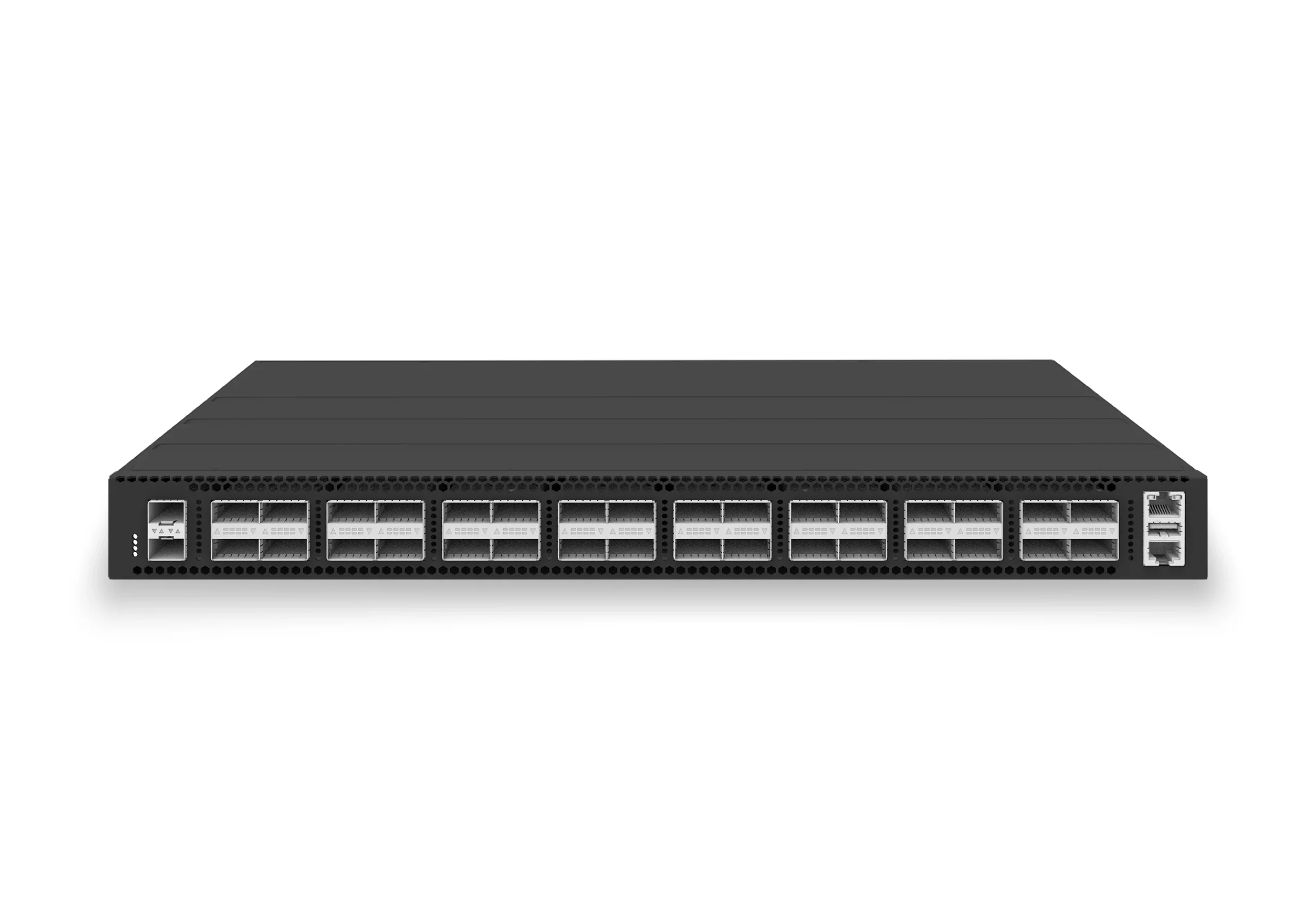 datacenter aiXS-DC-32X100-LS-G232-port 100G leaf/spine switch for VXLAN fabrics, RoCE-ready workloads, and tenant-scale routing.View product
Continue reading
Related articles
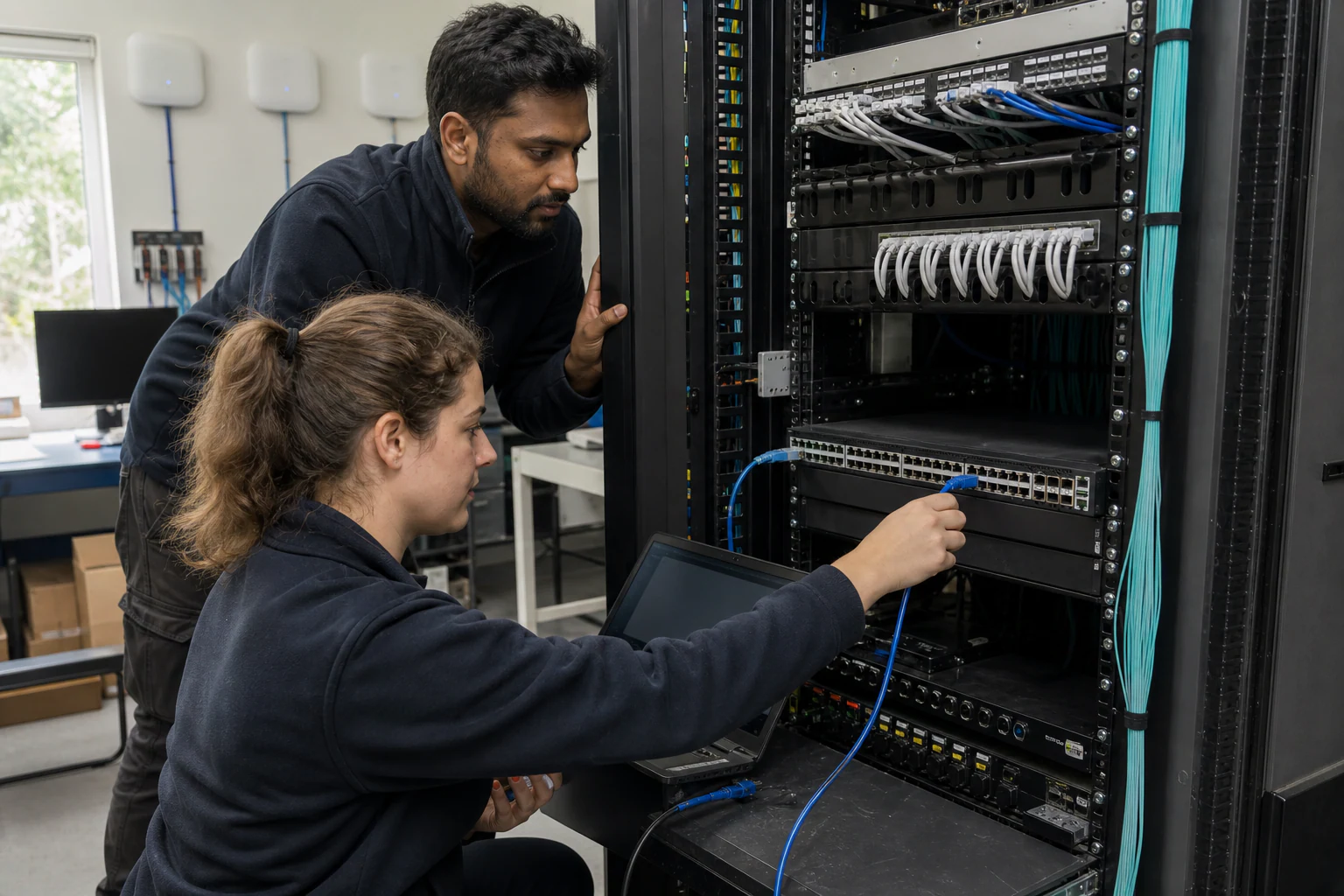 Technical ArticleWhy Enterprise SONiC Is Gaining Ground in Campus Access and Aggregation: An Australian PerspectiveEngineering guide for campus switching teams covering PoE, access design, MC-LAG/STP risk, telemetry, support, and pilot validation.Read article
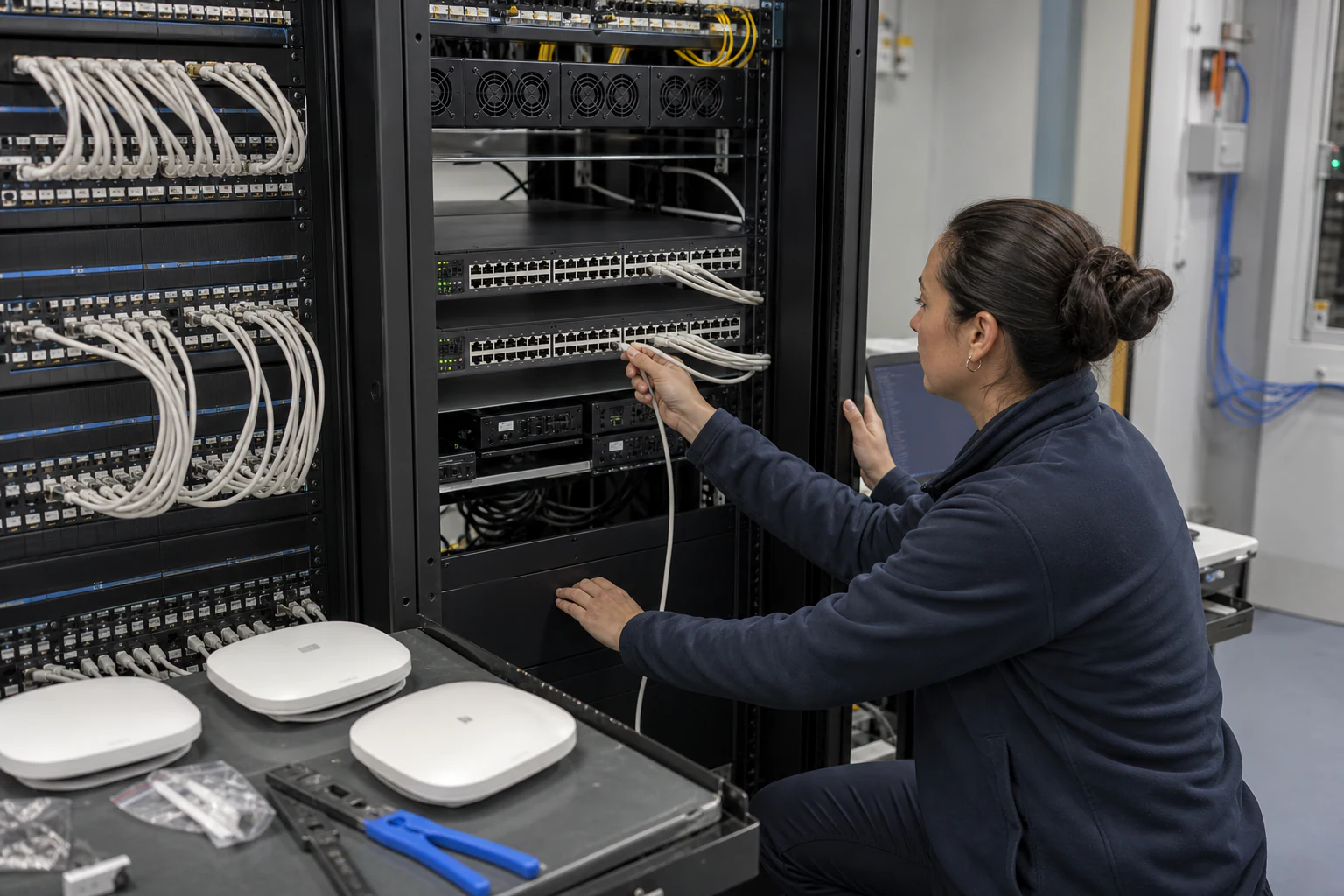 Technical ArticleCampus Access and Aggregation Refresh with Enterprise SONiCEngineering guide for campus switching teams covering PoE, access design, MC-LAG/STP risk, telemetry, support, and pilot validation.Read article
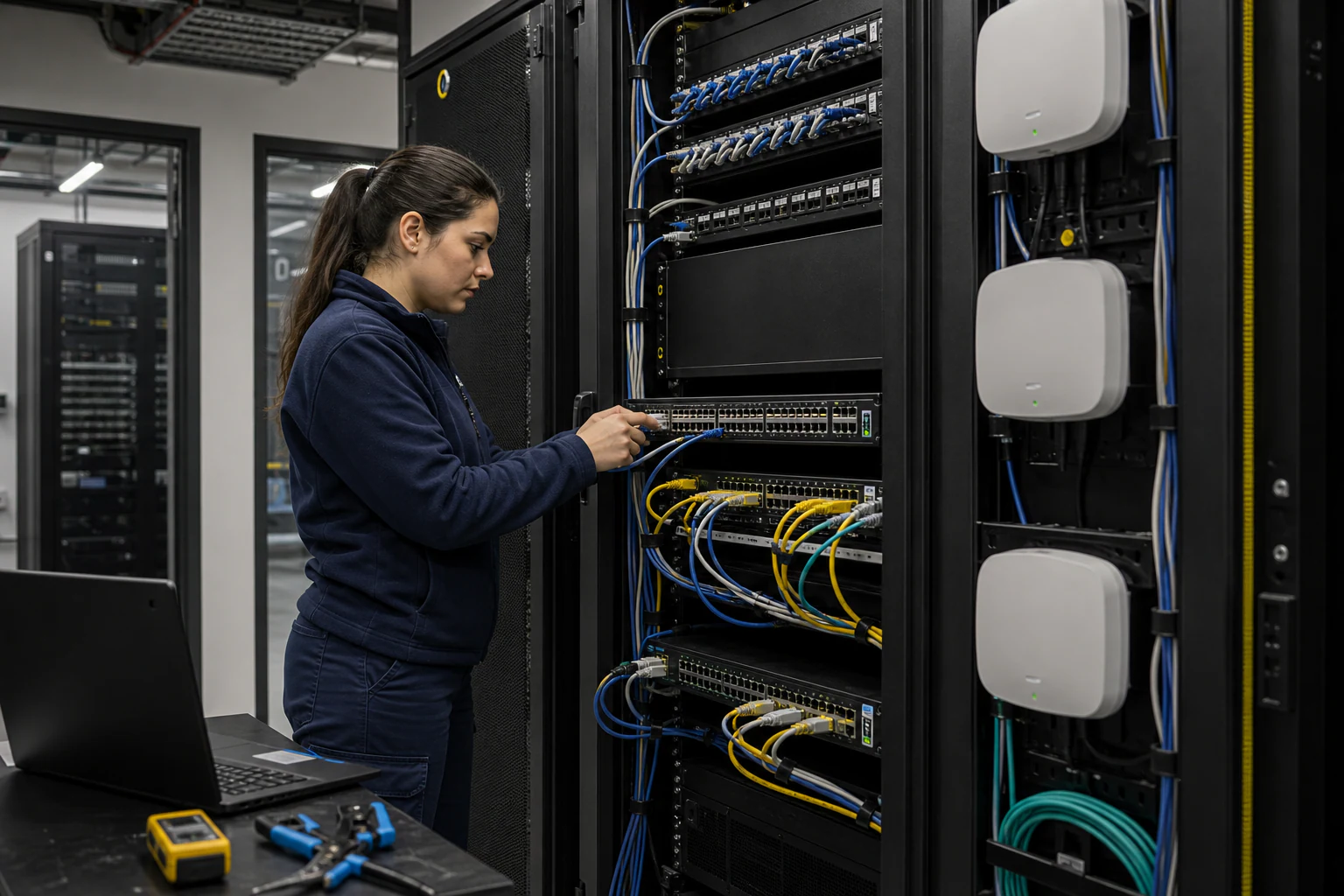 Technical ArticleEnterprise Campus PoE Refresh with SONiC Open NetworkingEngineering guide for campus switching teams covering PoE, access design, MC-LAG/STP risk, telemetry, support, and pilot validation.Read article