
In brief
Engineering guidance on Packet Broker vs TAP Aggregation vs SPAN for Australian network and security teams, covering traffic visibility, capacity modelling, tool feeds.
Key takeaways
- Every packet traversing an enterprise network carries information that security, operations, and compliance teams need to inspect.
- For Australian organisations, the visibility question has sharpened. The Notifiable Data Breaches scheme under the Privacy Act, the Essential Eight maturity model from the Australian Cyber Security Centre (ACSC), and APRA CPS 234 for financial services all create regulatory pressure to detect, inspect, and log network activity.
- This brief examines three approaches Australian network teams evaluate when building or upgrading a traffic visibility fabric: SPAN (Switch Port Analyzer), network TAPs (Test Access Points), and dedicated packet brokers.
Why Traffic Visibility Is a Strategic Decision, Not a Tactical Afterthought
Every packet traversing an enterprise network carries information that security, operations, and compliance teams need to inspect. At the most fundamental level, a network packet is a formatted unit of data containing control information in its header and user data in its payload. Headers include source and destination addresses, protocol identifiers, and sequencing information that allow intermediate devices to route and process each packet independently.
For Australian organisations, the visibility question has sharpened. The Notifiable Data Breaches scheme under the Privacy Act, the Essential Eight maturity model from the Australian Cyber Security Centre (ACSC), and APRA CPS 234 for financial services all create regulatory pressure to detect, inspect, and log network activity. Without a reliable way to copy or forward traffic to monitoring tools, these compliance objectives stall at the architecture layer.
This brief examines three approaches Australian network teams evaluate when building or upgrading a traffic visibility fabric: SPAN (Switch Port Analyzer), network TAPs (Test Access Points), and dedicated packet brokers. Each has a distinct operating model, cost profile, and failure characteristic. The right choice depends on scale, criticality, and the monitoring toolset in play.
SPAN: The Default Starting Point and Its Hidden Costs
SPAN, also called port mirroring, is a feature built into most managed switches. It copies traffic from one or more source ports or VLANs to a designated destination port where a monitoring tool is connected. For small environments with a handful of switches and one or two tools, SPAN is the fastest way to get started because it requires no additional hardware.
However, SPAN has well-documented limitations that become painful as traffic volumes grow:
- Packet drops under load. When the aggregate traffic on monitored ports exceeds the bandwidth of the SPAN destination port, the switch silently drops packets. Because packets are independently switched and may traverse different paths, a SPAN session can miss critical segments of a conversation during peak utilisation.
- CPU contention. On many switch platforms, SPAN replication shares the switch’s forwarding ASIC or CPU resources. Enabling SPAN on heavily loaded switches can degrade production forwarding performance.
- Limited filtering. SPAN typically copies all or nothing. Granular filtering — for example, copying only specific VLANs, protocols, or flow directions — is either unavailable or coarse-grained on many platforms.
- No resiliency. A SPAN destination port has no failover mechanism. If the monitoring tool’s NIC fails or the cable is disconnected, traffic copies stop with no alerting on the switch side in many deployments.
For a small branch office or lab environment, SPAN remains a practical entry point. But for Australian mid-market and enterprise networks carrying 10G, 25G, or higher link speeds — particularly in data centres or campus cores — relying solely on SPAN creates blind spots exactly when visibility matters most.
Network TAPs: Passive Copies at the Physical Layer
A network TAP (Test Access Point) is a dedicated hardware device inserted inline on a network link. It passively copies all traffic flowing in both directions without modifying, delaying, or dropping production packets. TAPs operate at the physical layer and are protocol-agnostic, meaning they copy everything — Ethernet frames, including headers, trailers, and payload — without inspecting or filtering.
Key characteristics of network TAPs:
- Zero impact on production traffic. Because TAPs are passive optical or electrical splitters, they cannot introduce latency or packet loss on the production link.
- Full traffic fidelity. TAPs capture every byte on the wire, including errored frames, runts, and jumbo frames that SPAN ports may silently drop. For forensic analysis, packet capture, and compliance audit trails, this matters.
- No IP address or MAC address. TAPs are invisible to the network. They do not participate in spanning tree, ARP, or any control-plane protocol.
- One TAP per link. The trade-off is operational: each monitored link requires its own TAP. At scale, managing dozens or hundreds of individual TAPs, each with its own output ports, creates cabling complexity and tool port sprawl.
TAPs are the gold standard for inline visibility on critical links — data centre interconnects, internet edges, and east-west traffic corridors between security zones. However, TAPs alone do not solve the aggregation, filtering, and load-balancing problem that arises when multiple tools need selective access to traffic from multiple links.
Packet Brokers: The Aggregation and Intelligence Layer
A network packet broker sits between TAPs (or SPAN sources) and the monitoring, security, and analytics tools that consume traffic copies. Its job is to aggregate, filter, deduplicate, load-balance, and intelligently deliver the right traffic to the right tool.
Packet broker capabilities typically include:
- Traffic aggregation. Combine traffic from multiple TAP or SPAN inputs into a single stream or distribute it across multiple tool ports.
- Filtering and slicing. Apply granular rules — by VLAN, IP 5-tuple, protocol, application header, or regex match — to forward only relevant traffic to each tool. Header fields such as source and destination IP addresses, protocol identifiers, and Type of Service markings provide the match criteria for these filters.
- Deduplication. Remove duplicate packets that arise when the same traffic is captured by multiple TAPs or SPAN sessions, preventing tool overload and false-positive alerts.
- Load balancing. Distribute traffic across a tool farm (for example, multiple IDS sensors or packet capture appliances) using hash-based or round-robin methods.
- Tunnel processing. Strip, insert, or redirect encapsulated traffic such as VXLAN, GRE, or MPLS, enabling tools to inspect inner payloads without requiring tunnel-aware tool configurations. This matters because overlay headers can hide the inner flow from tools that only parse the outer packet.
- Packet slicing and masking. Truncate packets to headers only for flow analysis tools that do not need payload data, reducing tool ingestion volume.
For Australian enterprises, the packet broker is the control point that makes a TAP-based visibility architecture operationally viable at scale.
Decision Framework: When to Use Which
The table below summarises the practical boundaries for each approach. It is not a product comparison — it is an architectural decision guide.
| Factor | SPAN | Network TAP | Packet Broker |
|---|---|---|---|
| Recommended for | Small sites, quick troubleshooting | Critical inline links, forensic capture | Multi-tool, multi-link visibility fabric |
| Production impact | Potential packet drops and CPU load | Zero impact | Zero impact (post-TAP) |
| Traffic fidelity | May drop errored or oversubscribed frames | Full line-rate capture | Full fidelity plus filtering/aggregation |
| Filtering | Coarse or unavailable | None (copies everything) | Granular per-rule filtering |
| Scalability | Limited by switch SPAN session count | One TAP per link, tool port sprawl | Aggregates many inputs, few tool ports |
| Resiliency | No failover | Passive, no active failure mode | Active device; requires redundancy design |
| Cost | Included with switch | Low per-unit cost | Higher per-unit, lower total cost at scale |
| Australian compliance use case | Low-sensitivity branch monitoring | Core link audit trails | Essential Eight, CPS 234, NDB scheme logging |
A practical deployment pattern for Australian mid-market and enterprise sites is: TAPs on critical inline links feeding into a centralised packet broker cluster, with SPAN used only for non-critical or temporary troubleshooting on access-layer switches.
The Australian Buyer Angle: Compliance, Scale, and Open Networking
Several factors specific to the Australian market shape this decision:
-
Regulatory pressure is rising. APRA CPS 234 mandates that regulated financial entities have information security controls commensurate with the size and extent of threats. The ACSC Essential Eight framework calls for network-level monitoring at higher maturity levels. The NDB scheme requires breach detection and notification within 30 days. Each of these obligations assumes a functioning traffic visibility architecture.
-
Cloud and hybrid workloads increase east-west traffic. As Australian organisations adopt hybrid cloud and containerised workloads, the volume of east-west (server-to-server) traffic grows relative to north-south (client-to-server) traffic. SPAN on individual switch ports cannot economically scale to cover this east-west corridor. TAP plus packet broker architectures are purpose-built for it.
-
Open networking reduces vendor lock-in. Proprietary packet broker appliances from incumbent vendors carry high per-port licensing costs. Open networking packet broker platforms — built on merchant silicon with open NOS options like Enterprise SONiC — give Australian network teams the ability to deploy visibility infrastructure without proprietary lock-in. This aligns with broader enterprise procurement preferences in the Australian market for multi-vendor flexibility and cost transparency.
-
100G and 400G uplinks demand purpose-built aggregation. Australian data centre operators upgrading spine-leaf fabrics to 100G, 200G, or 400G links cannot rely on SPAN ports designed for 1G or 10G replication. Packet brokers with 100G/400G interfaces and deep buffering are required to keep pace.
Where xSONiC Packet Brokers Fit
xSONiC’s Network Packet Broker product line (/products/packet-broker/) is designed for the aggregation, filtering, replication, and intelligent delivery of network traffic to security and monitoring tools. For Australian enterprises evaluating a transition from SPAN-only architectures to a TAP-plus-broker model, the xSONiC packet broker platform offers:
- Multi-speed interface support suitable for 10G/25G/100G/400G data centre and campus aggregation links.
- Filtering, deduplication, packet slicing, and load-balancing capabilities aligned with the traffic processing requirements described above.
- Integration with xSONiC’s broader open networking ecosystem, including data centre AI switches (/products/datacenter-ai/), access and aggregation switches (/products/access-aggregate/), and optical transceivers (/products/optical-transceiver/) for end-to-end visibility fabric design.
For Australian network teams building or refreshing their visibility architecture, xSONiC packet brokers can serve as the intelligence layer between distributed TAP deployments and centralised security tool farms — whether those tools are IDS/IPS sensors, packet capture appliances, flow analysers, or SIEM log enrichers.
Engineering Next Steps for Buyers
For an Australian network team choosing between SPAN, TAP aggregation, and packet brokers, the next step is a visibility design review rather than a product demo. Start with the links and tools that would be unacceptable to lose during a security investigation, then work backwards to the capture method, filtering layer, and tool delivery model.
- Classify monitored links. Separate critical inline paths, data center east-west paths, campus uplinks, internet edge links, and cloud interconnects.
- Define evidence requirements. Decide where full packet capture is required, where header-only metadata is enough, and where sampled flow data is acceptable.
- Model tool capacity. Compare monitored traffic volume with IDS/IPS, NDR, packet capture, APM, and SIEM ingestion limits before adding more SPAN sessions.
- Design redundancy. If packet brokers become part of the security evidence path, deploy redundant brokers, redundant TAP outputs, and documented failover procedures.
- Validate compliance mapping. For APRA-regulated or critical infrastructure environments, map monitoring coverage to control testing, incident response, and reporting obligations.
Engineering FAQ
What should be measured before sizing a packet broker? Measure source link speed, 95th-percentile utilisation, burst peaks, replication factor, filter complexity, tunnel handling needs, and tool-port capacity. Packet broker sizing fails when it is based on average traffic rather than copied and filtered traffic.
What proves that a visibility design is production ready? The design should prove aggregation, filtering, replication, load balancing, packet slicing or deduplication if required, and tool failover under realistic traffic. Security teams should also verify that drops are reported rather than hidden.
Where do Australian buyers most often under-scope visibility projects? The common gaps are east-west data centre traffic, encrypted or tunneled flows, AI cluster bursts, retention requirements, and tool oversubscription. A procurement brief should model those before asking vendors for a bill of materials.
Related xSONiC Resources
Sources Reviewed
- IEEE 802.1Q Bridges and Bridged Networks
- IEEE 802.1AX Link Aggregation
- Ethernet Network Adapters - ConnectX NICs | NVIDIA
- NVIDIA BlueField Data Processing Unit
- NVIDIA Spectrum-X Ethernet Platform
- ACSC Essential Eight
- OAIC Notifiable Data Breaches
- APRA CPS 234 Information Security
- NETSCOUT Network Packet Definition
- Cloudflare Network Packet Definition
- SONiC Project Documentation
- Broadcom Ethernet Switching
- Marvell Switching
- NVIDIA Ethernet Switching
- Open Compute Networking
- SONiC GitHub
- SONiC Foundation
Product fit
Products referenced for evaluation
These products are referenced for evaluation context in the article. Confirm workload, port, optics, software, interoperability, and support requirements against the exact deployment before procurement.
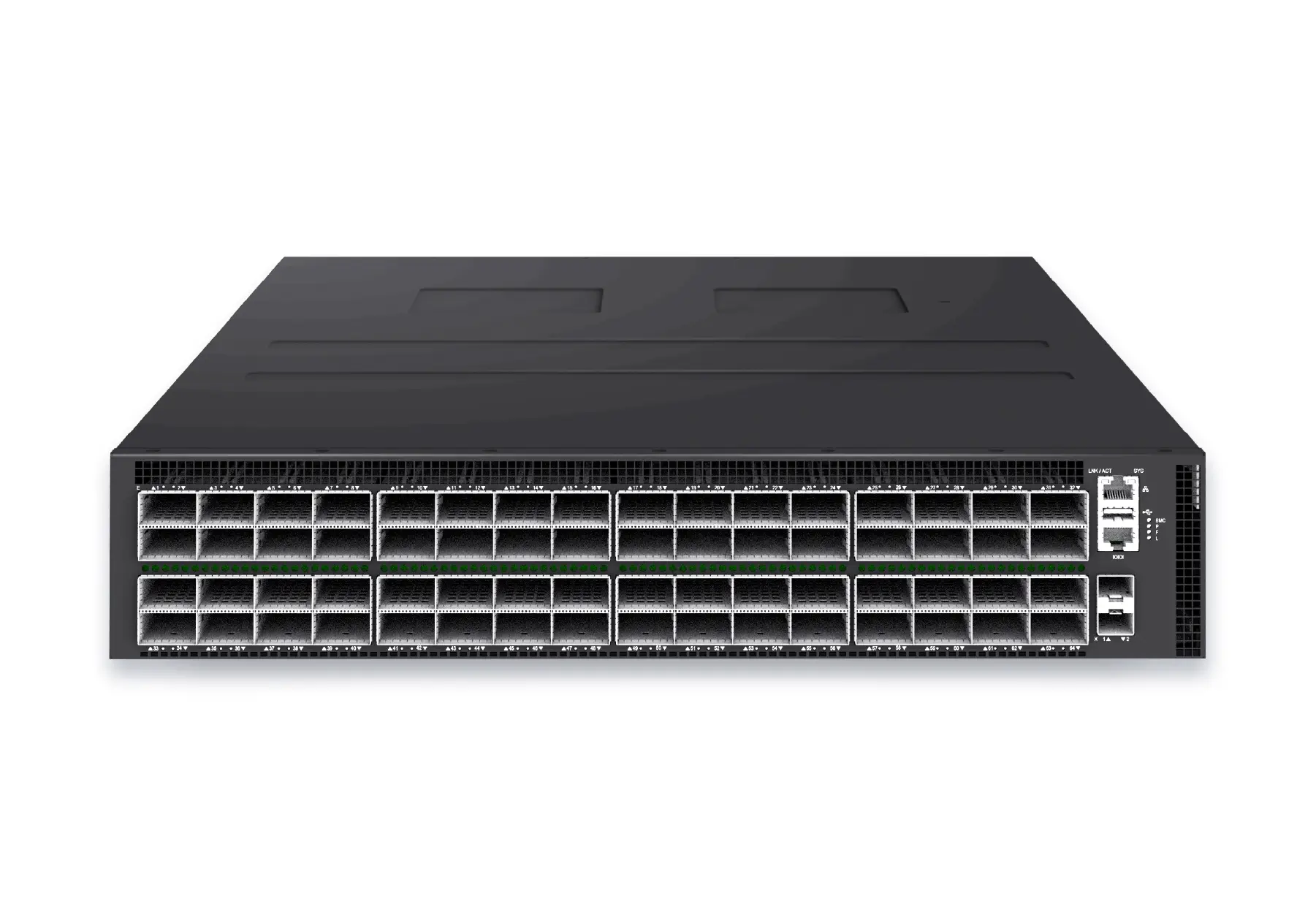 datacenter aiXS-DC-64X800-AI-G164-port 800G AI fabric switch for large-scale GPU clusters, HPC backbones, and ultra-high-throughput data center networks.View product
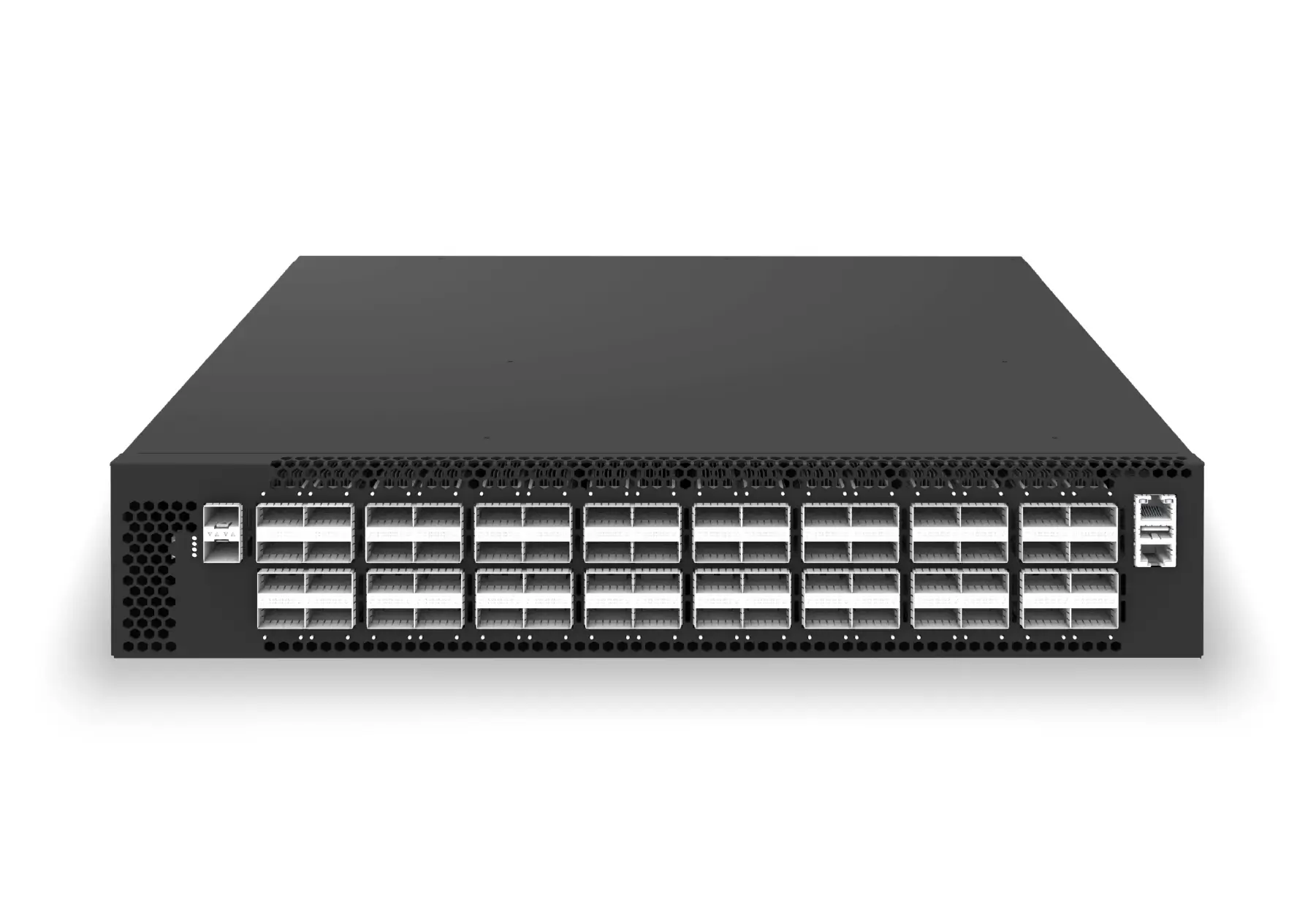
 datacenter aiXS-DC-32X400-SP-G232-port 400G spine/core switch for high-capacity data center fabrics and AI-ready backbones.View product
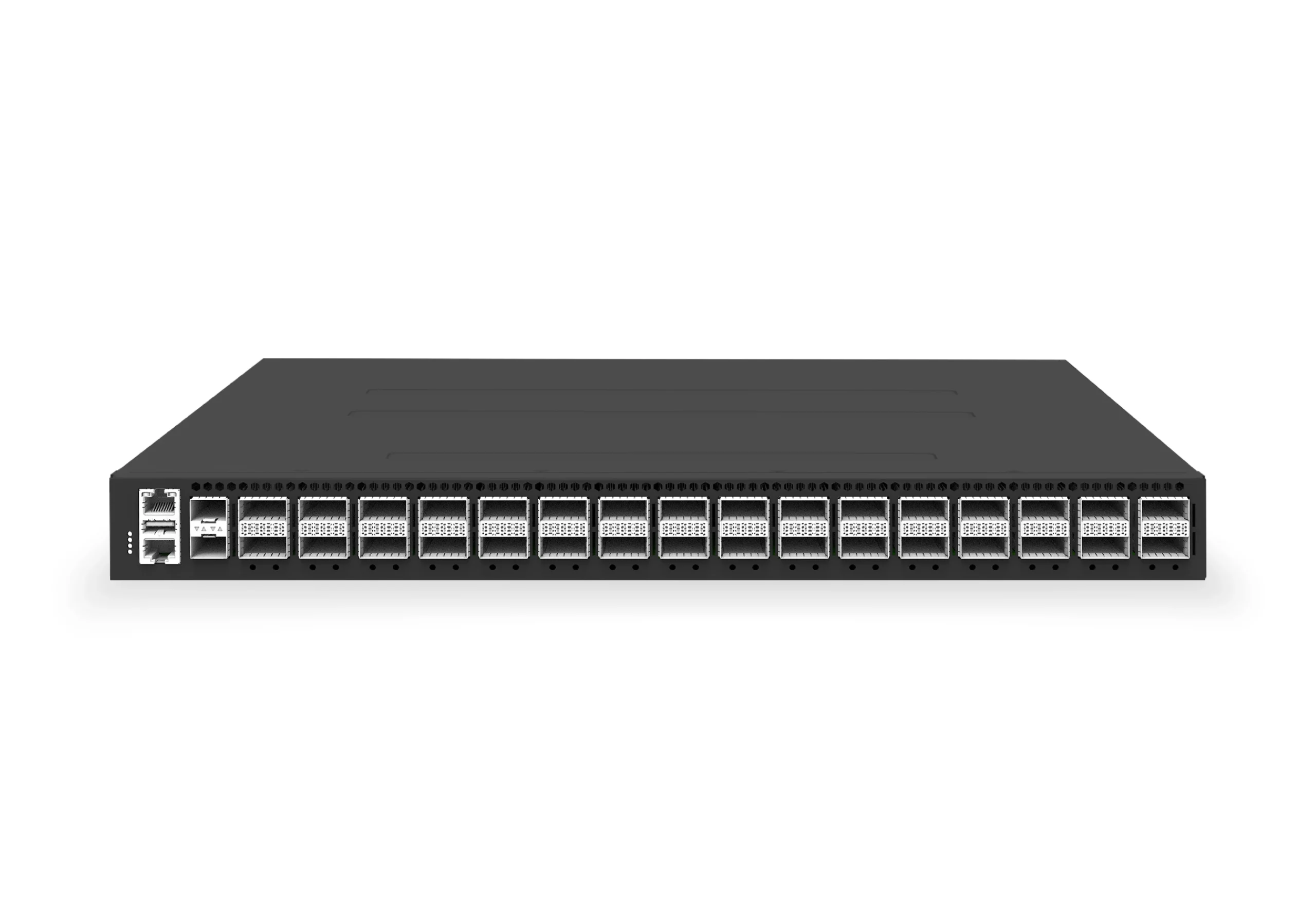
 datacenter aiXS-DC-64X200-LS-G164-port 200G leaf/spine switch for high-bandwidth storage, compute, and scale-out data center fabrics.View product
Continue reading
Related articles
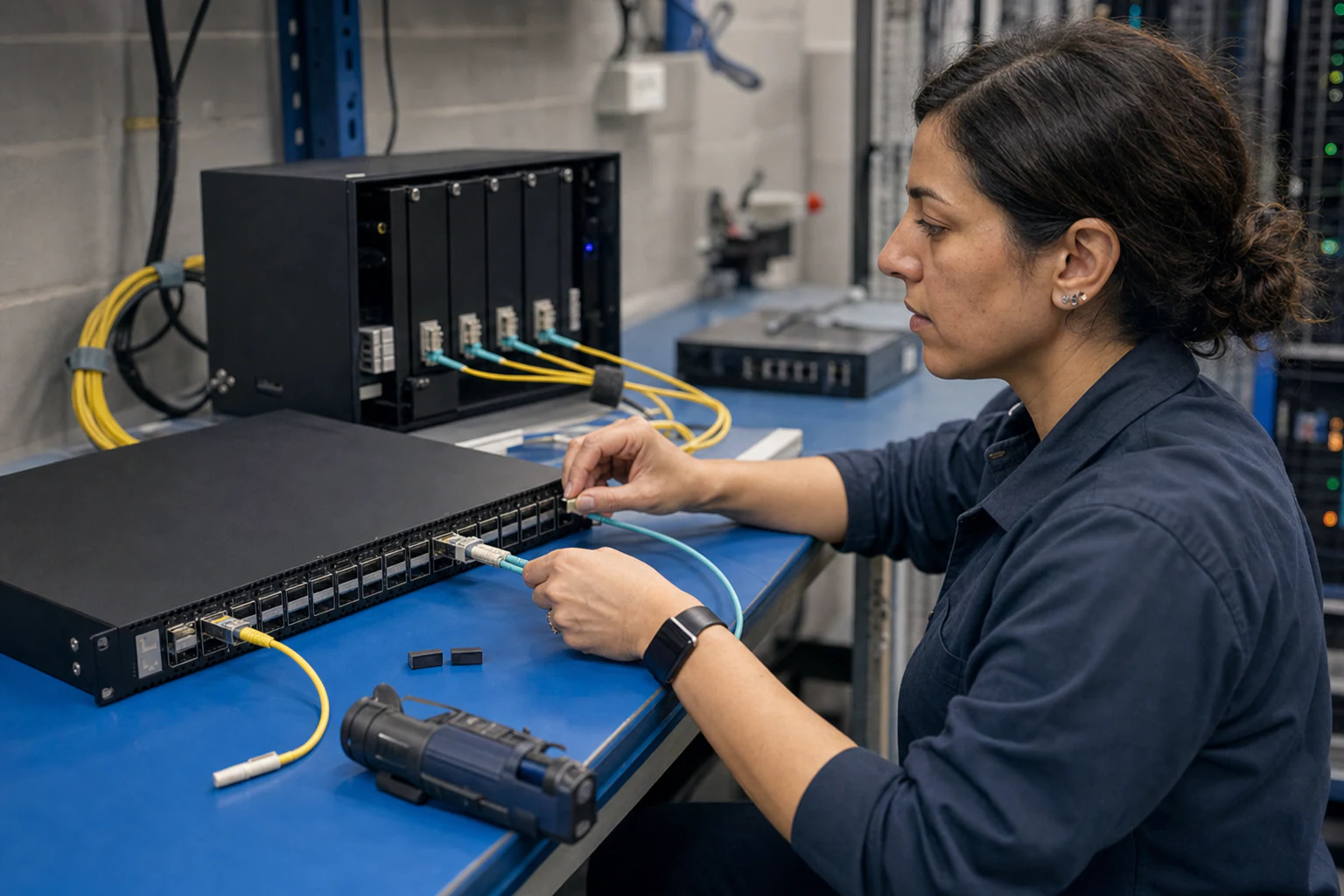 Technical ArticleIn-Band Network Telemetry and Path Telemetry for AI Data Center Observability: An xSONiC Buyer GuideEngineering guide for network telemetry and automation covering gNMI, NETCONF/YANG, observability, rollback, and operating evidence.Read article
 Technical ArticleHow Packet Brokers Filter, Replicate and Load-Balance TrafficEngineering guide for packet broker and visibility planning covering traffic capacity, filtering, tool delivery, resilience, and audit evidence.Read article
 Technical ArticleNetwork Packet Broker Deployment for Australian NetworksEngineering guidance on Network Packet Broker Deployment Playbook for Australian network and security teams, covering traffic visibility, capacity modelling, tool.Read article