
In brief
Engineering guidance on Deploying RoCE v2 on SONiC-Based AI Fabric for Australian network teams, covering underlay design, EVPN-VXLAN operations, interoperability.
Key takeaways
- Modern AI training and inference workloads demand low-latency, high-bandwidth communication between GPUs.
- RoCE v2 (RDMA over Converged Ethernet version 2) delivers remote direct memory access over standard UDP/IP Ethernet.
- SONiC (Software for Open Networking in the Cloud) is an open-source, Linux-based network operating system that runs on switches from multiple vendors and ASICs.
Why RoCE v2 Matters for GPU Cluster Networking
Modern AI training and inference workloads demand low-latency, high-bandwidth communication between GPUs. Whether you are running distributed training on a cluster of NVIDIA H100 or AMD Instinct accelerators, or serving a large language model across multiple inference nodes, the network fabric between GPUs directly determines job completion time and cluster utilization.
RoCE v2 (RDMA over Converged Ethernet version 2) delivers remote direct memory access over standard UDP/IP Ethernet. Unlike InfiniBand, which requires a separate physical and software stack, RoCE v2 lets teams build GPU backends on the same Ethernet infrastructure they already operate for north-south and east-west traffic. This is a significant operational advantage for organizations that want a single network operating system, unified tooling, and multi-vendor hardware flexibility.
SONiC (Software for Open Networking in the Cloud) is an open-source, Linux-based network operating system that runs on switches from multiple vendors and ASICs. It offers a full suite of network functionality including BGP, VXLAN, and RDMA, and has been production-hardened in the data centers of some of the largest cloud service providers. For teams building AI infrastructure on open networking hardware, SONiC provides the software foundation for RoCE v2 deployment.
This guide covers the key decisions, configuration patterns, and operational practices for deploying a lossless RoCE v2 fabric on SONiC-based switches for GPU clusters.
Understanding the Lossless Ethernet Requirement
RDMA requires lossless transport. When a switch drops an RoCE v2 packet, the NIC cannot retransmit at the RDMA layer in the same way TCP recovers from loss. Packet loss in an RoCE v2 fabric causes timeouts, retries, and significant performance degradation for collective operations like AllReduce and AllGather that underpin distributed training.
SONiC supports the standard lossless Ethernet toolkit:
- Priority Flow Control (PFC): IEEE 802.1Qbb. PFC allows a congested receiver to send a pause frame on a per-priority basis, telling the upstream sender to stop transmitting on that traffic class without affecting other classes.
- Data Center Bridging Capability Exchange Protocol (DCBX): IEEE 802.1Qaz. DCBX lets adjacent switches and NICs auto-negotiate PFC and other data center bridging parameters, reducing manual configuration errors.
- Explicit Congestion Notification (ECN): Allows switches to mark packets when queue depth exceeds a threshold, signaling the sender to reduce injection rate before buffers overflow.
- Congestion Notification (CNP): The RoCE v2 receiver generates CNPs in response to ECN-marked packets, which the sender NIC uses to throttle injection.
Together, these mechanisms create a closed-loop congestion management system that keeps the fabric lossless under load.
Fabric Architecture: Spine-Leaf Design for AI Clusters
The recommended architecture for RoCE v2 GPU clusters is a two-tier or three-tier Clos (spine-leaf) fabric. Key design principles:
| Design Parameter | Recommendation |
|---|---|
| Topology | Non-blocking or low-oversubscription spine-leaf |
| Leaf-to-spine links | 100G, 200G, or 400G per link |
| Server-to-leaf links | 100G, 200G, or 400G, matching GPU NIC speed |
| Oversubscription ratio | 1:1 for training clusters; 3:1 acceptable for inference |
| Routing | BGP unnumbered or OSPF for underlay; static or BGP for overlay |
| RDMA traffic class | Dedicated priority queue for RoCE v2 traffic |
For clusters beyond approximately 512 GPUs, a three-tier Clos with super-spine switches may be needed. The exact scale depends on port density per switch and the number of available leaf uplinks.
Choosing Switch Form Factors
Data center AI switches with 400G or 800G port density are the standard building blocks. Bare-metal switches offer the flexibility to run SONiC on hardware from multiple vendors, while purpose-built data center switches may include validated configurations and support contracts.
Optical transceiver selection is also critical. For intra-rack connections, DAC (direct attach copper) cables work well at short distances. For leaf-to-spine and leaf-to-server connections across rows or aisles, use appropriate QSFP-DD or OSFP transceivers matched to the fiber plant. Verify compatibility with your chosen switch ASIC and SONiC release.
Step-by-Step RoCE v2 Configuration on SONiC
The following configuration patterns illustrate the key elements for enabling RoCE v2 on SONiC. Actual command syntax and configuration file formats may vary by SONiC release and vendor distribution.
1. Enable and Configure DCBX
DCBX must be active on all interfaces carrying RoCE v2 traffic. SONiC supports DCBX through the lldpd and dcbx configuration subsystems. The goal is to auto-negotiate PFC and ETS (Enhanced Transmission Selection) parameters between switches and connected NICs.
Key configuration points:
- Enable DCBX on each interface facing servers or peer switches.
- Configure the RoCE traffic class (typically priority 3) for PFC enablement.
- Set ETS bandwidth allocation to reserve capacity for the RoCE traffic class.
2. Define QoS Queues and Traffic Classes
SONiC uses a QoS configuration model based on maps for queue assignment, scheduler profiles, and WRED (Weighted Random Early Detection) profiles.
- Map the RoCE traffic class to a dedicated egress queue.
- Configure the scheduler for that queue to guarantee minimum bandwidth (for example, 50-80% of link capacity on training clusters).
- Enable WRED on the RoCE queue with ECN marking thresholds. Typical ECN minimum threshold values range from 50KB to 150KB of buffer occupancy, depending on switch ASIC buffer depth and link speed.
3. Configure PFC
Enable PFC on the RoCE traffic class for all interfaces. PFC must be active on both the switch and the server NIC side. If DCBX is working correctly, the NIC will negotiate PFC parameters automatically.
Monitor PFC pause frame counters to confirm that the mechanism is active. Excessive PFC pauses may indicate upstream congestion, buffer headroom misconfiguration, or microburst sensitivity.
4. Set Congestion Notification Thresholds
Configure the switch to generate ECN marks when the RoCE queue depth exceeds the configured threshold. On the server side, ensure the RoCE v2 NIC driver is configured to respond to ECN marks by generating Congestion Notification Packets (CNP) back to the sender.
5. Verify End-to-End Connectivity
After configuration, validate the fabric with the following checks:
- Confirm DCBX negotiation status on all links (
show dcbx interface). - Verify PFC counters are incrementing only under expected congestion scenarios.
- Run RDMA read/write latency and bandwidth tests between GPU nodes (for example, using
perftesttools likeib_read_bwandib_read_lat). - Inject controlled traffic to trigger ECN marking and confirm CNP response behavior.
- Monitor queue depth and buffer occupancy under load.
Operational Practices for Production AI Fabrics
Telemetry and Visibility
Production RoCE v2 fabrics need continuous monitoring beyond basic interface counters. Key telemetry targets include:
- Queue depth and buffer occupancy per interface and per traffic class.
- PFC pause frame counts (tx and rx) per interface.
- ECN marking counts per queue.
- RDMA completion errors and timeouts at the NIC level.
SONiC supports streaming telemetry via gNMI and OpenConfig, which integrates with standard observability stacks. For deeper packet-level visibility, consider deploying network packet brokers that can aggregate, filter, and replicate traffic to monitoring tools without impacting the data plane.
Firmware and NOS Updates
SONiC is a containerized, modular operating system. Upgrades to individual components (for example, the BGP daemon or the QoS subsystem) can be performed without a full system reboot in many cases. However, ASIC firmware updates typically require a maintenance window.
Plan firmware and NOS update cycles around your AI workload schedules. Training jobs are expensive to interrupt, so coordinate network maintenance with GPU cluster workload orchestration systems.
Buffer Headroom Sizing
Buffer headroom is the amount of switch buffer reserved to absorb in-flight packets after PFC pause is sent upstream. Undersized headroom leads to packet loss; oversized headroom wastes buffer capacity. Headroom sizing depends on link speed, round-trip latency, PFC delay, and maximum frame size.
As a starting point for 400G links:
- Headroom of 75-100KB per port per priority class is a common baseline.
- Adjust based on observed PFC pause patterns and queue depth metrics under load.
Common Deployment Pitfalls
| Pitfall | Impact | Mitigation |
|---|---|---|
| PFC not enabled on server NIC | Silent packet loss under congestion | Verify NIC PFC settings match switch configuration |
| ECN thresholds too high | Delayed congestion signaling, burst loss | Lower thresholds incrementally and monitor impact |
| Mixed lossy and lossless traffic on same class | Unpredictable behavior | Isolate RoCE traffic on a dedicated priority class |
| Headroom buffer undersized | Packet loss despite PFC | Increase headroom or reduce link distance |
| DCBX negotiation failure | Manual configuration drift | Monitor DCBX status on every link |
| No monitoring for PFC storms | Cascading pauses across fabric | Alert on sustained PFC pause counters |
Why Open Networking Matters for AI Fabric
The traditional approach to GPU cluster networking has been proprietary: single-vendor switches, proprietary NOS, and proprietary management tools. This creates vendor lock-in at the infrastructure layer, limits negotiating leverage, and constrains operational flexibility.
SONiC on bare-metal or purpose-built open switches breaks this pattern. Teams can:
- Choose switch hardware from multiple vendors based on port density, buffer depth, and power efficiency.
- Run a consistent NOS across the entire fabric.
- Use standard Linux tooling and open APIs for automation and monitoring.
- Avoid per-port or per-feature licensing models that inflate cost at scale.
For AI infrastructure teams evaluating Ethernet-based GPU fabrics, SONiC combined with RoCE v2 offers a production-proven, operationally mature path. The key is getting the lossless configuration right from the start and investing in telemetry and operational practices that keep the fabric healthy under load.
Next Steps
- Evaluate your GPU cluster scale and traffic patterns to determine fabric architecture and oversubscription targets.
- Confirm switch ASIC buffer depth and PFC/ECN feature support on your chosen hardware platform.
- Build a test fabric and validate RoCE v2 configuration before deploying production workloads.
- Establish baseline telemetry dashboards for queue depth, PFC, ECN, and RDMA error counters.
For organizations building AI infrastructure in Australia, xSONiC provides data center AI switches, AI infrastructure systems, optical transceivers, and bare-metal hardware designed for SONiC-based RoCE v2 fabrics. Contact the xSONiC team to discuss your GPU cluster networking requirements.
Engineering FAQ
What should be proven before adopting EVPN-VXLAN on SONiC? Prove underlay routing, BGP sessions, VTEP behaviour, MAC/IP learning, route scale, multi-homing design, failure convergence, and observability. The overlay should be accepted as a system, not a feature checkbox.
Why does the underlay design still matter in an overlay network? EVPN-VXLAN depends on a stable routed underlay. MTU, ECMP, addressing, route policy, link failure behaviour, and telemetry determine whether the overlay remains predictable under load and during faults.
What should be included in an EVPN-VXLAN operations runbook? Include naming, IP plan, BGP policy, VNI mapping, change process, rollback commands, failure checks, telemetry fields, backup and restore steps, and escalation ownership for the selected SONiC image.
Related xSONiC Resources
Sources Reviewed
- Ethernet Network Adapters - ConnectX NICs | NVIDIA
- NVIDIA BlueField Data Processing Unit
- NVIDIA Spectrum-X Ethernet Platform
- OpenConfig gNMI Specification
- OpenConfig
- RFC 7950 - The YANG 1.1 Data Modeling Language
- RFC 6241 - Network Configuration Protocol (NETCONF)
- ACSC Essential Eight
- OAIC Notifiable Data Breaches
- APRA CPS 234 Information Security
- NETSCOUT Network Packet Definition
- Cloudflare Network Packet Definition
- SONiC Project Documentation
- Broadcom Ethernet Switching
- Marvell Switching
- NVIDIA Ethernet Switching
- Open Compute Networking
- SONiC GitHub
- SONiC Foundation
Product fit
Products referenced for evaluation
These products are referenced for evaluation context in the article. Confirm workload, port, optics, software, interoperability, and support requirements against the exact deployment before procurement.
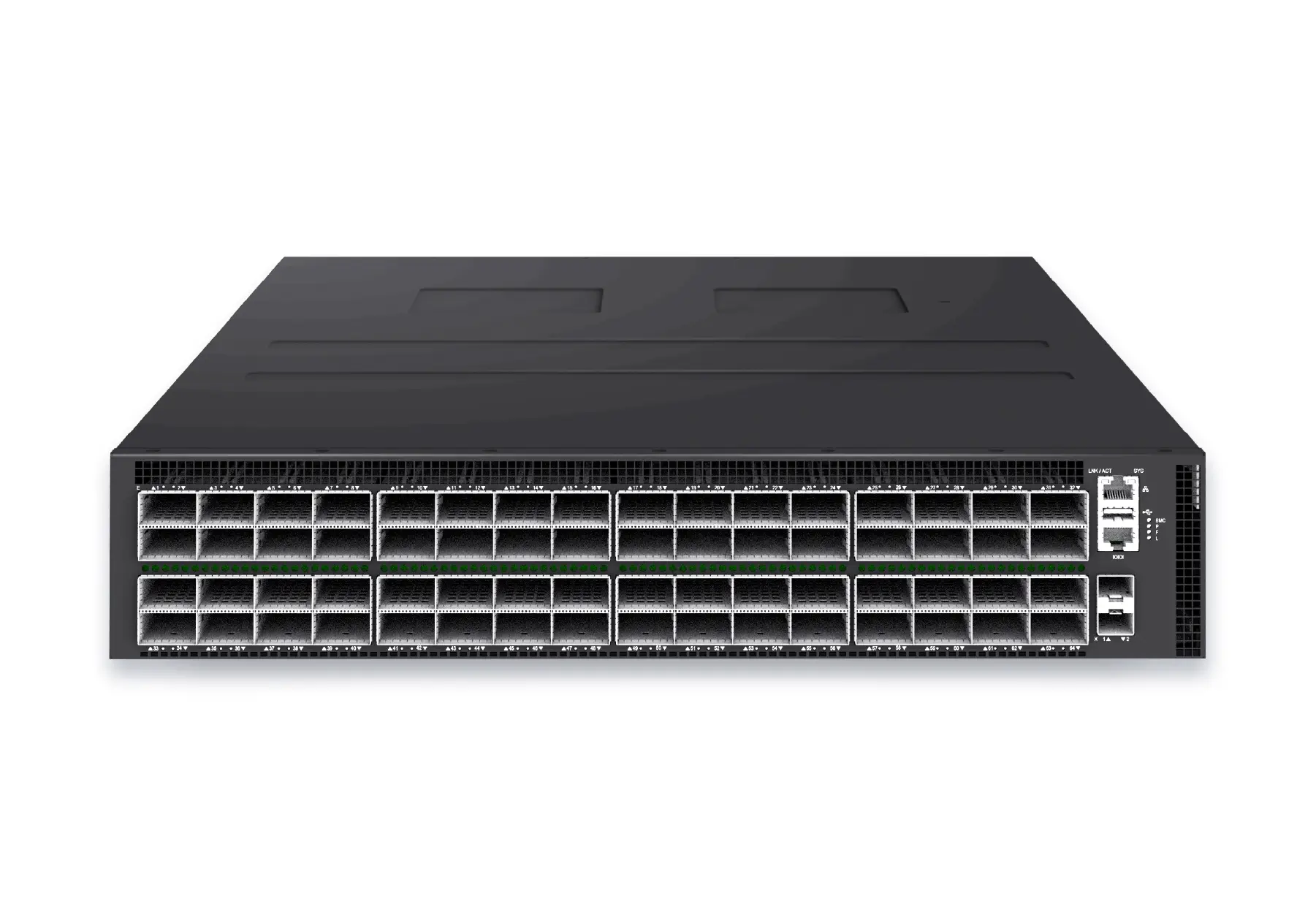 datacenter aiXS-DC-64X800-AI-G164-port 800G AI fabric switch for large-scale GPU clusters, HPC backbones, and ultra-high-throughput data center networks.View product
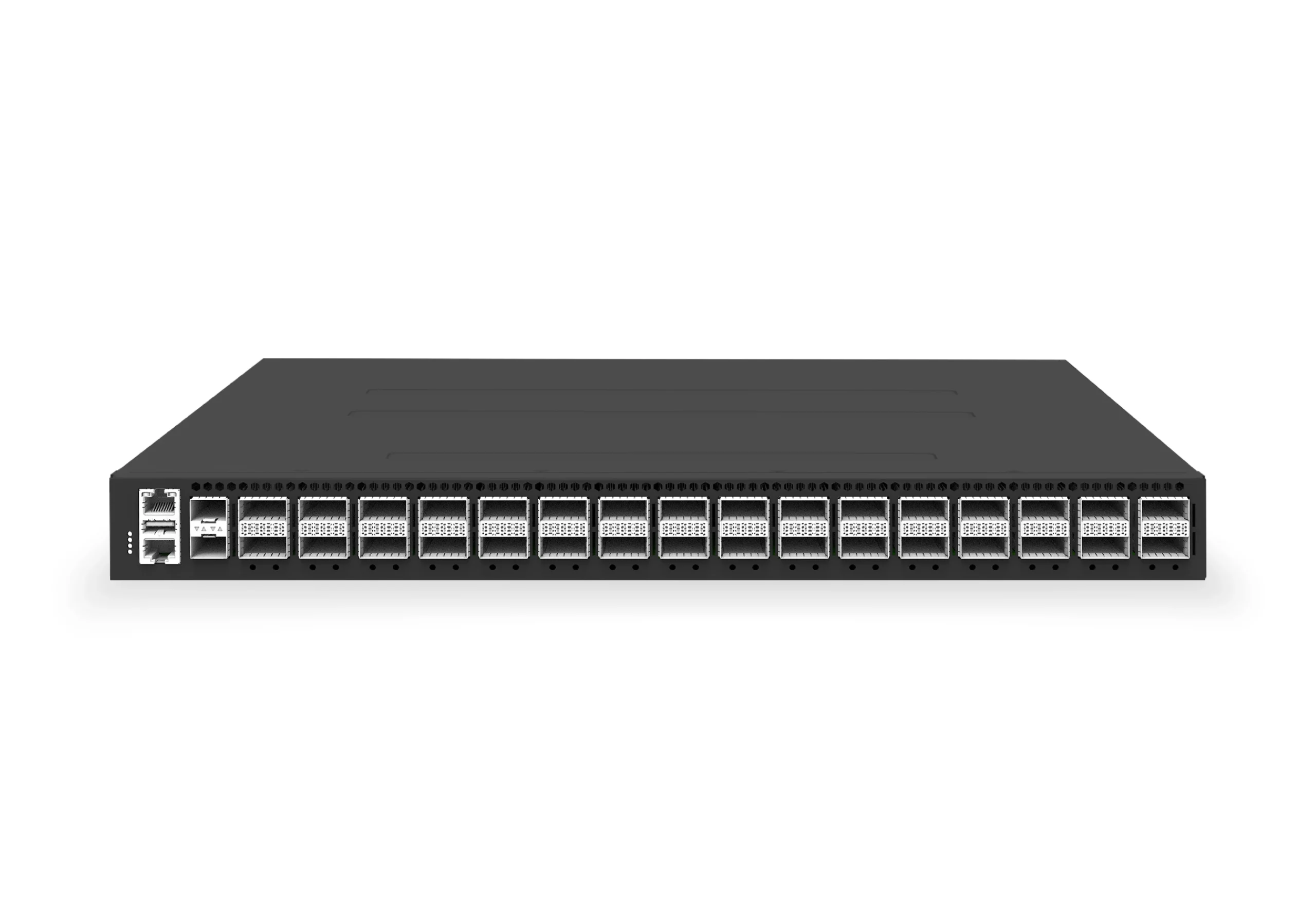 datacenter aiXS-DC-32X400-SP-G232-port 400G spine/core switch for high-capacity data center fabrics and AI-ready backbones.View product
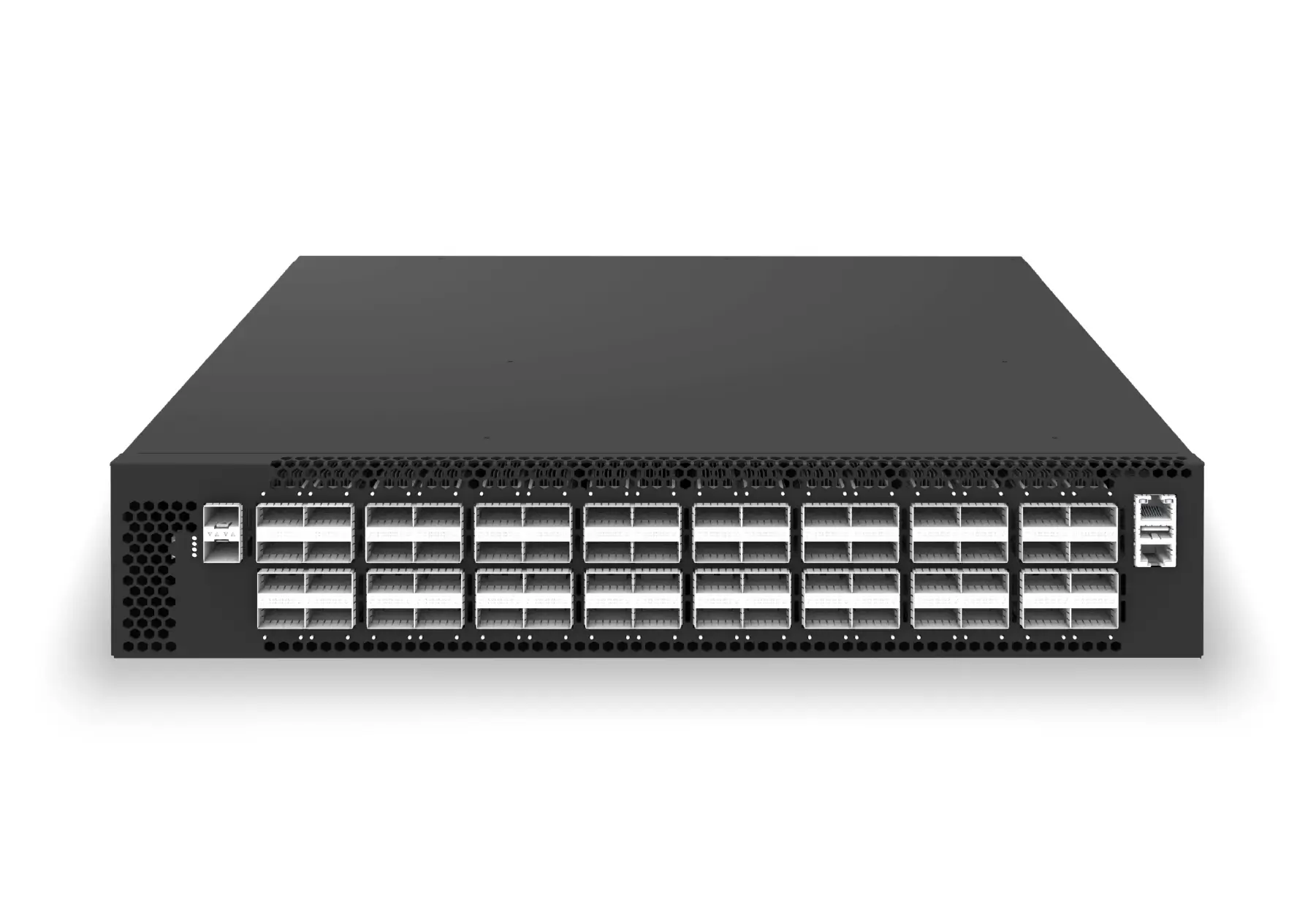 datacenter aiXS-DC-64X200-LS-G164-port 200G leaf/spine switch for high-bandwidth storage, compute, and scale-out data center fabrics.View product
Topic path
RoCEv2 fabric design and operations
This page focuses on:an implementation and acceptance-test sequence after the topology and platform are selected.
RoCEv2 is the routable RDMA transport. DCBX exchanges link-local DCB settings, PFC pauses selected priorities, ECN marks congestion, and CNP feeds congestion back to a RoCE sender. Validate each mechanism independently and then under workload.
Continue reading
Related articles
 Technical ArticleDesigning GPU Backend Fabrics with RoCE v2: How SONiC 400G/800G Switches Transform AI Data CentersEngineering guide for AI fabric buyers covering RoCE, SONiC, telemetry, optics, support ownership, and deployment validation.Read article
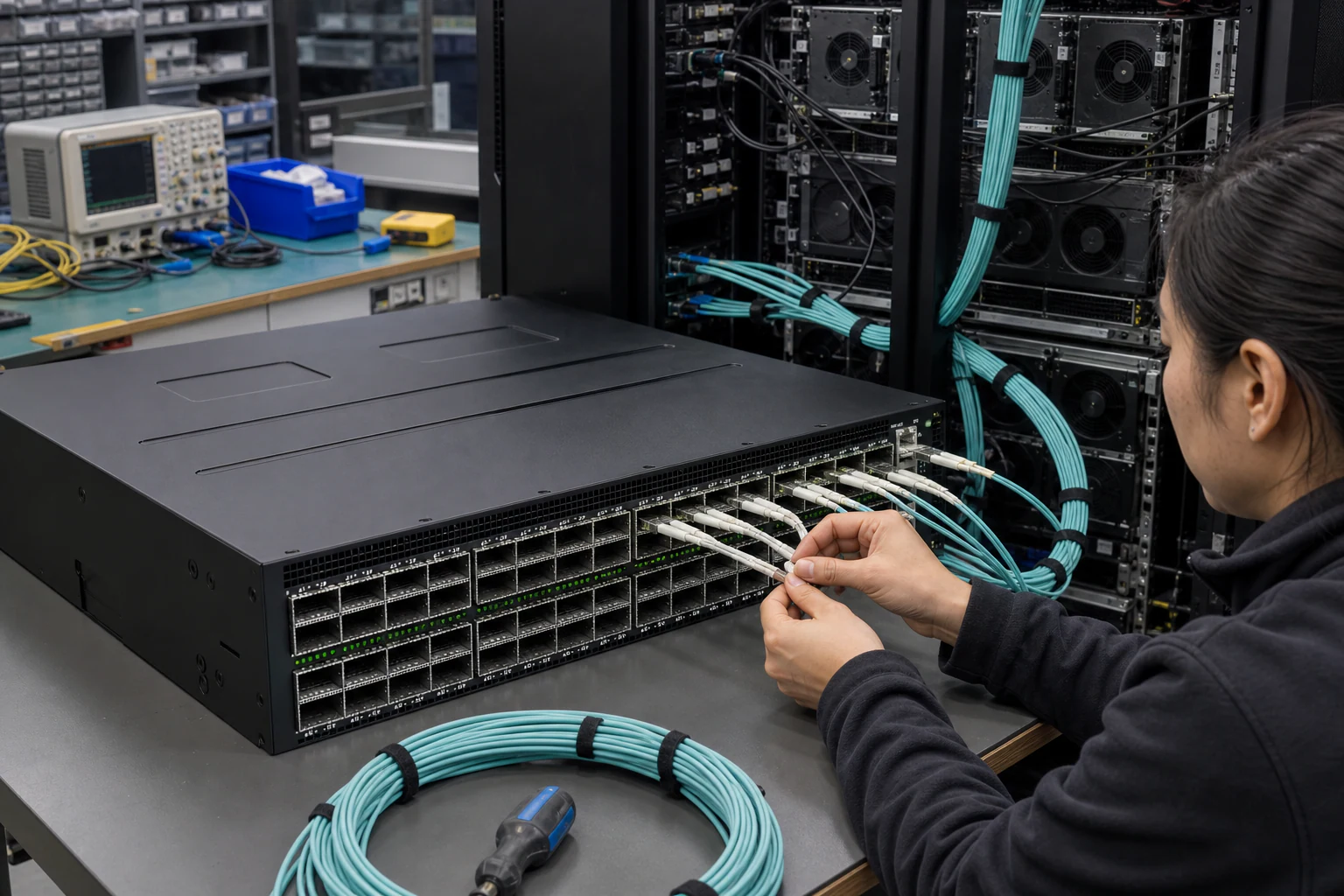 Technical ArticleWhy Open SONiC Ethernet Is Becoming the Default AI Fabric for GPU Backend ClustersEngineering guidance on Open SONiC Ethernet Is Becoming the Default AI Fabric for GPU Backend Clusters for Australian network teams, covering underlay design.Read article
 Technical ArticleGPU Cluster Fabric Design: Why AI Workloads Need Purpose-Built EthernetArchitecture guide to GPU cluster fabrics covering RoCE v2, PFC, ECN, DCBX, SONiC, 400G/800G, telemetry, InfiniBand trade-offs, and acceptance evidence.Read article