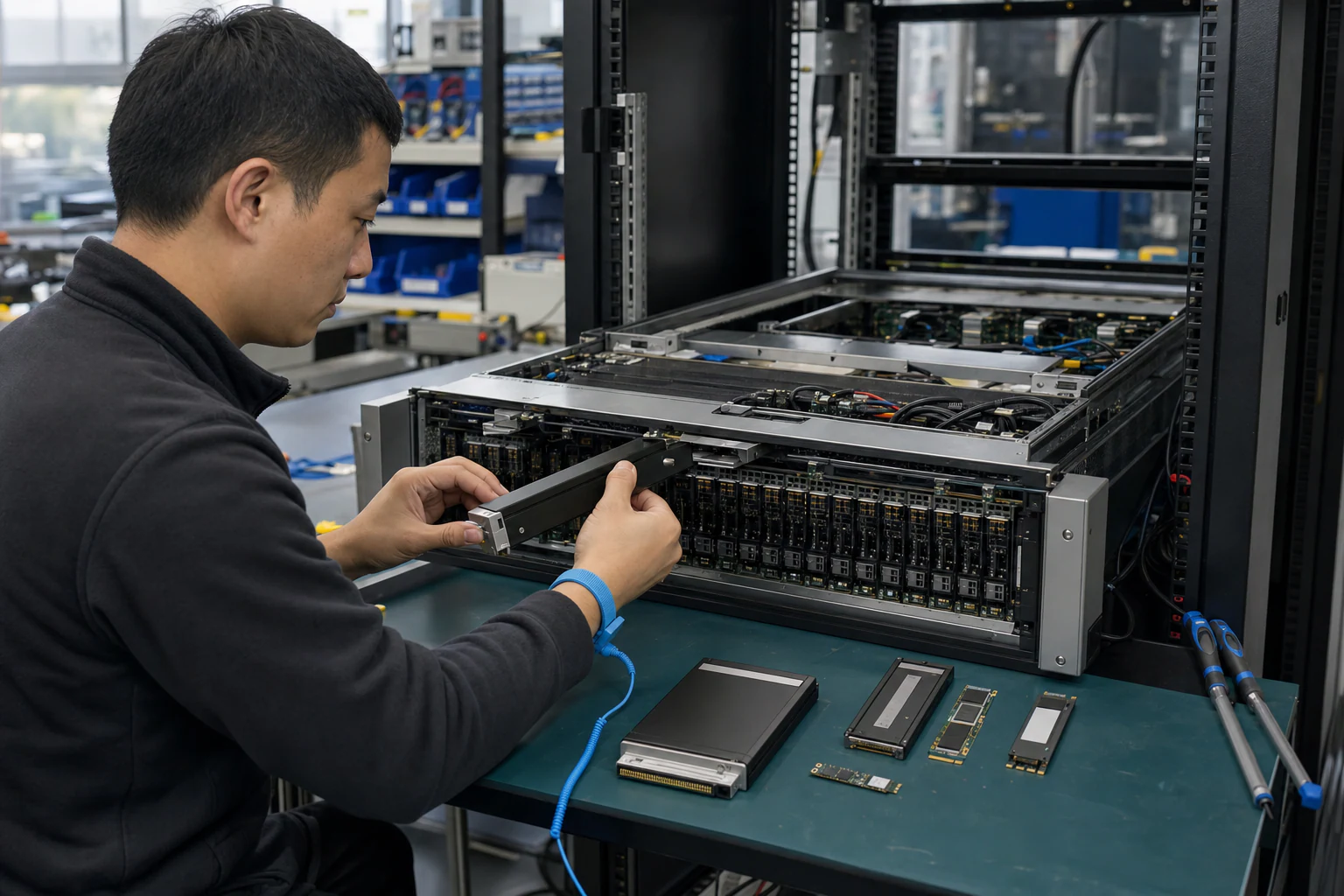
In brief
Engineering guidance on U.2 vs M.2 vs E1.S vs AIC for Australian infrastructure teams, covering form factor tradeoffs, capacity planning, thermal design, endurance, and.
Key takeaways
- When infrastructure teams evaluate NVMe storage for data center, AI, HPC, or cloud workloads, the conversation often starts with capacity and performance specifications.
- A wrong form factor choice can lock you into a chassis that cannot scale, force retrofitting when your workload shifts, or leave thermal headroom on the table during peak inference runs.
- This guide breaks down the four primary enterprise NVMe SSD form factors - U.2, M.2, E1.S, and AIC (Add-in Card) - so you can match the right physical interface to your server platform, workload profile, and operational requirements.
Why NVMe SSD Form Factor Choice Matters More Than You Think
When infrastructure teams evaluate NVMe storage for data center, AI, HPC, or cloud workloads, the conversation often starts with capacity and performance specifications. But the form factor decision - U.2, M.2, E1.S, or AIC - has cascading effects on server chassis design, airflow planning, hot-swap capability, drive bay density, and long-term fleet manageability.
A wrong form factor choice can lock you into a chassis that cannot scale, force retrofitting when your workload shifts, or leave thermal headroom on the table during peak inference runs. For Australian enterprises building out private AI infrastructure, database clusters, or high-throughput storage platforms, getting the NVMe form factor right in the first deployment cycle prevents costly mid-life rearchitecture.
This guide breaks down the four primary enterprise NVMe SSD form factors - U.2, M.2, E1.S, and AIC (Add-in Card) - so you can match the right physical interface to your server platform, workload profile, and operational requirements.
The Four Enterprise NVMe Form Factors at a Glance
Before diving into comparisons, here is a high-level overview of each form factor and the role it typically plays in enterprise deployments:
| Form Factor | Physical Profile | Typical Use Case | Hot-Swap | Primary Advantage |
|---|---|---|---|---|
| U.2 (2.5-inch SFF) | 2.5-inch drive bay, SFF-8639 connector | General-purpose servers, storage arrays, database nodes | Yes | Broad chassis compatibility, serviceability |
| M.2 (NGFF) | Small PCB (typically 22mm wide, 2280 or 22110 length) | Boot drives, edge servers, compact nodes | No (internal mount) | Space efficiency, low cost |
| E1.S (EDSFF Short) | ~32mm x 112mm, EDSFF specification | High-density data center, scale-out storage | Yes | Density, thermal management, rack efficiency |
| AIC (Add-in Card / HHHL) | PCIe expansion card, half-height half-length | High-performance compute, AI inference, HPC | No (slot-based) | Maximum thermal and power headroom |
Each form factor serves a distinct deployment context. The rest of this article explores those differences in detail.
U.2: The Enterprise Workhorse
The U.2 form factor (sometimes referred to as 2.5-inch NVMe or SFF-8639) remains the most widely deployed enterprise SSD form factor. Its 2.5-inch drive bay profile fits standard server backplanes from every major server OEM, making it the default choice for general-purpose data center storage.
Key characteristics:
- Connects via the SFF-8639 interface, carrying four lanes of PCIe (Gen3 or Gen4, depending on the drive and platform)
- Hot-swappable in standard 2.5-inch backplanes, enabling drive replacement without powering down the server
- Typical power envelopes range from 8W to 25W depending on capacity and workload class
- Available in capacities from under 1TB to 30TB+ in enterprise SKUs
Recommended fit: Database servers (OLTP, OLAP), general-purpose compute nodes, VMware or Kubernetes persistent storage, and any environment where serviceability and chassis compatibility are prioritized over raw density.
Limitations: U.2 drives occupy a 2.5-inch bay that consumes more rack space per drive than E1.S in high-density enclosures. In compact 1U or 2U servers with limited drive bays, U.2 can constrain total drive count compared to EDSFF alternatives.
M.2: Compact, Internal, and Purpose-Built for Boot and Edge
The M.2 form factor (Next Generation Form Factor, or NGFF) was originally designed for client devices but has found a significant enterprise niche as a boot drive and edge storage medium.
Key characteristics:
- Small PCB form factor, typically 22mm wide and 80mm long (the 2280 size), though enterprise variants also exist in 22110 (22mm x 110mm)
- Mounts internally on the motherboard or a dedicated M.2 slot; not hot-swappable in standard configurations
- Lower power draw than U.2 or AIC, typically 3W to 8W for enterprise-class drives
- Available in capacities from 256GB to 8TB+ in enterprise SKUs
Recommended fit: Operating system boot drives, hypervisor boot media, edge compute nodes, compact 1U servers where internal mounting frees external drive bays for data drives, and cost-sensitive deployments where a full U.2 bay is not justified for boot duties.
Limitations: M.2 is not designed for hot-swap. If an M.2 boot drive fails in a remote edge site, the server typically needs to be powered down for replacement. Thermal management is also more constrained since M.2 drives rely on passive airflow or motherboard-level heatsinks rather than backplane-directed cooling.
E1.S: The High-Density Data Center Contender
The E1.S form factor is part of the EDSFF (Enterprise and Data Center Standard Form Factor) family, developed by the SNIA and NVM Express consortium specifically to address the density, thermal, and serviceability gaps that U.2 and M.2 leave open.
Key characteristics:
- Approximately 32mm wide and 112mm long, with sub-variants (E1.S 5.9mm, E1.S 8mm, E1.S 15mm, and E1.S 25mm) that adjust thickness for different power and cooling envelopes
- Hot-pluggable, like U.2, with a standardized connector designed for high-density drive shelves
- Superior thermal management compared to M.2: the EDSFF specification includes provisions for heatsink integration and directed airflow
- Enables higher drive count per rack unit than U.2 in purpose-built enclosures
Recommended fit: Hyperscale and cloud data center storage nodes, high-density object storage, scale-out distributed databases, AI data lakes, and any deployment where maximizing terabytes per rack unit is a priority.
xSONiC context: As Australian enterprises scale private AI infrastructure and distributed storage for model training data, E1.S offers a path to higher storage density without increasing rack footprint. When paired with xSONiC data center AI switches for the storage network fabric, E1.S-backed storage nodes can deliver the IOPS density that GPU clusters demand during checkpoint writes and dataset loading phases.
AIC (Add-in Card): Maximum Performance, Maximum Thermal Headroom
The AIC (Add-in Card) form factor, typically in HHHL (Half-Height Half-Length) PCIe card format, delivers NVMe storage directly via a PCIe slot. This form factor bypasses drive bay constraints entirely.
Key characteristics:
- Mounts in a standard PCIe x4, x8, or x16 slot (NVMe AIC drives typically use x4 or x8)
- Not hot-swappable; drive replacement requires server downtime and physical slot access
- Highest thermal headroom of all NVMe form factors, with full-card heatsinks and direct airflow from PCIe slot cooling
- Power envelopes can reach 25W to 35W or higher, depending on the drive and controller
- Some AIC SSDs support PCIe Gen4 x8 or even Gen5, pushing sequential read bandwidth well beyond 7 GB/s
Recommended fit: High-performance computing (HPC), AI model training workloads that demand maximum sustained throughput, database servers where every available drive bay is already occupied, and specialized compute nodes where PCIe slot availability exceeds drive bay availability.
Limitations: AIC SSDs consume a PCIe slot that could otherwise be used for a GPU, NIC, or other accelerator. In GPU-dense AI servers where PCIe slots are scarce, dedicating a slot to storage may not be practical. The lack of hot-swap also means longer mean time to repair (MTTR) compared to U.2 or E1.S.
Decision Framework: Matching Form Factor to Workload
The right NVMe SSD form factor depends on the intersection of your server platform, workload profile, operational model, and density targets. Use this decision framework as a starting point:
| Decision Factor | U.2 | M.2 | E1.S | AIC |
|---|---|---|---|---|
| Hot-swap required | Yes | No | Yes | No |
| Boot drive only | Possible (overkill) | Ideal | Possible | Possible (overkill) |
| Maximum rack density | Moderate | N/A (internal) | High | Low (slot-limited) |
| Existing U.2 chassis | Native fit | Separate slot | Requires retrofit | Uses PCIe slot |
| AI/HPC sustained throughput | Strong | Limited | Strong | Maximum |
| Edge or branch deployment | Possible | Ideal | Less common | Less common |
| Thermal headroom needed | Moderate | Low | Moderate-High | High |
Practical recommendation for Australian enterprises:
- If you are deploying on existing server platforms with U.2 backplanes, U.2 NVMe SSDs are the safest, lowest-risk choice for general-purpose workloads.
- If you are building a new high-density storage cluster, evaluate E1.S as a future-proof option that maximizes terabytes per rack unit.
- For boot and hypervisor media in compact edge or branch servers, M.2 keeps your external bays free for data drives.
- For HPC or AI training nodes where PCIe slots are available and maximum throughput matters, AIC is worth considering - but verify slot availability against GPU and NIC requirements first.
PCIe Generation and Bandwidth: What the Form Factor Does Not Tell You
Form factor alone does not determine performance. The PCIe generation and lane width supported by both the SSD and the server platform set the bandwidth ceiling:
- PCIe Gen3 x4: Approximately 3.9 GB/s theoretical maximum (approximately 3.5 GB/s practical)
- PCIe Gen4 x4: Approximately 7.9 GB/s theoretical maximum (approximately 7.0 GB/s practical)
- PCIe Gen5 x4: Approximately 15.8 GB/s theoretical maximum (approximately 14 GB/s practical)
All four NVMe form factors can support PCIe Gen4 or Gen5, depending on the SSD controller and the server platform’s PCIe slot or backplane generation. A U.2 drive in a Gen3 backplane will be limited to Gen3 speeds regardless of the drive’s capability.
Key buyer check: Before selecting a form factor, confirm the PCIe generation supported by your server’s drive bays, M.2 slots, or PCIe slots. Pairing a Gen4 SSD with a Gen3 platform wastes the drive’s performance ceiling.
Engineering FAQ
How should NVMe form factor selection be made? Start with workload profile, usable capacity, serviceability, thermal envelope, write endurance, PCIe generation, slot layout, and replacement process. U.2, E1.S, M.2, and AIC devices solve different mechanical and operational problems.
What matters more than peak sequential speed? Sustained performance, thermal throttling behaviour, write endurance, latency under load, firmware stability, power-loss protection, and fleet manageability usually matter more than a single benchmark number.
How should storage be validated for AI or cloud workloads? Test the selected form factor in the real chassis with expected airflow, queue depth, write mix, temperature range, and monitoring stack. Validation should include steady-state and recovery behaviour, not only fresh-drive performance.
Related xSONiC Resources
Sources Reviewed
- NVMe SSD Form Factor Reference
- Ethernet Network Adapters - ConnectX NICs | NVIDIA
- NVIDIA BlueField Data Processing Unit
- NVIDIA Spectrum-X Ethernet Platform
- SONiC Project Documentation
- Broadcom Ethernet Switching
- Marvell Switching
- NVIDIA Ethernet Switching
- Open Compute Networking
- SONiC GitHub
- SONiC Foundation
Product fit
Products referenced for evaluation
These products are referenced for evaluation context in the article. Confirm workload, port, optics, software, interoperability, and support requirements against the exact deployment before procurement.
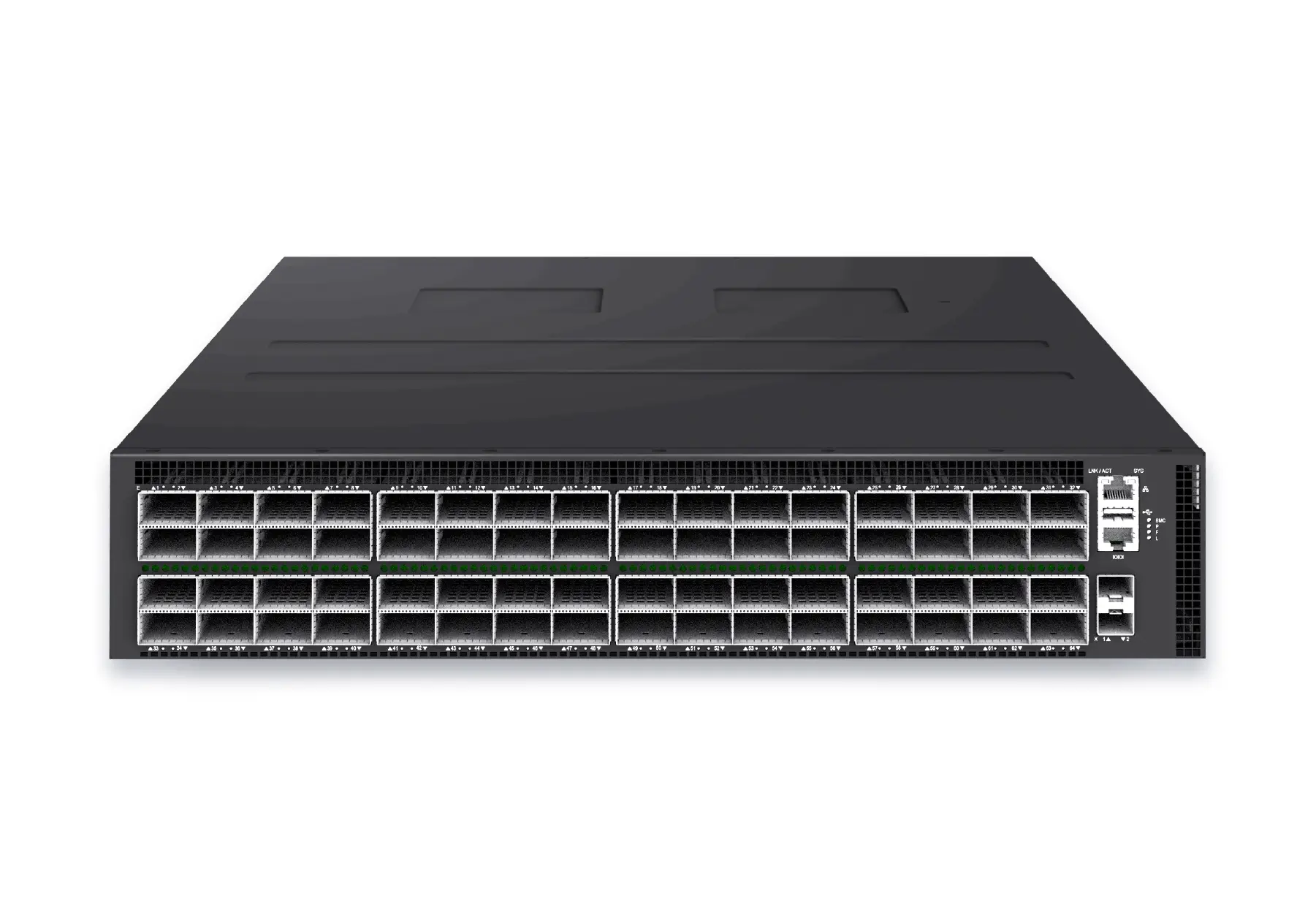 datacenter aiXS-DC-64X800-AI-G164-port 800G AI fabric switch for large-scale GPU clusters, HPC backbones, and ultra-high-throughput data center networks.View product
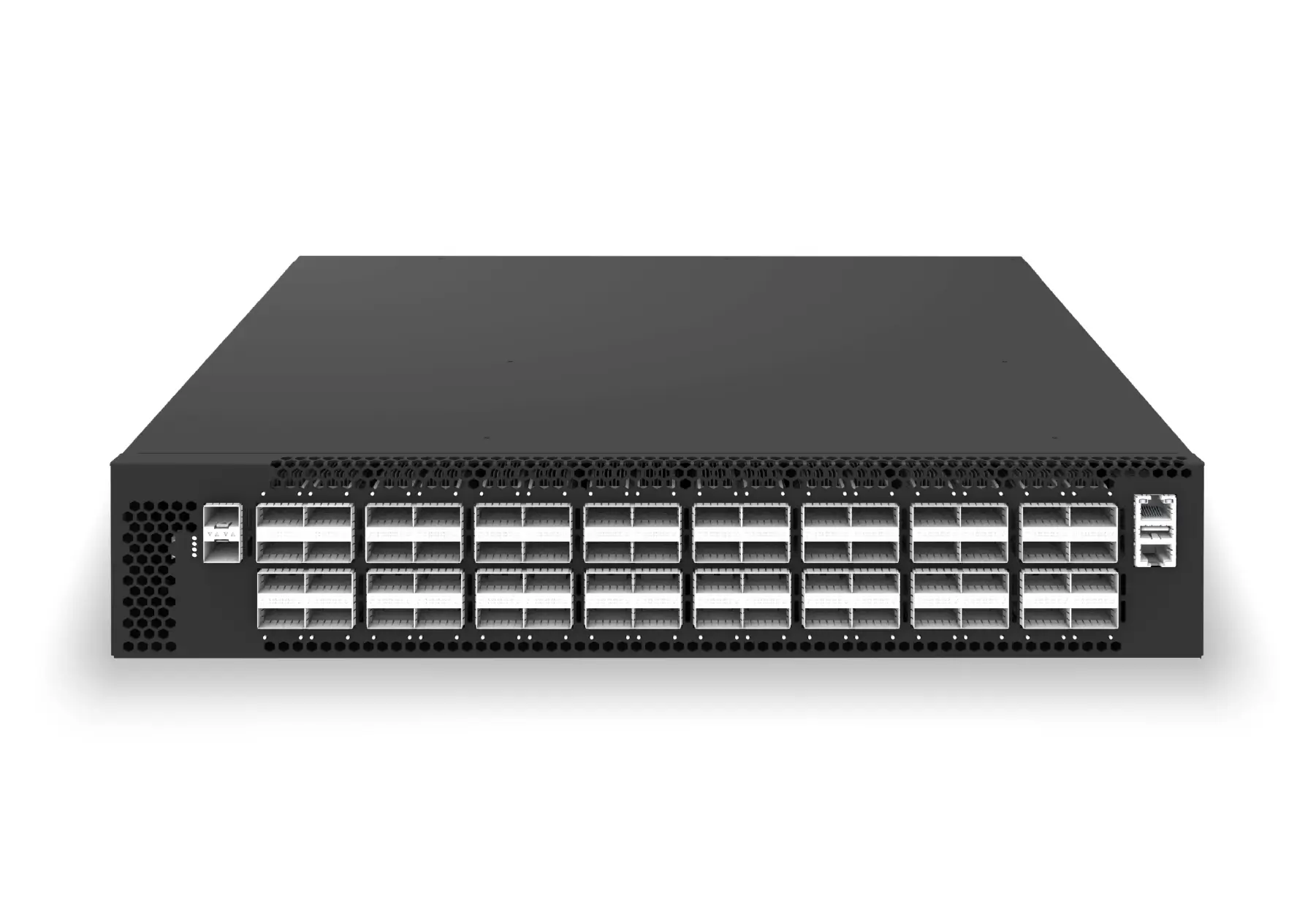 datacenter aiXS-DC-64X200-LS-G164-port 200G leaf/spine switch for high-bandwidth storage, compute, and scale-out data center fabrics.View product
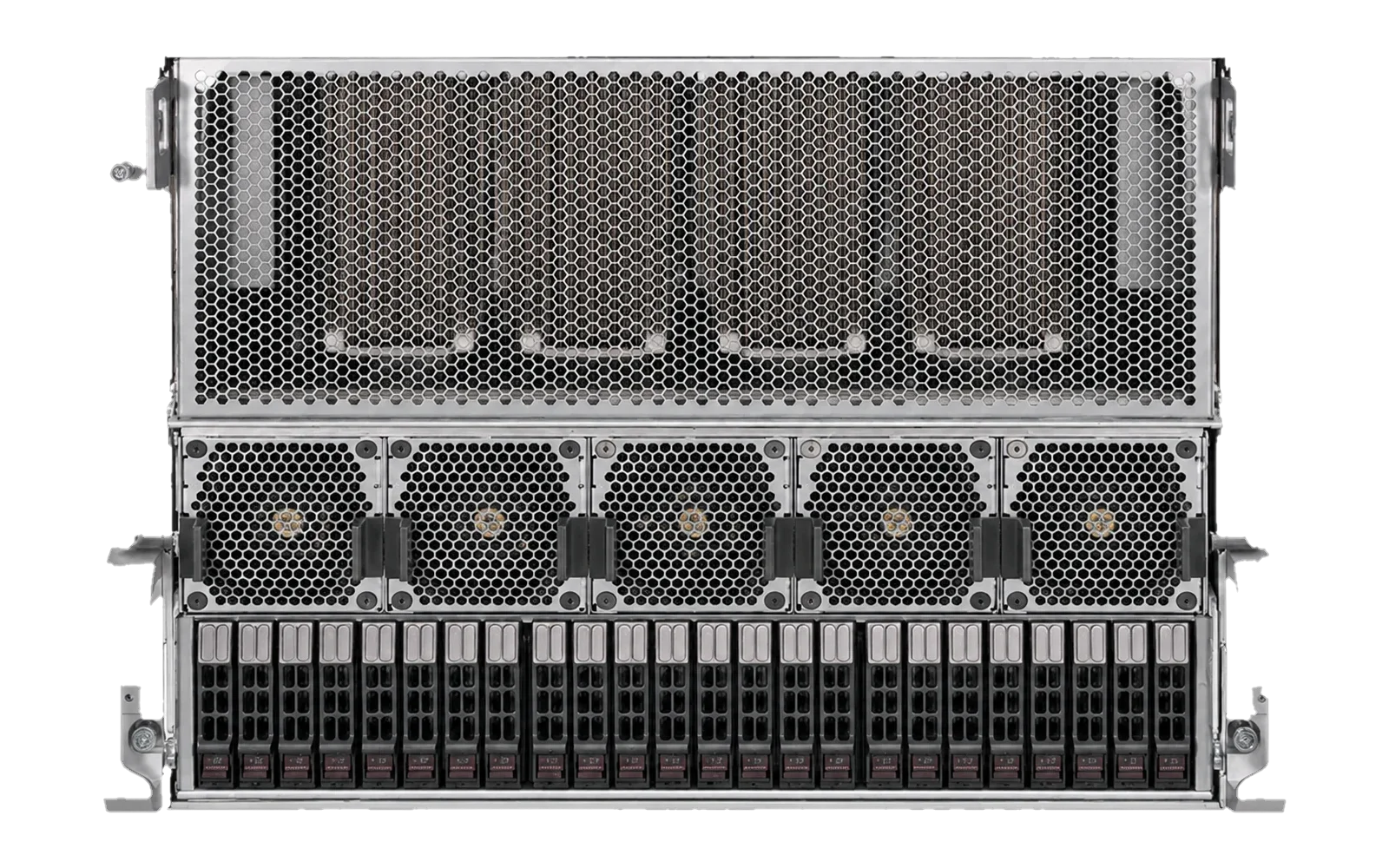 ai infrastructurexSONiC AI Inference ServerPrivate AI inference platform for local LLM, RAG, coding, document intelligence, and multimodal services, with xSONiC deployment support across compute, network, storage, and validation.View product
Continue reading
Related articles
 Technical ArticleNVMe SSD Form Factor Procurement for AI Storage ScalingA procurement runbook for Australian data center teams evaluating U.2, M.2, E1.S and AIC NVMe SSD form factors for AI storage.Read article
 Technical ArticleNetwork and Storage Planning for Private AI Inference Servers: A Practical Buyer GuideA practical buyer guide to network and storage planning for private AI inference servers in Australian data centers.Read article
 Technical ArticleDesigning GPU Backend Fabrics with RoCE v2: How SONiC 400G/800G Switches Transform AI Data CentersEngineering guide for AI fabric buyers covering RoCE, SONiC, telemetry, optics, support ownership, and deployment validation.Read article